Settings
When running Útil paisagem for the first time, it's advisible to adjust its settings to best suit the user's needs. The fist settings page is essential, though.
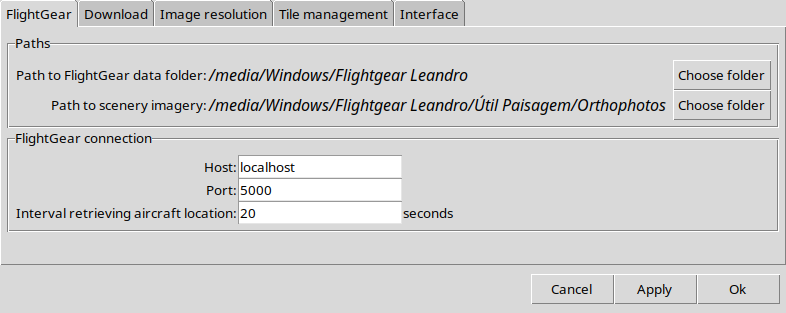
This tab shows settings relative to the FlightGear installation and the directory in which the scenery images should be downloaded to. The folder above "Orthophotos" should be set at the FlightGear launch options.
The connection information tells Útil paisagem how to reach FlightGear for aircraft following and live scenery download. This is also important so that Útil paisagem knows when those tiles were last used, because this will let it know if it is already possible to clean those tiles to free disk space.
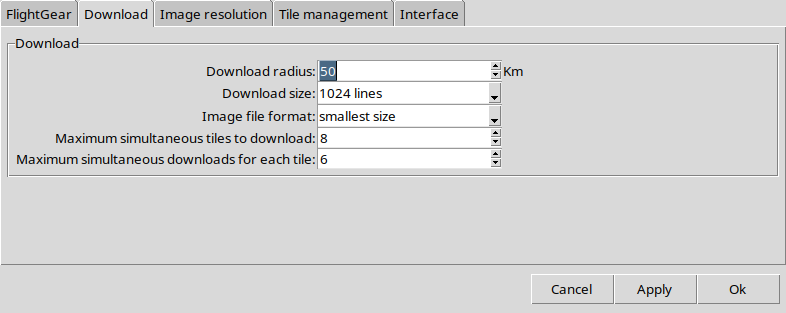
The download tab tells the radius of region download from the center tile or the aircraft position.
Download size tells how big each image will be when downloaded from the image provider. If the final tile image should be bigger than this setting, the tile will be downloaded in parts and stitched together.
The image file format allows setting "DDS" and "PNG" formats or automatic selection based on the file size. Either options works fine with FlightGear.
The next two settings refer to threaded download. Maximum simultaneous tiles to download speeds up download of tiles with smaller resolutions, while Maximum simultaneous downloads for each tile speeds up downloading of tiles with bigger resolutions or at greater latitudes.
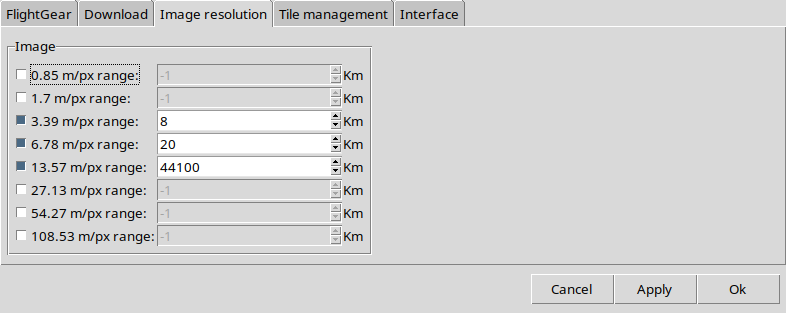
The Image resolution tab determines the final image quality with an approximate meters/pixel resolution based on the final image height. The value to the right determines the maximum distance from the center tile or the aircraft for each resolution setting. Beware that with great resolutions come big files!
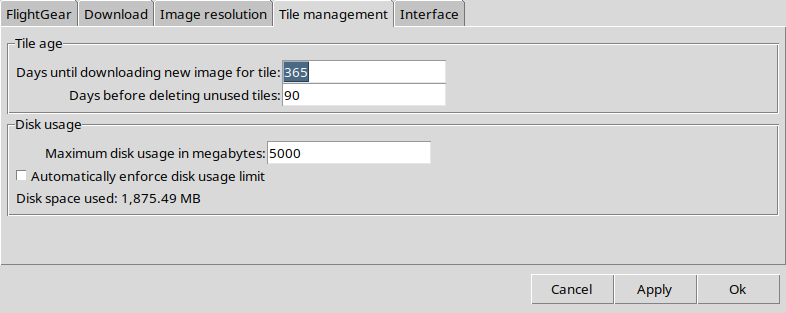
The first part of this tab defines:
- How old a tile must be for automatic image renewal. E.g.: the default 365 days setting determines that an image downloaded more than 365 days ago will be downloaded again.
- How much time without known use will pass until a tile is automatically downloaded. Útil paisagem will auomatically store information about the last tile usage based on download requirements (either manual download request or aircraft following) and images not used for that amount of time will be automatically deleted.
The second part defines disk usage limits and possible automatical enforcement of this limit (deletion of tiles with the highest unused periods). Manual limit enforcement may also be commanded from the "File" menu. The default is automatical limit enforcement.
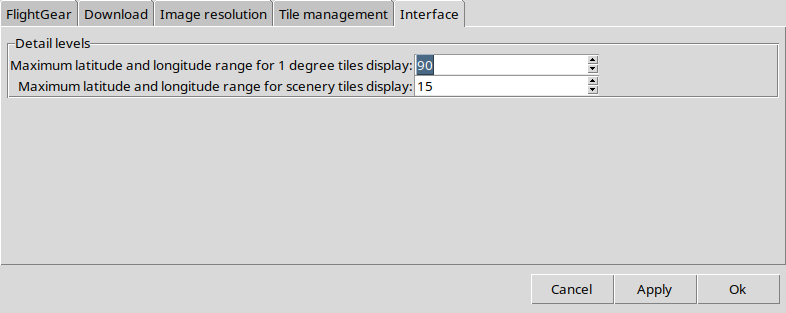
The last settings tab define how much zoom is needed to display one degree tiles or individual scenery tiles. This may improve performance and visualization.