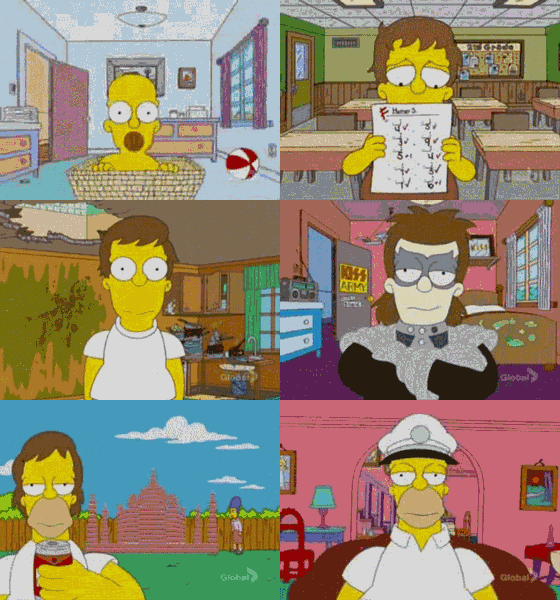


A CLI tool for facial image alignment and timelapse generation using MediaPipe's Face Landmarker. Can be used to generate timelapse videos and datasets of aligned faces.
Using pip:
pip install facelapseOr run it directly as a tool with uv:
uvx facelapse -i <input_folder> [options]facelapse -i <input_folder> [options]Options:
-i, --input: Input folder containing images to process. Files are processed in natural filename order.-o, --output: Output folder (default:output).--model-path: Optional path to a custom MediaPipe .task model file (default: uses built-in model).--width: Width of aligned output images (default:512).--height: Height of aligned output images (default:512).--fps: Timelapse frame rate (default:24.0).--skip-video: Skip timelapse video generation.--save-aligned-images: Save aligned and cropped face images tooutput/aligned(default: off).--blend-steps: Number of interpolated frames to insert between images in the timelapse video (default:0).--video-crop-mode: Crop strategy for stitched video.tight: crops to area valid for all frames (smallest, no extrapolation).balanced: crops to area valid for the 90th percentile of frames.canvas: no crop, preserves each frame's entire canvas (may use border extrapolation).