Qt: fix file browser resorting#8966
Conversation


|
Do you happen to have any before and after screenshots? |

|
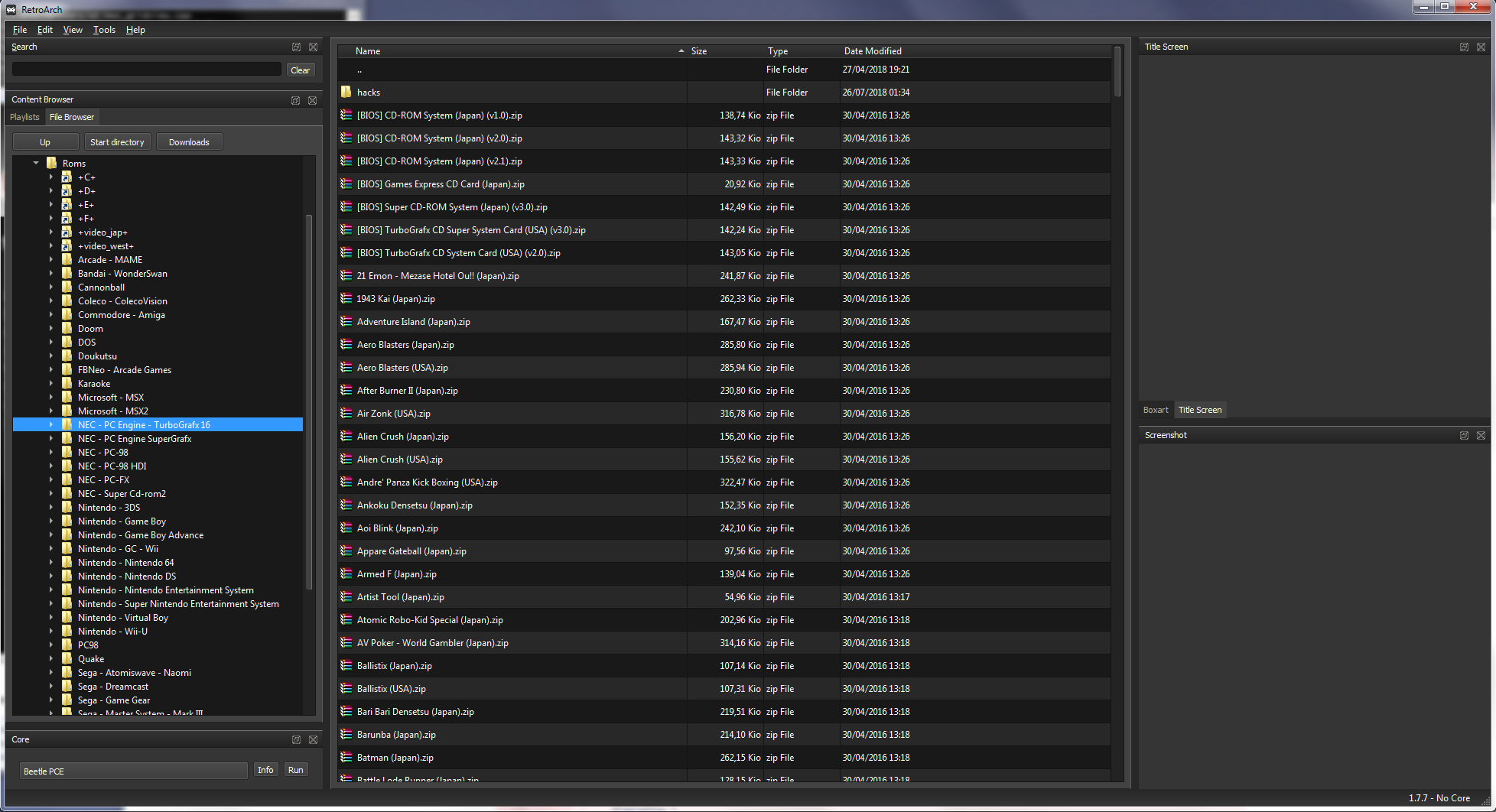
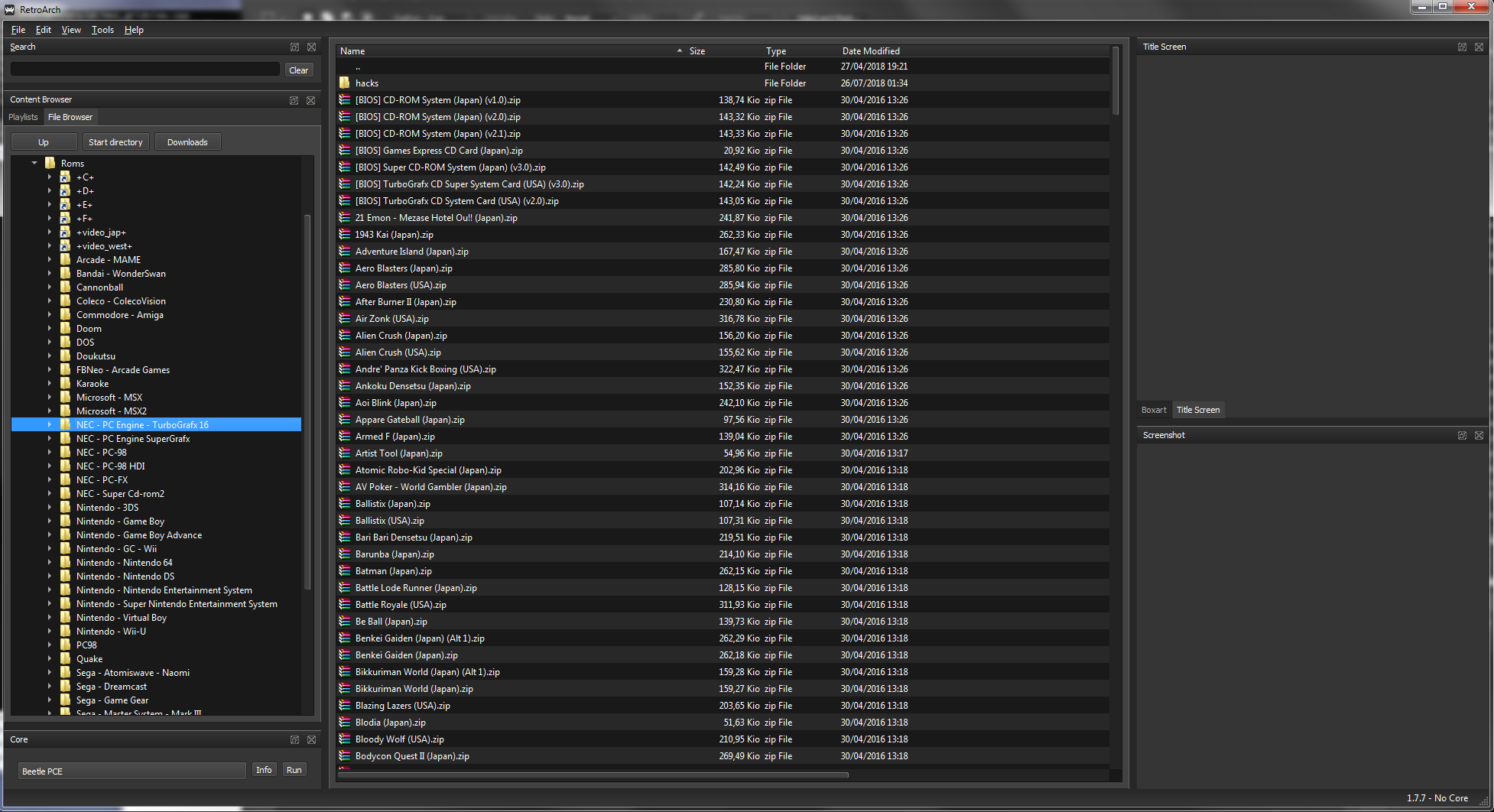
It changes from this to this I don't really like losing the vertical separation and some columns are too close to each other. But the main issue is that the column sizes aren't recovered properly after restarting RA a couple of times. I'm on win7 x64 and I didn't have that issue when launching a zip rom: if I had the lines sorted by size it would stay on that after the game was started. |

|
I like the change. Seems to be better aligned more with other lists I see on my desktop. |

|
OK have some of @Tatsuya79's concerns been addressed? |

|
im ok with the sorting so far. if alignment is gonna be changed as requested, is it possible to also adjust so that there is a little space between the romname/title and the left-most of its box. |
|
'I don't really like losing the vertical separation and some columns are too close to each other.' Can there be an option for being able to turn this on/off? I think that could address one of @Tatsuya79 's criticisms. |
|
I agree with @Tatsuya79, I like the old screenshot better. |
5 participants


This fixes a bug @retro-wertz reported on Discord in which the table view of the file browser is sorted by name upon launching compressed content.
Appears to be an issue with QTableView, since just changing it for a QTreeView solves it.
So I did that for both the file browser and content browser to keep them consistent.
It looks a bit diferent, there are no grid lines and the rows are a bit shorter.
I think it looks better but I welcome @bparker06 @Tatsuya79 and others' input.