Because Montserrat is unbearable.
Standalone Reticulum for the LilyGo T-Deck
Ratdeck turns a LilyGo T-Deck into a full standalone Reticulum node. It's not just an RNode which requires another device — it's the complete setup.
End-to-end encrypted LXMF messaging over LoRa, TCP over WiFi for bridging to the wider Reticulum network, node discovery, identity management, and more.
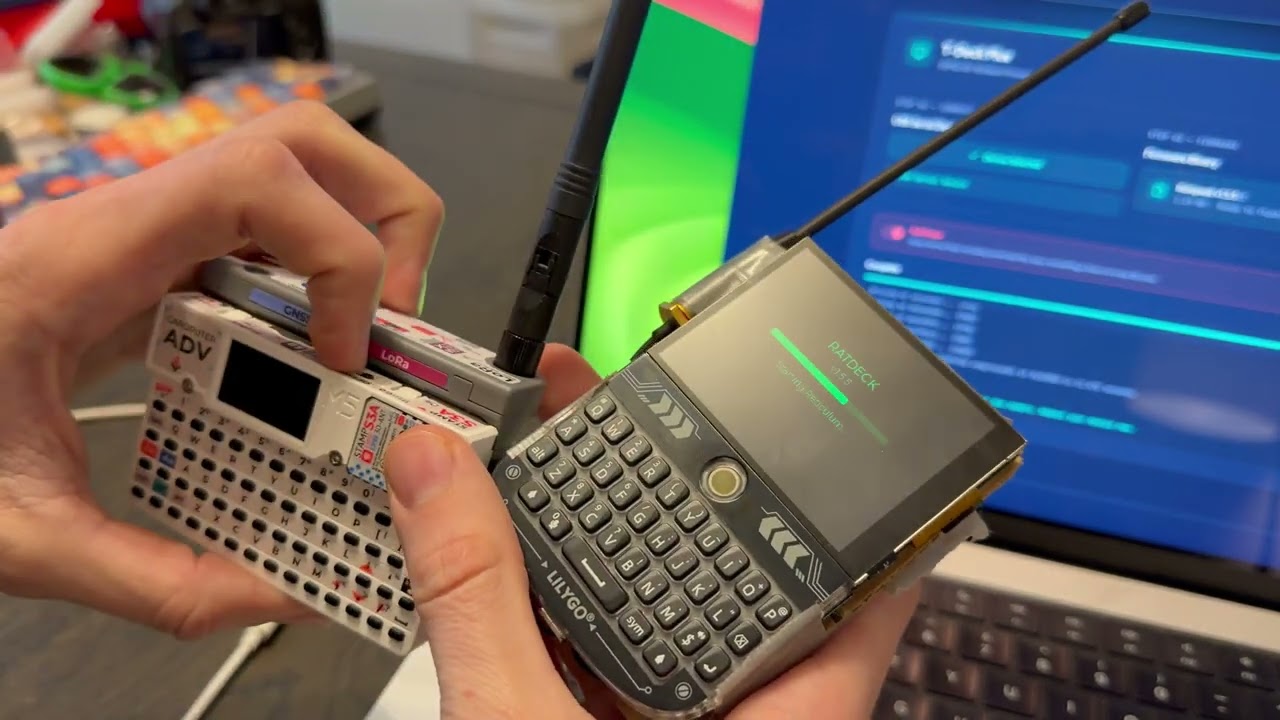
The easiest way is the web flasher — enable download mode (hold the trackball while powering on), plug in the USB, click flash, done.
To build and install from source:
List devices:
uv run platformio device listThe T-Deck is usually /dev/cu.usbmodem2101 for me. Double-check!
uv sync
uv run platformio run --target upload --upload-port /dev/cu.usbmodem2101On first boot, Ratdeck generates a Reticulum identity and shows a name input screen. Your LXMF address (32-character hex string) is what you share with contacts.
Tabs: Home, Friends, Msgs, Peers, Setup — navigate with the trackball.
Manually announce: To send an announcement manually, press the trackball or enter on the home tab.
Add/delete contacts/messages: Hold the trackball down on a chat or a peer to add or delete.
Sending a message: Find someone in Peers, select to open chat, type your message, hit Enter. Status goes yellow (sending) → green (delivery confirmed).
Radio presets (Setup → Radio). Format: name — SF, bandwidth, coding rate, TX power. Long Fast is the compiled-in default.
| Preset | SF | BW | CR | TXP | Bitrate | Link budget |
|---|---|---|---|---|---|---|
| Short Turbo | 7 | 500 kHz | 4/5 | 14 dBm | 21.99 kbps | 140 dB |
| Short Fast | 7 | 250 kHz | 4/5 | 14 dBm | 10.84 kbps | 143 dB |
| Short Slow | 8 | 250 kHz | 4/5 | 14 dBm | 6.25 kbps | 145.5 dB |
| Medium Fast | 9 | 250 kHz | 4/5 | 17 dBm | 3.52 kbps | 148 dB |
| Medium Slow | 10 | 250 kHz | 4/5 | 17 dBm | 1.95 kbps | 150.5 dB |
| Long Turbo | 11 | 500 kHz | 4/8 | 22 dBm | 1.34 kbps | 150 dB |
| Long Fast (default) | 11 | 250 kHz | 4/5 | 22 dBm | 1.07 kbps | 153 dB |
| Long Moderate | 11 | 125 kHz | 4/8 | 22 dBm | 0.34 kbps | 156 dB |
All radio parameters are also individually tunable; changes apply immediately, no reboot. Please operate in accordance with local laws, as you are solely responsible for knowing which regulations and requirements apply to your jurisdiction.
Use STA mode to connect to existing WiFi and reach remote nodes like rns.ratspeak.org:4242.
To bridge LoRa with Reticulum on your computer:
- Set WiFi to AP mode in Setup → Network (creates
ratdeck-XXXX, password:ratspeak) - Connect your computer to that network
- Add to your Reticulum config:
[[ratdeck]]
  type = TCPClientInterface
  target_host = 192.168.4.1
  target_port = 4242
Note: WiFi bridging methods and interfaces will be revamped with Ratspeak's client release, therefore, it's unlikely AP mode works at all currently.
GNU Affero General Public License v3.0 or later. See LICENSE.
Vendored third-party code keeps its own license notices, including
lib/Crypto under MIT.