
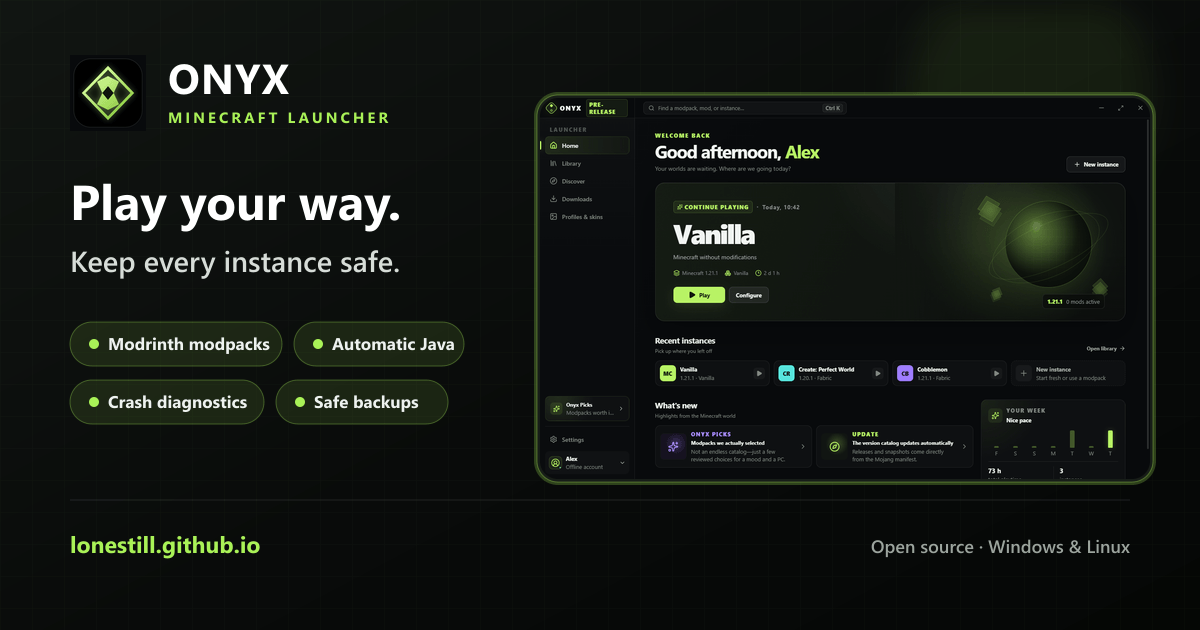
Onyx Launcher 1.6.3 is the current stable desktop release for Windows and Linux.
Why try Onyx
- Keep worlds, mods, loaders, Java, memory, and launch settings isolated per instance.
- Browse and install Modrinth modpacks and mods without leaving the launcher.
- Let Onyx select and install Eclipse Temurin Java 8, 17, or 21 automatically.
- Diagnose failed launches with actionable logs, Crash Bisect, and performance recordings.
- Protect worlds with snapshots, safe restoration, backups, and operating-system trash.
- Sign in through Microsoft's device-code flow; Onyx never receives your password.
Downloads
- Windows installer:
Onyx.Launcher.Setup.1.6.3.exe? recommended for most Windows users. - Windows portable:
Onyx.Launcher.1.6.3.exe. - Linux AppImage:
Onyx-Launcher-1.6.3-x86_64.AppImage. - Linux portable:
Onyx-Launcher-1.6.3-linux-x64.tar.gz. - SHA-256 checksum files are attached for both platforms.
Quick start
Run the Linux AppImage after downloading it:
chmod +x Onyx-Launcher-1.6.3-x86_64.AppImage
./Onyx-Launcher-1.6.3-x86_64.AppImage
Install the Windows portable build with Scoop:
scoop bucket add onyx https://github.com/lonestill/scoop-onyx
scoop install onyx/onyx-launcher
Windows builds are currently unsigned, so Microsoft SmartScreen may display a warning. Onyx does not distribute Minecraft or bypass its license; a licensed Microsoft account is required for the full Minecraft: Java Edition experience. The official demo can run without an account.
Website: https://lonestill.github.io
Release story: https://lonestill.github.io/blog/onyx-launcher-1-6-3/
Press kit: https://lonestill.github.io/press/
AppImageHub listing: https://appimage.github.io/Onyx_Launcher/
Source and issue tracker: https://github.com/lonestill/onyx-launcher
Full changelog: v1.6.2...v1.6.3