Greetings 👋
The problem
I found weird markers behaviour. After map zooming they jump in 1px.
gif
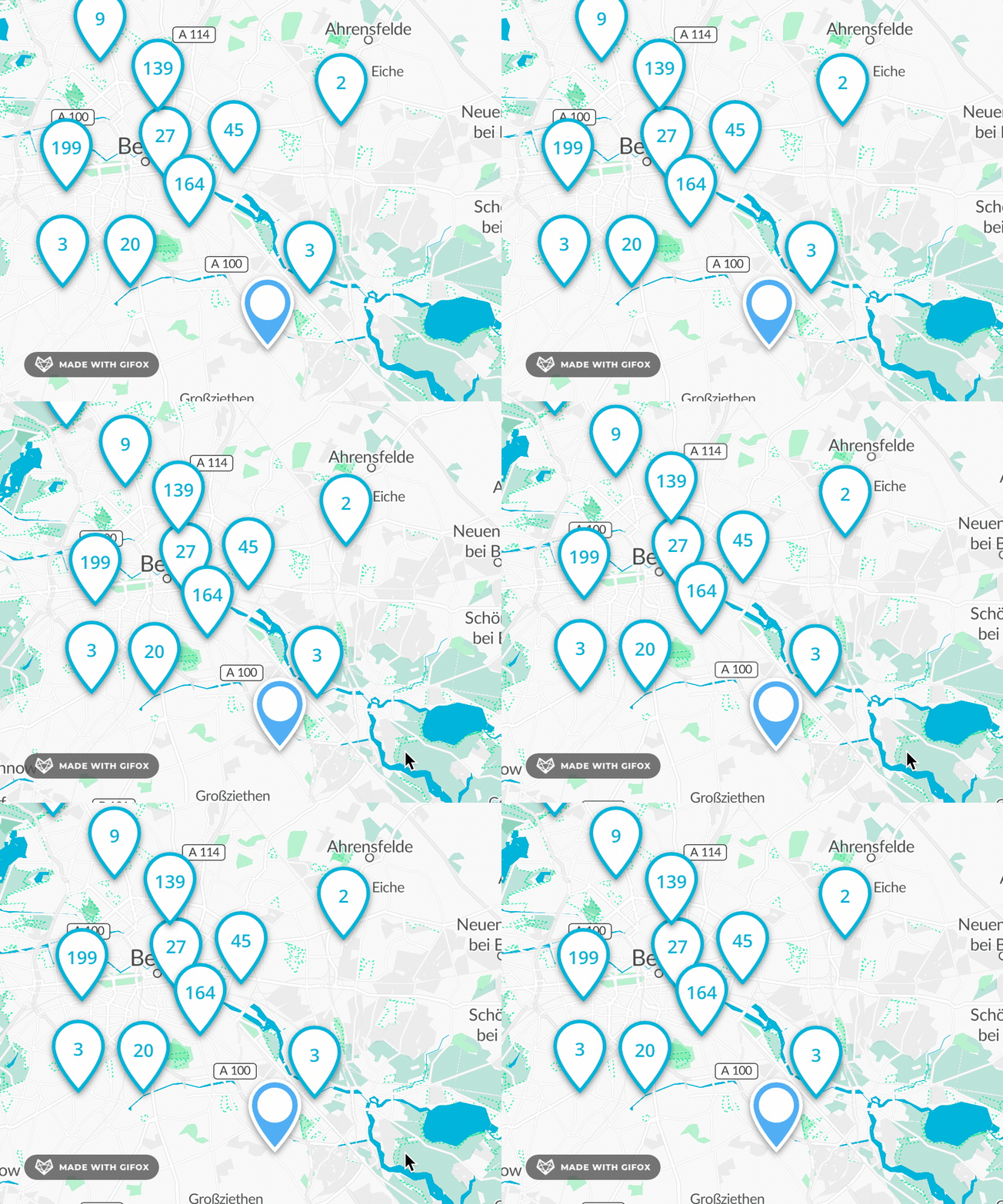
Reason
It happens because screen coordinates are rounded after map movement (see).
Reproducible on:
- Macbook Pro 2015 15
- macOS, Google Chrome 98
- mapbox-gl v1 / maplibre-gl-js v1 / maplibre-gl-js v2
But it should be noticeable everywhere due to subpixel rendering.
Solution
Round screen coordinates during movement taking into account Window.devicePixelRatio. Theoretically it should solve stuttering during zooming (which happens on HiDPI screens only?).
const pixelRatio = (typeof window !== 'undefined' && window.devicePixelRatio) || 1;

export function roundPixel(pixel: number): number {
  return Math.round(pixel * pixelRatio) / pixelRatio;
} DOM.setTransform(this._element, `${anchorTranslate[this._anchor]} translate(${roundPixel(this._pos.x)}px, ${roundPixel(this._pos.y)}px) ${pitch} ${rotation}`);
Greetings 👋
The problem
I found weird markers behaviour. After map zooming they jump in 1px.
gif
Reason
It happens because screen coordinates are rounded after map movement (see).
Reproducible on:
But it should be noticeable everywhere due to subpixel rendering.
Solution
Round screen coordinates during movement taking into account Window.devicePixelRatio. Theoretically it should solve stuttering during zooming (which happens on HiDPI screens only?).