
Listen up bozo, you got two options:
1: Keep reading your shitty text-based plans.
2: Have your plan delivered to you as an ASCII keynote speech in your terminal.
If you really think there's a choice here, you're ngmi.
Hypeplan takes a normal markdown-based plan and hypes it.
Suddenly the plan has its own stage, a keynote speaker, an audience and becomes infinitely more convincing.
Jesus, just look...
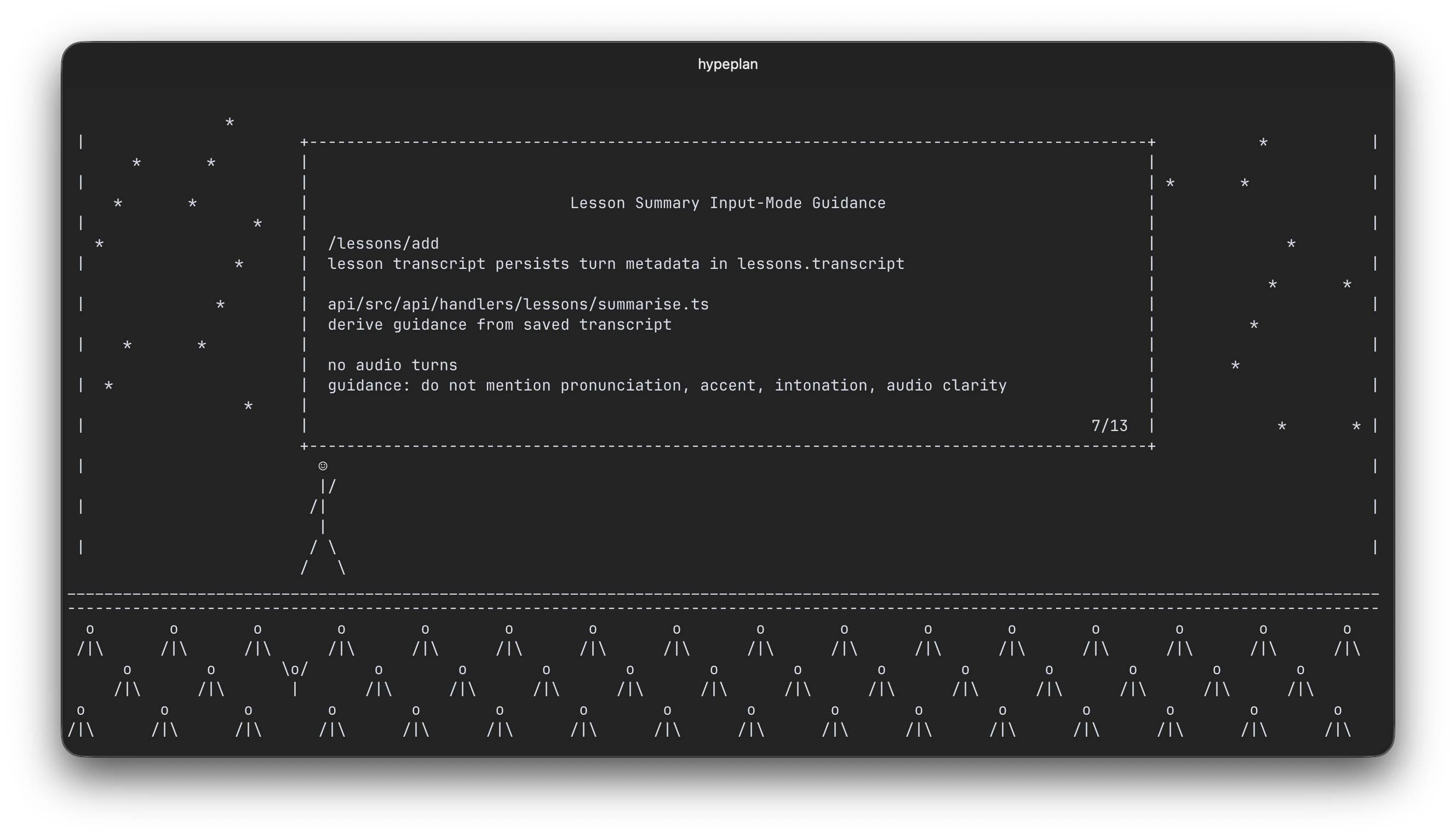
... or watch
- Because normal projects already exist.
- I asked "what if?" exactly once.
- There was a lack of adult supervision.
- And it's now way too late for that question buddy.
- Bun
- An OpenAI API key
- An audio player:
afplayon macOS, orffplayelsewhere
git clone git@github.com:martinrue/hypeplan.git
cd hypeplan
bun install
bun dist
echo "OPENAI_API_KEY=your-openai-api-key" > .env
cat plan.md | ./hypeplanHypeplan supports these flags:
-
--voice <name>Use a specific TTS voice. Supported built-in defaults arecoral,marin, andcedar. -
--style <name>Choose the presentation style prompt. The default isproduct-keynote. -
--script-model <name>Override the model used to generate the presentation script. Default:gpt-5.4-mini -
--tts-model <name>Override the model used to generate speech audio. Default:gpt-4o-mini-tts -
--tts-speed <number>Set speech speed to any positive number. Default:1 -
--no-cacheRegenerate the script and audio instead of using cached assets.
-
Right ArrowSkip to the next segment of the keynote -
Left ArrowGo back to the previous segment -
Esc,Ctrl-C,qQuit
Hypeplan expects a markdown-based plan to be piped in on stdin or to be present on the clipboard.
To check it's a valid plan, hypeplan looks for:
- a heading
- bullets or numbered items
- plan-oriented language such as summary, implementation, scope, rollout, or test plan
Generated assets are cached under .cache/.
Use --no-cache if you want to force regeneration.