This is a R package to create standard reports. You can download and install it with the command
devtools::install_github('mbbrigitte/TRCP_Templates')
If you have fanetc installed, no need to do anything as it is included in the fanetc-package.
If you do not use fanetc, open your R-studio (or Docker R-Studio) and install devtools. Then, you can install it through the command devtools::install_github('mbbrigitte/TRCP_Templates').
There are two versions. One for Quarto documents (new) and the old one for Rmd documents.
library(TRCPTemplatePackage)
quarto_create()
This will create a report.qmd in your current folder! That's it, just use it.
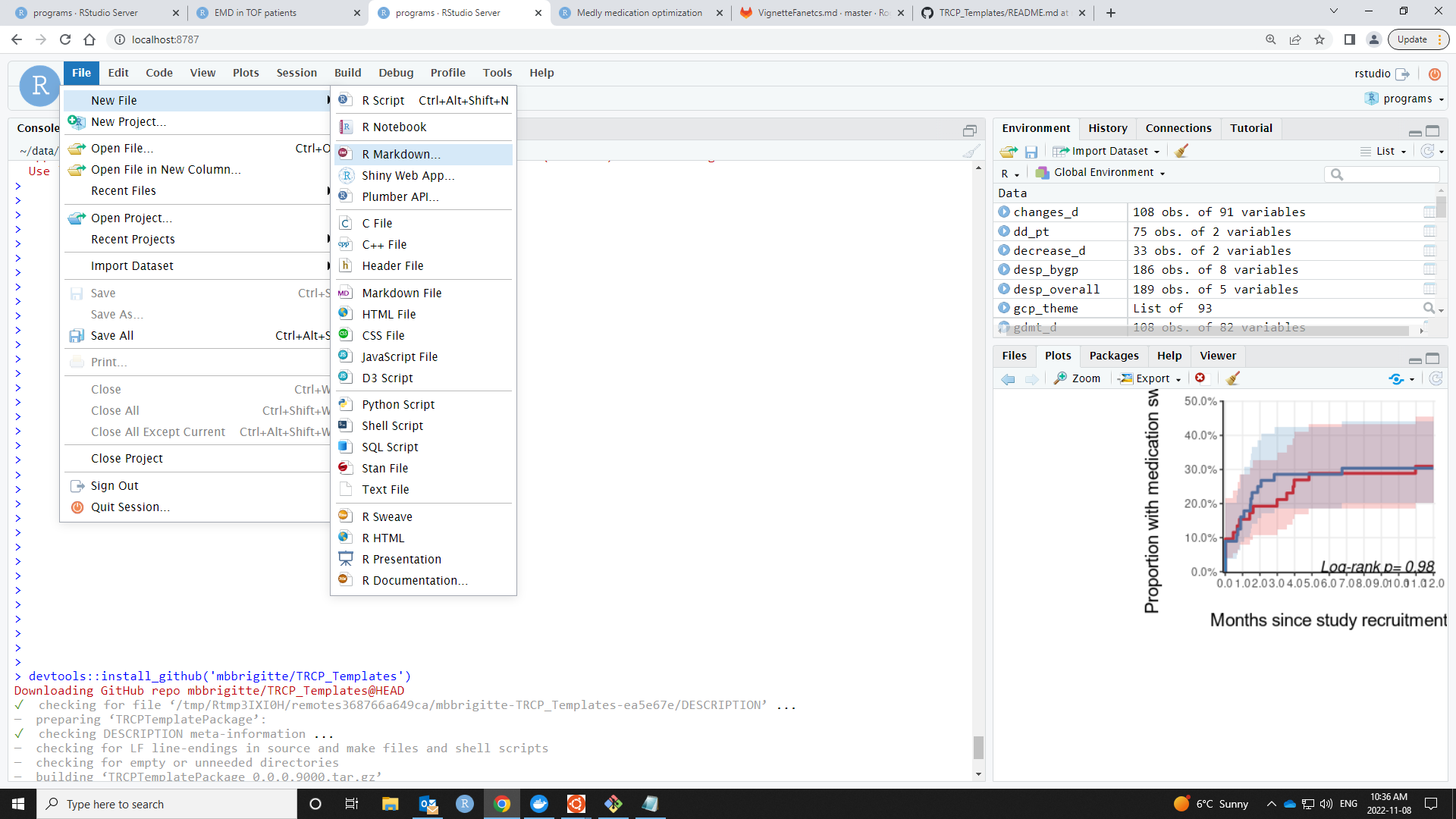
After installation, in your R-Studio, go to File -> New file -> R Markdown (the third option from the drop down)
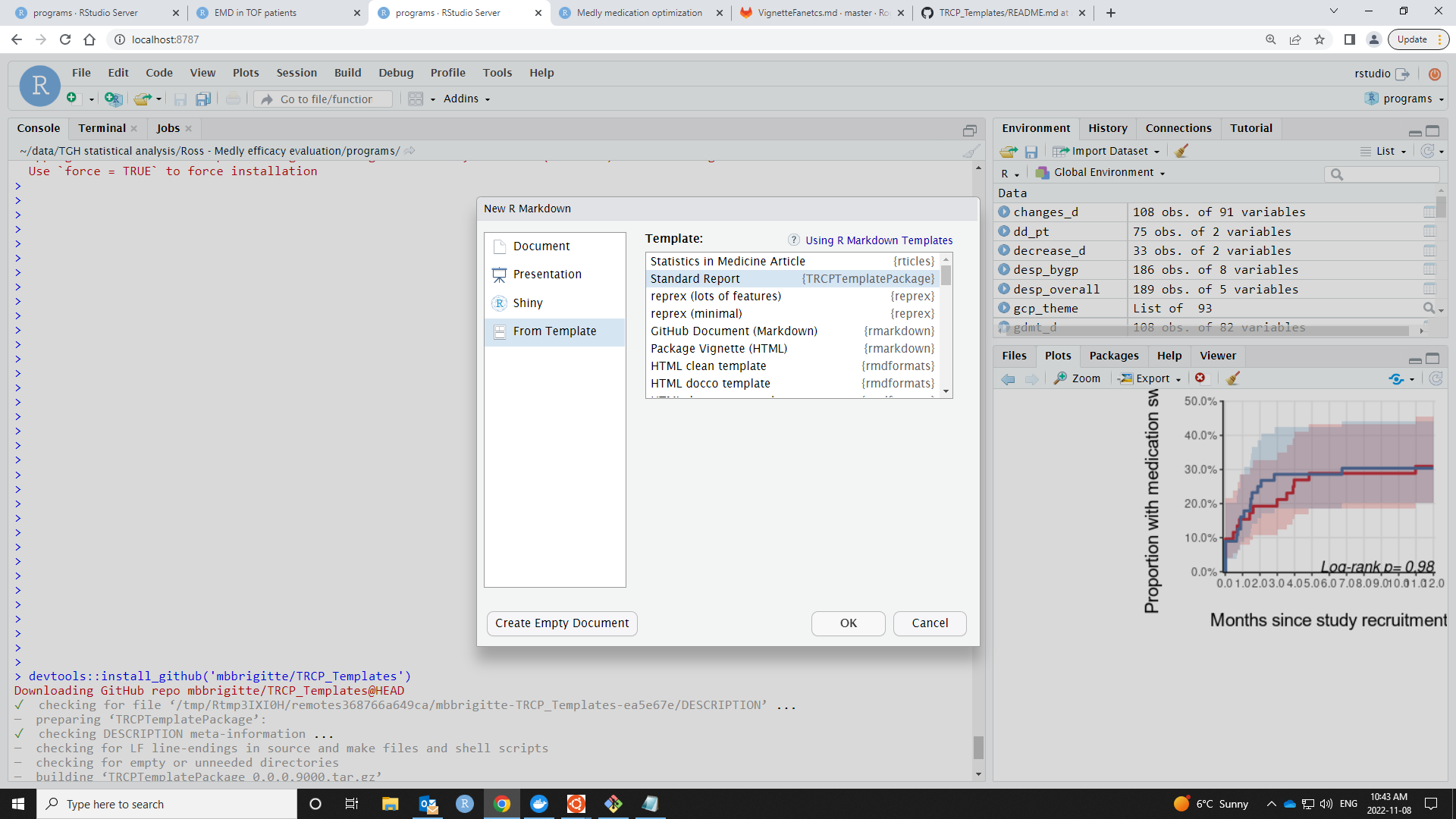
Then choose "From Template" and click on "Standard Report" from the TRCPTemplatePackage. You can then enter a name, this will be the folder name under which the report template markdown document will be available (the default name of the folder is 'Untitled').
The default file-name is "Untitled1" and if you try to knit the document, it will automatically prompt you to save under another name.
Please report errors and communicate anything that should be in the template to me.
-- Brigitte