Control window layout using Ctrl + Numeric Keypad on macOS. Press two number keys in a row while holding down Ctrl to select the new window frame on a 3x3 grid.
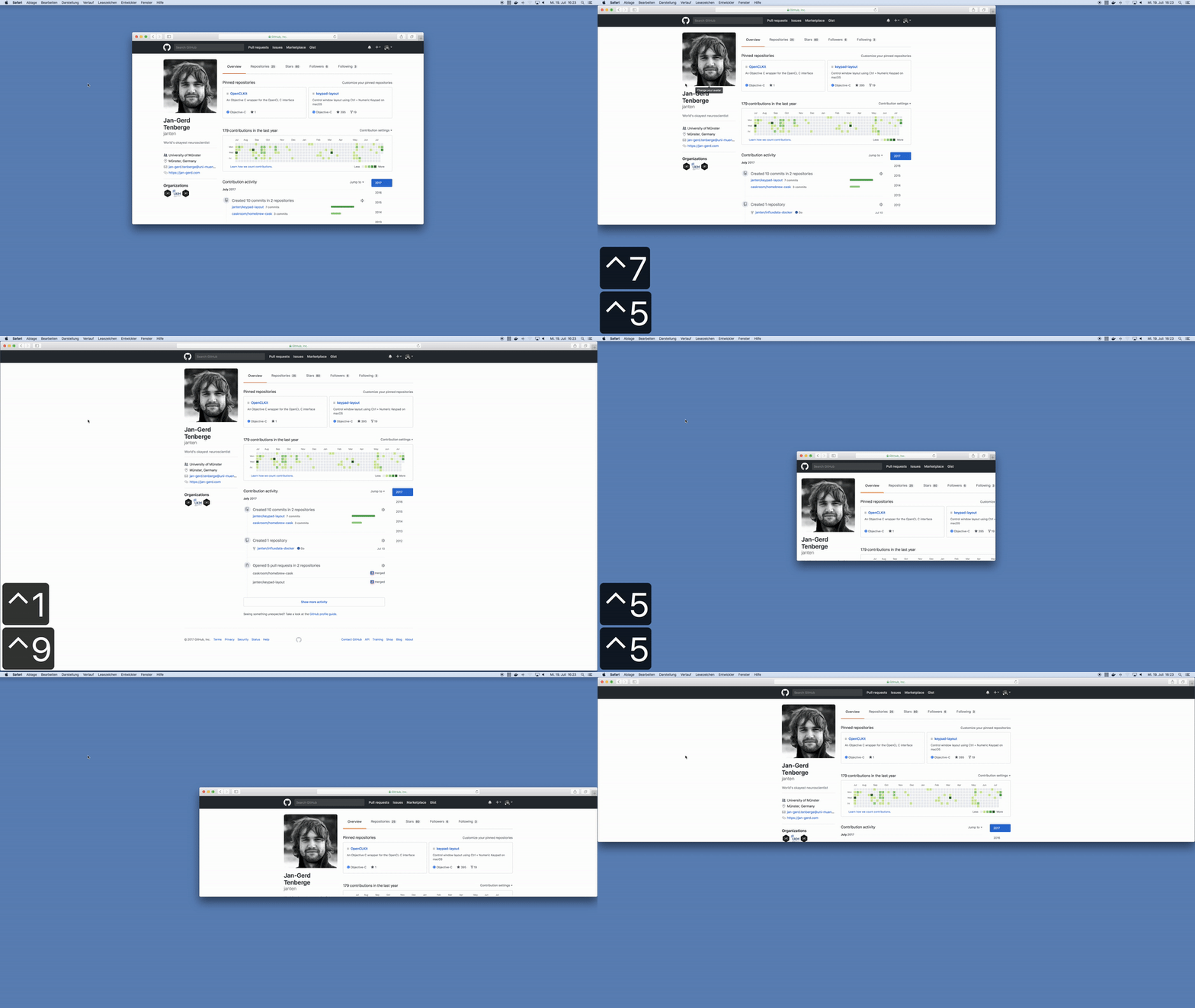
Homebrew users can simply brew install keypad-layout. Compiled versions are also available for download from releases.
Ctrl + |
Result |
|---|---|
1 then 9 |
Full Screen |
7 then 9 |
Top Row |
1 then 3 |
Bottom Row |
3 then 1 |
Bottom Row |
8 then 3 |
Right Two Thirds |
0 then 4 |
Left Half, Full Height |
0 then 6 |
Right Half, Full Height |
0 then 2 |
Bottom Half, Full Width |
0 then 8 |
Top Half, Full Width |
If you use a MacBook and forgot the layout of the numeric keypad, refer to the table below for the grid layout.
╔═══╦═══╦═══╗
║ 7 ║ 8 ║ 9 ║
╠═══╬═══╬═══╣
║ 4 ║ 5 ║ 6 ║
╠═══╬═══╬═══╣
║ 1 ║ 2 ║ 3 ║
╚═══╩═══╩═══╝
The application and menu bar icons are derived from numpad by Ján Slobodník from the Noun Project, available under the Creative Commons Attribution license.