This repository was archived by the owner on Jan 6, 2023. It is now read-only.
This repository was archived by the owner on Jan 6, 2023. It is now read-only.
The "Syncing changes..." message does not disappear in other windows after reconnecting #482


Description

[Affected versions]:
- Firefox 57 and up
[Affected Platforms]:
- All Windows
- All Mac
- All Linux
[Prerequisites]:
- Have a new Firefox profile with the latest "Firefox Notes" add-on version (2.0.0b8) installed.
- You must be logged into "Firefox Notes".
[Steps to reproduce]:
- Open the browser with the profile from prerequisites.
- Open another window and change your FxA password.
- In the second window, click on the "Sync Your Notes" button and enter your credentials.
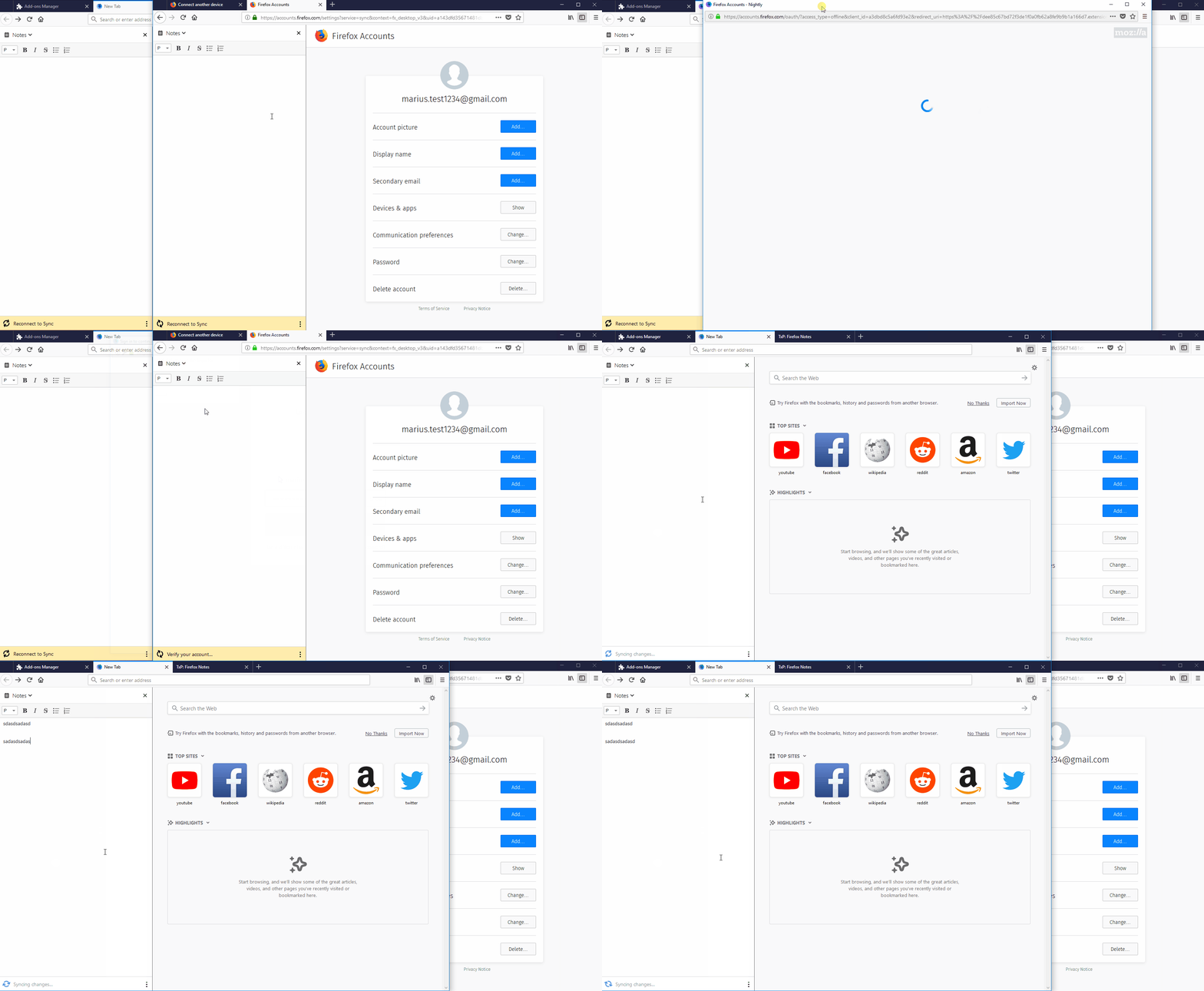
- Switch to the first window and observe the sync status in the bottom part of the sidebar.
[Expected result]:
- The "Sync at (hour)" message is displayed.
[Actual result]:
- The "Syncing changes..." message is displayed and the animation plays continuously.
[Notes]:
- The issue is still reproducible even after the sidebar is focused, you paste content or you are writing something into it.
- If you click the "Sync Your Notes" button, after following the steps, then the content will be synced.
- Attached a screen recording of the issue: