
DHOTools is an application designed to expand the capabilities of RIGOL oscilloscopes of the DHO800 and DHO900 series. It allows you to perform advanced analyses, such as FFT averaging, long-term data logging, and arbitrary zoom of a signal, from a PC with Windows or Linux, directly on the oscilloscope or from your mobile device (cell phone or tablet) via a network connection.
DHOTools.mp4


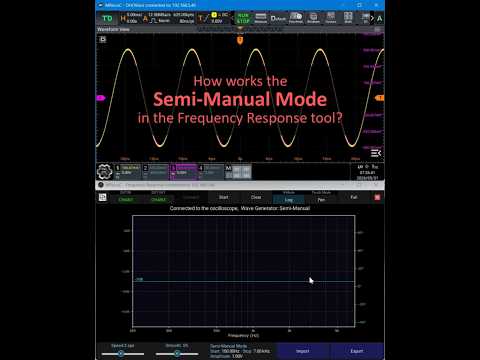
More info at the discussion page: #1
Note
This version only works if you have previously installed the Sparrow Extended UI 0.8.7+ update.
Connecting a DGE20XX to a DHO800/900 series Rigol oscilloscopes
Note
Due to poor performance and limited usability on Android versions, it is advisable to run the frequency response page of the DHOTools remotely on a PC.
The firmware built for the DHO devices does not include the correct library to enable a DGE20XX device to connect via USB. Therefore, a library has been compiled for this platform and needs to be installed in a system folder.
Decompress the library from the ZIP file:
Install this library in the DHO by using ADB:
  adb root
  adb remount
  adb push libusb-1.0.so /system/lib64/
  adb shell chmod 644 /system/lib64/libusb-1.0.so
Connect the DGE20XX to the USB port and reboot the DHO. Once the device has rebooted, change the permissions:
adb shell su -c "chmod 666 /dev/bus/usb/*/*"To avoid changing the permissions with each reboot, add the 'chmod' command to the startup script at '/Rigol/shell/start_rigol_app.sh'. Then install the DHOTools APK. The first launch will abort due to the time it takes for the application to decompress.
Donations
Thank you for your support, I receive donations through Patreon and Paypal
