基于 Wails + Vue 3 构建的 macOS 原生质感 Homebrew 管理工具



Brew Manager 是一个为 macOS 用户打造的轻量级 Homebrew 图形界面工具。它不仅能让你一眼看清系统安装的所有 Formulae 和 Casks,还能像原生系统服务一样管理终端工具的启动与停止。
- 🖥️ 原生视觉体验:采用 macOS Frameless 窗口设计,完美支持 Vibrancy(毛玻璃) 效果。
- ⚡ 服务一键管理:支持对
brew services进行图形化操作(启动/停止)。 - 🔍 丝滑搜索:实时过滤海量软件清单,瞬间找到目标。
- 🔄 自动同步:每 10 秒自动更新软件运行状态,无需手动刷新。
- 📦 双列表展示:清晰区分终端工具 (Formulae) 与桌面应用 (Casks)。
- Native macOS Feel: 深度集成系统毛玻璃(Vibrancy)效果,支持暗色模式。
- Fluid Animations: 优化的 Toast 提示与列表交互动效,反馈更自然。
- 右上角通知系统: 采用类 macOS 通知中心的交互设计,不干扰核心操作。
| 概览 | 搜索与操作 |
|---|---|
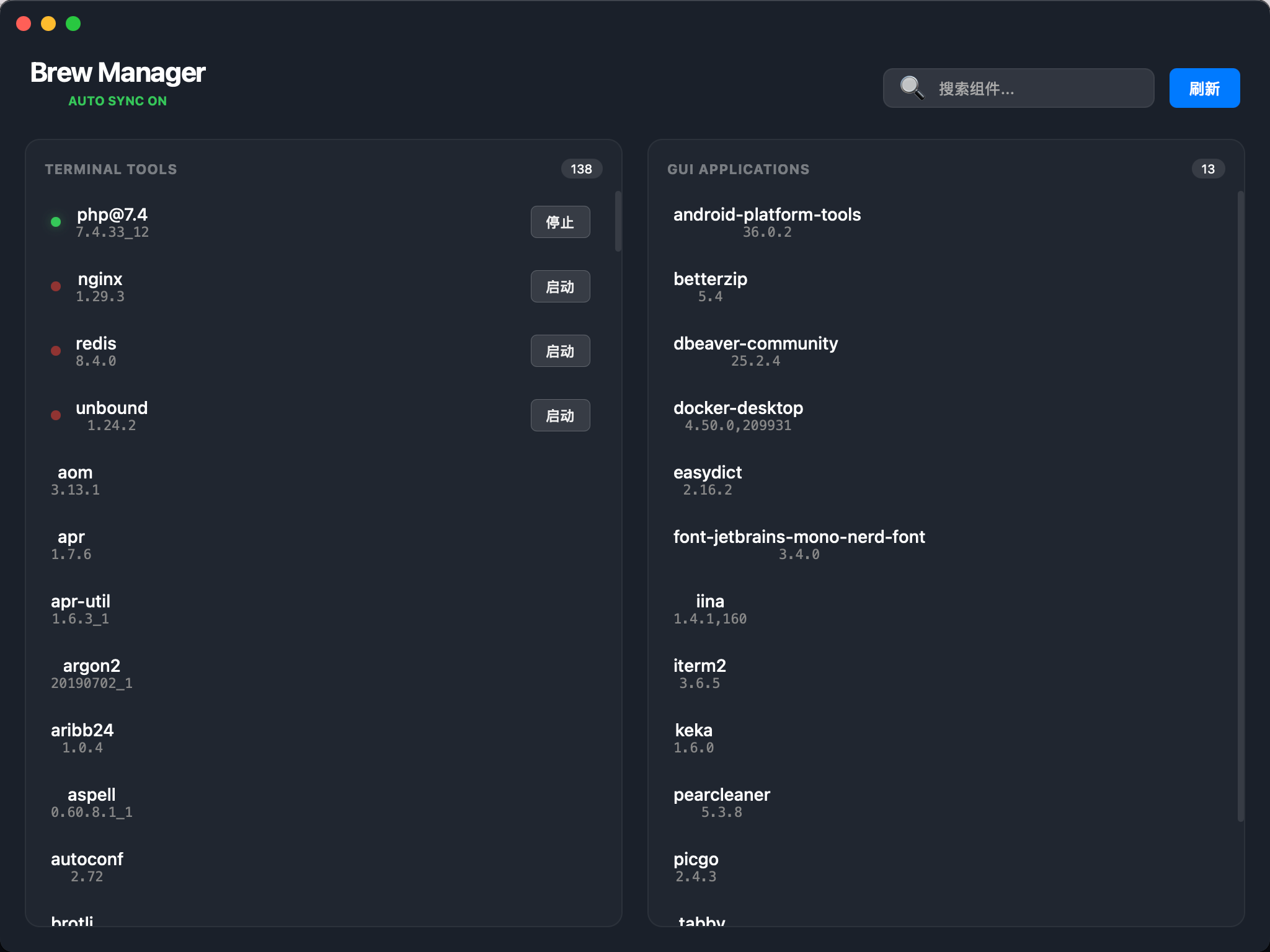 |
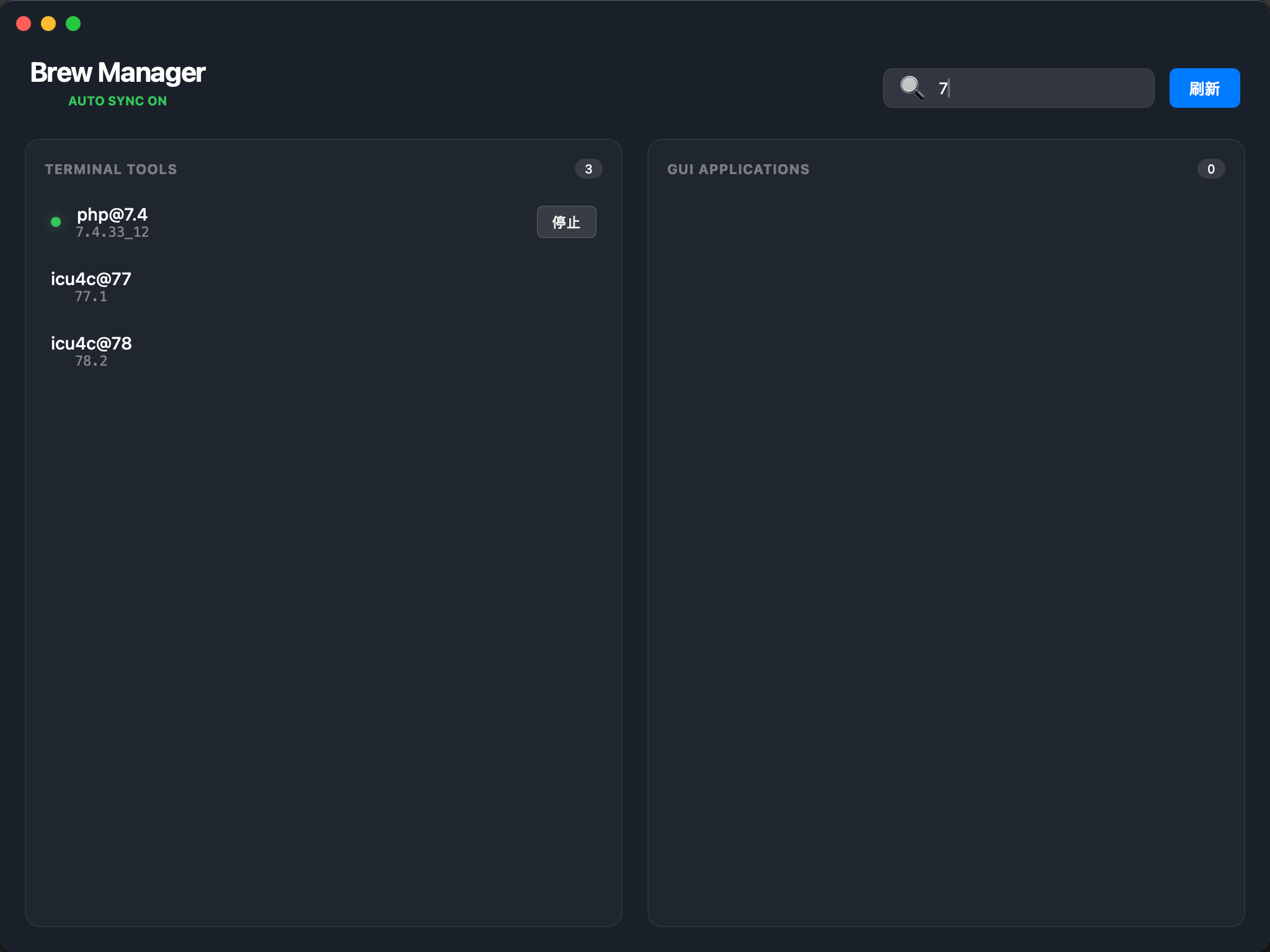 |
| 维度 | 技术 |
|---|---|
| 框架 | Wails v2 (Go + Webview) |
| 前端 | Vue 3 (Composition API) + Vite |
| 样式 | CSS3 Glassmorphism + Native macOS Titlebar Inset |
| 后端 | Go (executing brew commands) |
确保你的 Mac 已安装:
# 克隆仓库
git clone https://github.com/mycherish/brew-manager.git

# 进入目录
cd brew-manager

# 启动开发服务器
wails dev- 前往 Releases 页面下载最新的
.dmg文件。 - 打开
.dmg并将Brew-Manager拖入 Applications 文件夹。
由于本应用未进行 Apple 开发者签名,首次打开时可能会提示“无法验证开发者”或“应用已损坏”。请执行以下操作:
- 右键点击应用程序文件夹中的
Brew-Manager,选择 “打开”,在弹出的对话框中再次点击 “打开”。 - 如果依然无法运行,请打开终端执行以下命令:
sudo xattr -rd com.apple.quarantine /Applications/Brew-Manager.app
- 输入开机密码后即可正常使用。