NCINM User Manual

National Cancer Institute dosimetry system for Nuclear Medicine (NCINM) is a computer software which can estimate organ and effective doses for patients undergoing nuclear medicine procedures. The program is based on a comprehensive library of S values, organ absorbed dose per administered activity, calculated through Monte Carlo radiation transport techniques for up to 70 source and 60 target regions within a series of computational human phantoms. Organ doses can be calculated using the following user input: patient characteristics, radionuclide or radiopharmaceuticals, administered activity, and biokinetic data.
You need to select which phantom library to use for dose calculations. In the latest version, NCINM2.0, two phantom libraries are available: the UF/NCI reference size phantoms and the ICRP reference voxel phantoms. For both phantom libraries, you can select the patient’s age from five age groups: newborn, 1, 5, 10, 15 years old, and adult (generally assumed to be over 20 years). For the patient with in-between age, you may interpolate two sets of organ doses calculated from younger and older phantoms (e.g., interpolate organ doses from 5 year and 10 year phantoms for a 7 year patient) or you may select a phantom with the age closest to your patient's age (e.g., select 5 year phantom for 6-year-old patient). When a phantom is selected, its frontal will be displayed.
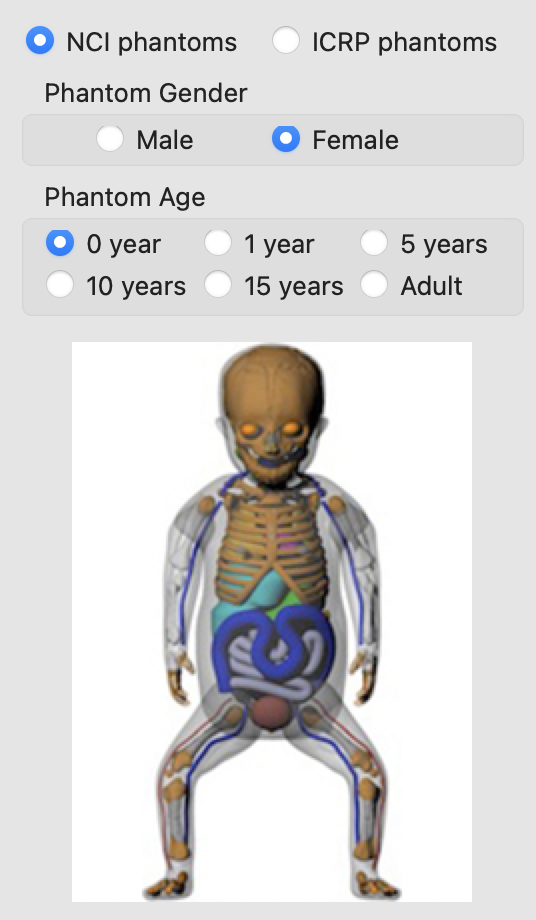
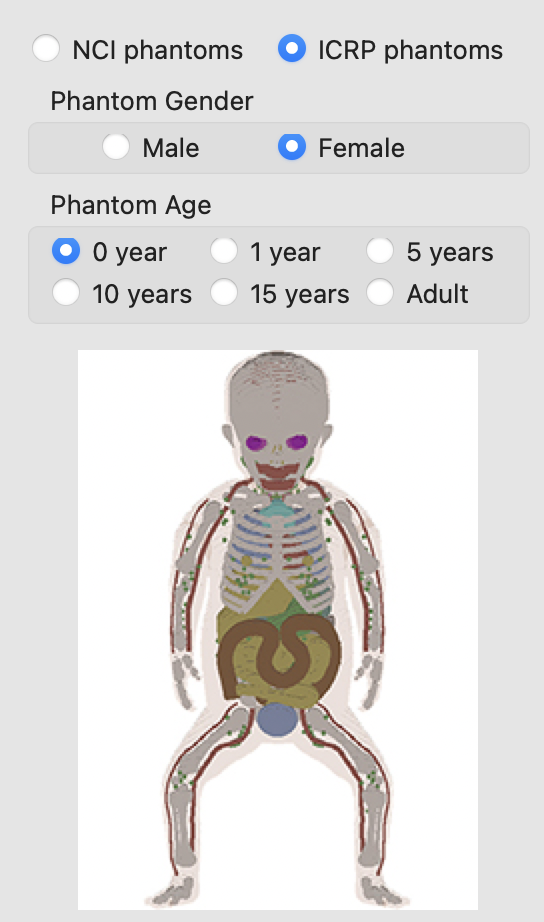
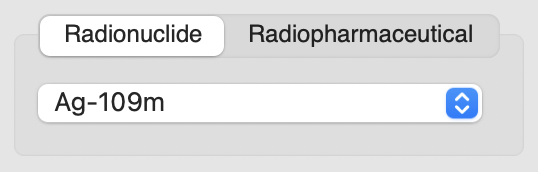
When you have biokinetic data available for the radiopharmaceutical of interest, you can select radionuclide from the list after selecting the tab, Radionuclide. About 300 radionuclides which are often used in nuclear medicine procedures are available.
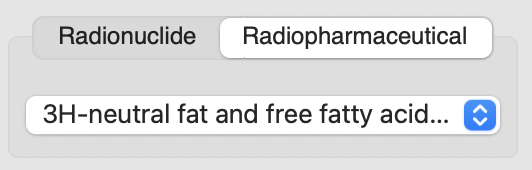
When you do not know the biokinetic data of the radiopharmaceutical of interest, you can select the radiopharmaceutical from the list after selecting the tab, Radiopharmaceutical.
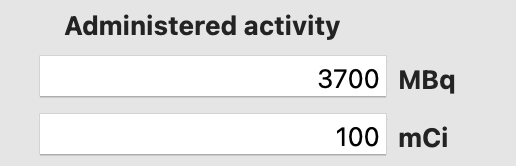
You need to input administered activity in MBq or mCi (default value 3700 MBq prefilled). The value entered in either unit will be automatically converted to the other unit. When Radiopharmaceutical tab is selected, organ doses will be calculated at this time when administered activity is entered. If Radionuclide tab is selected, you need to enter biokinetic data to calculate organ doses.
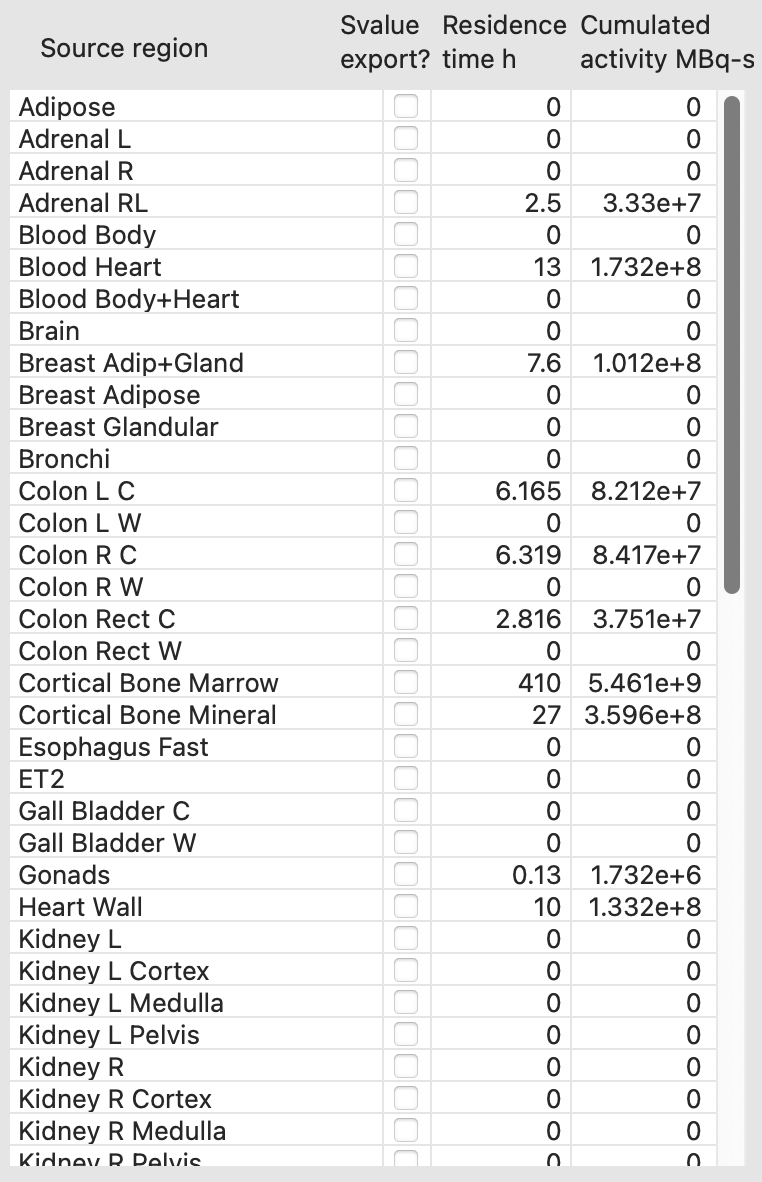
If Radionuclide tab is selected, you need to manually enter biokinetic data in the source regions. If residence time (h) (or time integrated activity coefficient, TIAC) is entered, cumulated activity (MBq-s) will be automatically calculated based on administered activity entered in the previous step. If cumulated activity is entered, the residence time is automatically calculated. If Radiopharmaceutical tab is selected in the previous step, the residence time column will be automatically populated. If you want to export S values for your own organ dose calculations, you can click Export S values button to save the S values for the selected source regions and the selected age in CSV file.
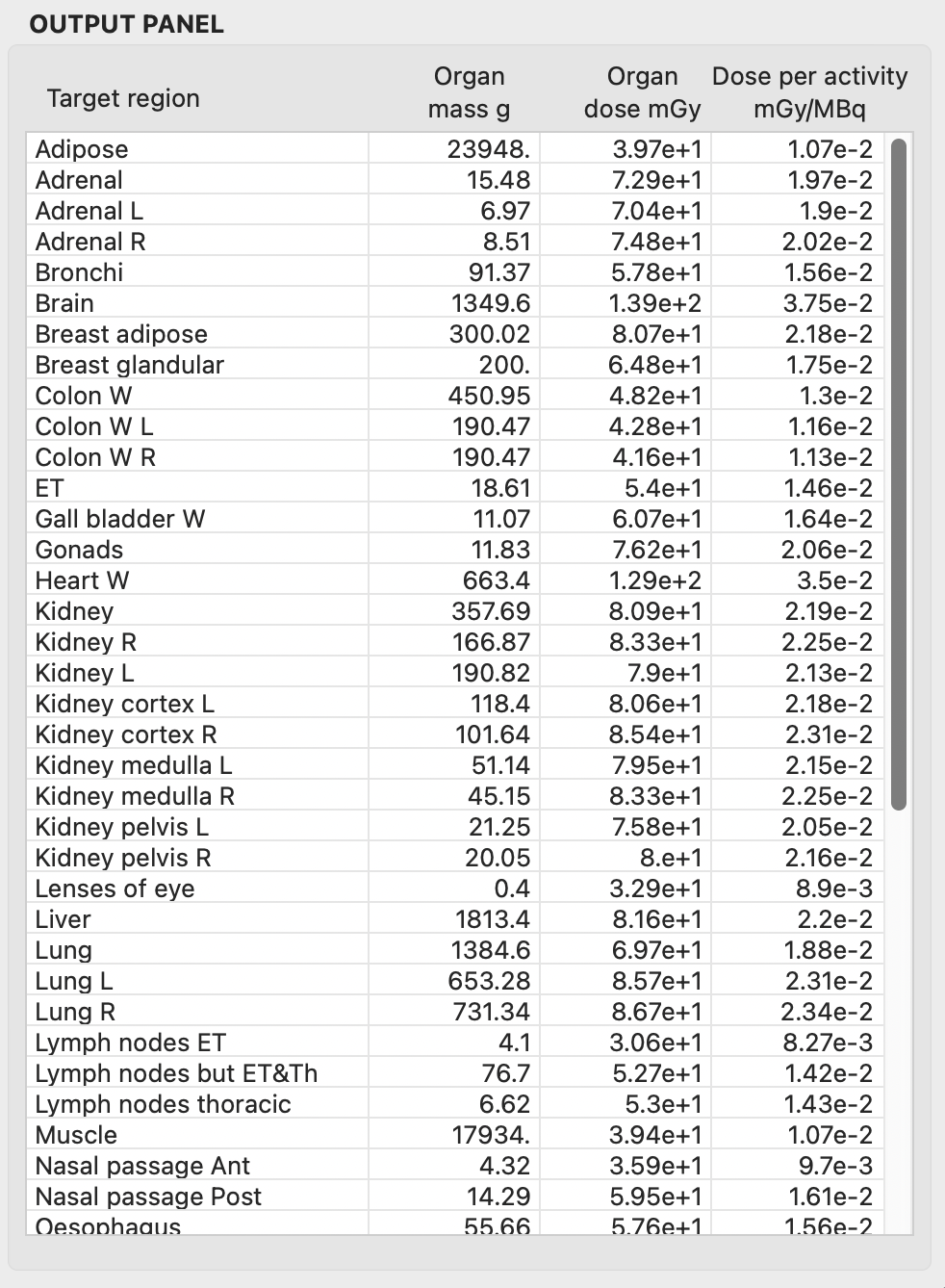
The OUTPUT PANEL includes the list of target regions, organ mass (g), dose absorbed dose, and dose per administered activity (mGy/MBq) (also known as absorbed dose coefficient). Whenever organ doses are updated, organ absorbed dose is automatically copied to Clipboard. You can also copy and paste the whole OUTPUT PANEL by dragging mouse.
When you click the button, Initialize parameters, the administered activity, residence time, and organ doses will be set zeros.
- Non-Commercial Research Use There is no charge to use these resources for non-commercial research purposes. Please click Software Transfer Agreement form, fill out the form in your web browser*, save it to your computer, then obtain the signatures and submit it to Dr. Choonsik Lee.
- Commercial Use Contact Dr. Kevin Chang of the NCI Technology Transfer Center to discuss accessing the free trial version and the licensing process for commercial use.
