Your AI just got terminal superpowers.






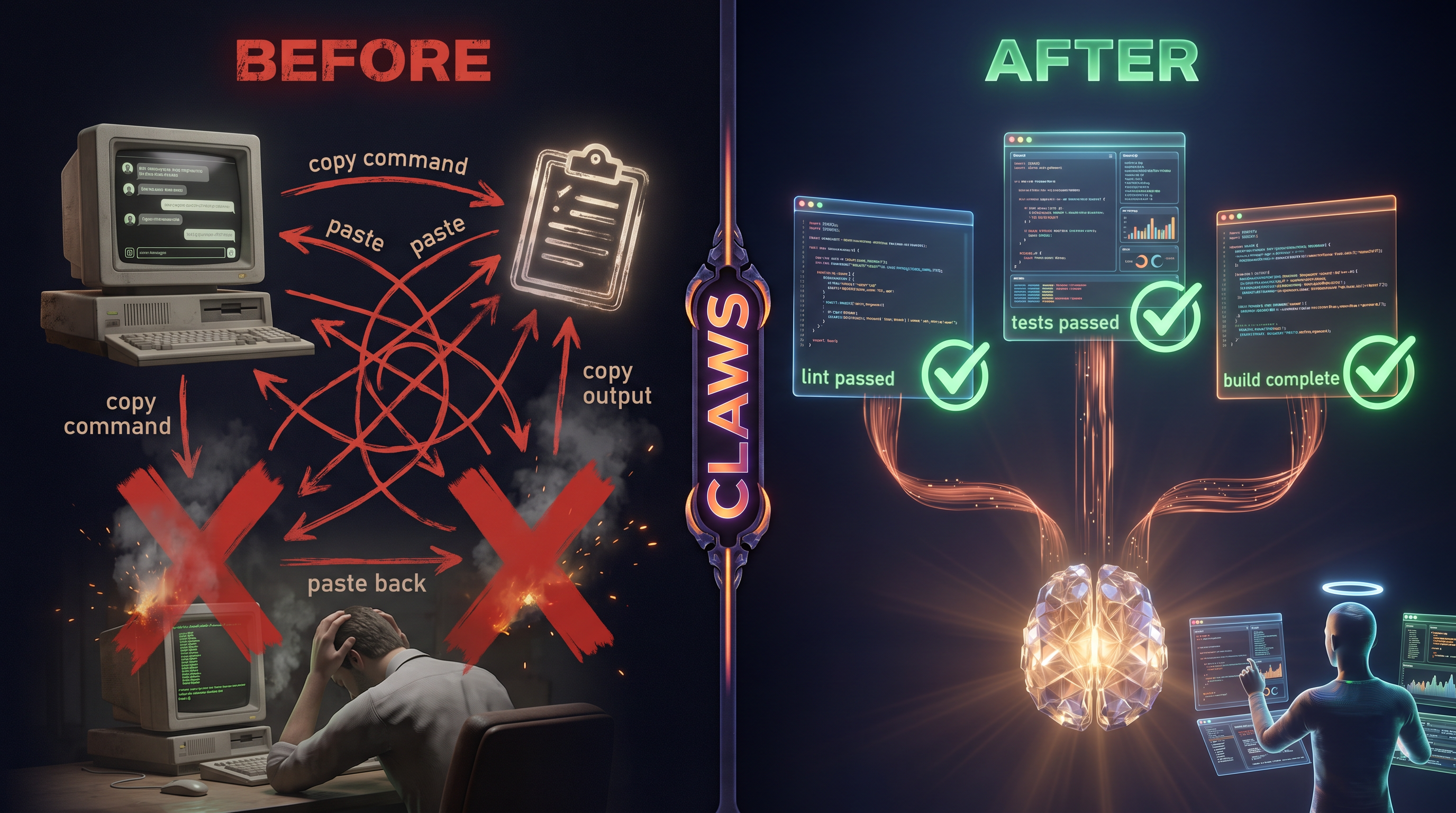
Before Claws: copy a command from Claude → paste in terminal → copy the output → paste it back → repeat 47 times. One terminal. No visibility. No parallelism.
After Claws: your AI controls every terminal directly. Spawns workers. Runs tests, builds, deploys — all in parallel, all visible. You just watch.
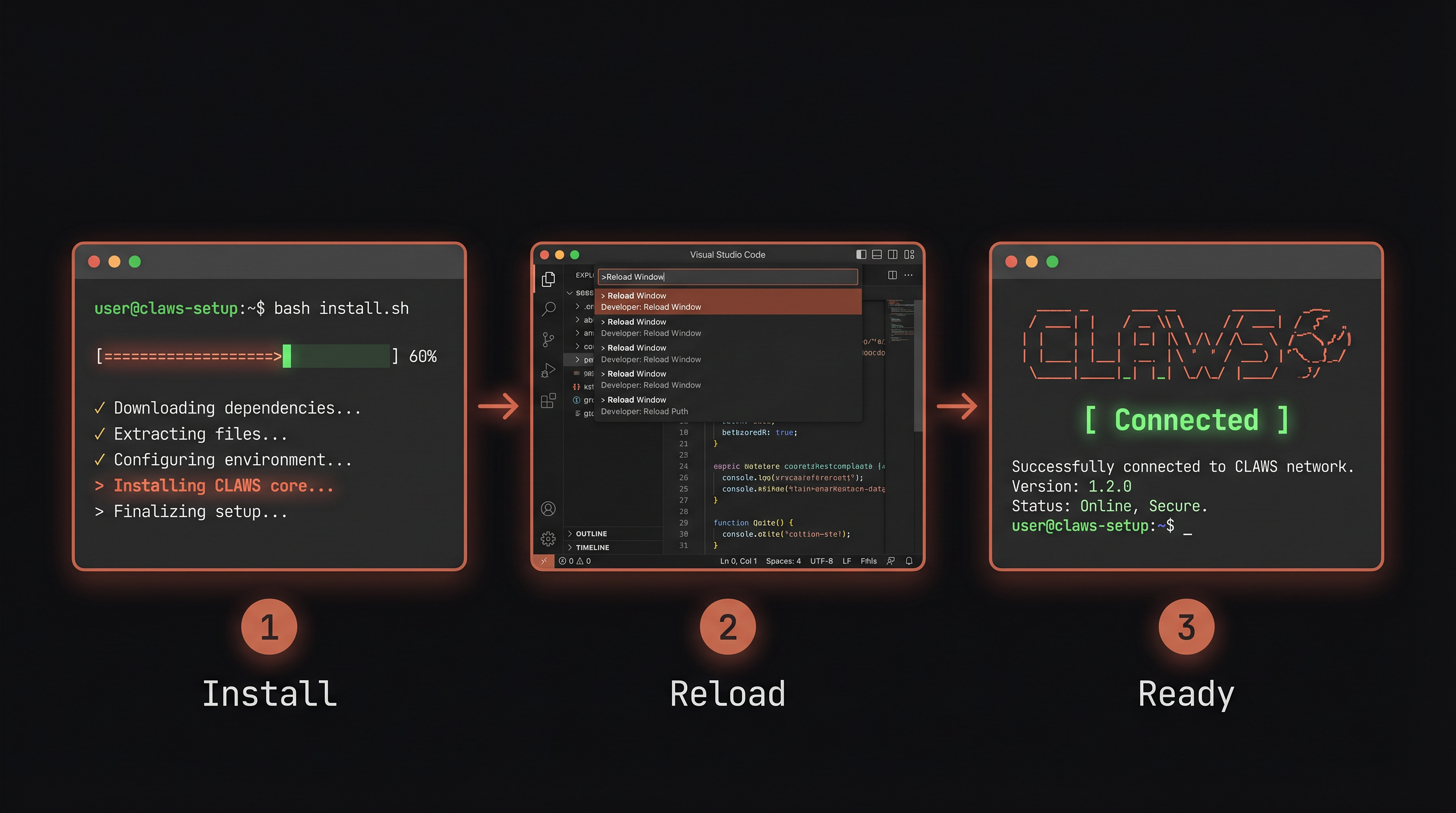
From the project root, paste this into any terminal:
bash <(curl -fsSL https://raw.githubusercontent.com/neunaha/claws/main/scripts/install.sh)The installer is project-local — it writes .mcp.json, .claws-bin/mcp_server.js, and .claude/{commands,rules,skills}/ into the project you're in. Each project gets its own configurable Claws setup. Re-run it in any other project to enable Claws there.
Zero runtime dependencies. Just Node.js (ships with VS Code). The extension is built from TypeScript on install; node-pty is an optional native dep with a pure-Node fallback.
Cmd+Shift+P → Developer: Reload Window
Exit your current Claude Code session and re-open claude from the project root so it picks up the project-local .mcp.json and registers the 8 Claws tools. If the tools don't appear, run /claws-fix.
Type /claws to see the dashboard. Type /claws-do run my tests to see it work.
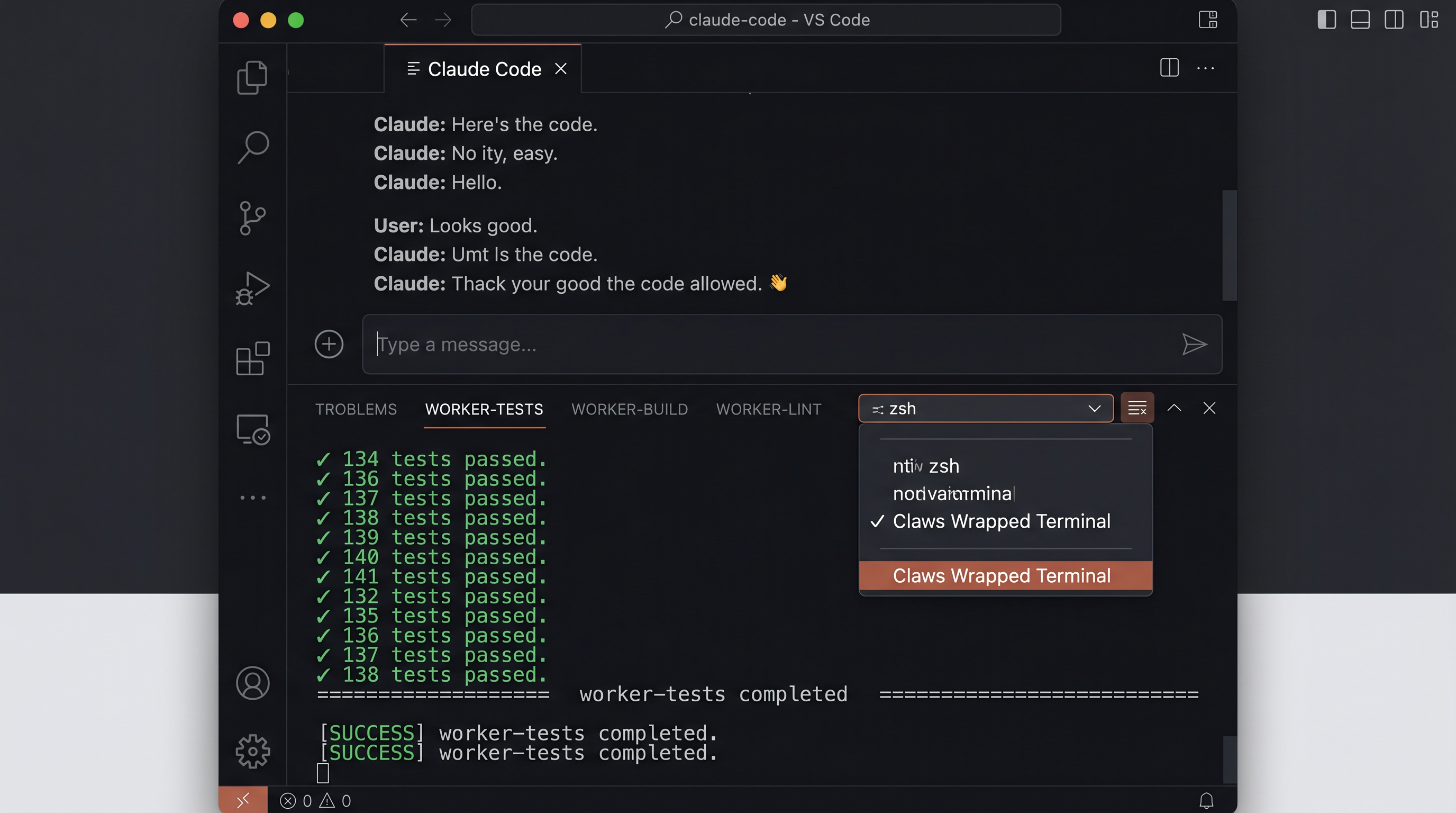
After install, your VS Code terminal panel transforms:
- CLAWS banner appears in every new terminal with live bridge status
- "Claws Wrapped Terminal" appears in the terminal dropdown — click it for full pty capture
- Multiple worker tabs appear when AI spawns parallel terminals
- Shell commands (
claws-ls,claws-new,claws-run,claws-log) work in any terminal
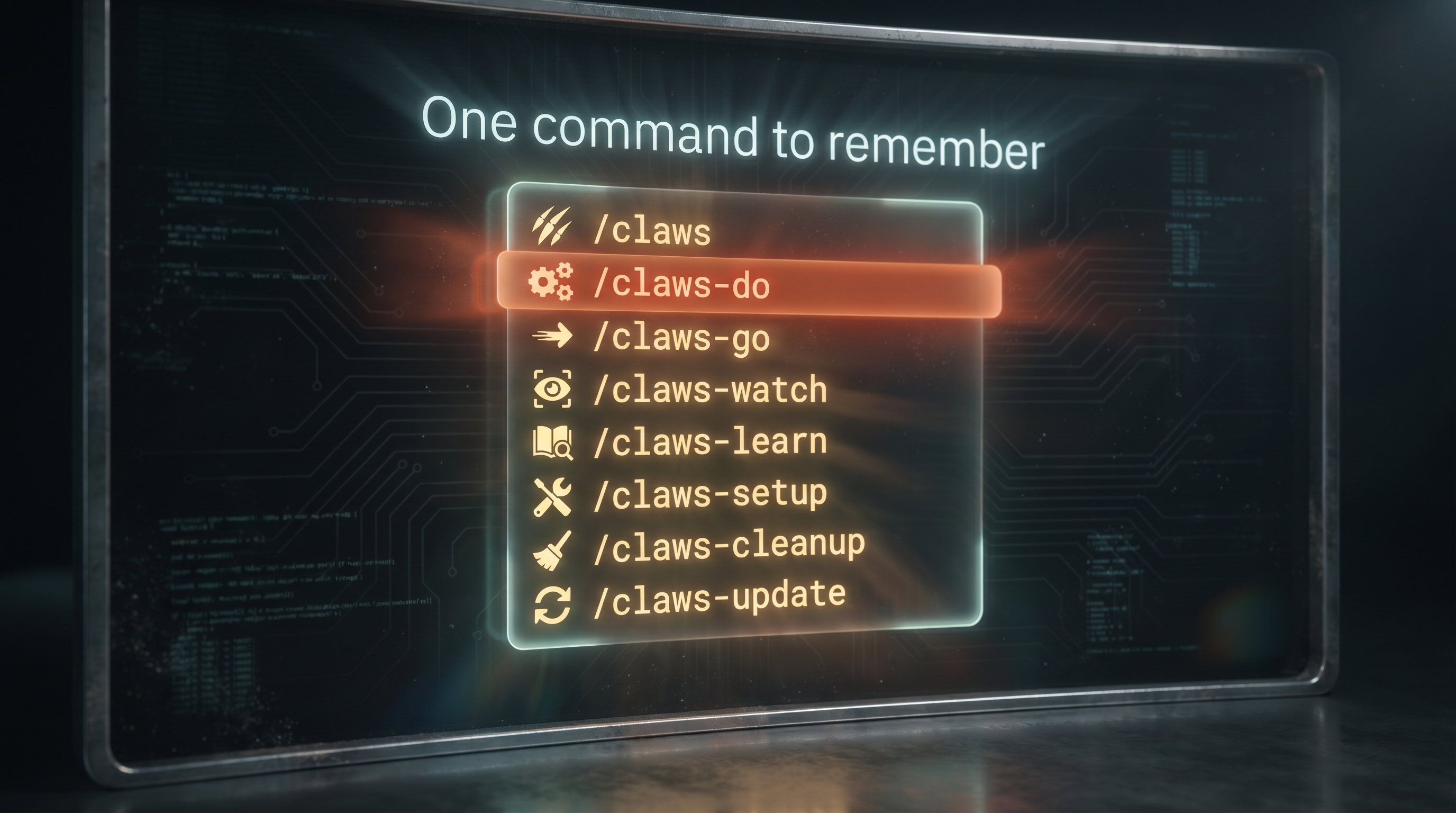
One command to remember: /claws
| Command | What it does |
|---|---|
/claws |
Dashboard — status, terminals, version |
/claws-do <task> |
Magic — describe anything, AI figures out the strategy |
/claws-go <mission> |
Spawn a Claude Code worker instantly |
/claws-watch |
Live control room of all terminals |
/claws-learn |
Interactive prompt guide (5 levels) |
/claws-cleanup |
Close all worker terminals |
/claws-update |
Pull latest + full rebuild + what's new |
/claws-do run my tests                              → single terminal, runs tests, reports
/claws-do lint test and build in parallel            → 3 terminals, all running simultaneously
/claws-go fix the bug in auth.ts                     → spawns a Claude worker to fix it
/claws-go audit this codebase for security issues    → spawns a Claude worker to audit
/claws-watch                                          → shows all terminals + their latest output
/claws-cleanup                                        → closes all worker terminals
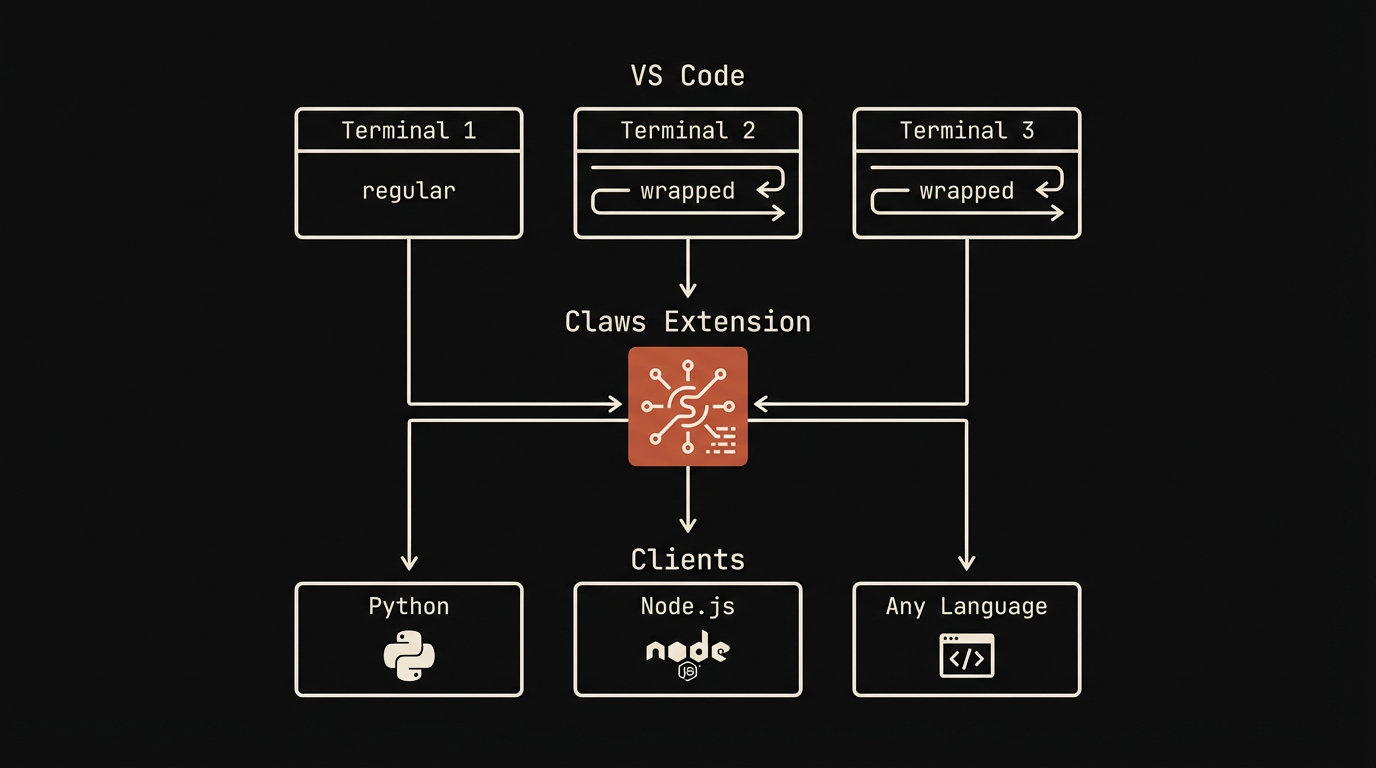
Claws runs a socket server inside VS Code. Any process connects and controls terminals via JSON commands.
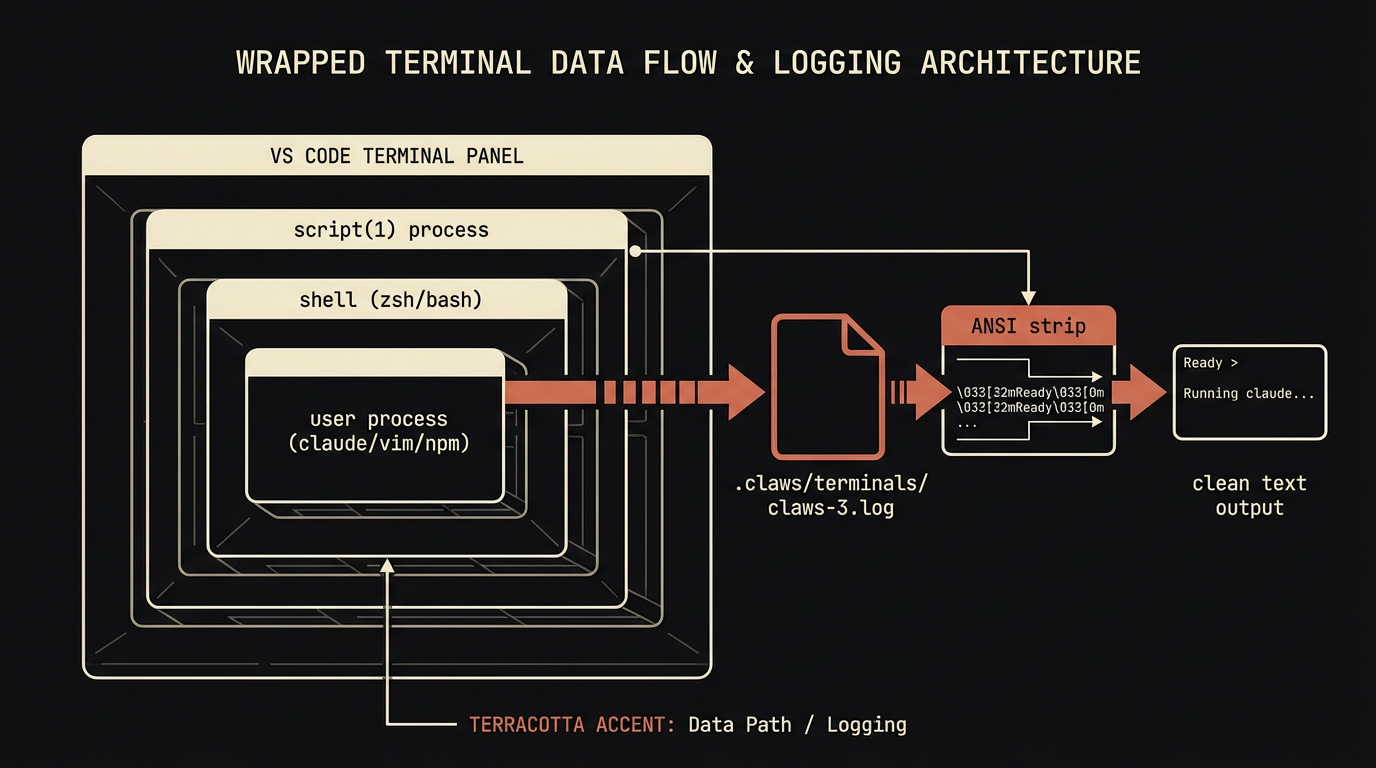
Wrapped terminals are the key feature — as of v0.4 they use VS Code's native Pseudoterminal API (backed by node-pty, with a child_process pipe-mode fallback). No script(1) wrapping means zero rendering corruption for TUI apps like Claude Code, vim, htop, k9s. Every byte the shell emits flows through the extension's own onDidWrite event and into an in-memory ring buffer — readable via readLog with ANSI escapes stripped, giving you clean text of everything that happened.
A status bar item (right side, $(terminal) Claws (N)) shows live socket + terminal count at a glance; click it to run Health Check. Color shifts to warning-yellow in pipe-mode and error-red when no server is running.
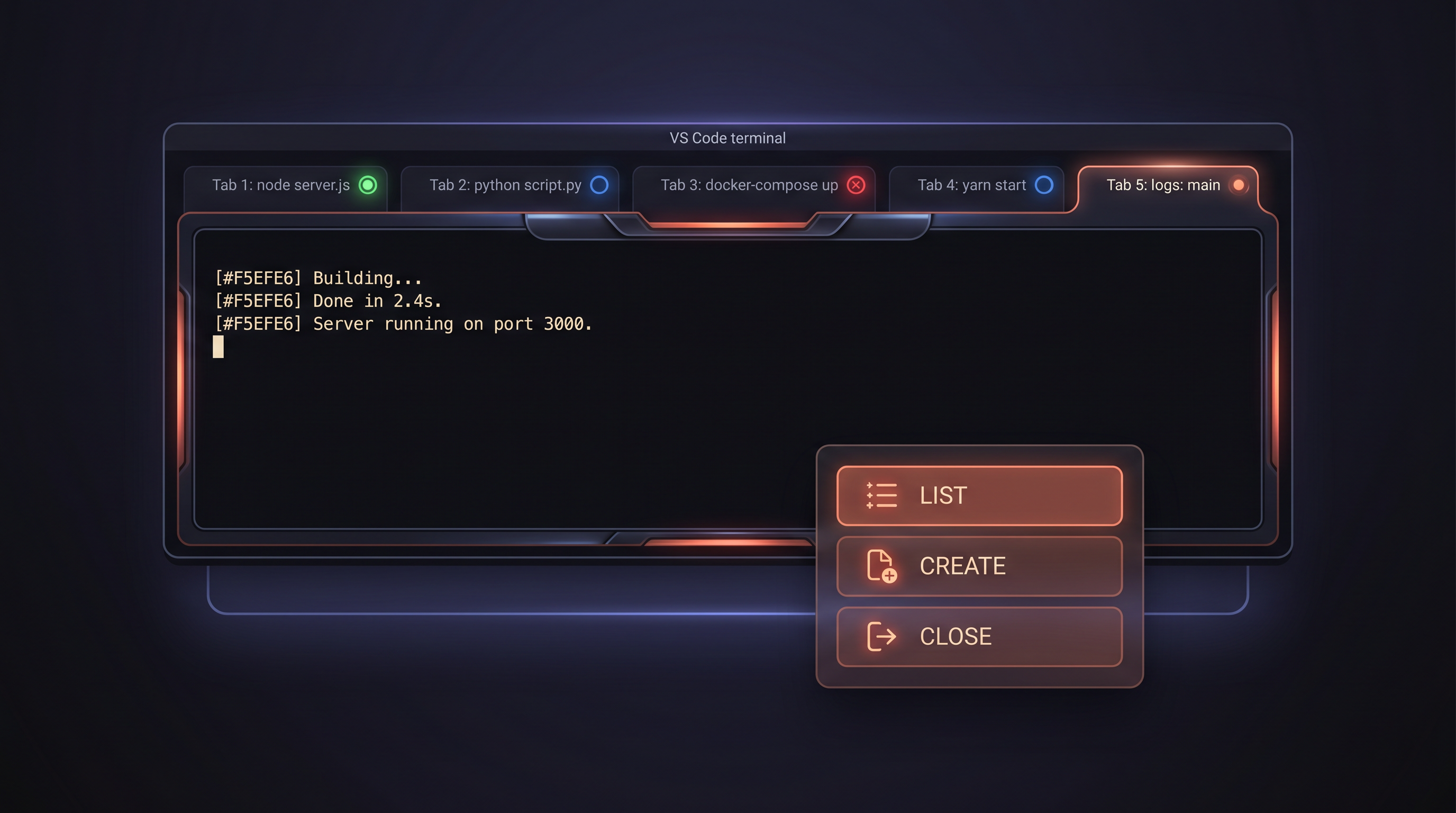
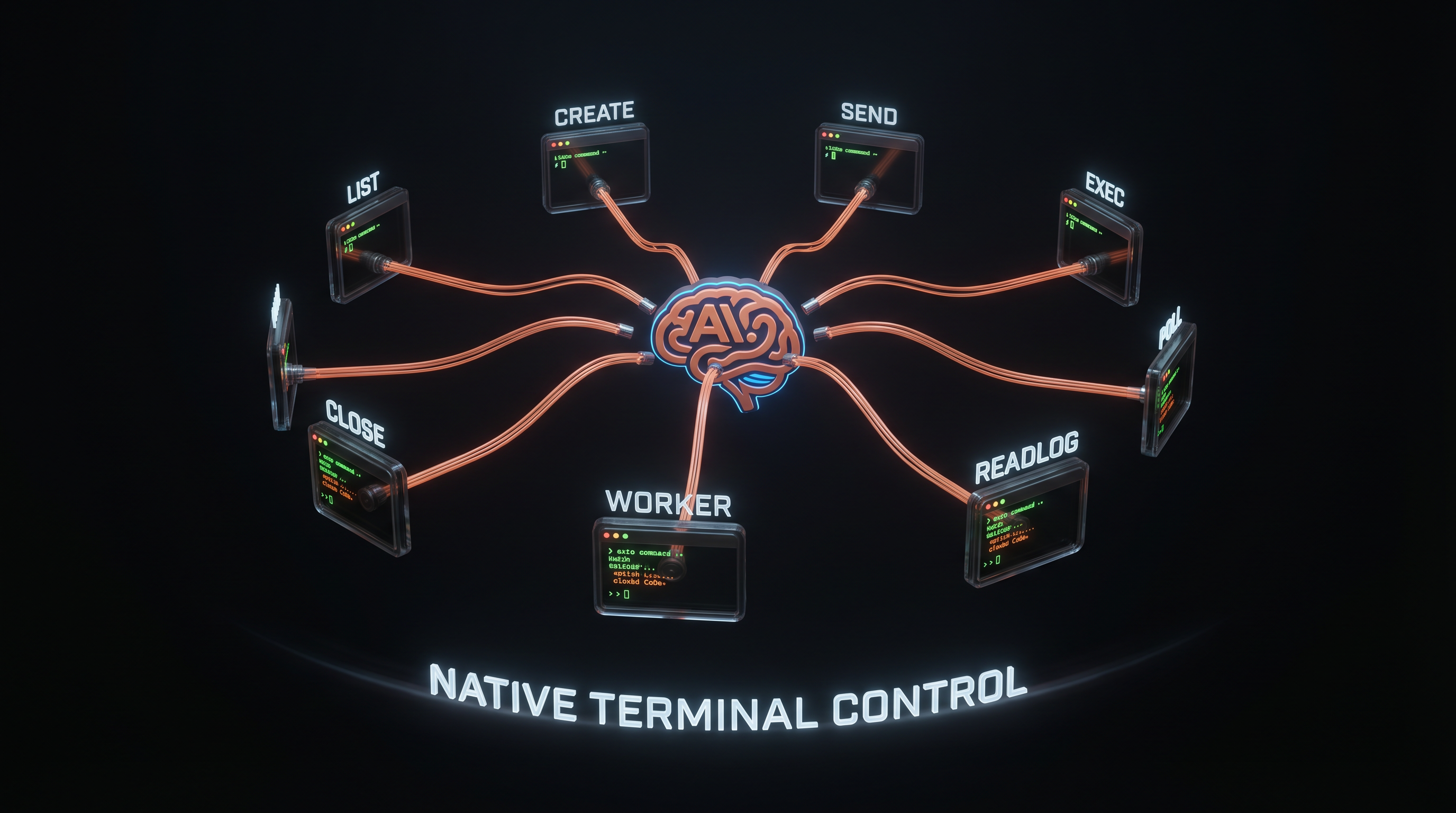
List all terminals with PID, name, status. Create new ones with custom names. Focus, show, close programmatically. Every terminal gets a stable numeric ID.
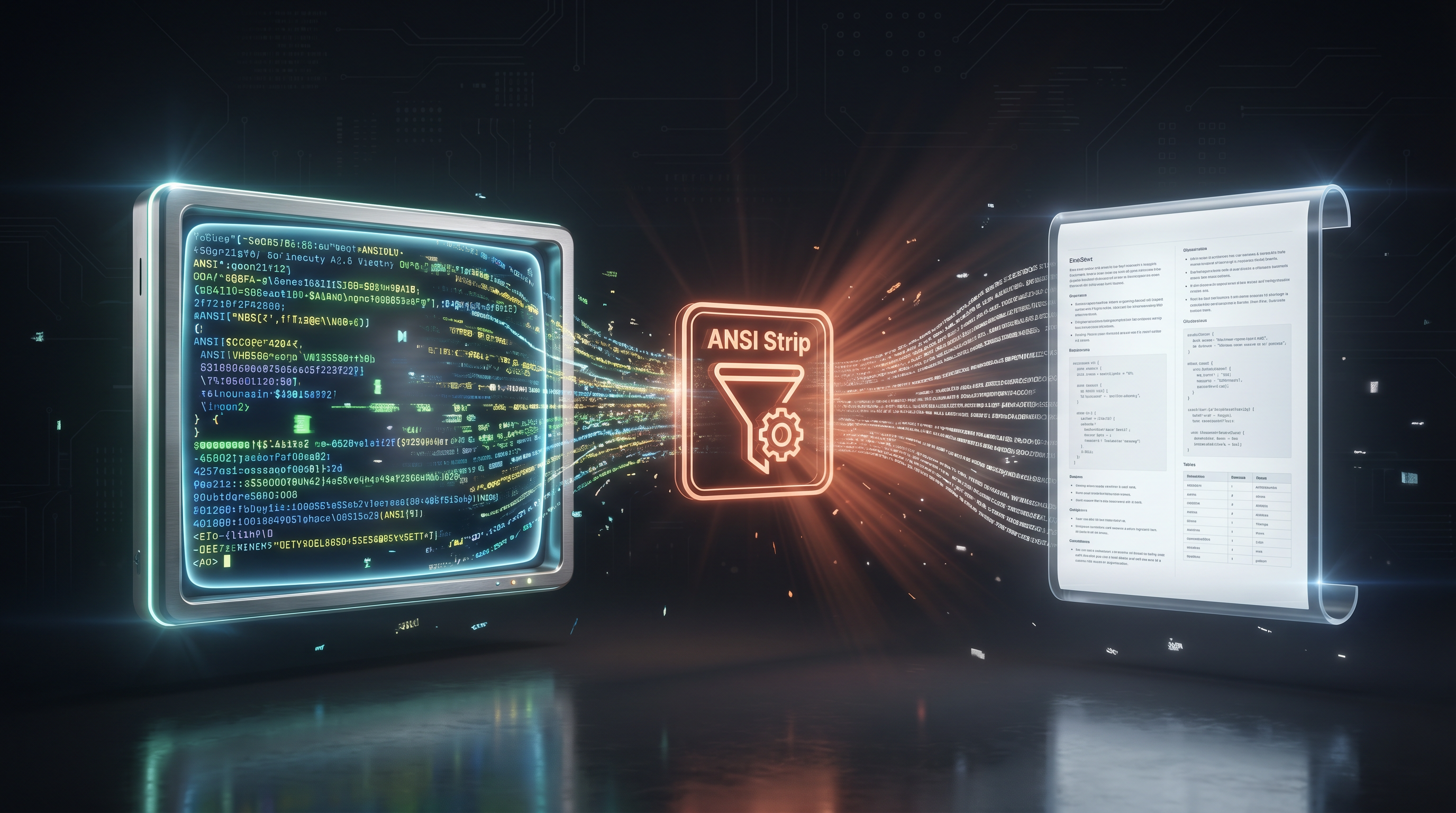
Read back anything — Claude Code conversations, vim sessions, build logs, REPL outputs. The terminal looks and behaves normally. The capture layer is invisible.
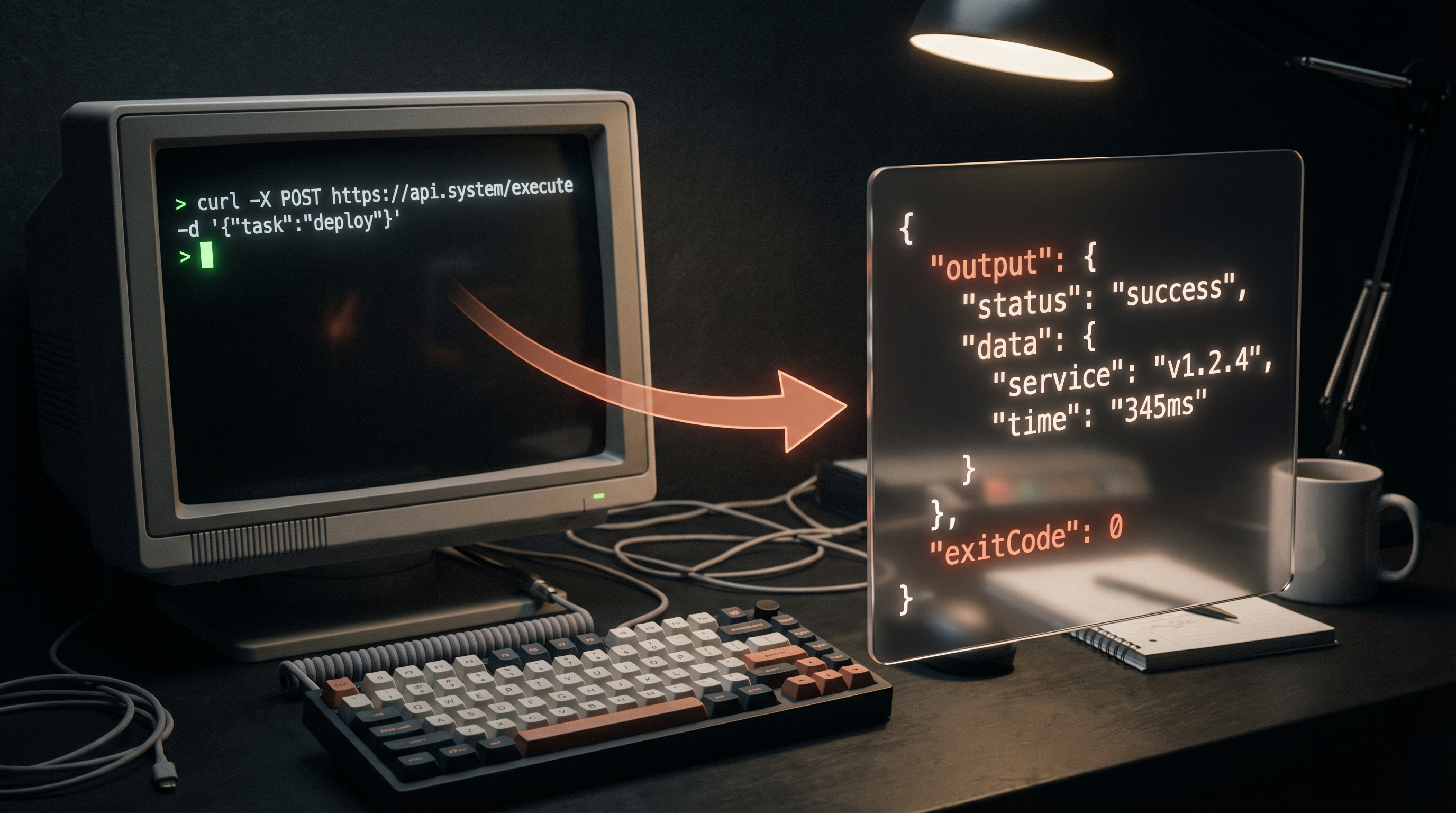
Run commands with captured stdout + stderr + exit code. File-based capture works in every terminal type without shell integration.
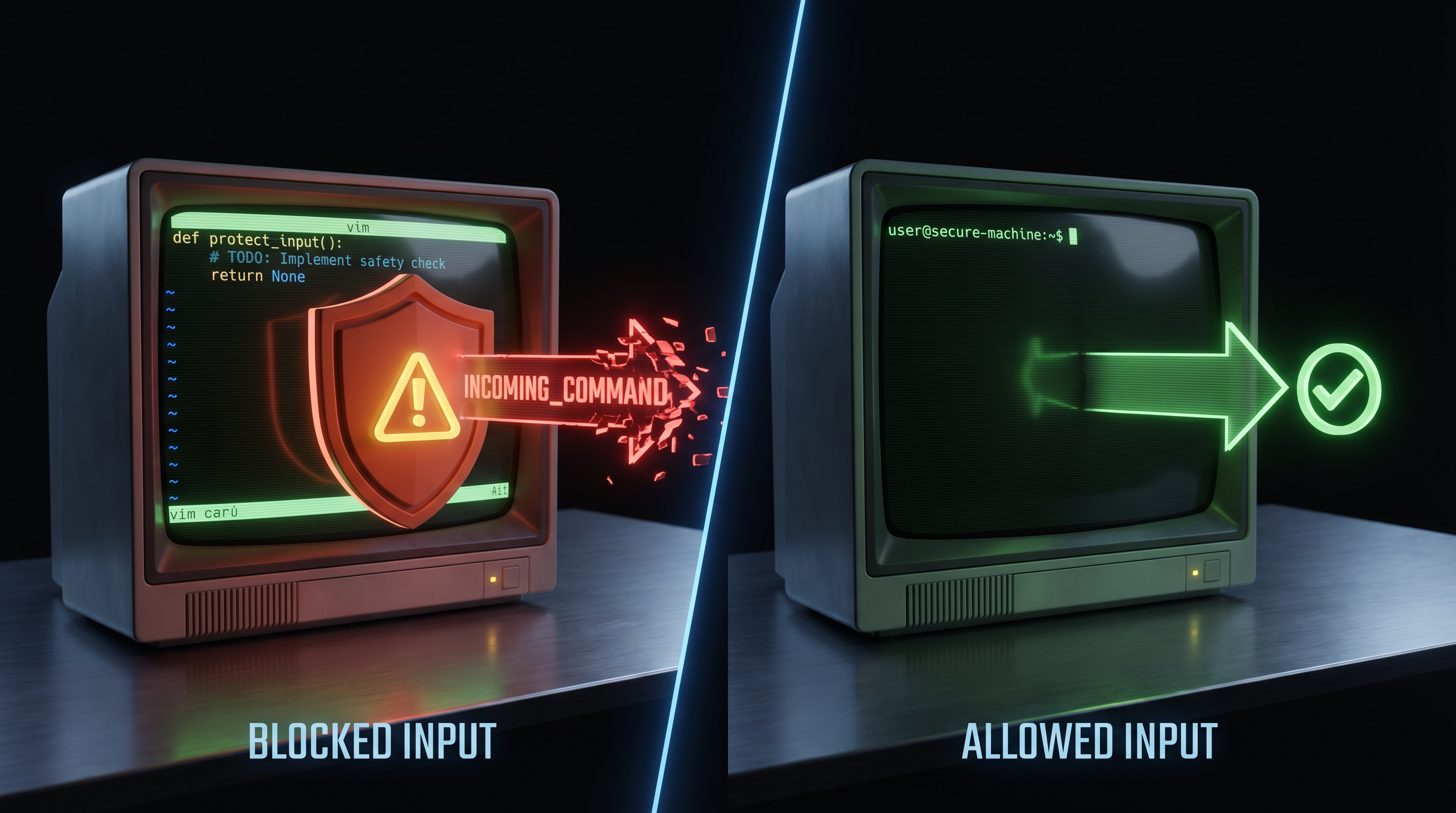
Detects TUI vs shell. Warns before sending text into vim/claude instead of a shell prompt. Non-blocking by default.
Every install ships with a first-class diagnostic surface — no external tools, no guesswork.
- Status bar item — live
$(terminal) Claws (N)with socket + node-pty state in the tooltip. Click to run Health Check. Warning-yellow in pipe-mode, error-red when no server is running. - Health Check (
cmd+alt+c h/ palette →Claws: Health Check) — one-shot introspection snapshot: extension version, Node + Electron ABI, platform,node-ptyload path (or fallback reason), every active socket, MCP server version, uptime. - Show Log (
cmd+alt+c l) — focuses theClawsOutput channel with the full runtime trace. - Show Status (
cmd+alt+c s) — markdown-formatted runtime block, copy-pasteable into a bug report. - List Terminals — QuickPick of every Claws-known terminal (
id · name · wrapped/unwrapped · pid); selecting one focuses it. - Rebuild Native PTY — runs
@electron/rebuildagainst the bundlednode-pty. Use after a VS Code major upgrade if pipe-mode fallback kicks in. - Uninstall Cleanup — scans open workspace folders, inventories every Claws-installed file (
.mcp.jsonentry,.claws-bin/,.claude/commands/claws-*, skill dirs,.vscode/extensions.jsonrecommendation, fenced block inCLAUDE.md), shows a per-folder confirmation, removes only what was installed, and writes a summary to the Output channel.
All seven commands are also reachable from the command palette under the Claws: category.
As of v0.4, every project you install into gets its own .mcp.json pointing at a vendored mcp_server.js under .claws-bin/. Each project's Claws setup is independent — customize per-project, commit with the repo, or gitignore it. The installer handles this automatically.
// <project>/.mcp.json
{
  "mcpServers": {
    "claws": {
      "command": "node",
      "args": ["./.claws-bin/mcp_server.js"],
      "env": { "CLAWS_SOCKET": ".claws/claws.sock" }
    }
  }
}
Tools: claws_list · claws_create · claws_send · claws_exec · claws_read_log · claws_poll · claws_close · claws_worker
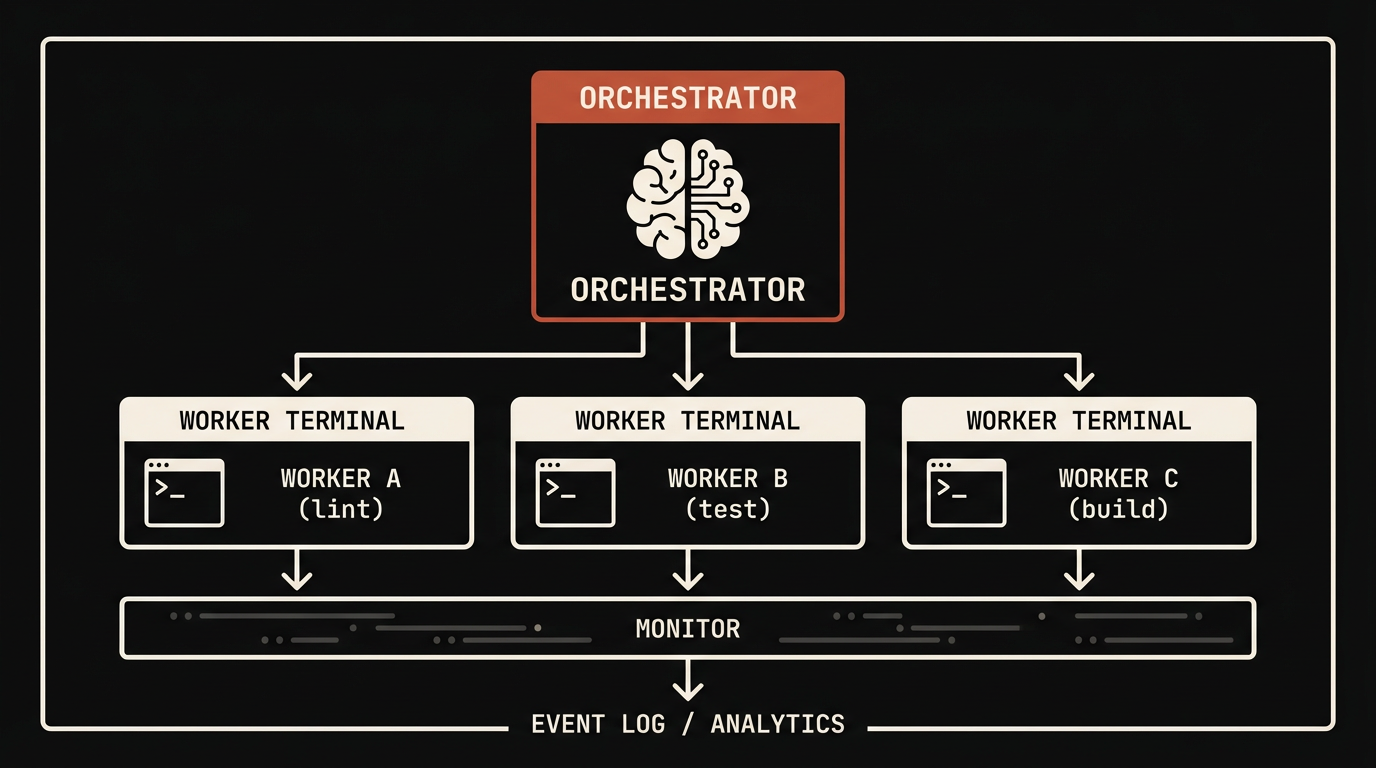
claws_worker is a single blocking tool call that runs the full worker lifecycle: spawn a wrapped terminal → launch Claude Code with full permissions → detect boot → send mission → poll the capture buffer for MISSION_COMPLETE (or a custom marker) → harvest the last N lines → auto-close the terminal → return a structured result.
{
  "name": "claws_worker",
  "arguments": {
    "name": "refactor-auth",
    "mission": "Refactor auth.ts to use bcrypt. Write MISSION_COMPLETE when done.",
    "timeout_ms": 900000,
    "harvest_lines": 300
  }
}
Returns { status: "completed" | "failed" | "timeout", terminal_id, duration_ms, marker_line, harvest, cleaned_up }. No manual polling, no manual cleanup. Pass detach: true to keep the old fire-and-forget behavior.
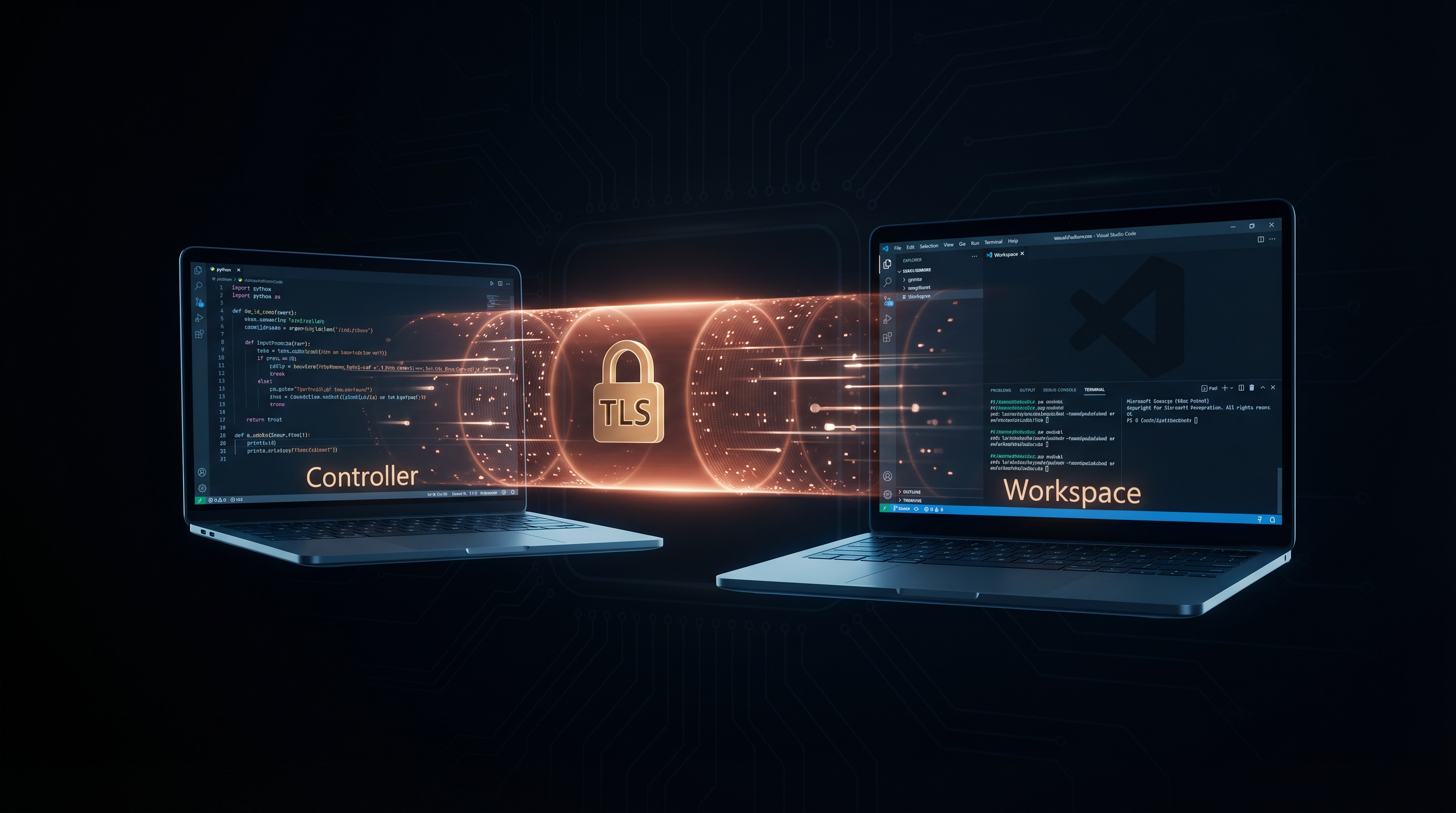
WebSocket transport with token auth + TLS. SSH tunnel works today:
ssh -L 9999:/remote/.claws/claws.sock user@remoteThe installer writes files in two scopes: the machine (once) and the project you ran it in (per-project, re-run for each project you want Claws in).
| What | Where | Purpose |
|---|---|---|
| Cloned source | ~/.claws-src/ |
Full repo clone — used by /claws-update |
| VS Code extension | ~/.vscode/extensions/neunaha.claws-0.5.0 |
Symlink → ~/.claws-src/extension |
| Extension bundle | ~/.claws-src/extension/dist/extension.js |
Built from TypeScript on install |
| Bundled native PTY | ~/.claws-src/extension/native/node-pty/ |
Self-contained node-pty — keeps wrapped terminals glitch-free without a global install |
| Shell hook | ~/.zshrc, ~/.bashrc, ~/.bash_profile, ~/.config/fish/conf.d/claws.fish |
CLAWS banner + claws-* shell commands |
| What | Where | Purpose |
|---|---|---|
| MCP registration | <project>/.mcp.json |
Registers Claws MCP for this project |
| Self-contained MCP | <project>/.claws-bin/mcp_server.js |
Vendored copy — relative-path registration |
| Slash commands | <project>/.claude/commands/claws-*.md |
19 commands: /claws, /claws-do, /claws-go, /claws-worker, /claws-fleet, /claws-fix, /claws-update, … |
| Behavior rule | <project>/.claude/rules/claws-default-behavior.md |
Claude prefers visible terminals in this project |
| Orchestration skill | <project>/.claude/skills/claws-orchestration-engine/ |
7 patterns + lifecycle protocol |
| Prompt templates | <project>/.claude/skills/claws-prompt-templates/ |
7 mission templates |
| Dynamic CLAUDE.md block | <project>/CLAUDE.md (fenced <!-- CLAWS:BEGIN --> … <!-- CLAWS:END -->) |
Tool list + operating principles (generated at install time) |
| Workspace recommendation | <project>/.vscode/extensions.json |
Adds neunaha.claws to recommendations so teammates are prompted to install on open |
Set CLAWS_GLOBAL_CONFIG=1 to mirror the per-project config into ~/.claude/. Set CLAWS_GLOBAL_MCP=1 to also register the MCP globally in ~/.claude/settings.json. Both default to off.
Machine-wide: rm -rf ~/.claws-src, remove the extension symlink, remove the shell-hook line. Project-level: rm -rf .claws-bin .claude/commands/claws-*.md .claude/rules/claws-default-behavior.md .claude/skills/claws-* .mcp.json and delete the fenced block from CLAUDE.md.
| Resource | Description |
|---|---|
| Complete Guide | 12-chapter course, install to fleet orchestration |
| Feature Reference | Every command, parameter, edge case |
| Protocol Spec | Full JSON socket protocol |
| Prompt Templates | 7 mission prompt patterns |
| Landing Page | Website with visuals + case studies |
| Contributing | Dev setup + how to contribute |
Claws was designed for and tested with Claude Opus — the model with the deepest reasoning for multi-terminal orchestration.
- v0.3 ✅ Zero dependencies — Node.js only
- v0.4 ✅ TypeScript rewrite, Pseudoterminal (no glitching), blocking
claws_worker, project-local install, dynamic CLAUDE.md, automatic legacy migration - v0.5 ✅ Hardening sweep —
introspectcommand, status bar item, Health Check / Uninstall Cleanup, chord keybindings, UUID profile adoption, hot-reloadable config, bundlednode-pty, 57 automated checks - v0.6 — MCP server Layer 2 rewrite, WebSocket transport, cross-device control, team config, device discovery, web dashboard, VS Code Marketplace publish
MIT · Anish Neunaha · Website