Opening a folder with a # in the name throws up a 404 message #1306

Description

Expected behaviour
All the files are displayed as with any other folder.
Actual behaviour
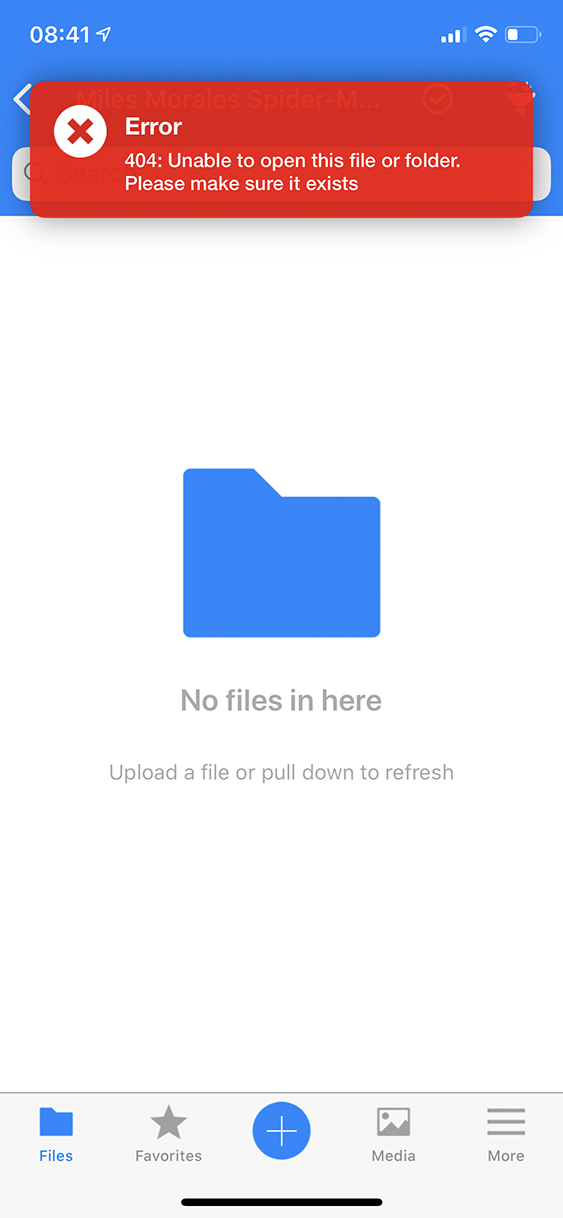
The app displays a 404 message. Only after a manual refresh do the files get loaded.
Steps to reproduce
- Create a directory structure like this:
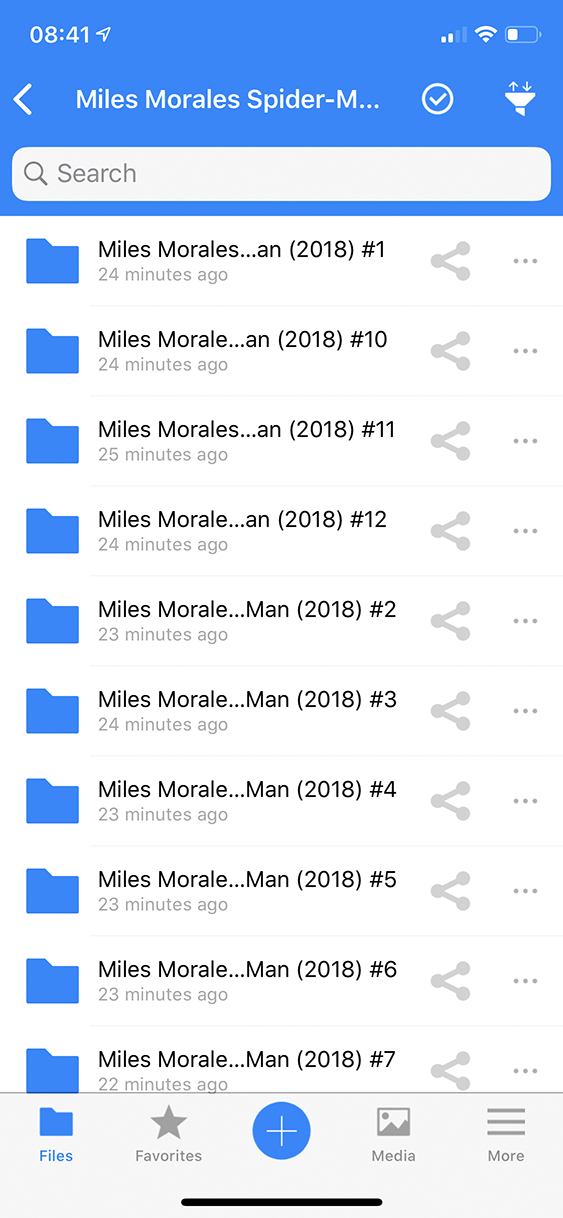
<nextcloud root>/Miles Morales Spider-Man (2018 - Present)/Miles Morales Spider-Man (2018) #6
and put files in it. - Try to access the folder in the iOS app. The app will throw a 404 error
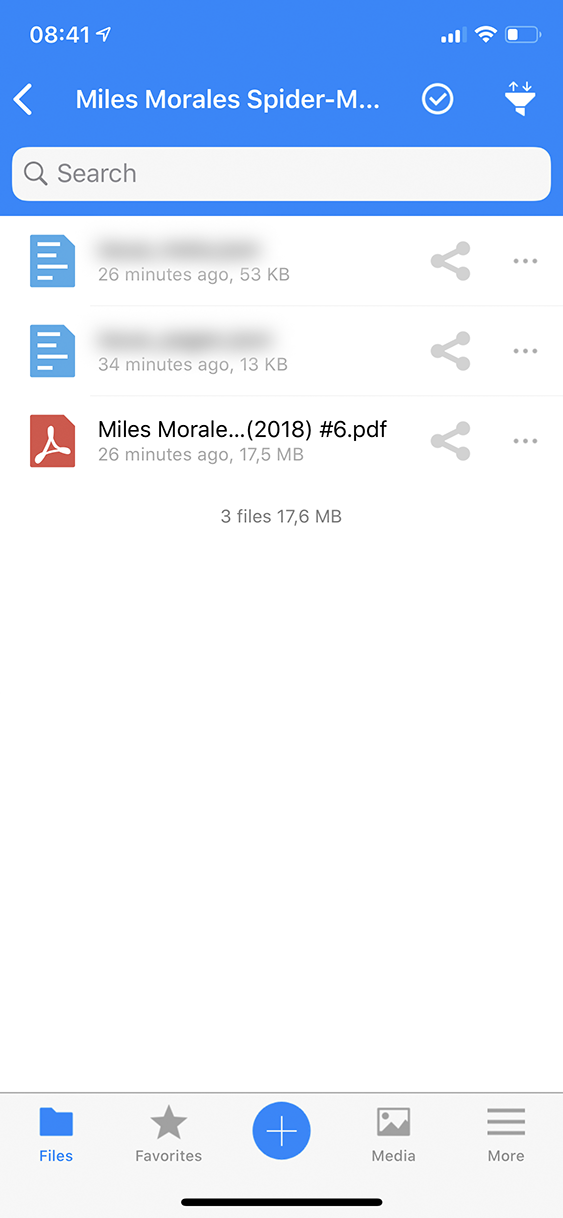
- Manually drag to refresh
- The files are now there
On every subsequent opening of the folder, the app will throw up the 404 error again, even though the file list is cached and the app already knows there are files there
Screenshots
The list of directories:
The 404 error in question:
After a manual refresh:
Reasoning or why should it be changed/implemented?
Should be self-evident, really
iOS version
13.5
App version
2.25.9.2
Server configuration
Operating system: Debian 10
Web server: nginx 1.19.0
Database: MariaDB 10.4.13
PHP version: PHP 7.3.18
Nextcloud version: 18.0.6