-
Notifications
You must be signed in to change notification settings - Fork 2
Getting Started
This guide walks you through setting up gh-tree on your GitHub Profile README or any project repository in less than 2 minutes.
Place these HTML comment tags in your README.md where you want the animated tree to appear:
<!-- commit-tree-start -->
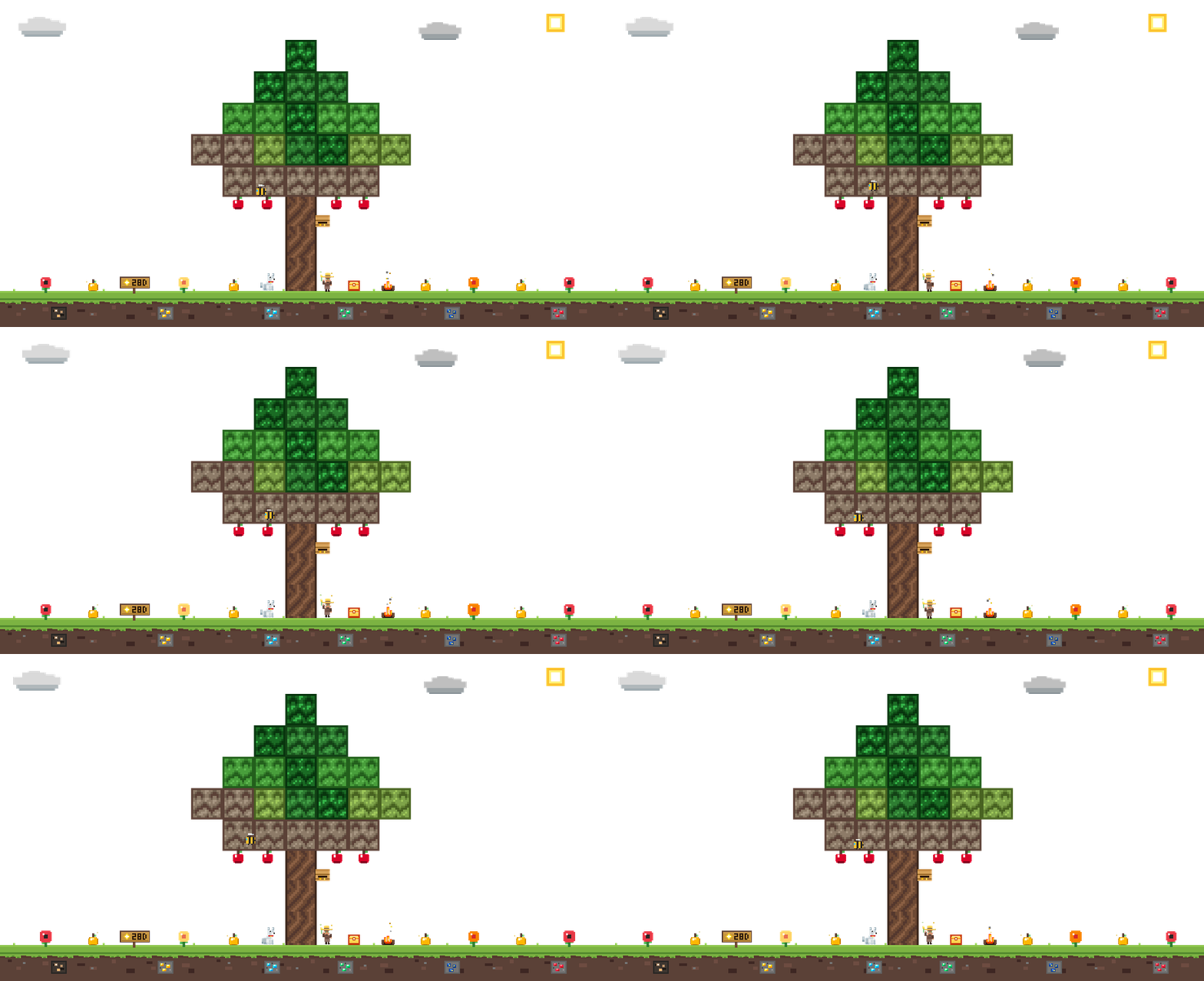
<!-- commit-tree-end -->The GitHub Action will automatically generate tree.gif, replace the content between these tags, and commit the updated image.
Create a new workflow file at .github/workflows/tree.yml:
name: Generate Commit Tree

on:
  schedule:
    - cron: '0 0 * * *' # Runs every midnight UTC
  workflow_dispatch:     # Allows manual trigger from GitHub Actions tab
  push:
    branches:
      - main

permissions:
  contents: write

jobs:
  update-tree:
    runs-on: ubuntu-latest
    steps:
      - uses: actions/checkout@v4

      - name: Generate Minecraft Tree
        uses: nivinvysakh/gh-tree@main
        with:
github-token: ${{ secrets.GITHUB_TOKEN }}By default, the default ${{ secrets.GITHUB_TOKEN }} only sees your public contributions.
If you want your tree to reflect private and organization commits:
- Go to GitHub Settings $\rightarrow$ Developer settings $\rightarrow$ Personal Access Tokens $\rightarrow$ Fine-grained tokens or Tokens (classic).
- Generate a token with the
read:userscope. - Go to your repository settings: Settings
$\rightarrow$ Secrets and variables$\rightarrow$ Actions$\rightarrow$ New repository secret. - Name the secret
TREE_PATand paste your token value. - In your
.github/workflows/tree.yml, update the token input:
        with:
github-token: ${{ secrets.TREE_PAT }}You can customize biomes, companions, and city weather in your workflow:
        with:
          github-token: ${{ secrets.GITHUB_TOKEN }}
          tree-type: "sakura"     # oak | sakura | spruce | birch
          pet: "auto"             # auto | wolf | fox | cat | none
          city: "Tokyo"           # Live weather via Open-Meteo
          show-campfire: "auto"   # auto | true | false
          show-chest: "auto"      # auto | true | false
          event: "auto"           # auto | halloween | holiday | fireworks | none
Next, check out Biomes & Trees and Collectibles & Game Mechanics!
gh-tree is created and maintained by @nivinvysakh and amazing open-source contributors! 💖
Contribute code or documentation to unlock the exclusive Lapis Lazuli Ore 🔷!