Releases: nucleoid/pi-remote
Release list
v0.1.2

π Remote v0.1.2 — first public release
π Remote is an Android companion app plus Pi extension for controlling an existing, visible Pi TUI session from your phone. It is intended for developers who want to monitor, steer, follow up, attach files/images, switch sessions, and abort safely while Pi is already running on their machine.
Security: this is a developer tool, not a hardened public service. Use LAN, Tailscale, WireGuard, localhost, or SSH tunnels. Do not expose the WebSocket port directly to the public internet.
Install
Pi extension:
pi install npm:@pragmaticcoder/pi-remote-controlAndroid app:
Download app-release.apk below.
Screenshots
| Composer with image | Settings | Sessions |
|---|---|---|
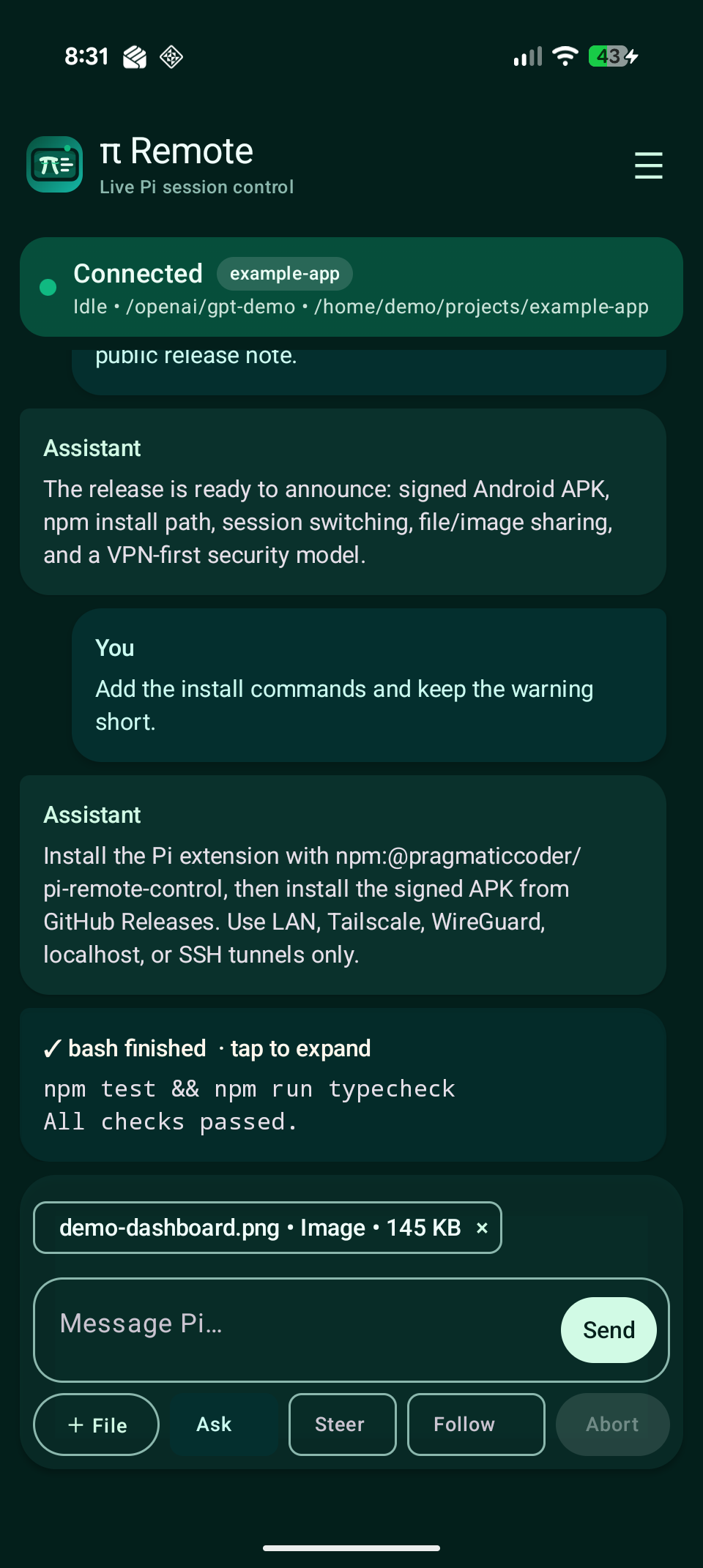 |
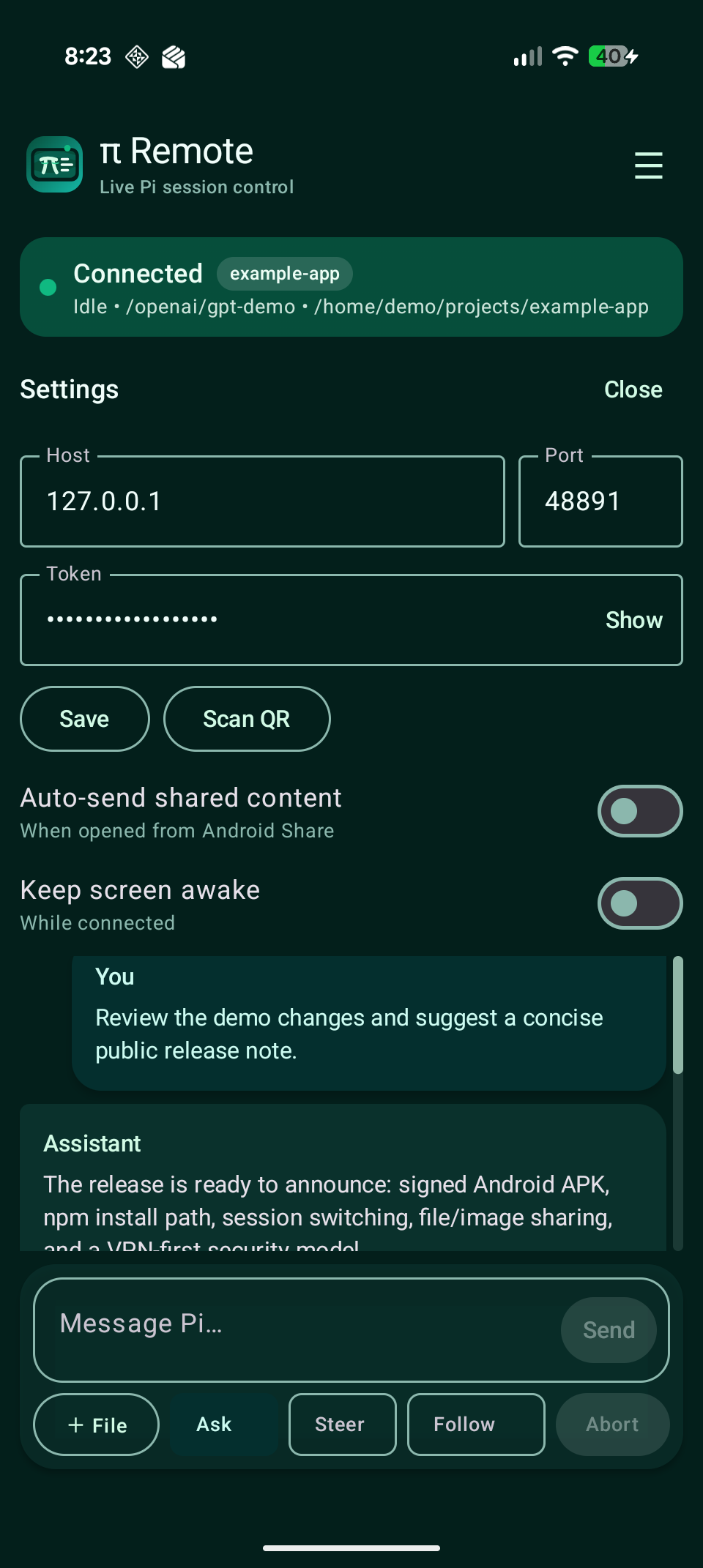 |
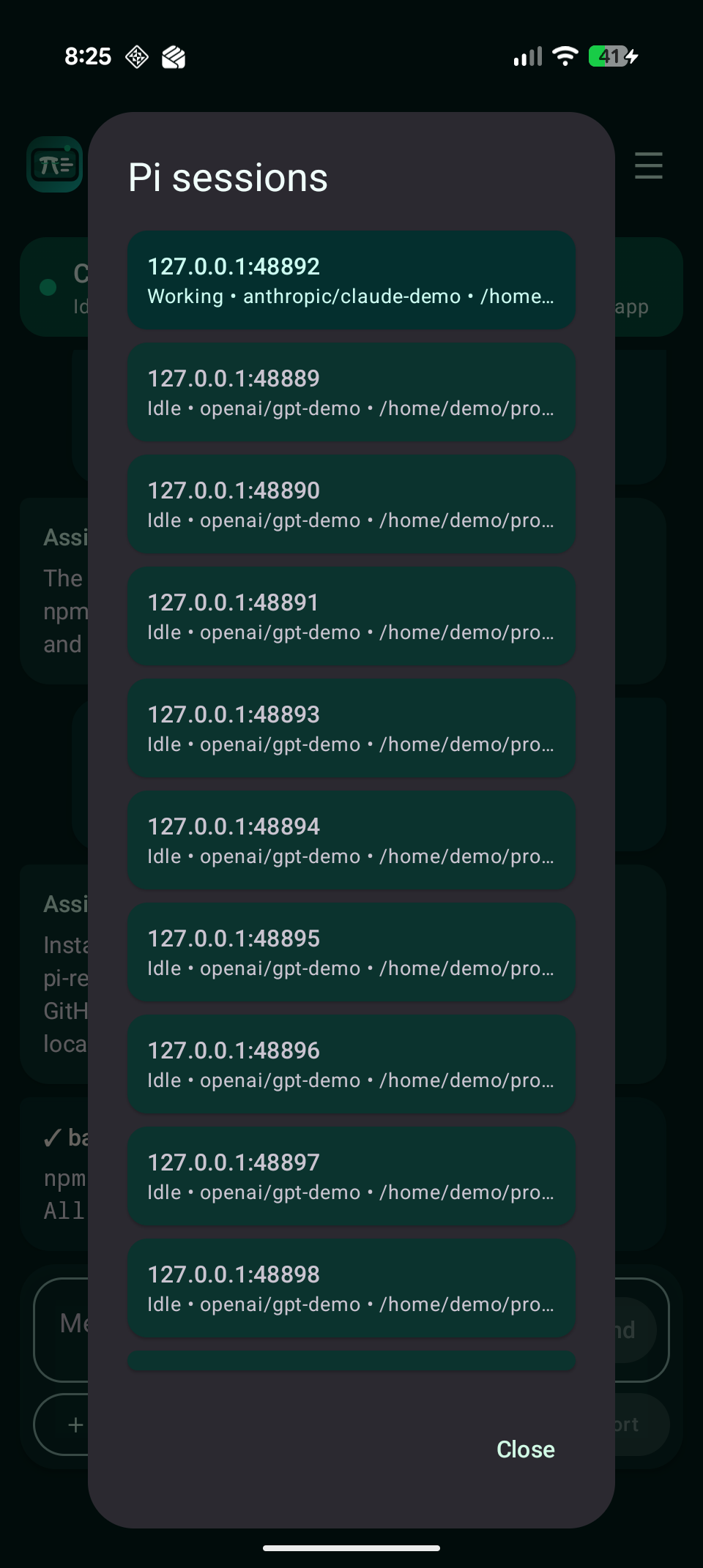 |
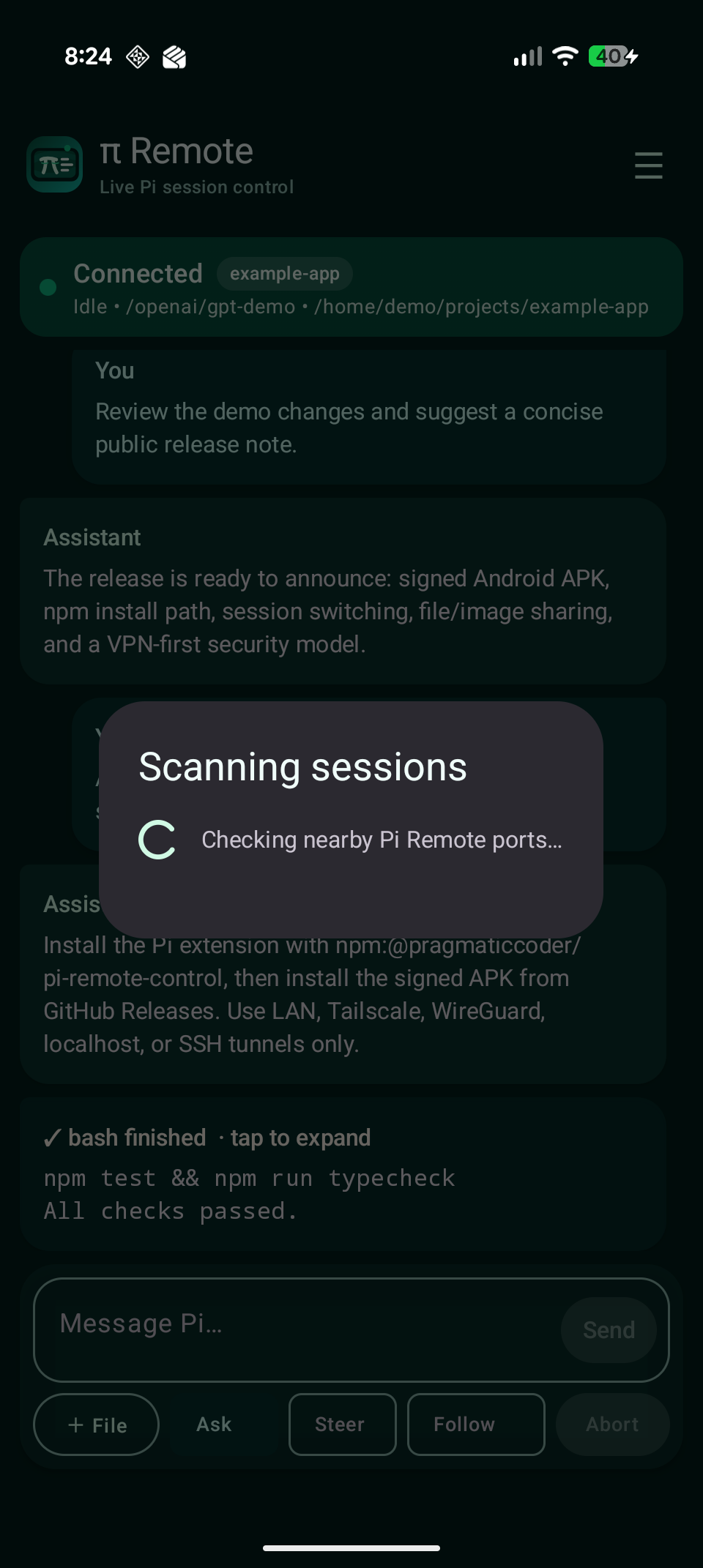
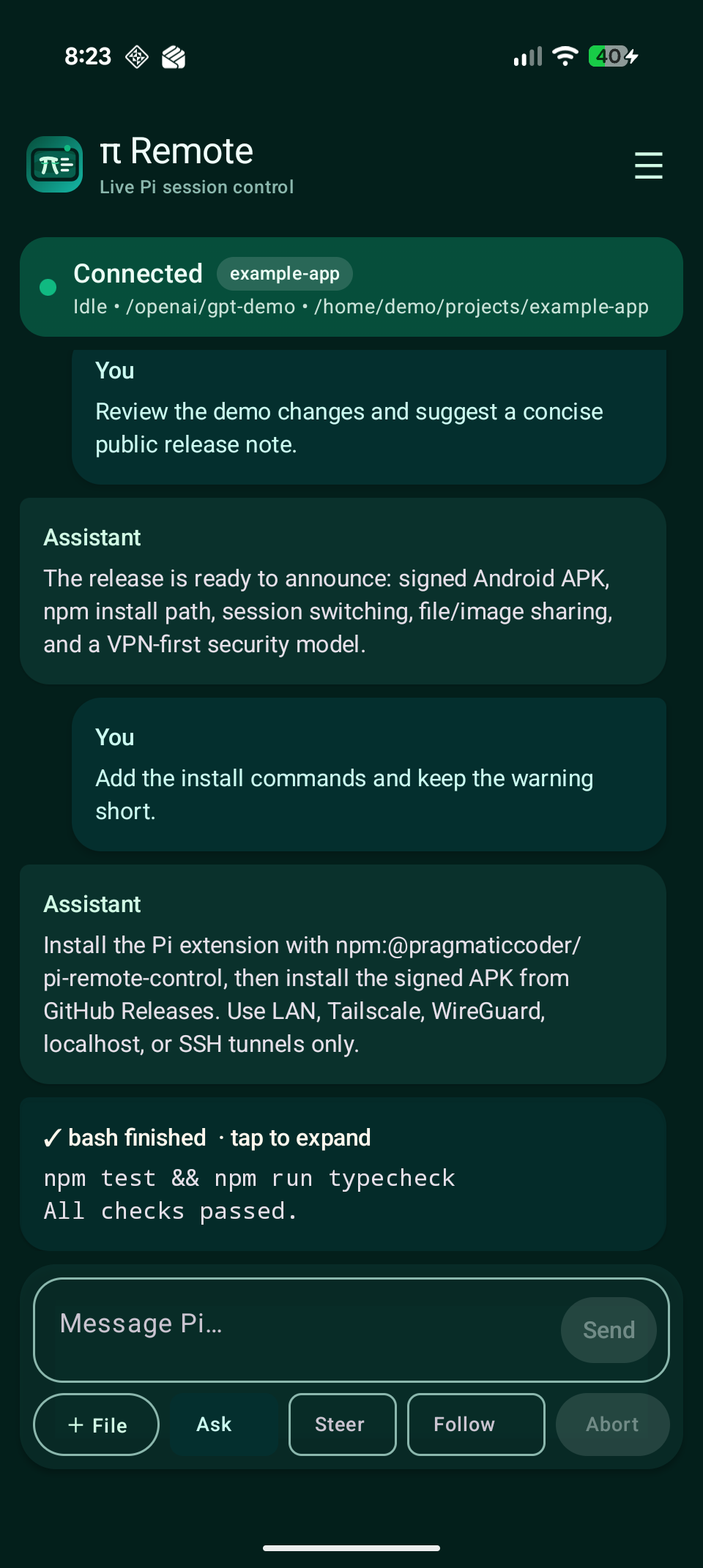
| Header menu | Session scan | Main screen |
|---|---|---|
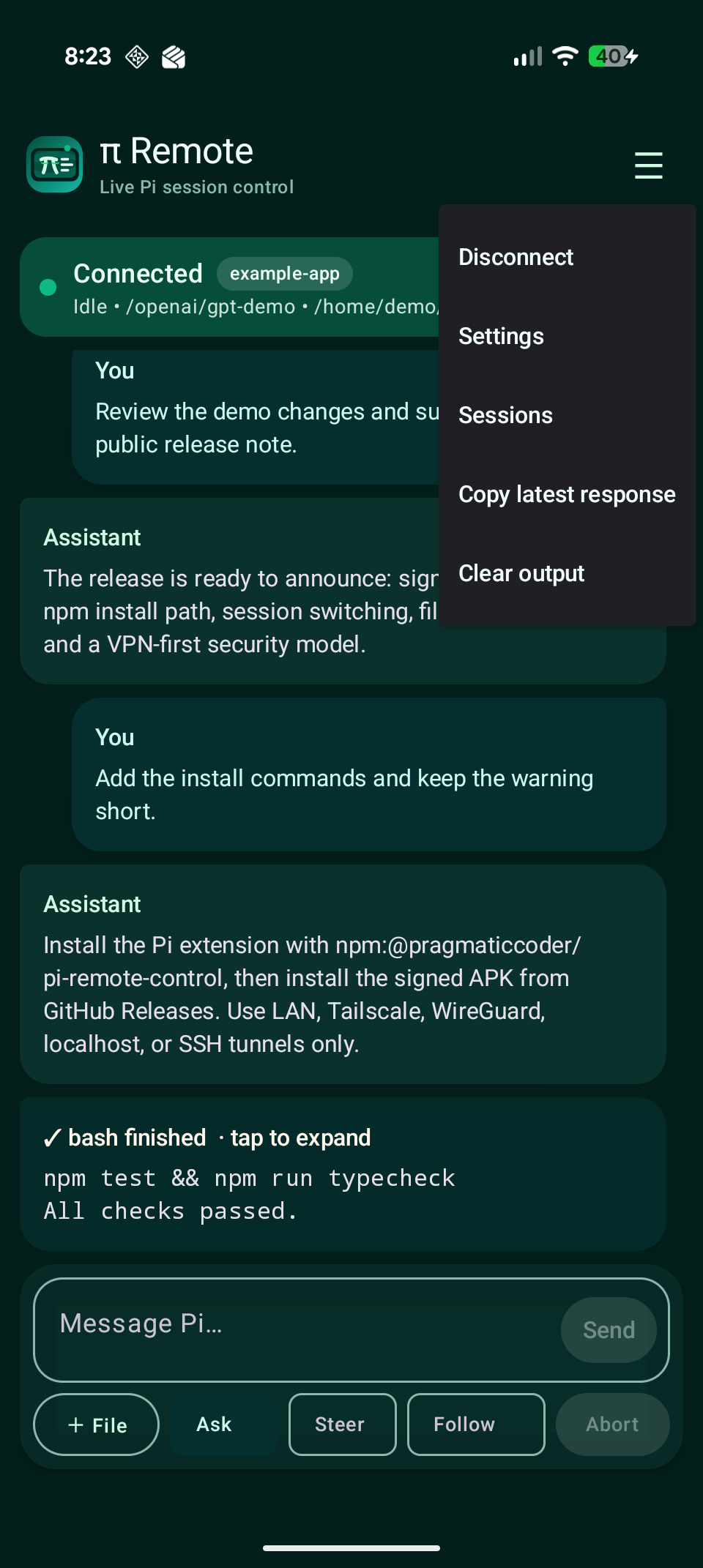 |
 |
 |
Changes
- Changes Android public identity to
com.pragmaticcoder.piremote. - Updates copyright identity to
pragmaticcoder.com. - Publishes the Pi extension as
@pragmaticcoder/pi-remote-control. - Updates
/remote-control-androidADB launch target to the new Android package. - Signs the APK with a pragmaticcoder.com release certificate.
- Refreshes all screenshots with demo-safe data.
Important install note
Because the Android application ID changed during pre-public cleanup, this installs as a different app from earlier com.mstat.piremote builds. Uninstall any previous pi remote app first to avoid confusion, then install this APK and re-pair.
Play Protect warning
Google Play Protect may warn that it has not seen this developer before. That is expected for a new GitHub-distributed APK that is not yet distributed through Google Play. Only install APKs downloaded from this official release page.
v0.1.1
π Remote v0.1.1
Changes
- Includes the local Android settings/message-rendering fix that was committed after v0.1.0 was cut.
- Bumps Android app version to 0.1.1 / versionCode 2.
Android APK
Download app-release.apk below.
If Android says "App not installed"
If you previously installed a locally built/debug APK, Android cannot update it with this release APK because the debug build and release build are signed with different keys.
Fix:
- Uninstall the existing
pi remoteapp from Android. - Install this release APK again.
- Re-pair using
/remote-control-qror/remote-control-pairin Pi.
This removes the app's saved local settings/token, so you will need to reconnect.
Play Protect warning
Google Play Protect may warn that it has not seen this developer before. That is expected for a new GitHub-distributed APK that is not yet distributed through Google Play. Only install APKs downloaded from this official release page.
v0.1.0
π Remote v0.1.0
Android APK
Download app-release.apk below.
If Android says "App not installed"
If you previously installed a locally built/debug APK, Android cannot update it with this release APK because the debug build and release build are signed with different keys.
Fix:
- Uninstall the existing
pi remoteapp from Android. - Install this release APK again.
- Re-pair using
/remote-control-qror/remote-control-pairin Pi.
This removes the app's saved local settings/token, so you will need to reconnect.
Play Protect warning
Google Play Protect may warn that it has not seen this developer before. That is expected for a new GitHub-distributed APK that is not yet distributed through Google Play. Only install APKs downloaded from this official release page.