A complete authentication system built with Supabase that includes a custom username feature for all authentication providers.
Link : Coming Soon
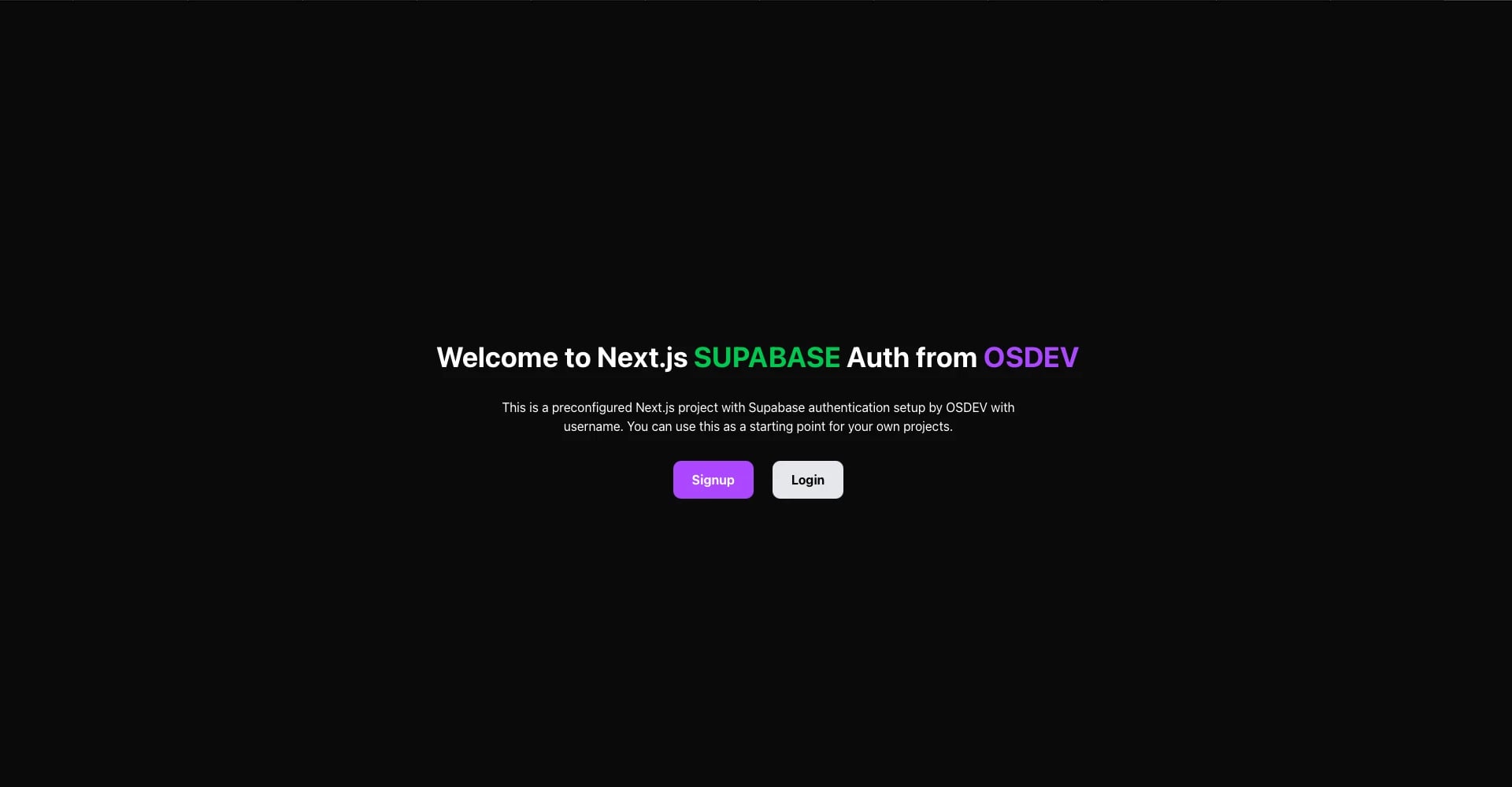
Click image or here to view full gallery →
This template adds a custom username system to the sign-up flow. When users register (via email, OAuth, or any provider), their profile is automatically created with:
- First name
- Last name
- Username (unique and automatically generated if not provided)
Create a new project instantly :
npx osdev-auth-supabase-with-username my-app
cd my-app
npm installInstall globally and create projects:
# Install globally
npm install -g osdev-auth-supabase-with-username

# Create a new project
create-osdev-auth my-app
cd my-app
npm installClone the repository directly:
git clone https://github.com/omransoliman97/nextjs-supabase-auth-osdev-with-username.git my-app
cd my-app
npm installWhen a user signs up, their data is stored in Supabase's raw_user_meta_data:
{
  first_name: "Omran",
  last_name: "Soliman",
  username: "omran"
}A database trigger (handle_new_user) automatically creates a profile entry for every new user with smart defaults:
- First Name: Uses provided name, falls back to full_name, or defaults to "new"
- Last Name: Uses provided name, falls back to full_name, or defaults to "user"
- Username:
- Uses provided username (minimum 5 characters)
- Falls back to
preferred_usernameor email prefix - Automatically appends random numbers if duplicate (e.g.,
omran→omran42) - Ensures uniqueness across all users
Usernames are publicly viewable through RLS policies, making them perfect for @mentions, user profiles, and social features.
- id (references auth.users)
- first_name
- last_name
- username (unique)- Row Level Security (RLS) enabled
- Public read access for usernames
- User-specific write access for profiles
- ✅ Sign up with username
- ✅ Login
- ✅ Password reset flow
- ✅ Email confirmation
- ✅ OAuth callback handling
- ✅ Error pages
- ✅ Automatic profile creation
- ✅ Unique username generation
- ✅ All Supabase auth providers supported
See INSTRUCTIONS.md( in the IMPORTANT folder) for detailed setup steps.
Note: This template handles all edge cases including OAuth providers (Google, GitHub, etc.) that don't provide usernames by default. Every user gets a unique, valid username automatically.