Repository navigation
Releases: oom333/zen-tab-groups
Releases · oom333/zen-tab-groups
Release list
Tab Groups 1.5.0

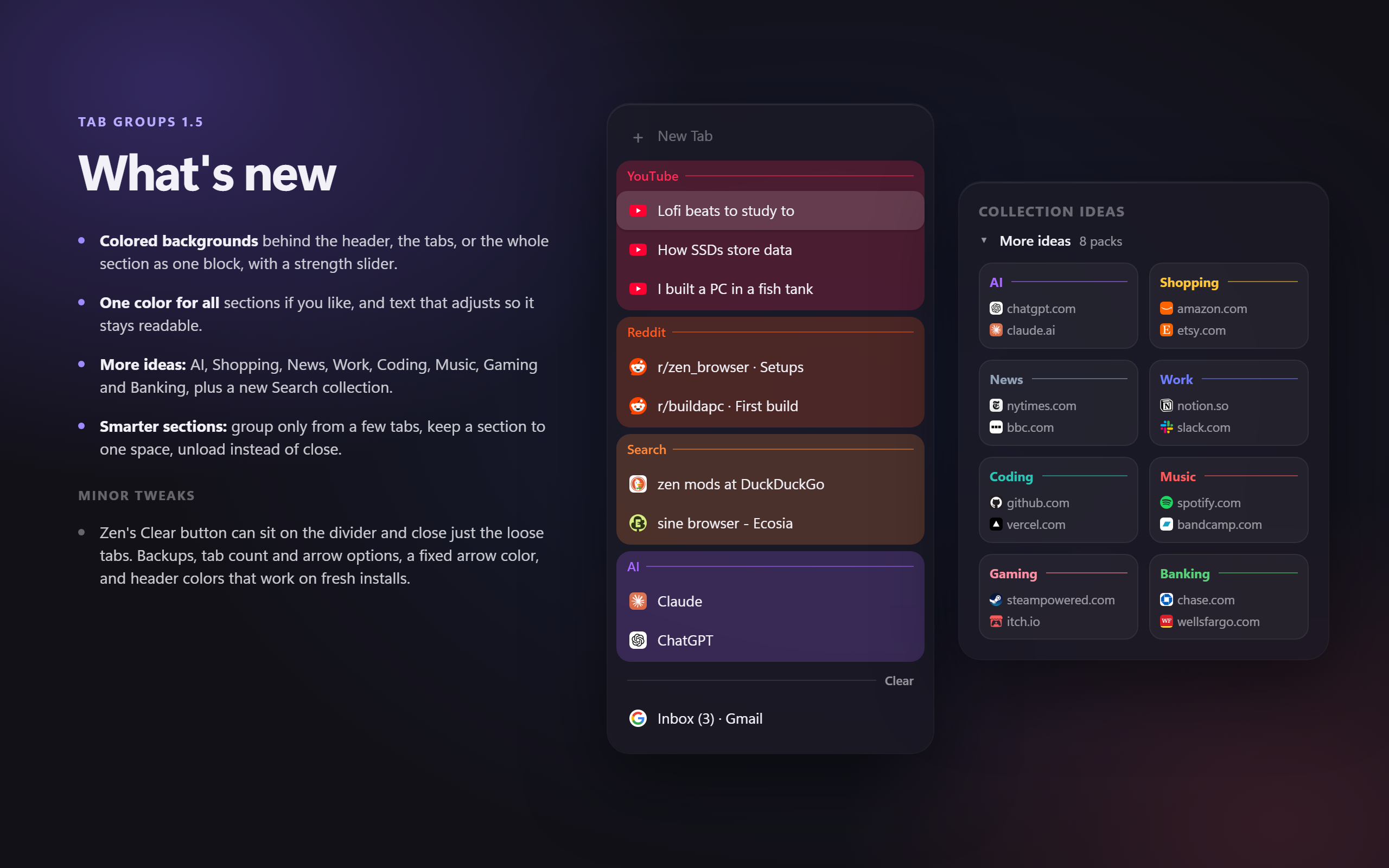
A big one, mostly thanks to @sinazadeh, whose PR #4 added the options asked for in #2.
New
- Colored backgrounds behind a section's header, its tabs, both, or the whole section as one block. A slider sets how strong the color is.
- One color for every section, if you'd rather not use each site's own color.
- Text turns lighter or darker on its own when it would be hard to read on a color. You can switch this off.
- More ideas: a fold-out with AI, Shopping, News, Work, Coding, Music, Gaming and Banking packs. Search (DuckDuckGo, Bing, Brave Search, Ecosia and more) is the new first idea.
- Group from N tabs: a section only forms once that many of its tabs are open. Each section can set its own number.
- Sections per space: keep a section to some spaces, from the settings page or the header's "Only in this space".
- The header button can Clear, Unload (keeps the tabs, frees their memory) or be hidden.
- Indent a section's tabs, draw a line along them, hide the header line, and pick when the tab count shows.
- Backup and restore your sections and options from the settings page.
Smaller changes
- Zen's Clear button can sit on the divider below your sections, where it closes only the loose tabs. Top, divider or both.
- The settings page is split into Appearance and Behavior and keeps up with changes made in Sine's options box.
- Tab Groups' items in the tab right-click menu can be switched off.
Fixes
- Header colors could stay blank on a new profile. The color cache rebuilds once after updating.
- The collapse arrow was black instead of the text color.
- A tab pinned out of a folded section, or moved into a folder or split view, stayed hidden.
Tested on Windows with Zen 1.23.3b through Sine. Full list in CHANGELOG.md.
Contributors

sinazadeh