v2.6.0

What's Changed
- Added Raspberry Pi OS Lite
- Added TS Dash
- Added the Troubleshooter image, which tests the gamepad, audio, switches, and display
- Fixed screen instability caused by incorrect LCD timings
- Fixed a boot error on RetroPie caused by the splash screen, and made the boot quieter
Compute Module 5 Reminder
- Power draw is very high. The small battery can be overwhelmed, so the system may cut off if power demand spikes. The hardware gets very hot.
- Audio through headphones and speakers does not work on the CM5 with the CM4 carrier. The pins changed, so no software change will fix this. Use Bluetooth or USB audio.
Using the Mouse (Desktop Images)
Raspberry Pi OS, Kali, and Ubuntu boot with the controller acting as a mouse. The left stick moves the on-screen cursor, the d-pad navigates menus, and the buttons handle clicks and confirmations.
| Control | Action |
|---|---|
| Left stick | Move the mouse cursor |
| D-pad | Navigate menus (arrow keys) |
| Cross | Select / confirm (Enter) |
| Circle | Back / cancel (Esc) |
| R1 | Mouse left click |
| L1 | Mouse right click |
| Home | Open the app menu / overview (Super) |
Images
First Boot Reminder : The first boot takes a minute or so. The system may appear idle, but it is working in the background.
Batocera
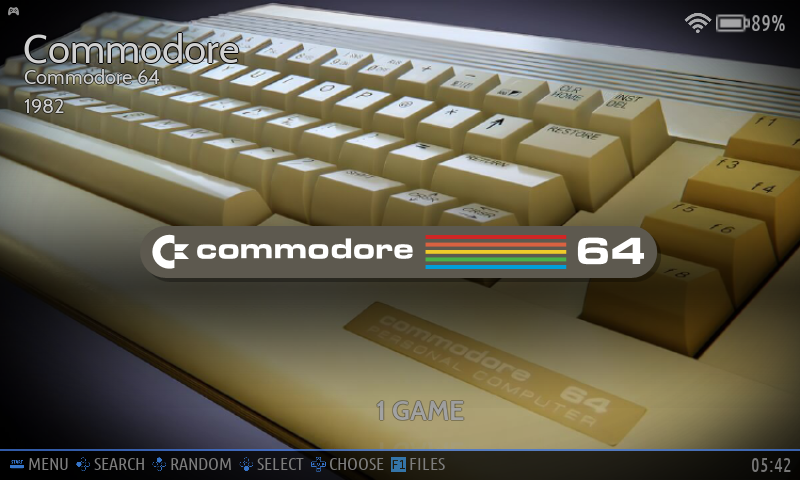
Boards: Zero 1, Zero 2 W, CM4, CM5
A turn-key retro-gaming OS with its own EmulationStation-based UI and a built-in settings menu. Emulators and the PSPi controls are preconfigured.
Username: root
Password: linux
Gamepad Troubleshooter
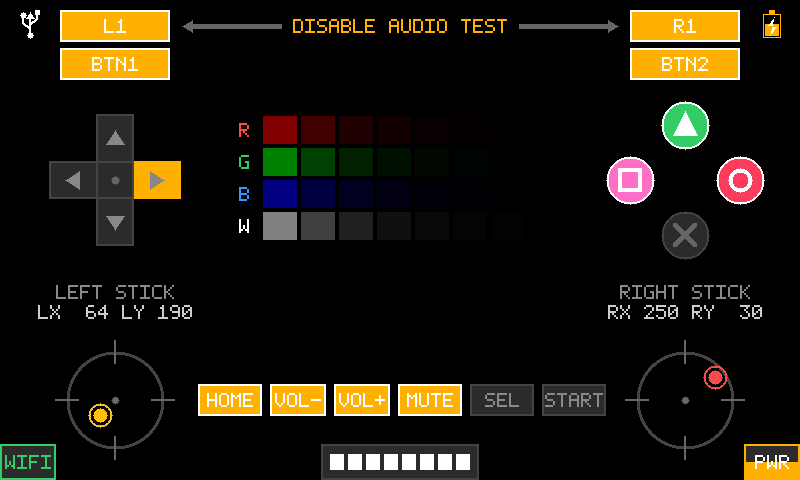
Boards: Zero 2 W, CM4, CM5
An image solely meant for troubleshooting issues with the PSPi. It boots directly into a fullscreen tool that gives full system information on the LCD. Every button lights up as it's pressed, and both sticks show deflection with the deadzone, brightness appears as a bar, and audio is toggled using L1 and R1. Holding the power button for half a second shuts the system down.
Kali
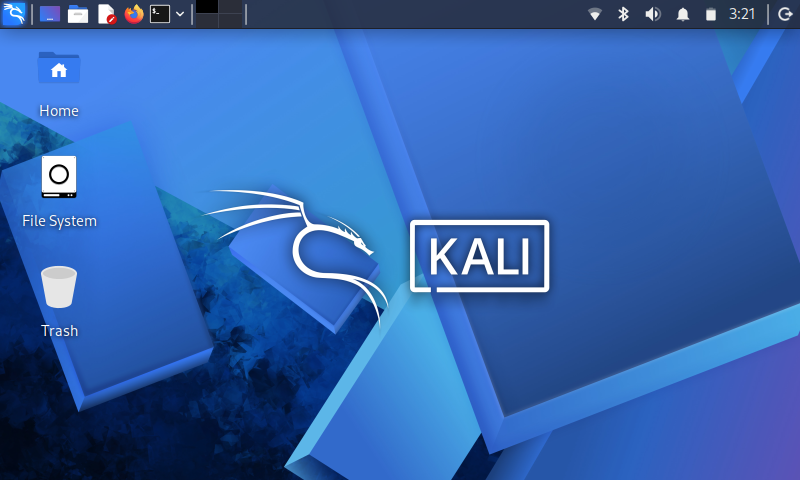
Boards: Zero 2 W, CM4, CM5
A security and penetration-testing distro, not gaming-focused. It boots into mouse mode like Raspberry Pi OS. The on-screen keyboard can be enabled by clicking the button in the taskbar that looks like a person, making it possible to log in without a physical keyboard.
Username: kali
Password: kali
Lakka
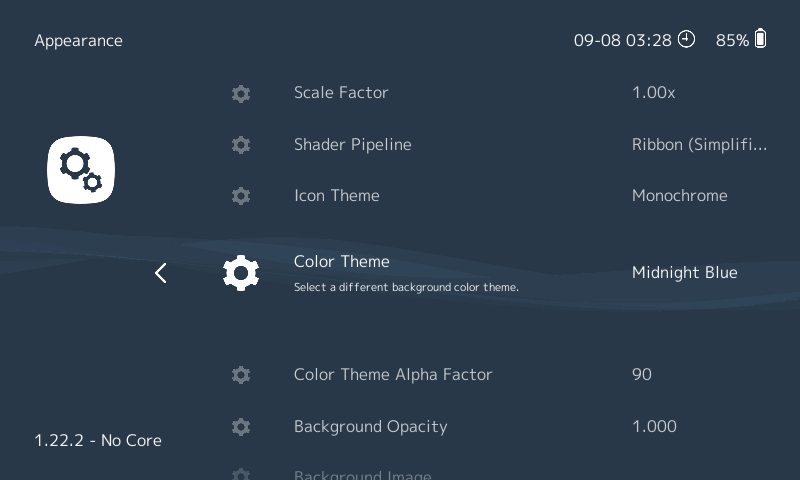
Boards: Zero 1, Zero 2 W, CM4, CM5
The minimal option that looks very Sony. It boots straight into the RetroArch menu with the PSPi controls and menu layout preconfigured.
Username: root
Password: root
Raspberry Pi OS
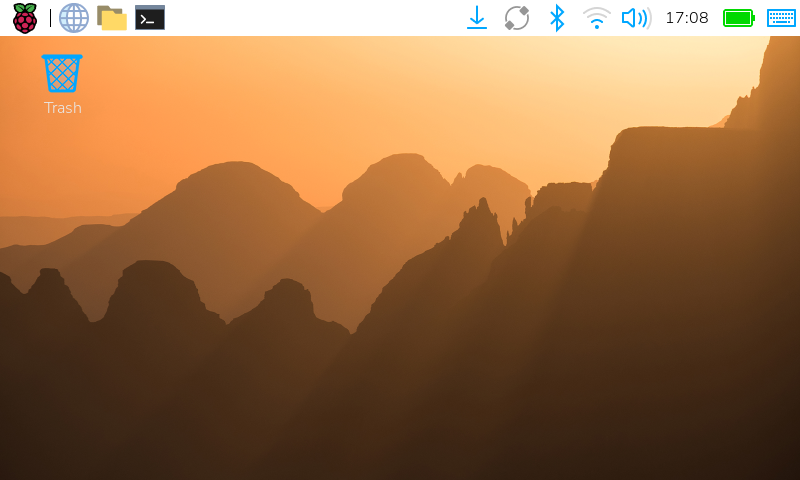
Boards:
64-bit image: Zero 2 W, CM4, CM5
32-bit image: all boards
The general-purpose desktop. It's a lean OS that performs well. The on-screen keyboard (Squeekboard) starts automatically at boot.
Username: pi
Password: raspberry
Raspberry Pi OS Lite
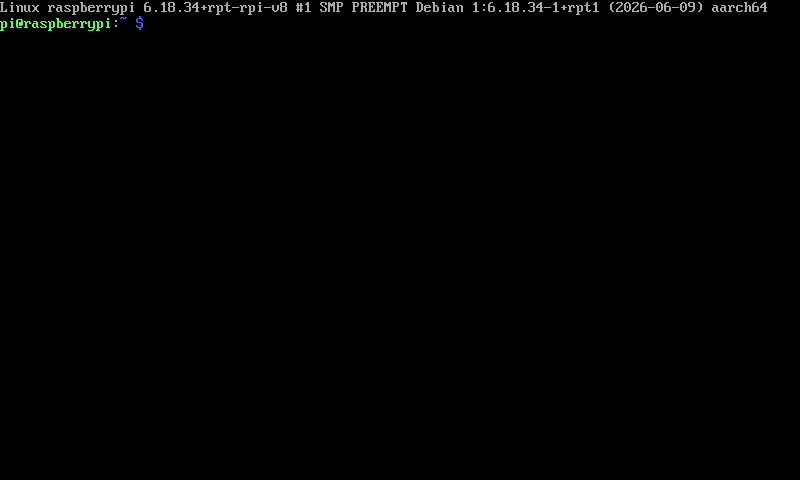
Boards:
64-bit image: Zero 2 W, CM4, CM5
32-bit image: all boards
The headless variant of Raspberry Pi OS. There is no desktop environment — it boots straight to a terminal on the PSPi LCD, making it a lightweight base for your own build. SSH is enabled automatically, so you can log in over the PSPi's WiFi right after first boot.
Username: pi
Password: othermod
Recalbox
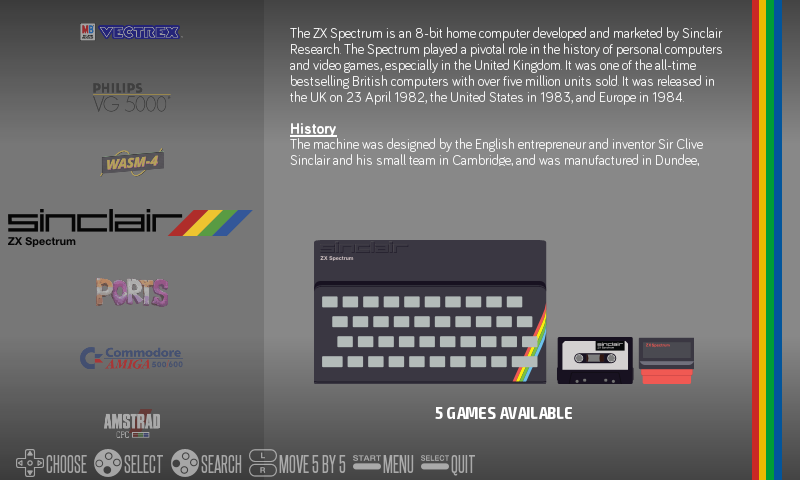
Boards: Zero 1, Zero 2 W, CM4, CM5
An EmulationStation-based retro OS and the main alternative to Batocera if you prefer a different ecosystem. Note: Recalbox doesn't show a battery icon yet, so you won't see charge level on screen.
Username: root
Password: recalboxroot
RetroPie
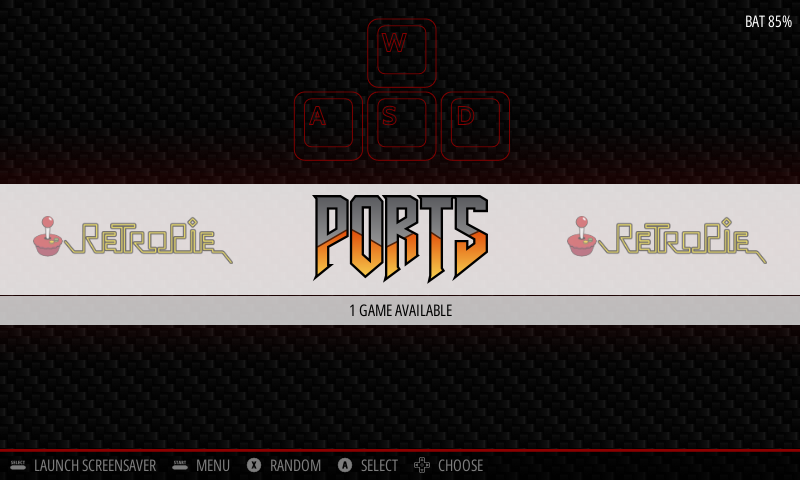
Boards: Zero 1, Zero 2 W, CM4, CM5
The classic Raspberry Pi retro-gaming OS. It boots straight into EmulationStation, is very efficient, and uses very little battery when games aren't being played.
Username: pi
Password: othermod
TS Dash
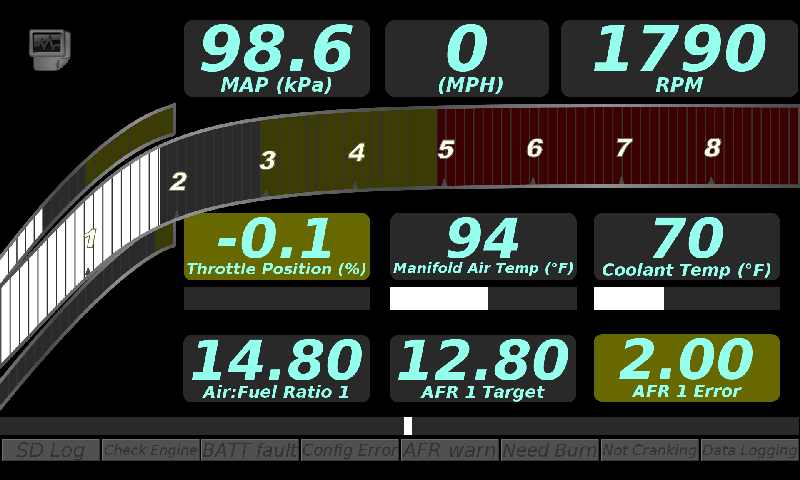
Boards: Zero 1, Zero 2 W, CM4
EFI Analytics TS Dash turns the PSPi into an automotive digital dash. The kiosk app boots straight to the dash on the PSPi LCD, and the joystick acts as a mouse so you can navigate dashes and on-screen buttons without a touchscreen.
Username: pi
Password: raspberry
Ubuntu
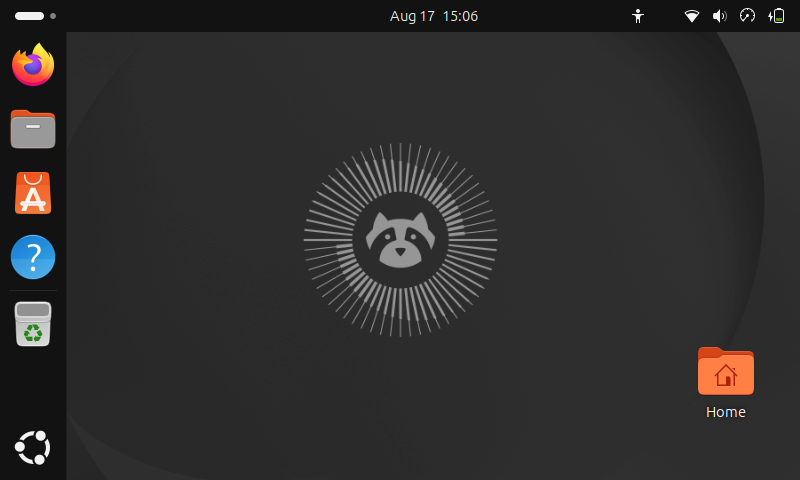
Boards: CM4, CM5
Ubuntu 26.04 LTS with the full GNOME desktop.
Username: ubuntu
Password: othermod
Full Changelog: v2.5.0...v2.6.0