Repository navigation
Getting Started
restless opens straight into a local project called My Project, with a collection called My Collection. There is nothing to sign in to.
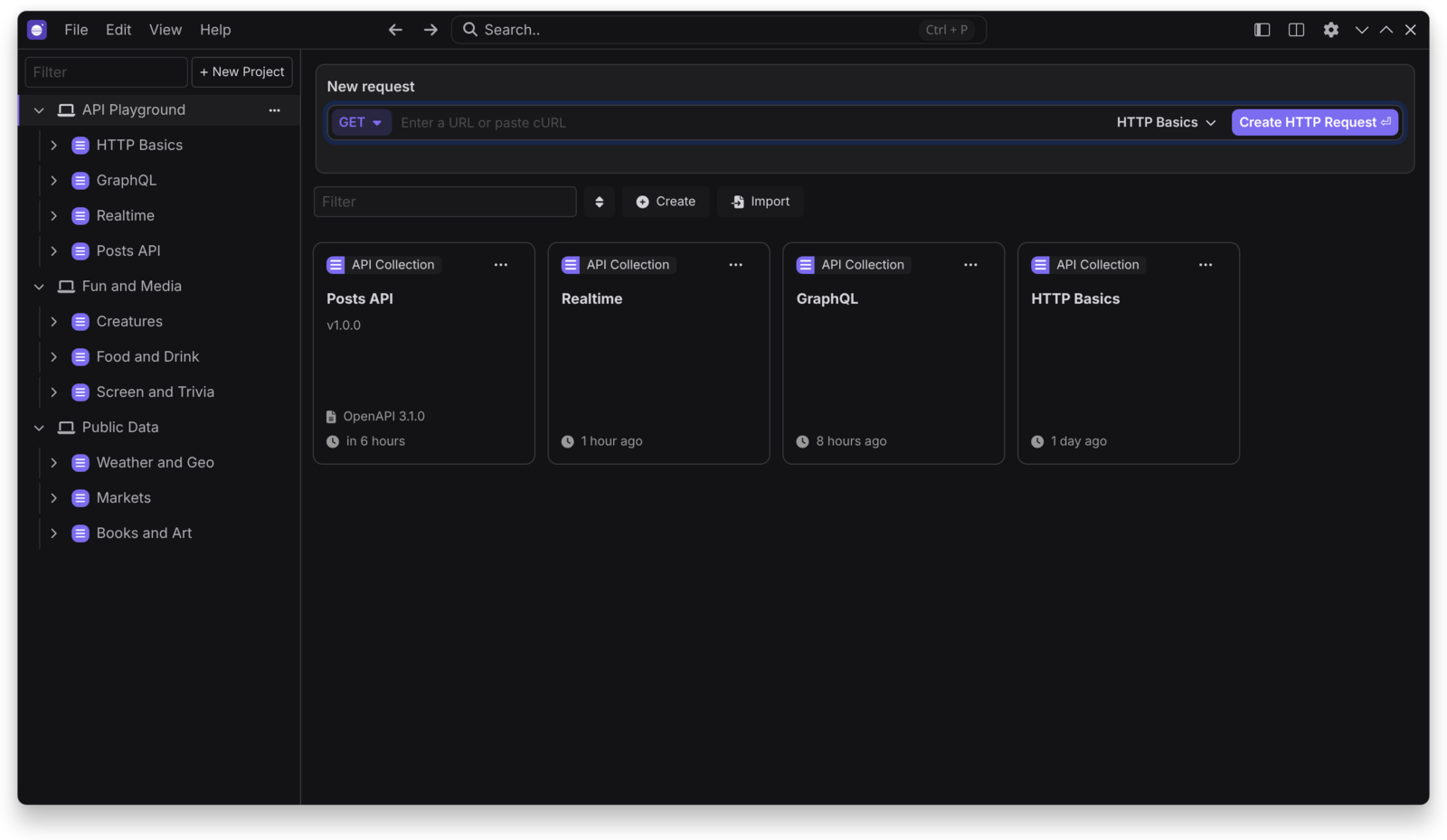
- Paste a URL or a cURL command into New request.
- Choose a method and press
Enter. - Press
Ctrl+Enterto send it (Cmd+Enteron macOS).
- A project groups collections, API specs, mock servers and environments.
- A collection holds requests and folders.
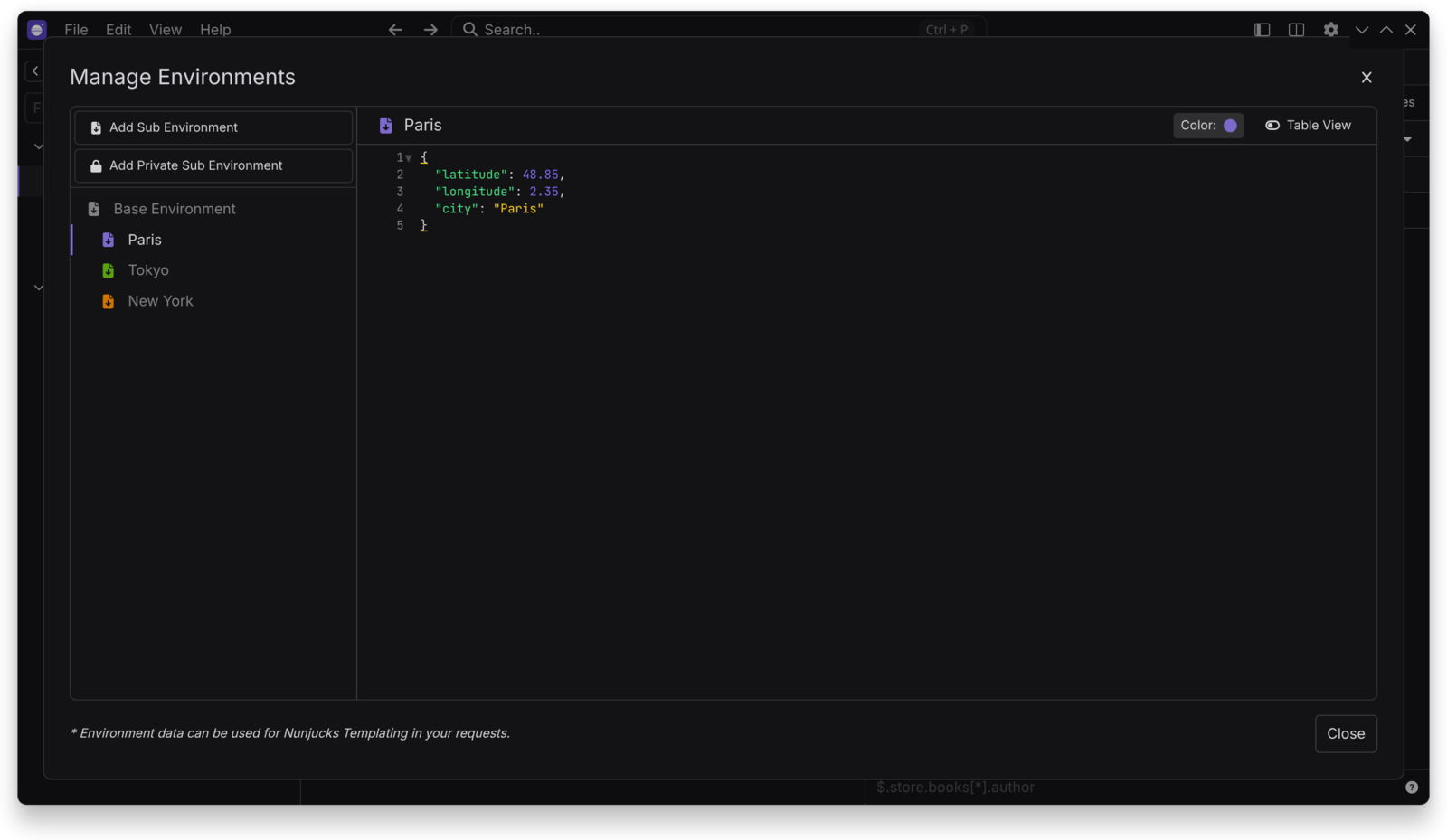
- An environment holds variables, used as
{{ _.variable_name }}.
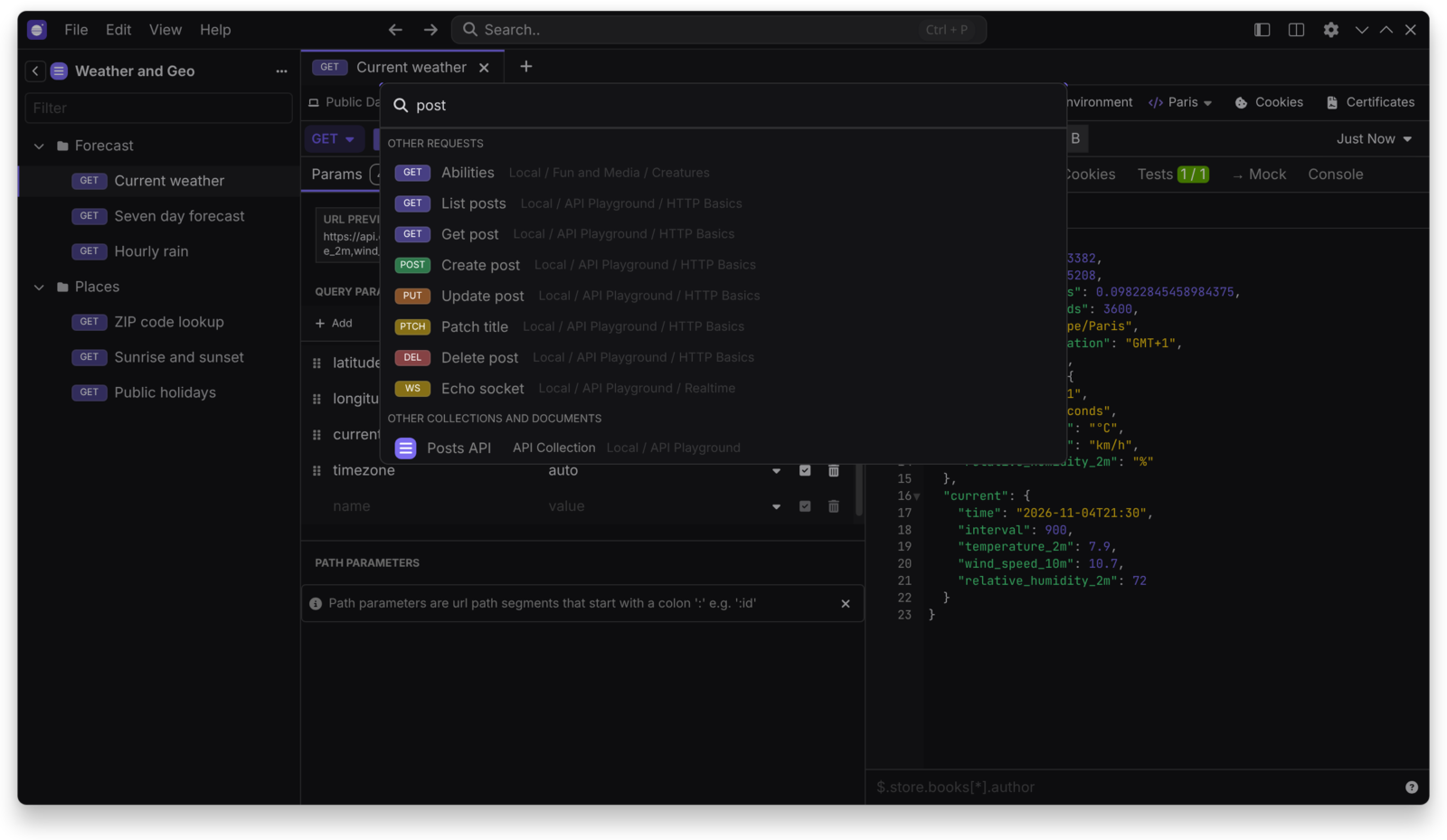
Press Ctrl+P to search everything.
Use File > Open Folder… to work from a folder on disk. See Storage and Git.
| Action | Shortcut |
|---|---|
| Send request | Ctrl+Enter |
| Focus URL | Ctrl+L |
| Search | Ctrl+P |
| Edit cookies | Ctrl+K |
| Environments | Ctrl+E |
| All shortcuts | Ctrl+Shift+/ |
Use Cmd instead of Ctrl on macOS. You can change shortcuts in Preferences > Keyboard.