Repository navigation
Optional Services
Everything here is off until you turn it on.
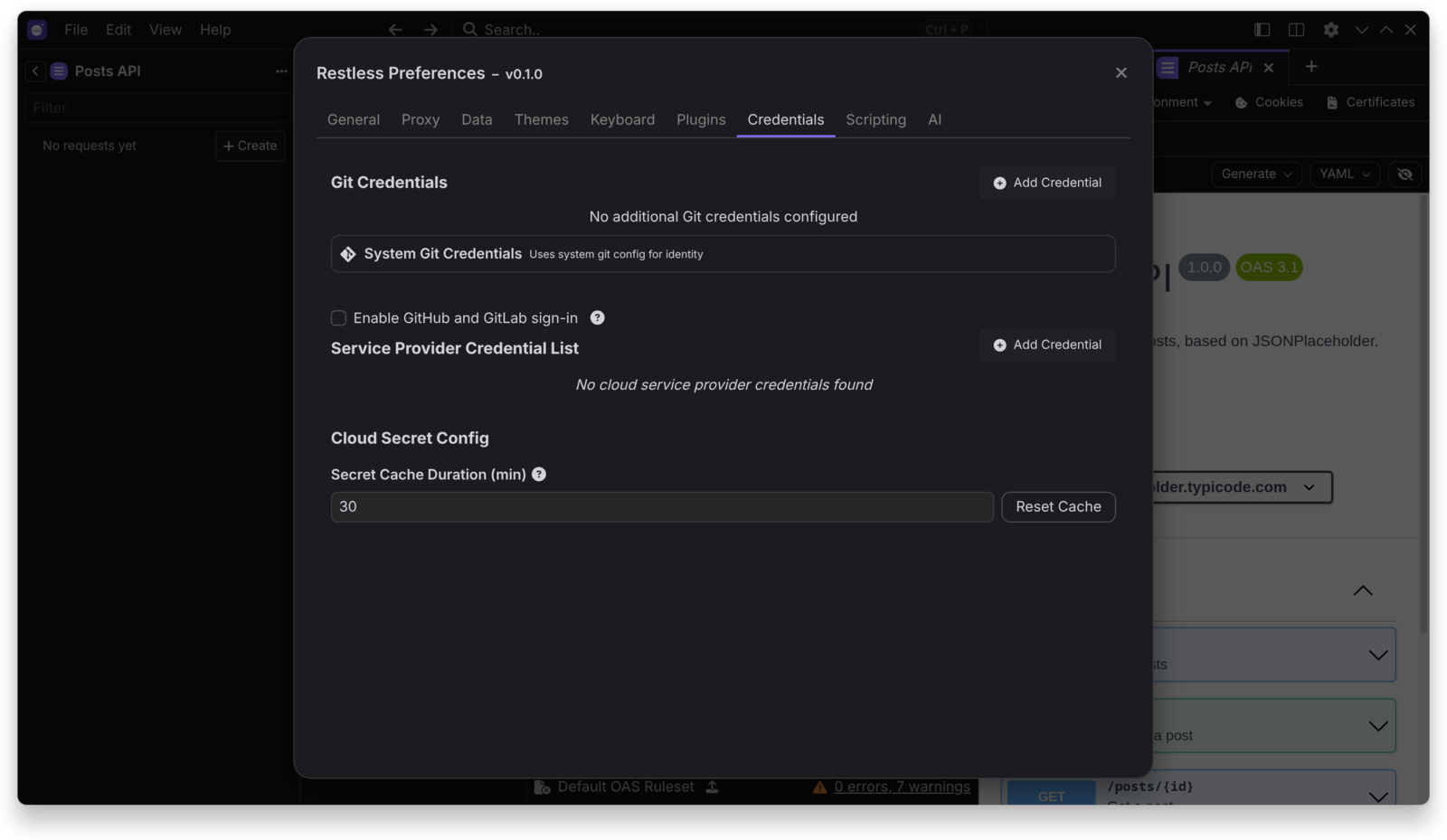
Access tokens work without any of this. To use sign-in:
- Open
Preferences > Credentials. - Turn on Enable GitHub and GitLab sign-in.
- Add your client ID.
| Provider | What to create | Flow |
|---|---|---|
| GitHub | An OAuth app with device flow enabled | Device flow, enter a code in your browser |
| GitLab | A non-confidential application with redirect URI http://127.0.0.1:53682/callback
|
PKCE |
Neither needs a client secret.
Turn on Enable AI features in Preferences > AI.
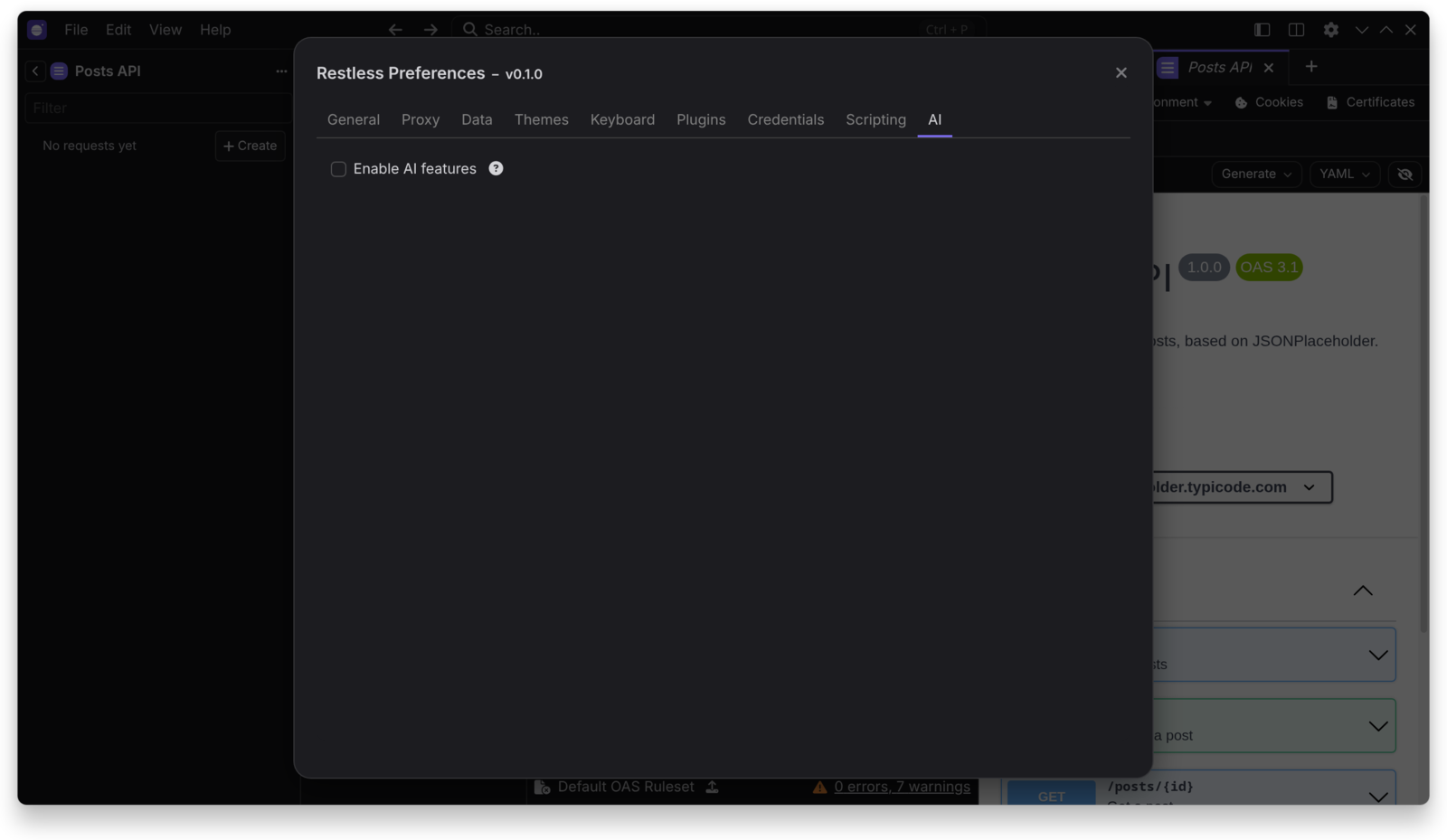
That shows:
- Smart commits
- AI mock server generation
- The MCP client
Supported providers:
- Anthropic
- OpenAI
- Google Gemini
- Any OpenAI-compatible URL, including local servers such as Ollama and llama.cpp
Requests go directly from your machine to the provider you choose, using your own API key.
Add a credential in Preferences > Credentials, then use the External Vault template tag in a request or environment.
| Provider | Supported credentials |
|---|---|
| HashiCorp Vault | Self-hosted, Dedicated and HCP, by token or AppRole |
| AWS Secrets Manager | Temporary keys or a credentials file |
| GCP Secret Manager | Service account key file |
Values are masked in previews. AWS SSO profiles and Azure Key Vault are planned.