Repository navigation
Plugins and Themes
restless loads Insomnia plugins.
Open Preferences > Plugins and enter its npm package name. You can search npm for packages tagged insomnia.
Plugins run code on your machine, so only install ones you trust.
restless opens insomnia:// links for plugin installs, theme installs and imports. Every other insomnia:// link is ignored.
This is on by default. Turn off Open Insomnia web links in Preferences > Plugins if you also use Insomnia. The change applies after a restart.
Choose a theme in Preferences > Appearance. Turn on Use OS color scheme to pick separate light and dark themes that follow your system.
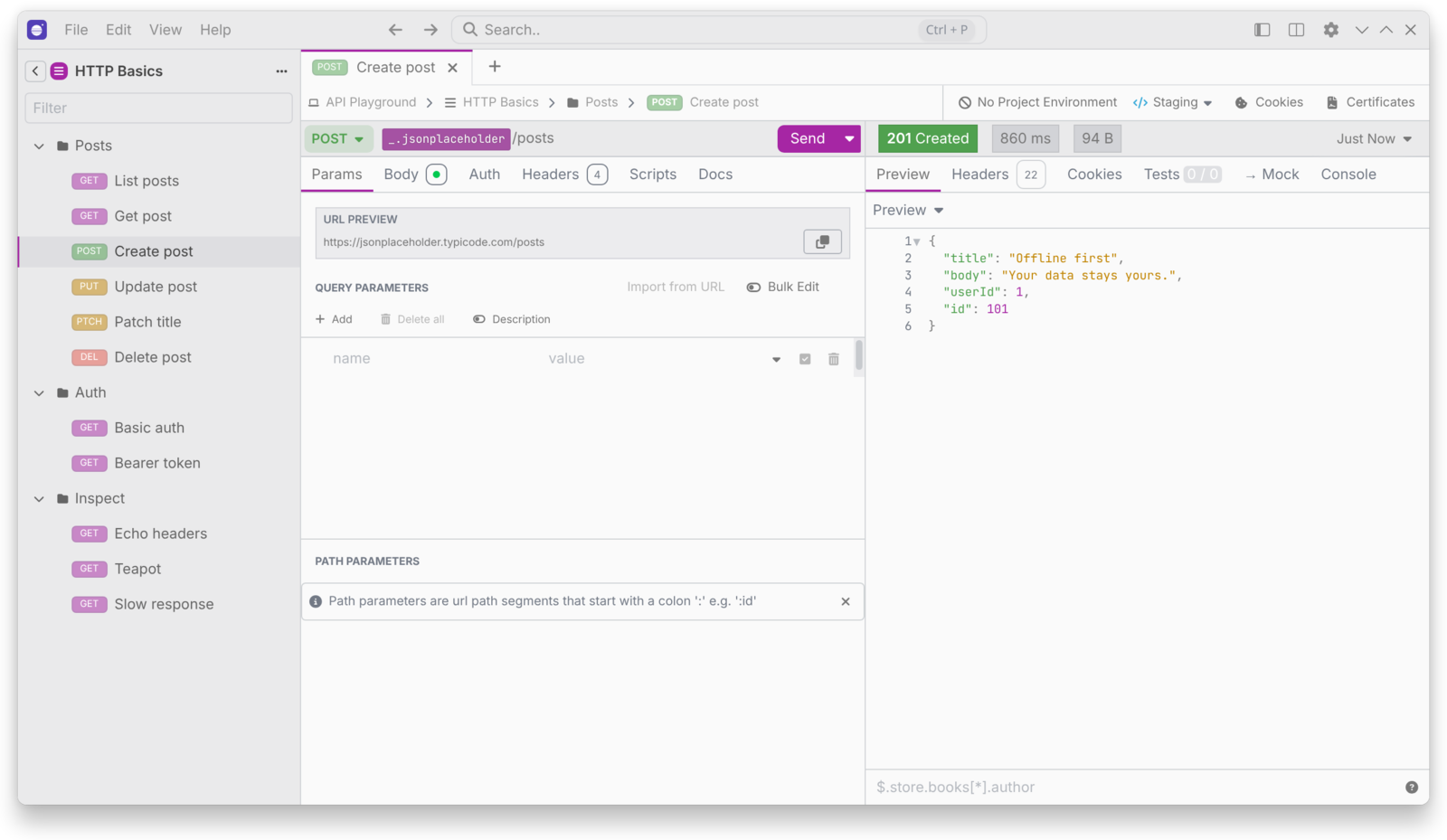
Pick an accent in Preferences > Appearance, from the presets or Custom. It replaces the accent of every theme, and text on it switches to black or white to stay readable. Use theme color undoes it.

restless-plugin-secret-managers powers the External Vault template tag. See Optional Services.