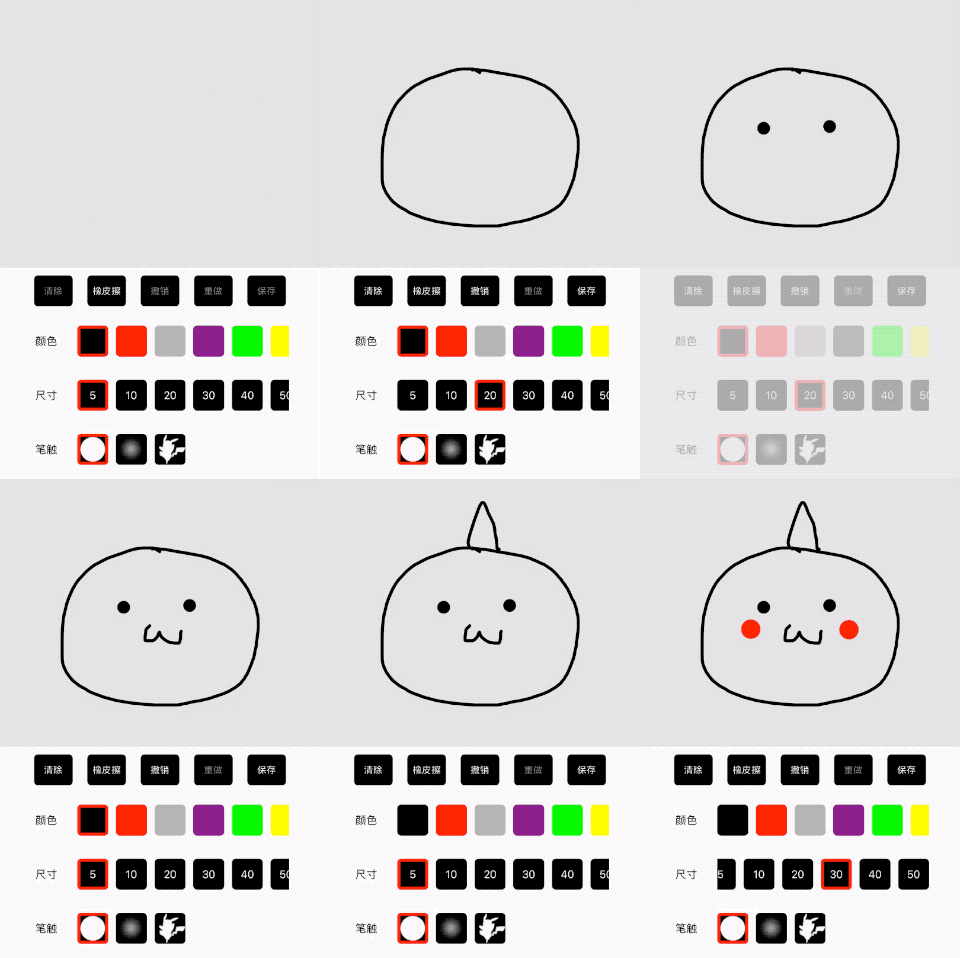
本项目是基于 OpenGL ES 实现的绘画板,实现了平滑曲线、自定义笔触、画笔大小调节、画笔颜色调节、撤销重做、橡皮擦等功能。
如果你正在寻找一个非 OpenGL ES 实现的版本,或许可以参考一下我的 另一个项目 。
- 将
GLPaintView文件夹拷贝到工程中 - 引入头文件
#import "GLPaintView.h"
初始化一个 GLPaintView 的代码大概长这样:
CGFloat ratio = self.view.frame.size.height / self.view.frame.size.width;
CGFloat width = 1500;
CGSize textureSize = CGSizeMake(width, width * ratio);
GLPaintView *paintView = [[GLPaintView alloc] initWithFrame:self.view.bounds
                                                textureSize:textureSize
                                     textureBackgroundColor:[UIColor whiteColor]];
paintView.delegate = self;
[self.view addSubview:paintView];建议只通过
GLPaintView.h提供的接口来改变绘画板的功能和行为。
在 GLPaintView.h 头文件中,各种接口功能已经做了详尽的注释,这里再额外解释一下初始化方法。
- (instancetype)initWithFrame:(CGRect)frame
                  textureSize:(CGSize)textureSize
textureBackgroundColor:(UIColor *)textureBackgroundColor;frame很好理解,就是view的尺寸和位置。textureSize指实际生成的画布的大小,画布尺寸可以比view的尺寸大得多,会影响最终导出的图片的分辨率。textureBackgroundColor指画布的背景色,当使用橡皮擦的时候,实际上也只是把画笔切换成了背景色而已。