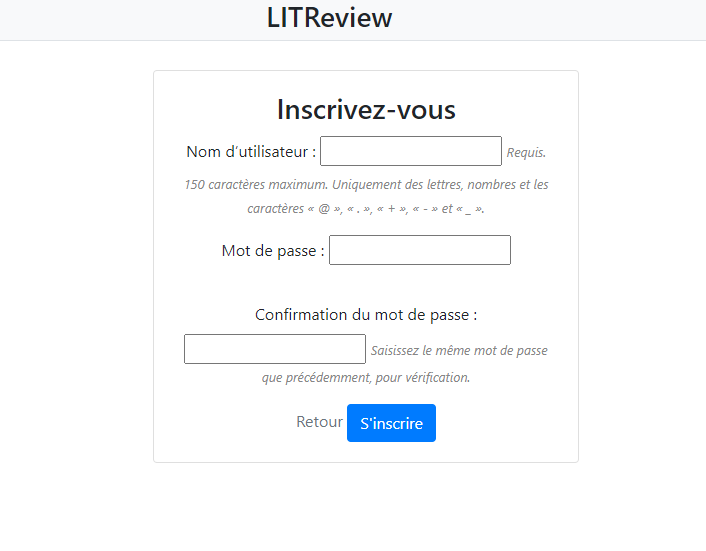
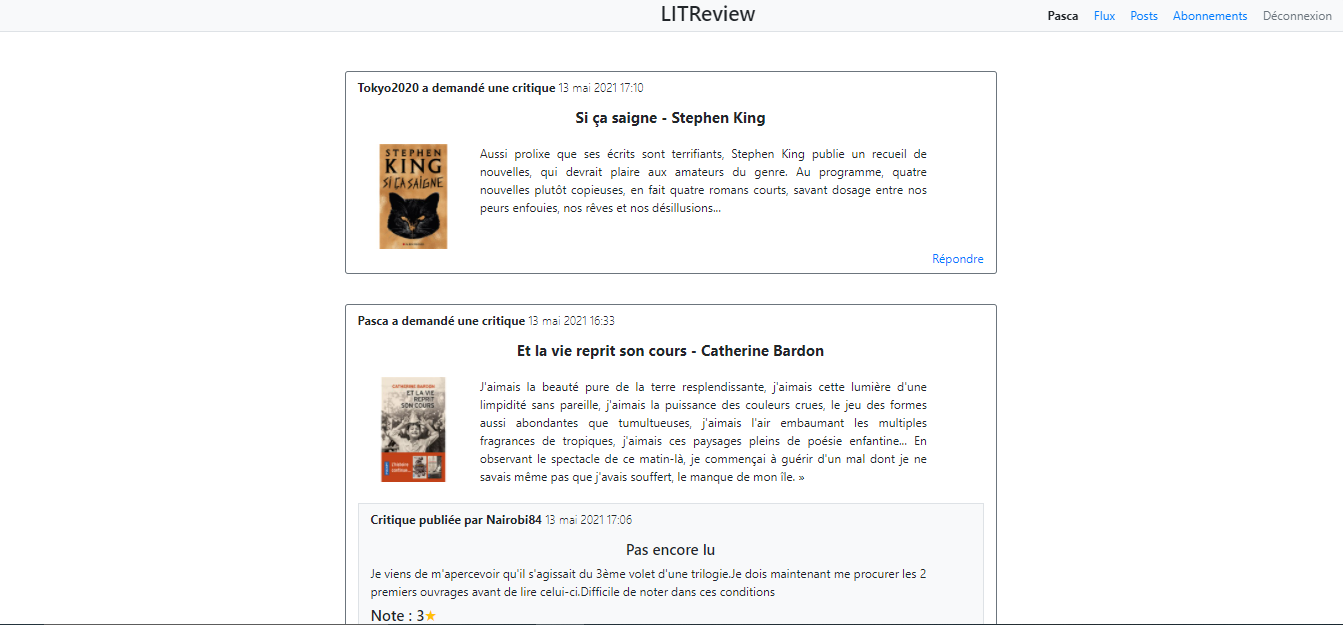
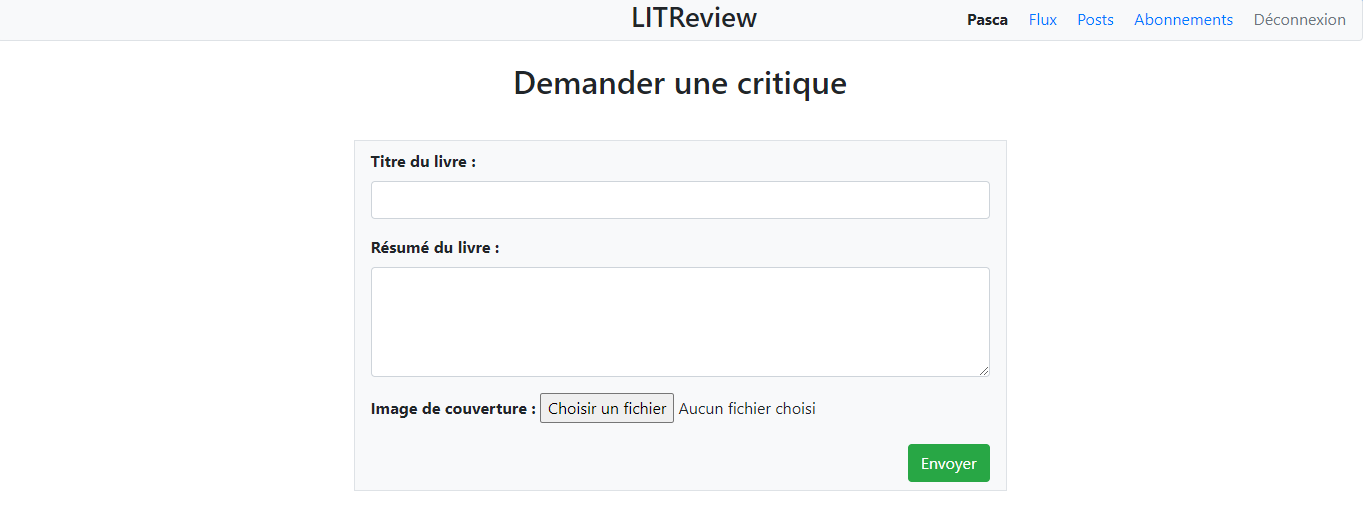
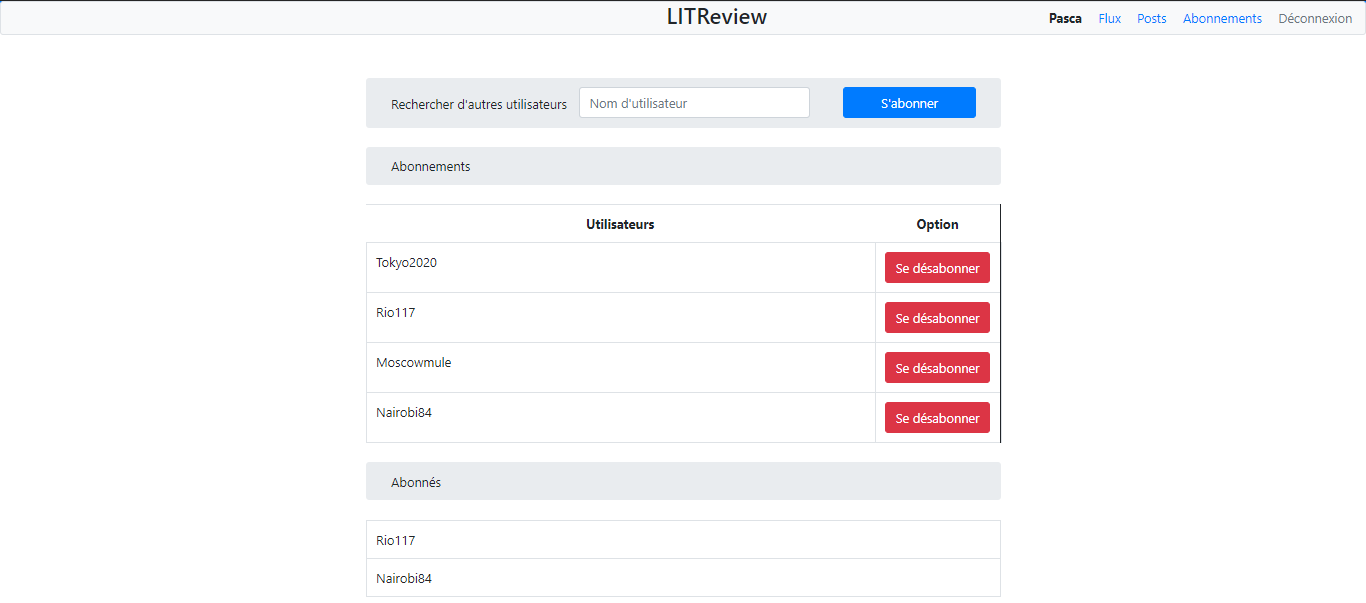
Beta version of a website made with Django. Allows you to post reviews to respond to the reviews of other user, to post your own review and to follow users and their posts.
Python3
Django3
Flake8-html
Start by closing the repository :
git clone https://github.com/pascaline841/python_p09
Start access the project folder
Create a virtual environment
python -m venv env
Enable the virtual environment
cd env/scripts
source activate
Create a virtual environment
python3 -m venv env
Activate the virtual environment with
source env/bin/activate
Install the python dependencies to the virtual environment
pip install -r requirements.txt
- Create the database structure by using sqlite3
python manage.py migrate
- Create an administrative account :
You will be asked to select a username, provide an email address, and choose and confirm a password for the account.
winpty python manage.py createsuperuser
- Create and open a file named .env then paste :
DJANGO_SETTINGS_MODULE="litreview.settings.development"
DB_SECRET_KEY=
Then complete DB_SECRET_KEY with the key you receive in private.
Run the program
python manage.py runserver
Launch :
To access to the admin account :
In order to generate a flake8 report, run the following command :
flake8 --ignore=E501,W503 --format=html --htmldir=flake-report --exclude=venv,manage.py,db.sqlite3,litreview
Open the html file into the flake-report repertory to show the report.