pfe-tabs all changes #814


Description

Tabs
Themes
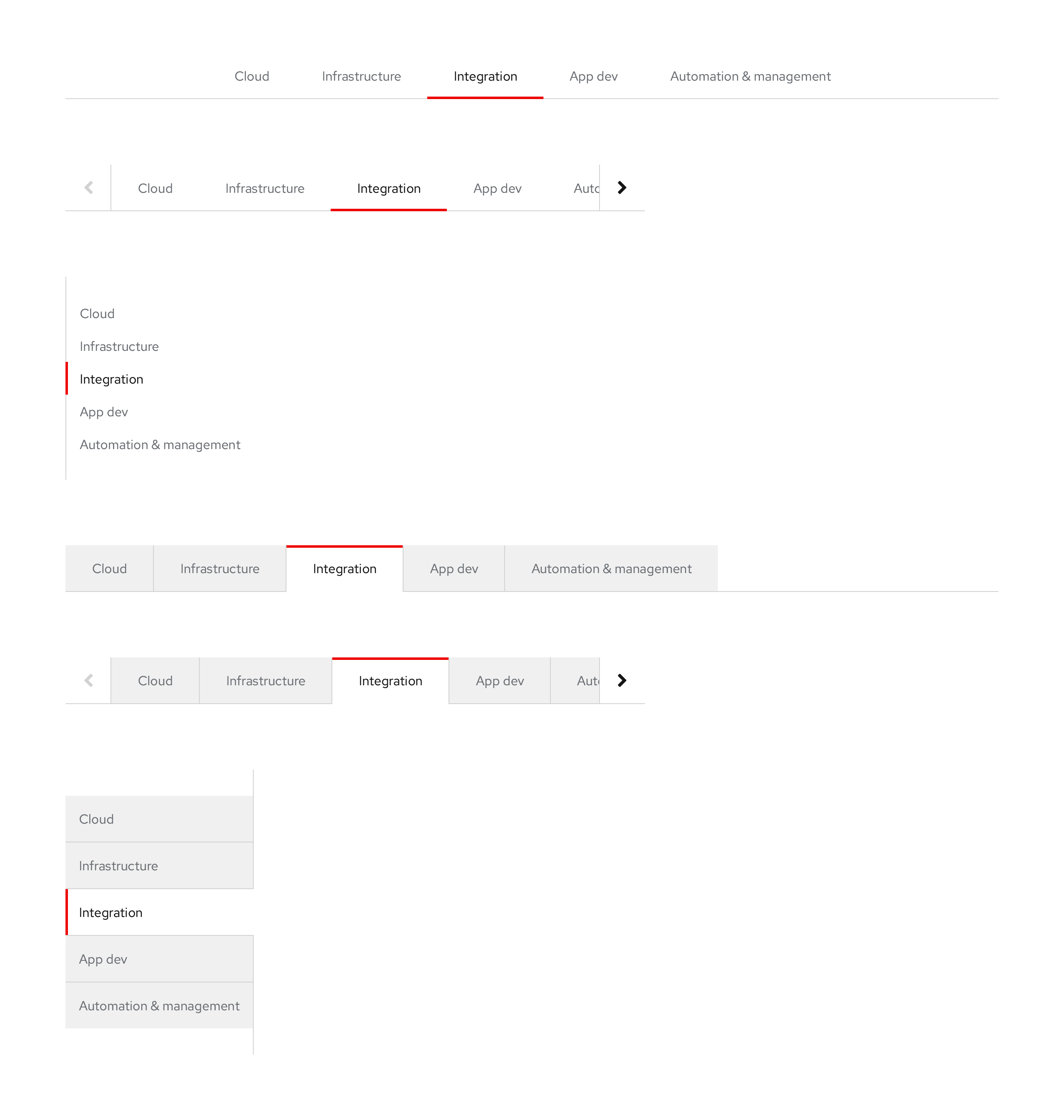
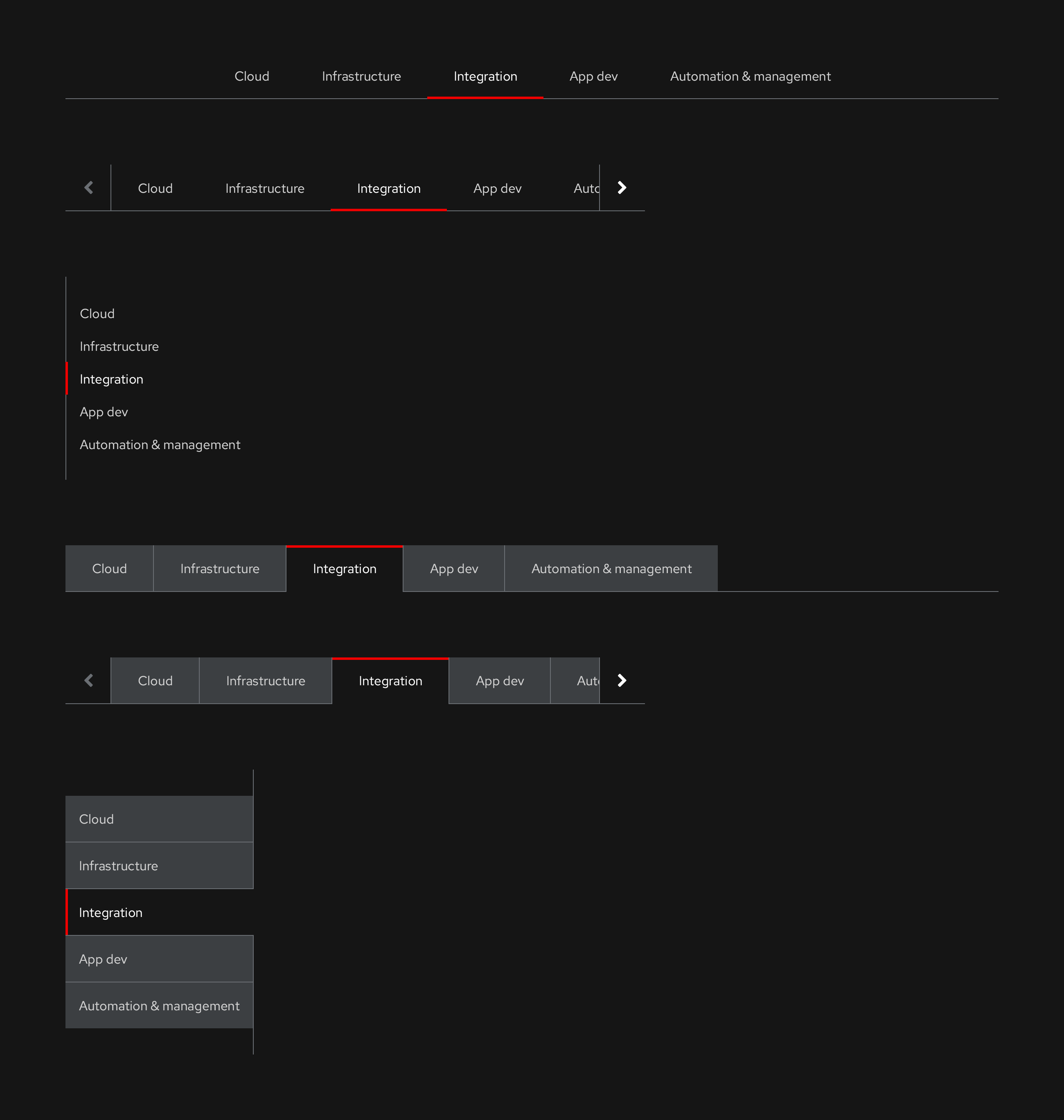
There are two themes available to choose from, light and dark.
Light theme
Dark theme
Styles and interactions
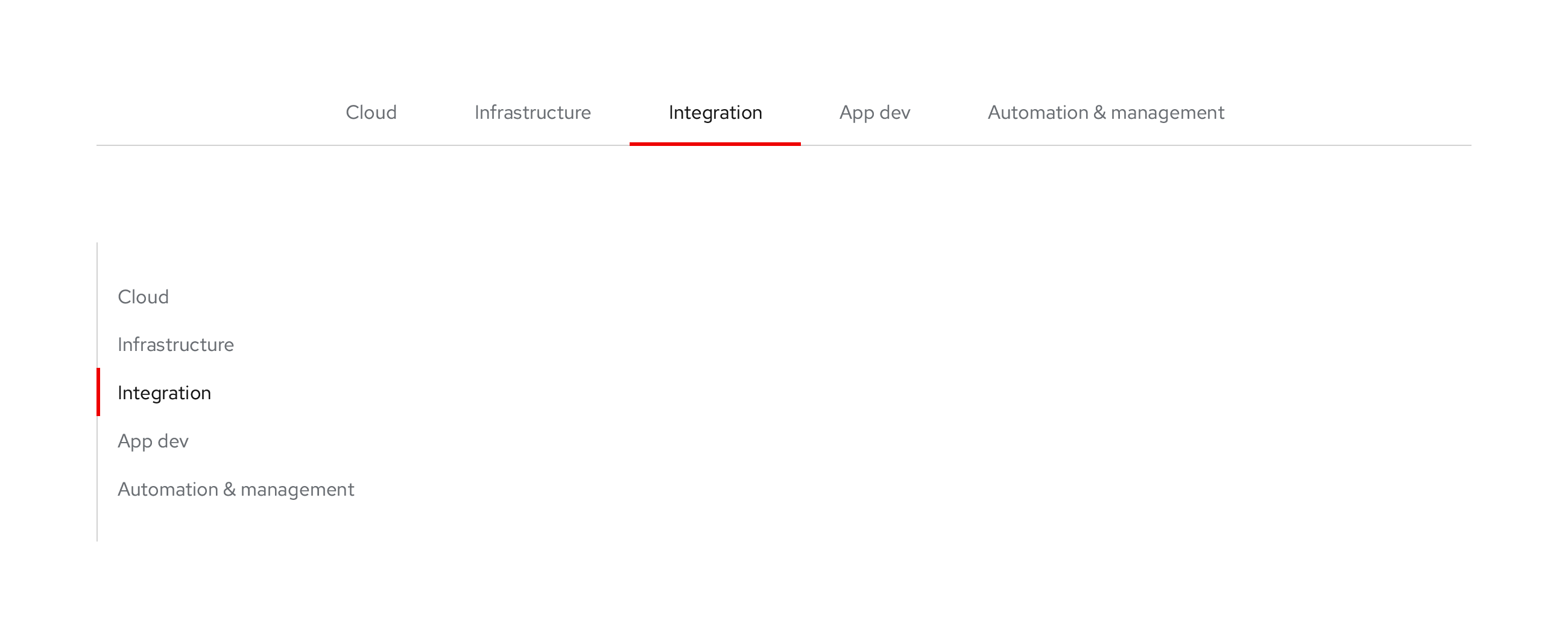
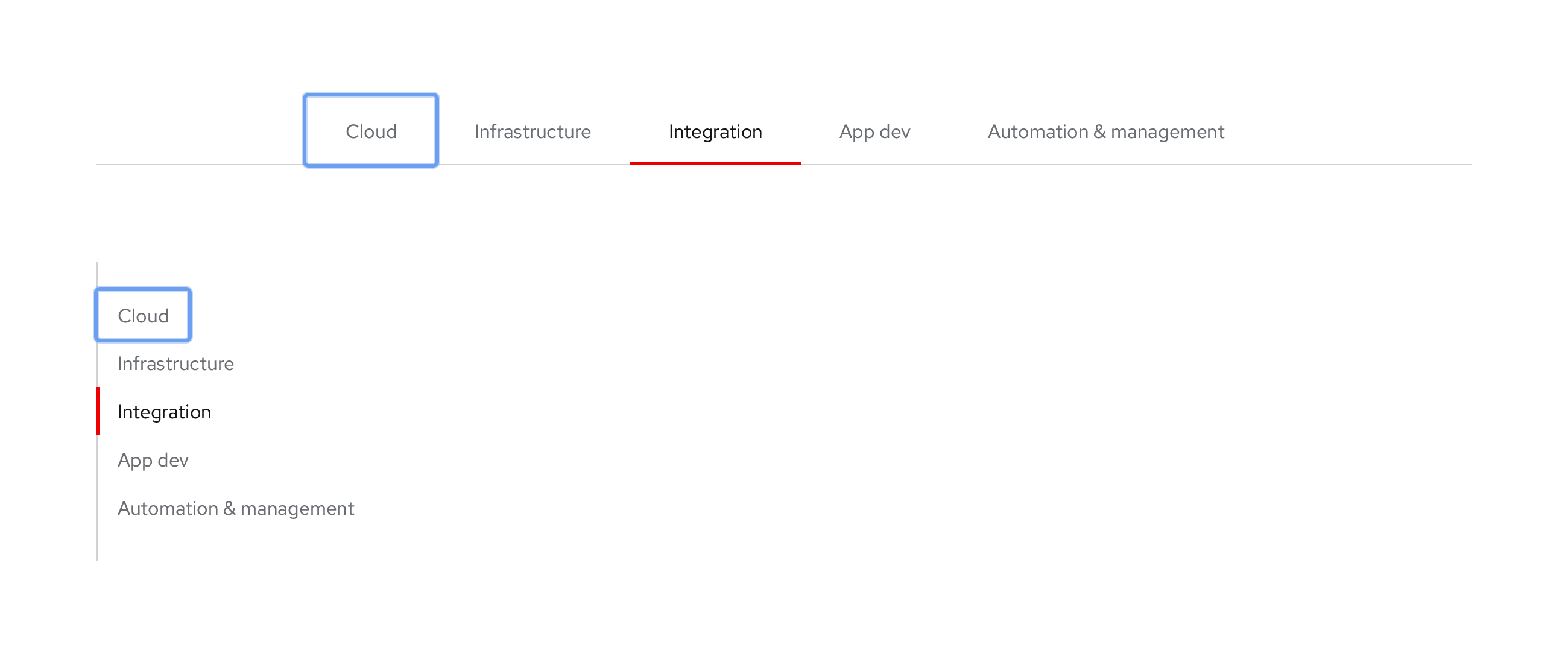
Primary, Open, Wind variant, light theme
Horizontal
Vertical
Typography
- Labels: Red Hat Text, Regular, 16pt / 24 (1.5)
Color
- Default and Focus text label: #6a6e73
- Hover text label: #151515
- Hover highlight bar: #b8bbbe, 3px height
- Active text label: #151515
- Active highlight bar: #e00, 3px height
- Anchor (bottom or left line): #d2d2d2
Alignment and spacing
- Alignment: Horizontal component is always centered
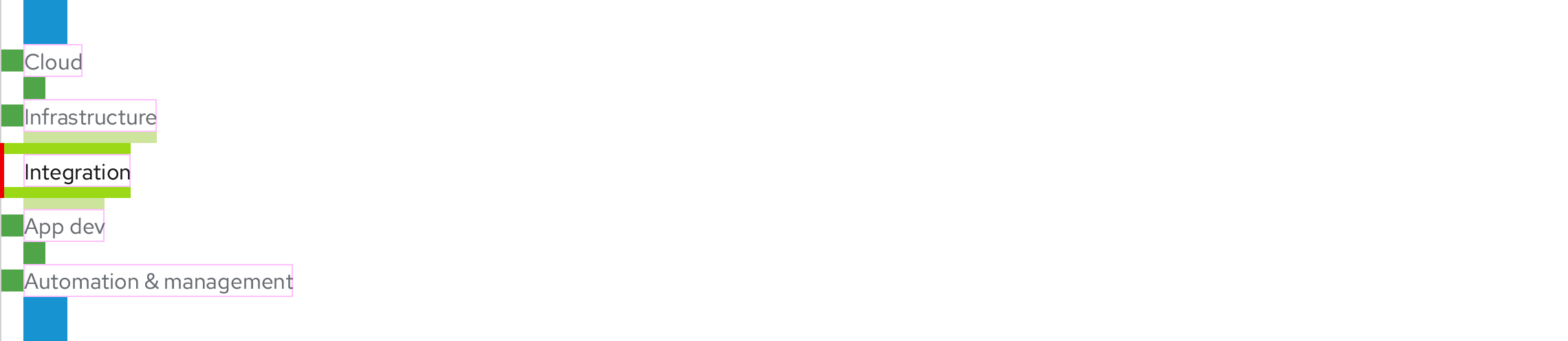
- Text label spacing (top, right, bottom, left): 16px, 32px, 16px, 32px
- No spacing in between when Hover and Active highlight bars are touching
Default
Focus
Hover
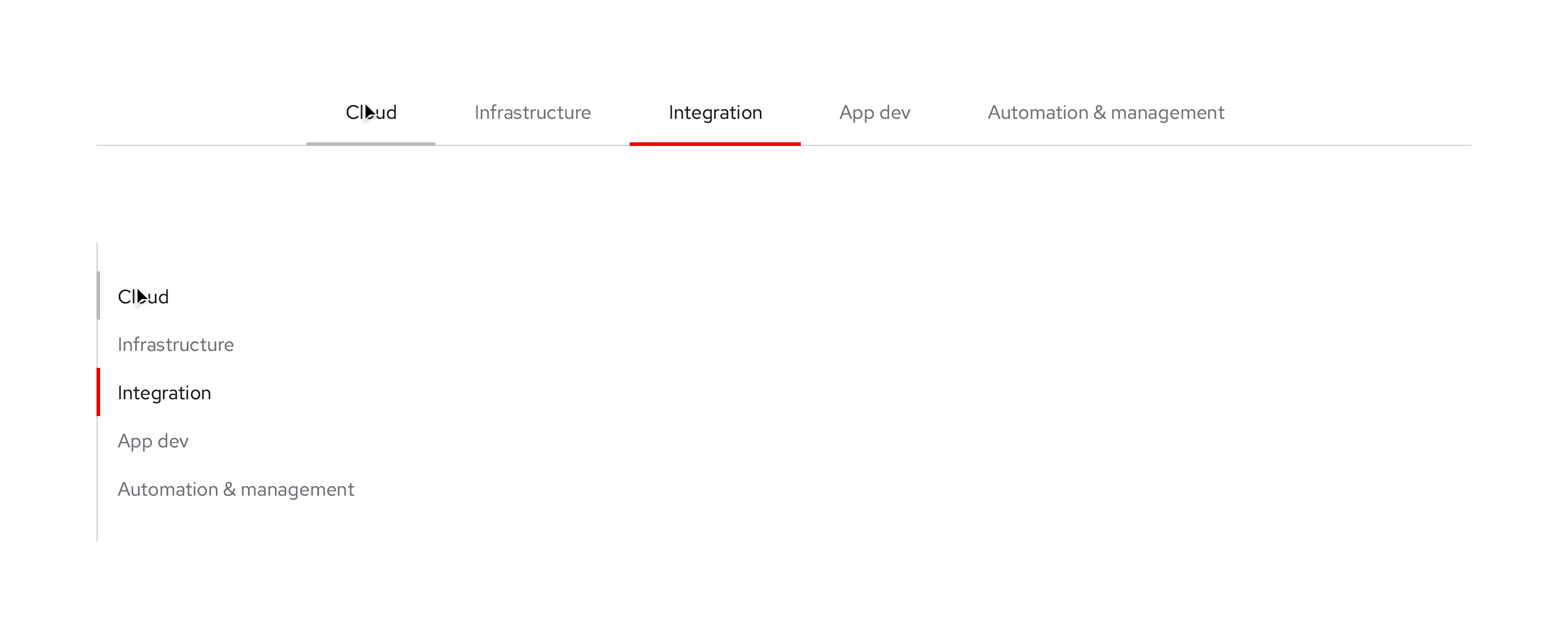
Active/Pressed
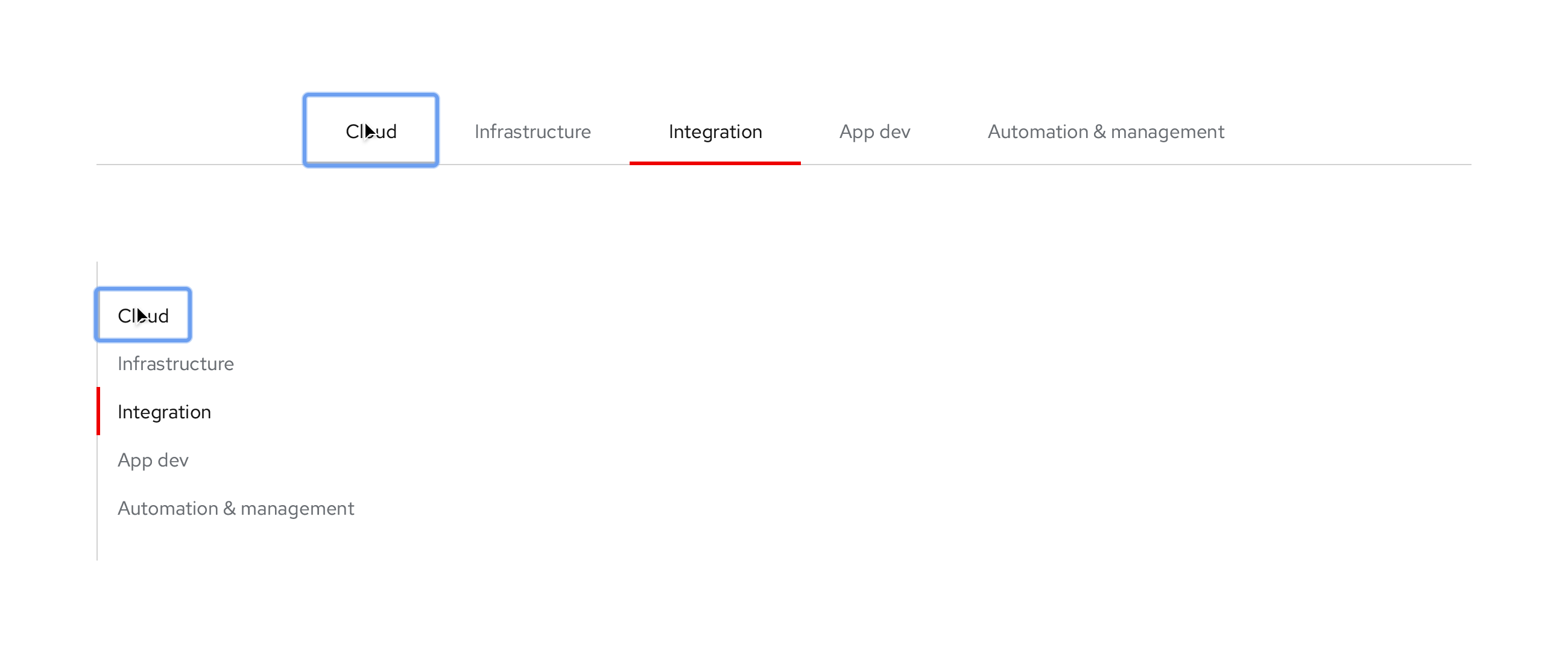
Secondary, Box, Earth variant, light theme
Horizontal
Vertical
Typography
- Labels: Red Hat Text, Regular, 16pt / 24 (1.5)
Color
- Default and Focus text label: #6a6e73
- Default and Focus tab BG: #f0f0f0
- Hover text label: #151515
- Hover highlight bar: #b8bbbe, 3px height
- Active text label: #151515
- Active label tab BG: #fff
- Active highlight bar: #e00, 3px height
- Anchor (bottom or left line): #d2d2d2
Alignment and spacing
- Content area: No left, right, and bottom borders below component around content panel
- Alignment: Flush left, no 1px pipe on left
- 1px pipe in between all tabs, but not to the right of the last one: #d2d2d2
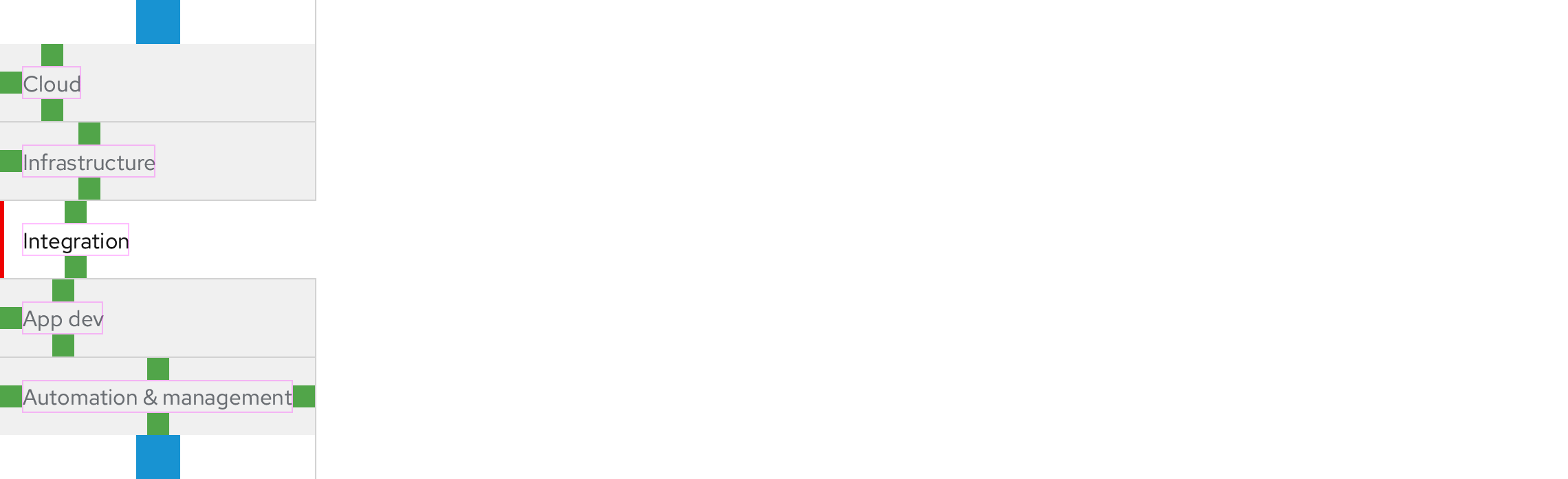
- Tab spacing (top, right, bottom, left): 16px, 32px, 16px, 32px
Default
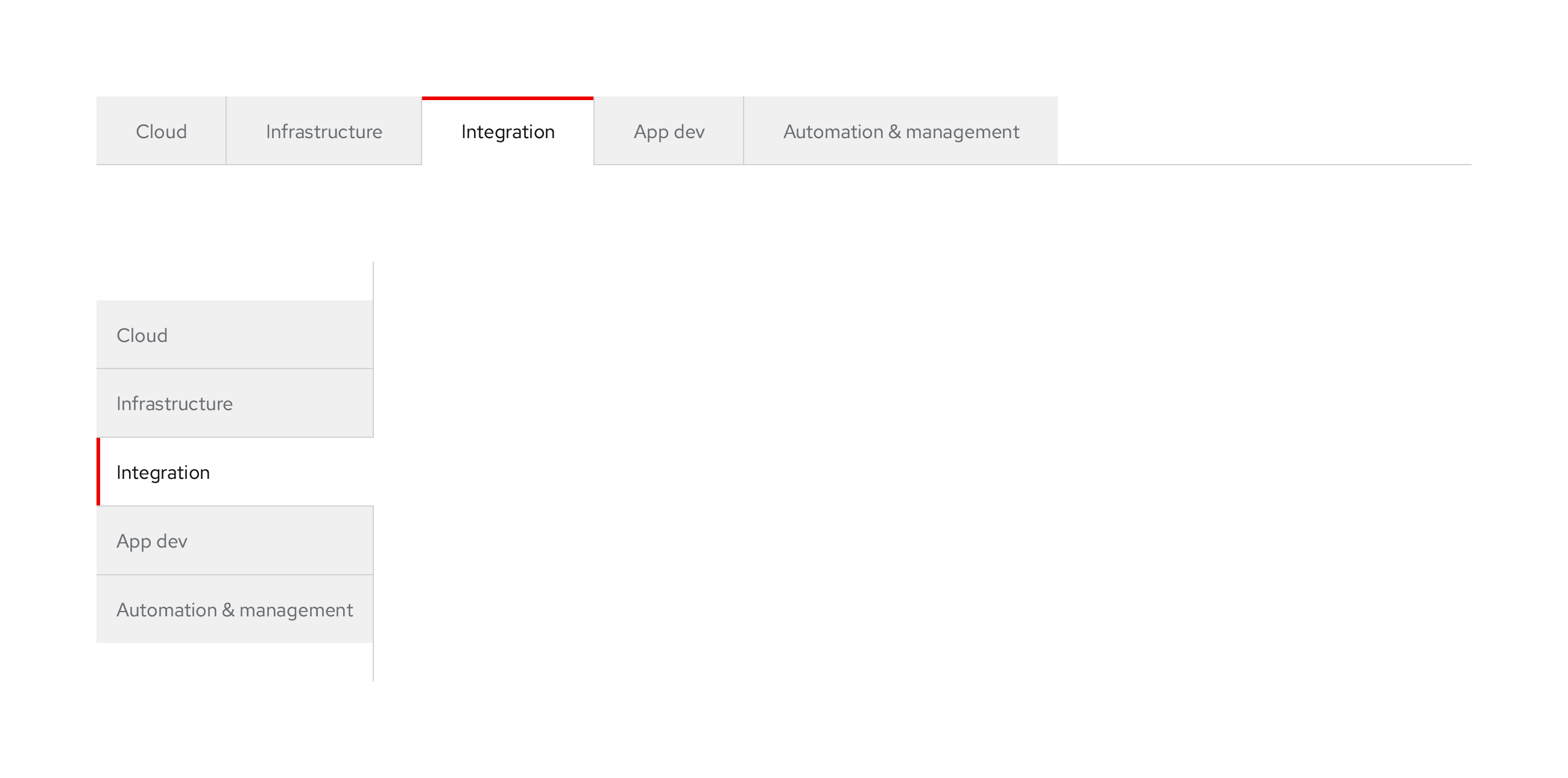
Focus
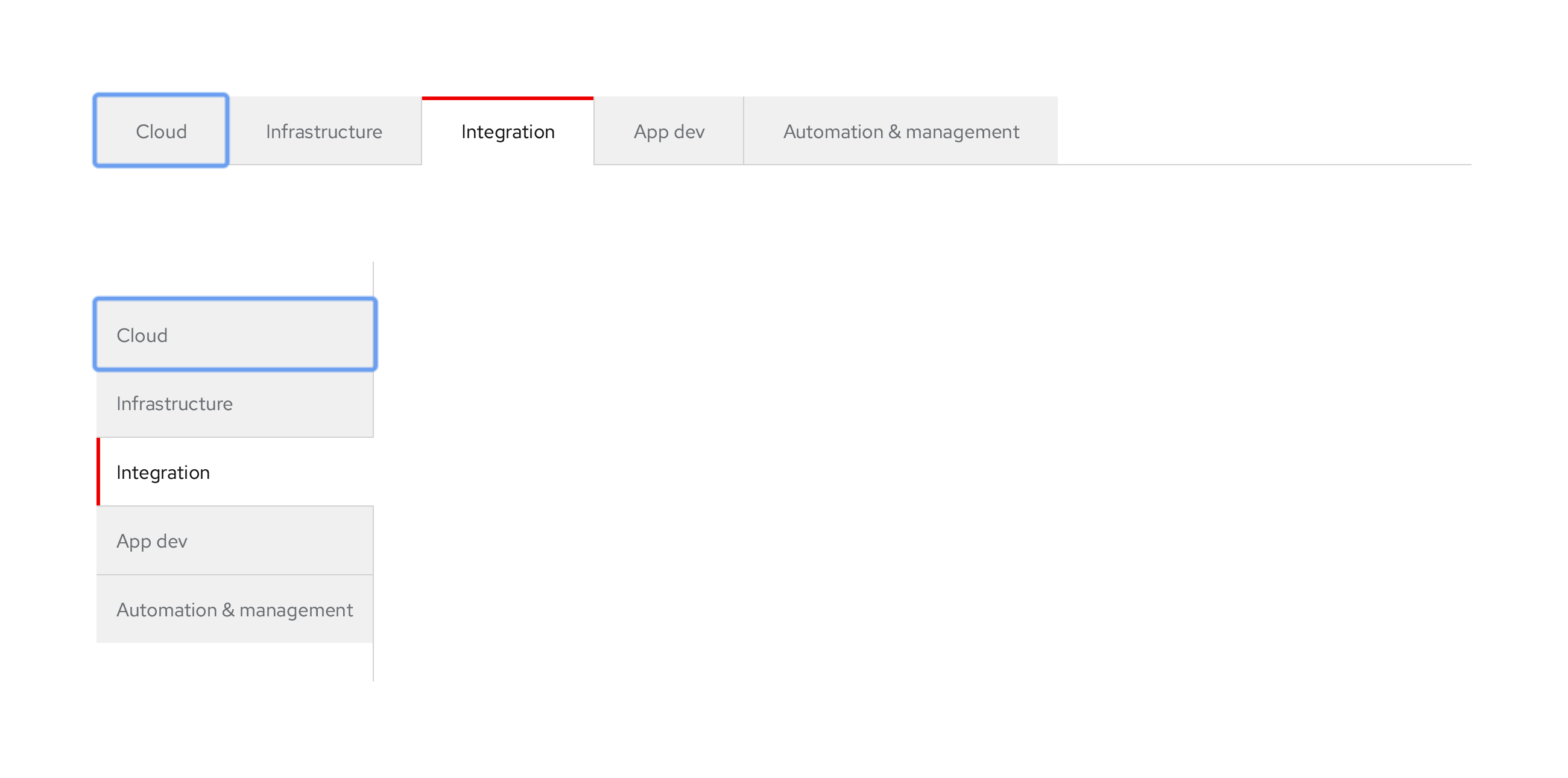
Hover

Active/Pressed
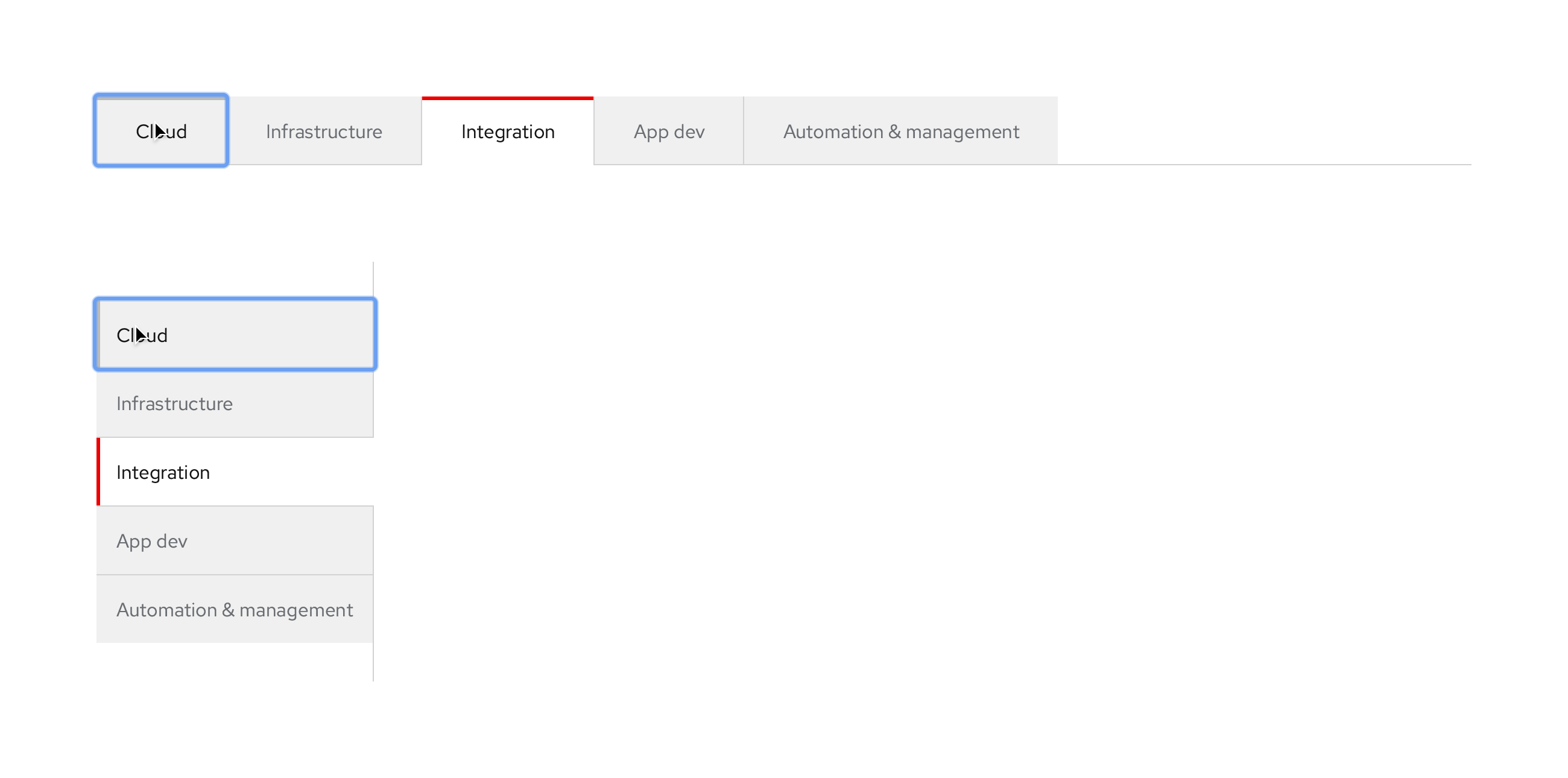
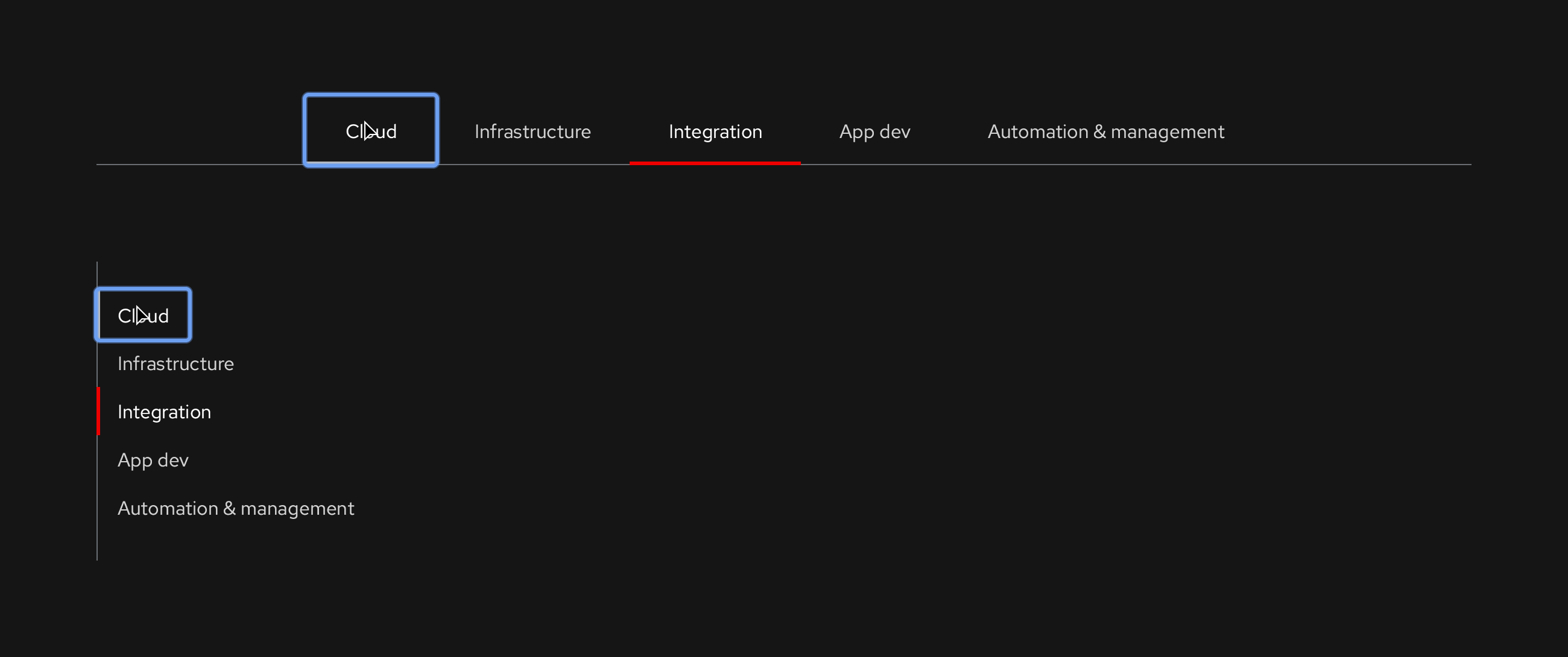
Primary, Open, Wind variant, dark theme
Horizontal
Vertical
Typography
- Labels: Red Hat Text, Regular, 16pt / 24 (1.5)
Color
- Default and Focus text label: #d2d2d2
- Hover text label: #fff
- Hover highlight bar: #b8bbbe, 3px height
- Active text label: #fff
- Active highlight bar: #e00, 3px height
- Anchor (bottom or left line): #6a6e73
Alignment and spacing
- Content area: No left, right, and bottom borders below component around content panel
- Alignment: Flush left, no 1px pipe on left
- 1px pipe in between all tabs, but not to the right of the last one: #d2d2d2
- Tab spacing (top, right, bottom, left): 16px, 32px, 16px, 32px
Default
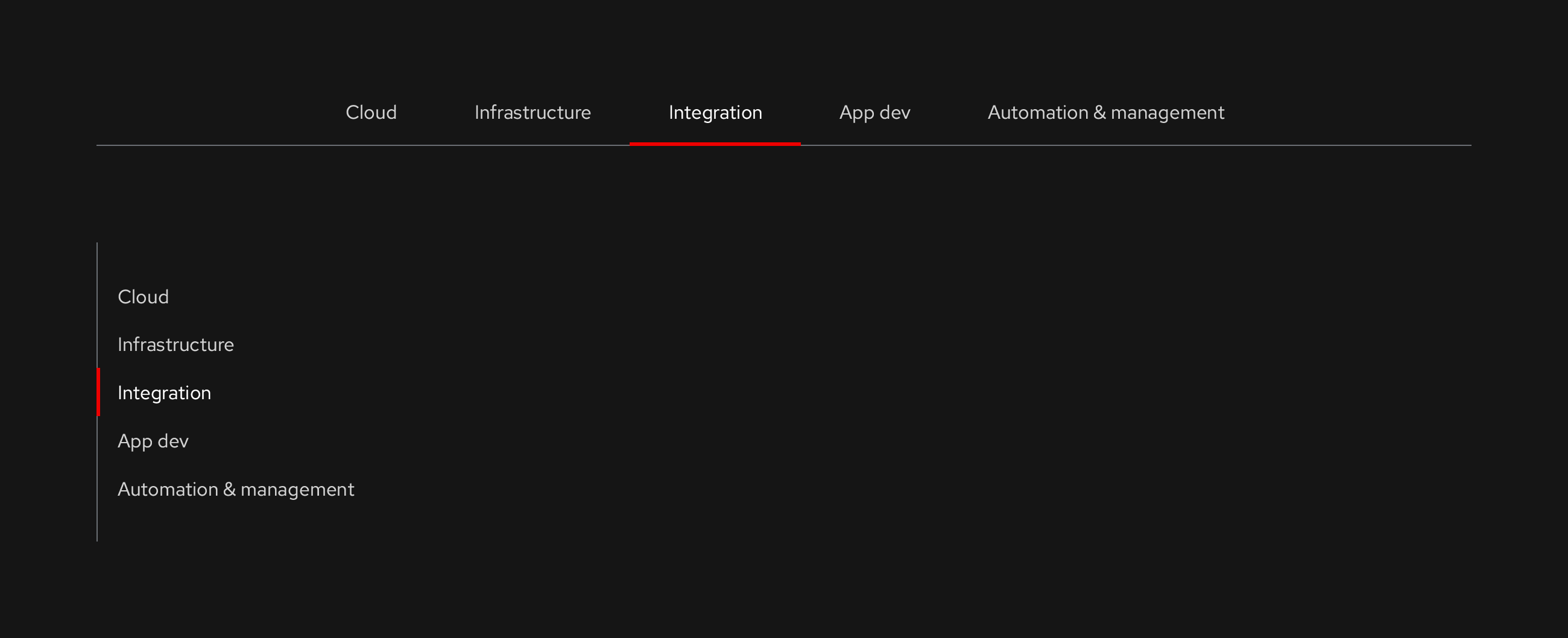
Focus
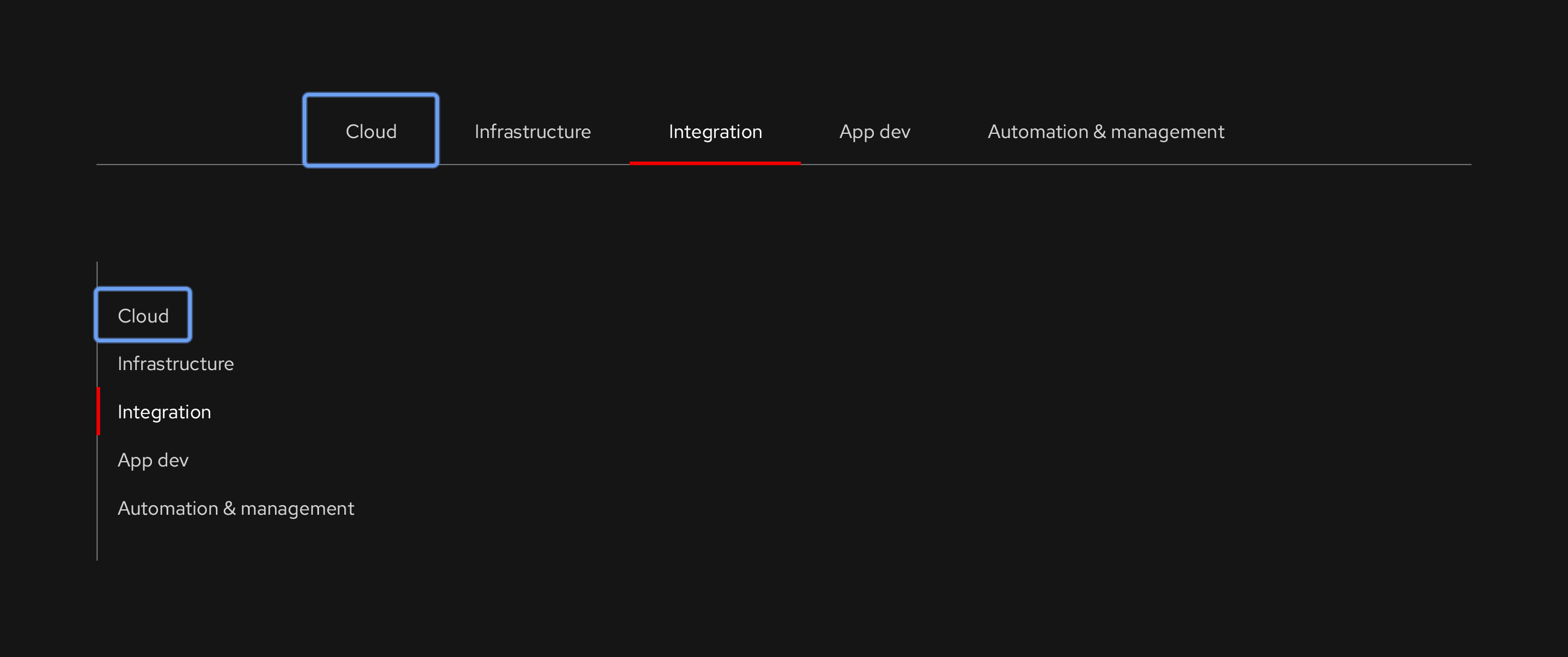
Hover
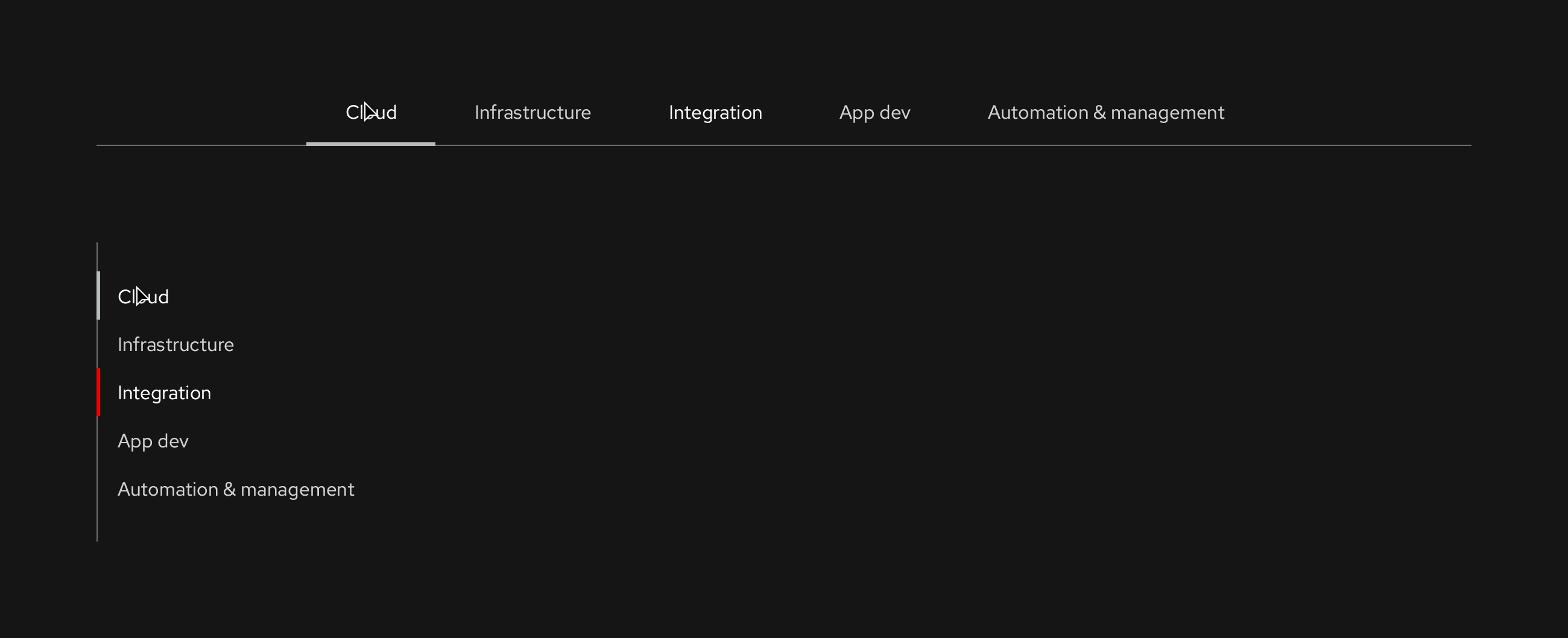
Active/Pressed
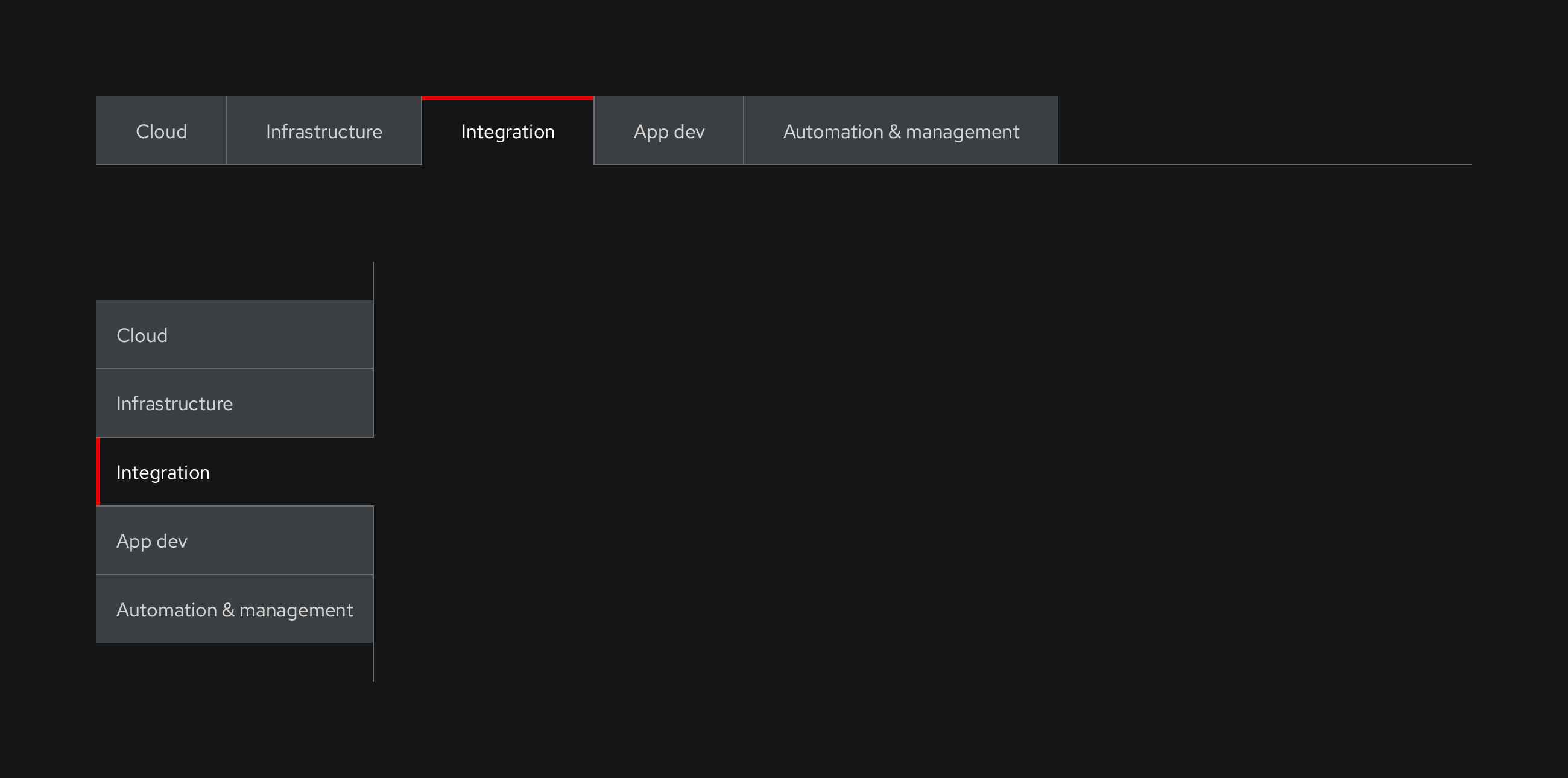
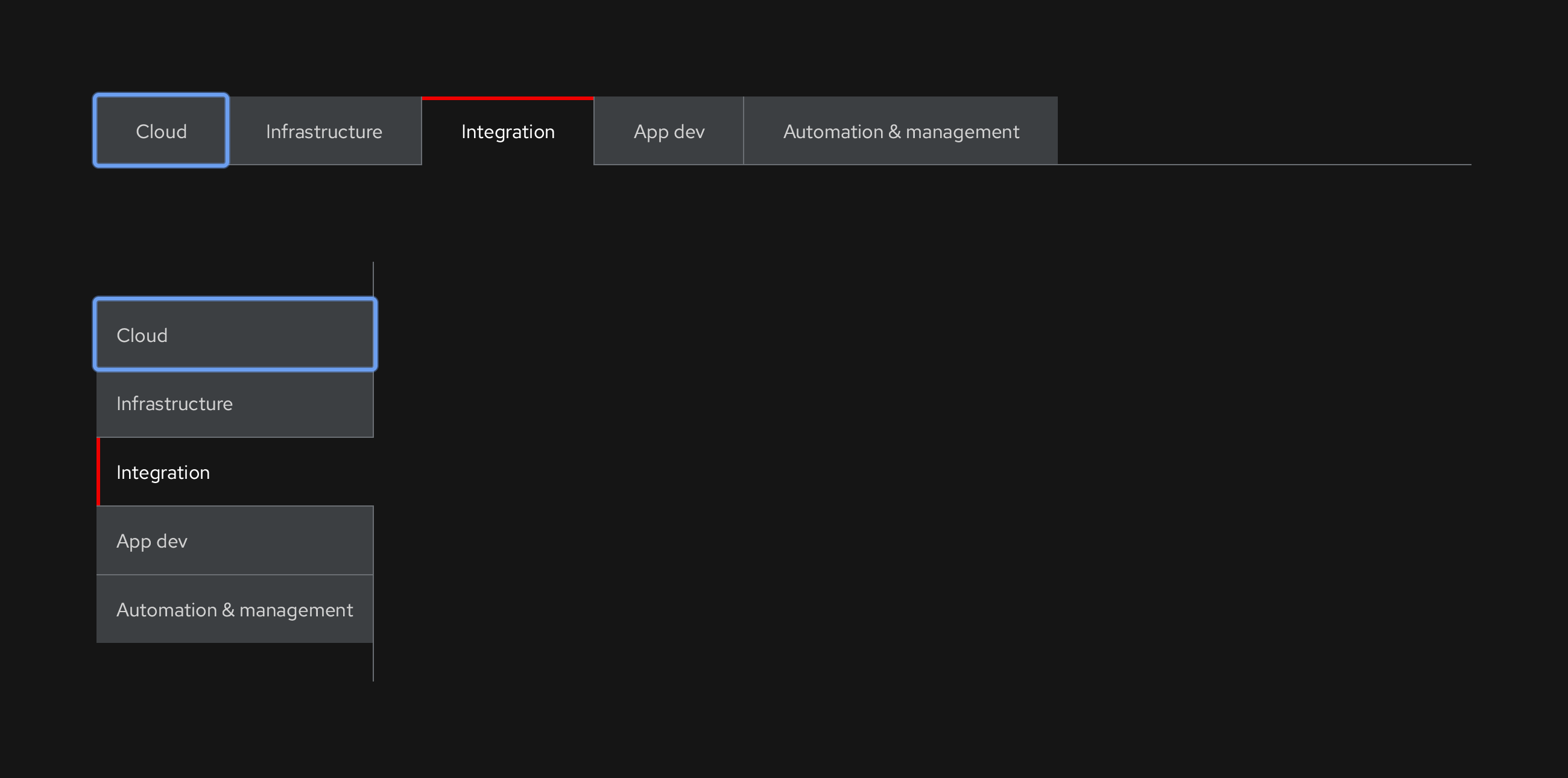
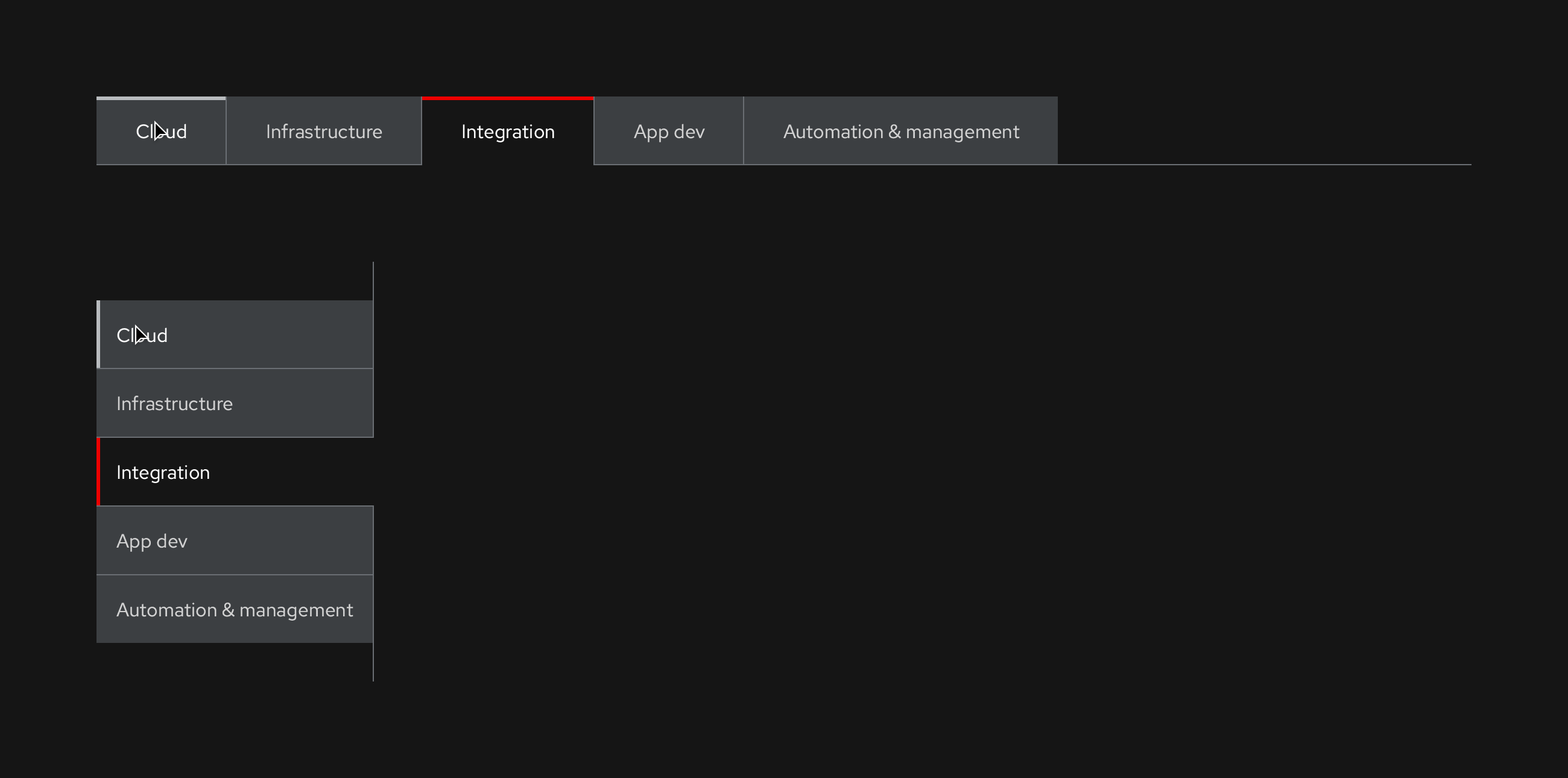
Secondary, Box, Earth variant, dark theme
Horizontal
Vertical
Typography
- Labels: Red Hat Text, Regular, 16pt / 24 (1.5)
Color
- Default and Focus text label: #d2d2d2
- Default and Focus tab BG: #3c3f42
- Hover text label: #fff
- Hover highlight bar: #b8bbbe, 3px height
- Active text label: #fff
- Active label tab BG: #151515
- Active highlight bar: #e00, 3px height
- Anchor (bottom or left line): #6a6e73
Alignment and spacing
- Content area: No left, right, and bottom borders below component
- Alignment: Flush left, no 1px pipe on left
- 1px pipe in between all other tabs: #6a6e73
- Tab spacing (top, right, bottom, left): 16px, 32px, 16px, 32px
Default
Focus
Hover
Active/Pressed
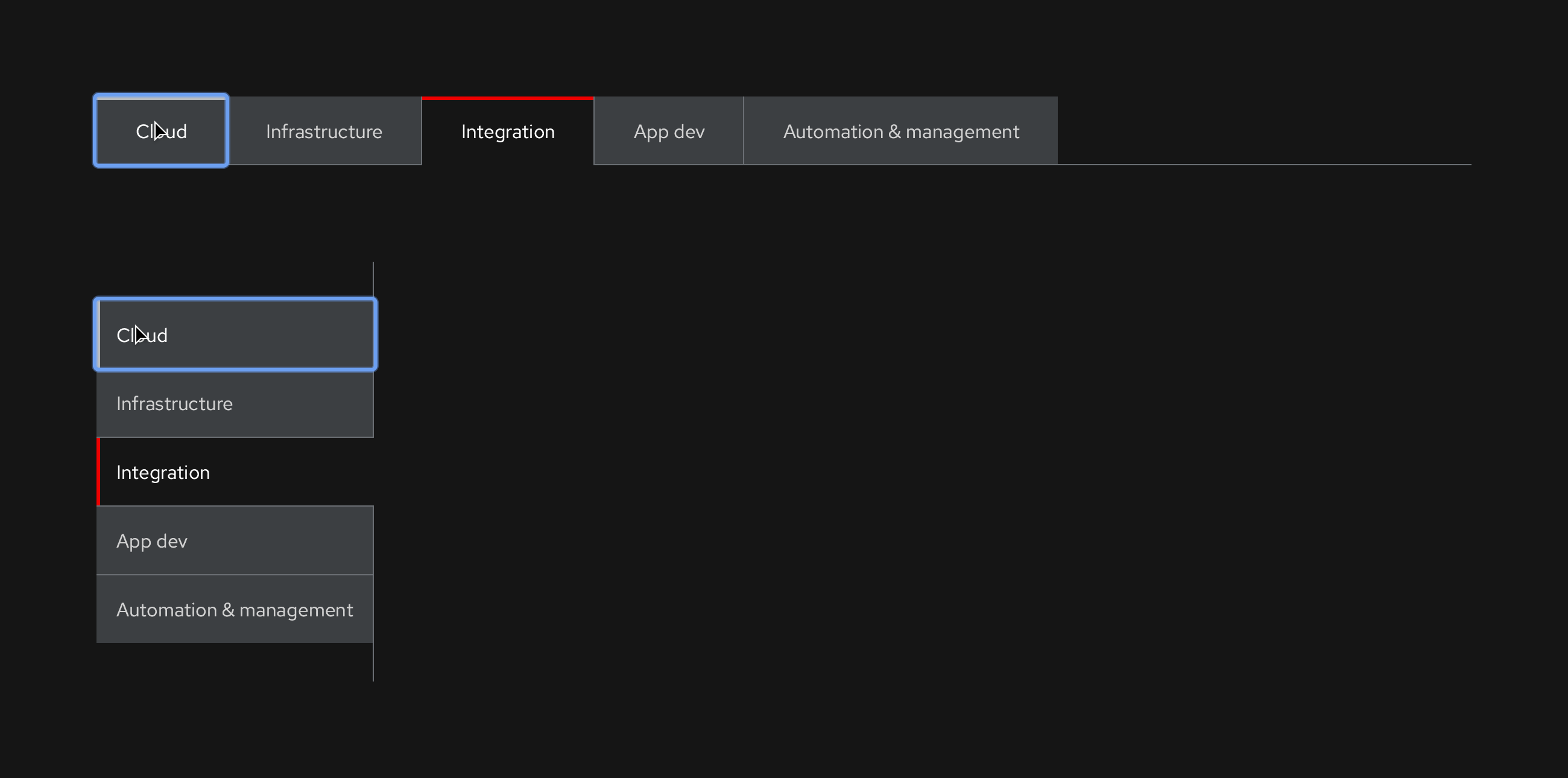
Tab order
The order in which a user moves focus from one control to another by pressing the Tab key.
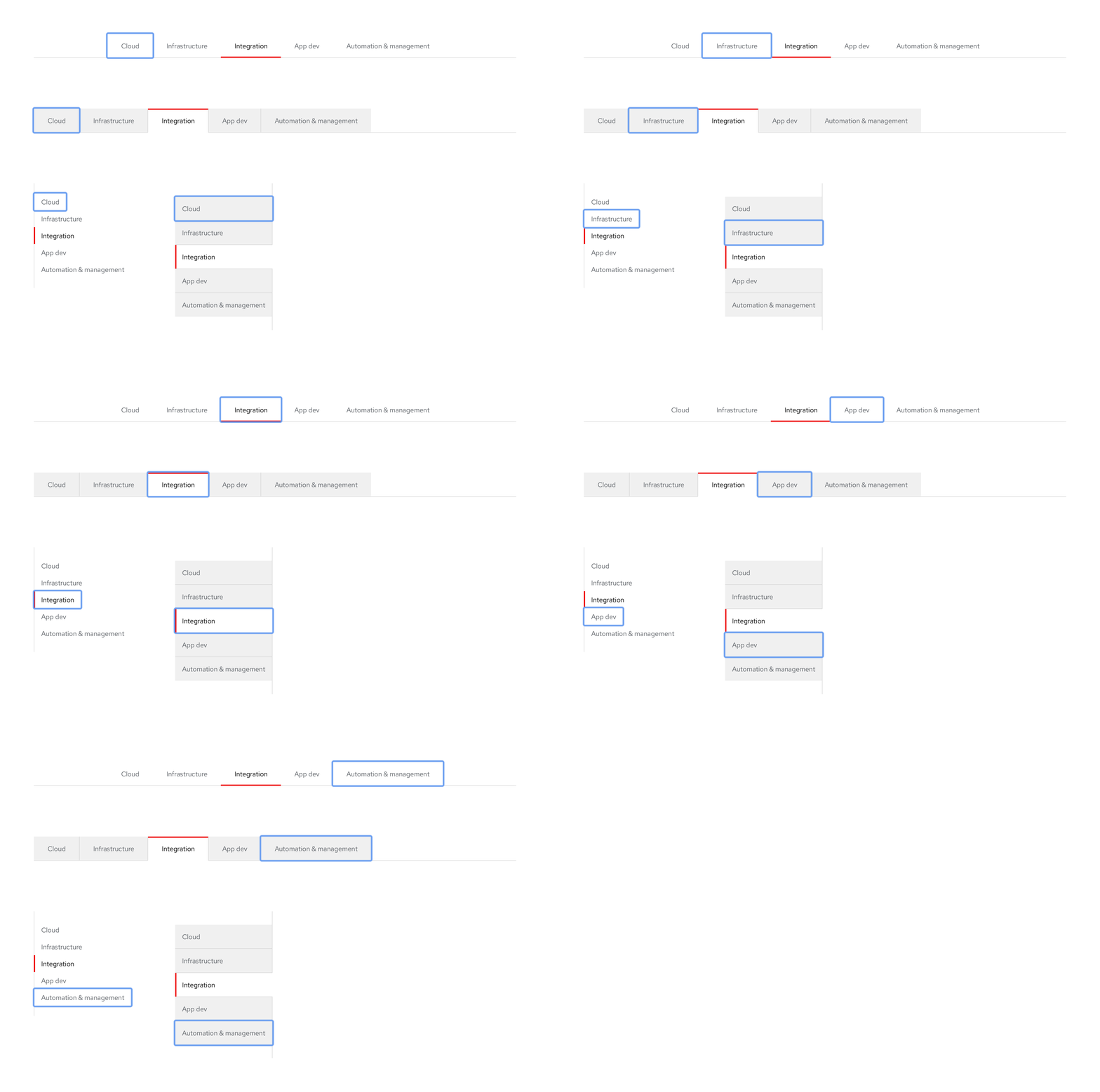
Overflow scroll button
Applied to the Horizontal component when labels are too long and get cut off. There's no specific breakpoint for when a Scroll button appears, it depends on the number of labels and the character count of each label.
Styles and interactions
Horizontal, light theme

Angle or arrow styles
- Default and Focus: #151515
- Hover and Active/Pressed: #06c
- Disabled: #d2d2d2
- Pipe or divider: #d2d2d2
Button BG styles
- Adopts whatever the BG color is that the component is placed on
Default

Focus

- The Scroll button can't be focused, only each individual Tab in the tab order instead
Hover

Active/Pressed

Horizontal, dark theme

Angle or arrow styles
- Default and Focus: #fff
- Hover and Active/Pressed: #2b9af3
- Disabled: #6a6e73
- Pipe or divider: #6a6e73
Default

Focus
- The Scroll button can't be focused, only each individual Tab in the tab order instead
Hover

Active/Pressed

Interactivity
Default state
- Text labels or Tabs are organized from left to right
- When Overflow buttons appear, the left button is disabled and the right button is active
Active/Pressed
- When the right Overflow button is clicked on or pressed, text labels or Tabs move from right to left
- When the left Overflow button is clicked on or pressed, text labels or Tabs move from left to right
Tab order

- As a user presses the Tab key, the focus indicator will move from left to right outlining all Tabs until it reaches the end of the tab order where the Overflow button will become disabled
Breakpoints
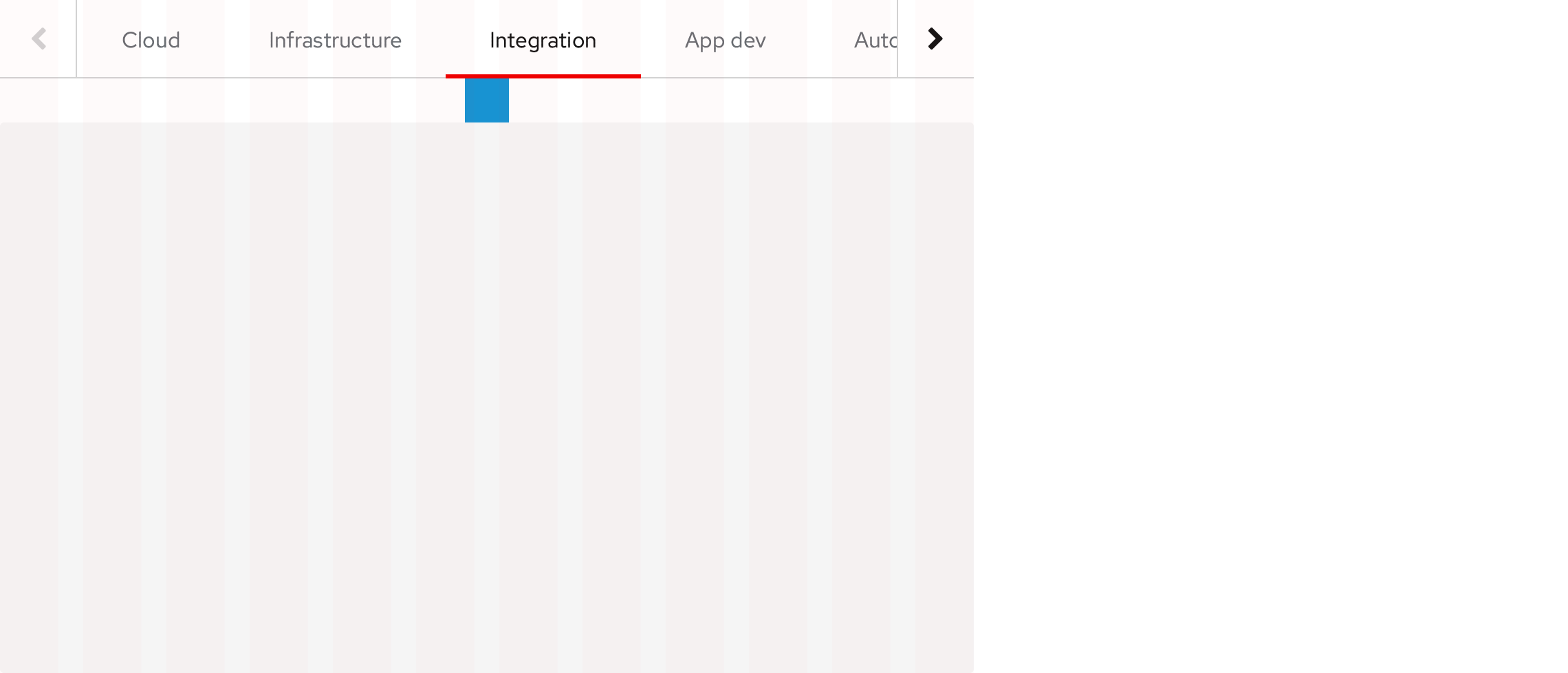
When screens get smaller, the spacing between the component and the content panel reduces.
Open, Primary, Wind variant, horizontal
Desktop
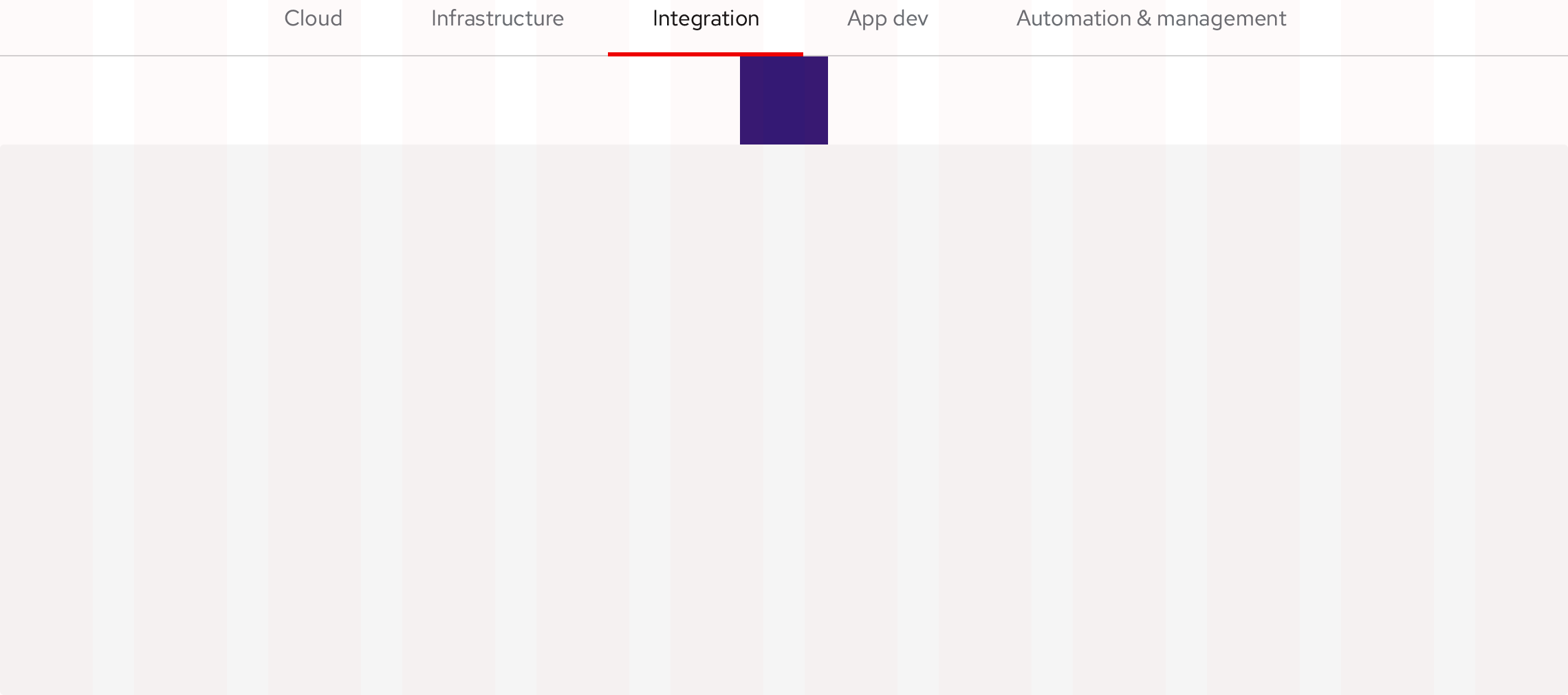
Tablet, landscape
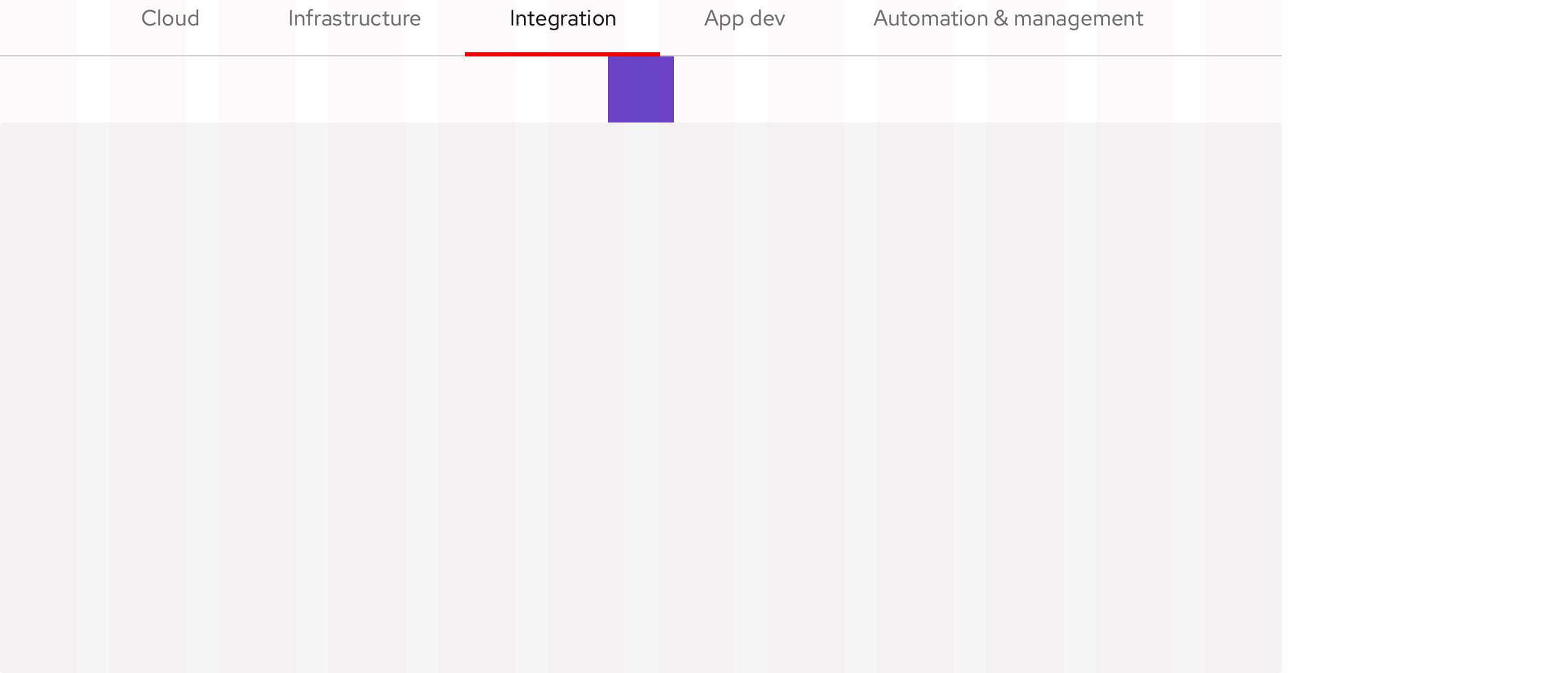
Tablet, portrait
Open, Primary, Wind variant, vertical
The vertical component occupies 20% of the total layout width on all breakpoints.
Desktop
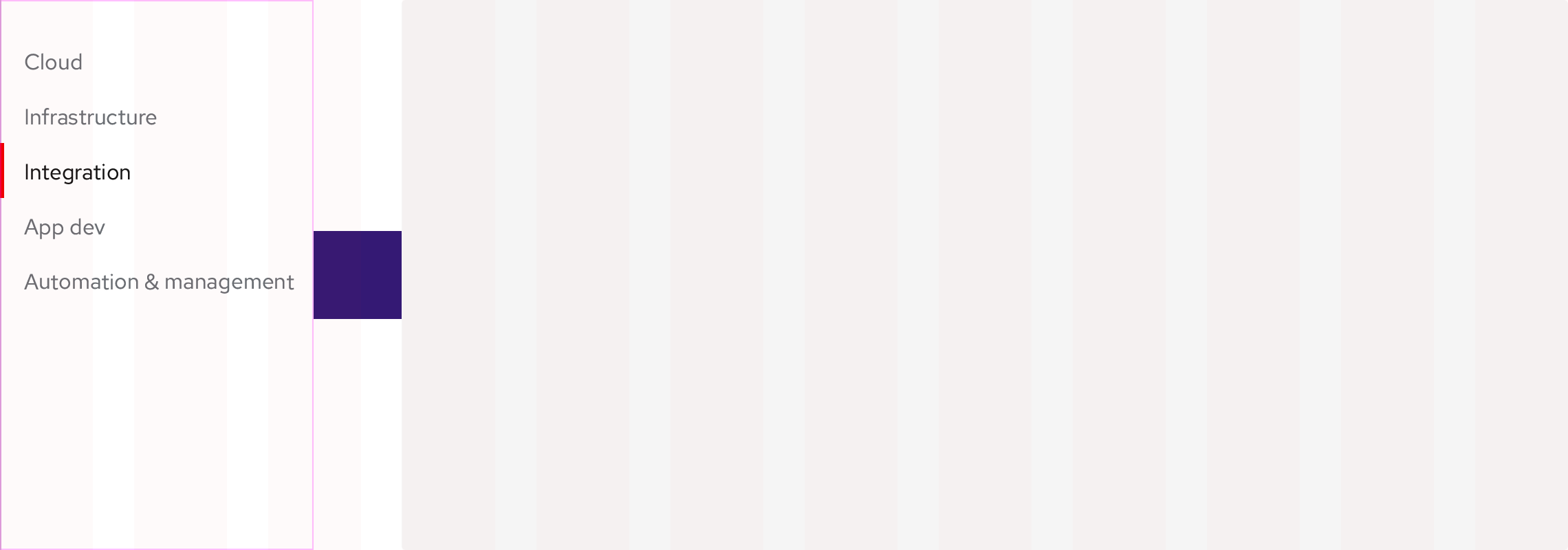
Tablet, landscape
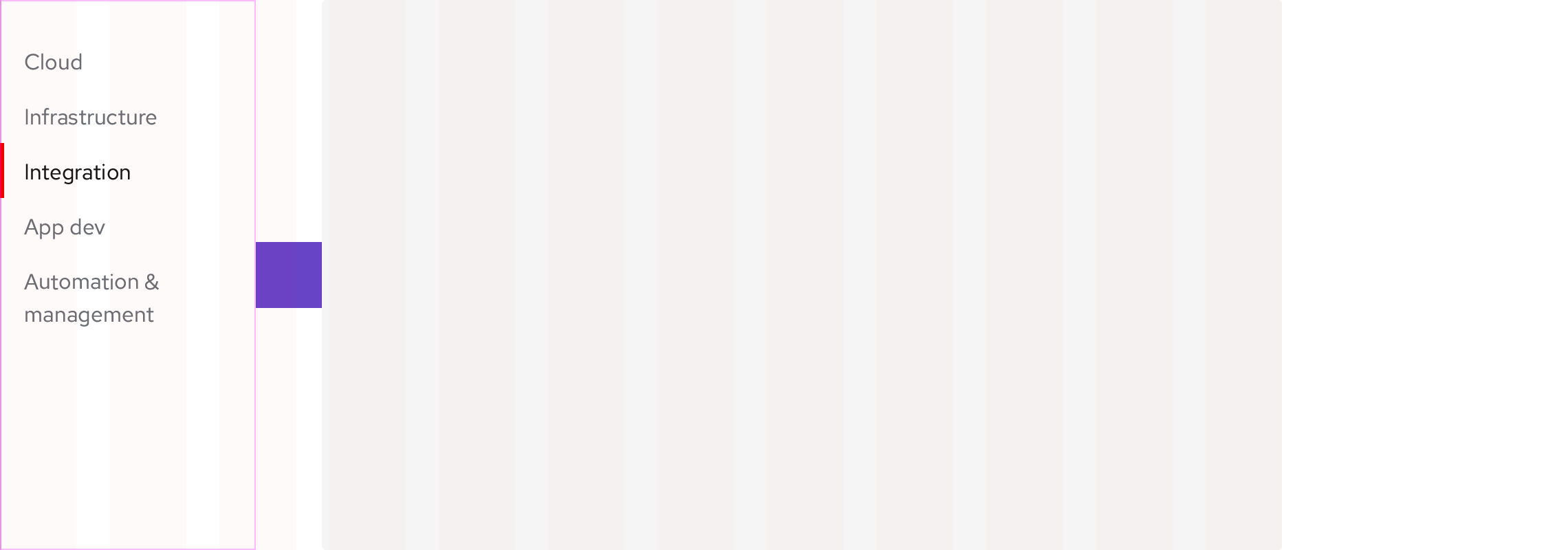
Tablet, portrait

Secondary, Box, Earth variant, horizontal
Desktop
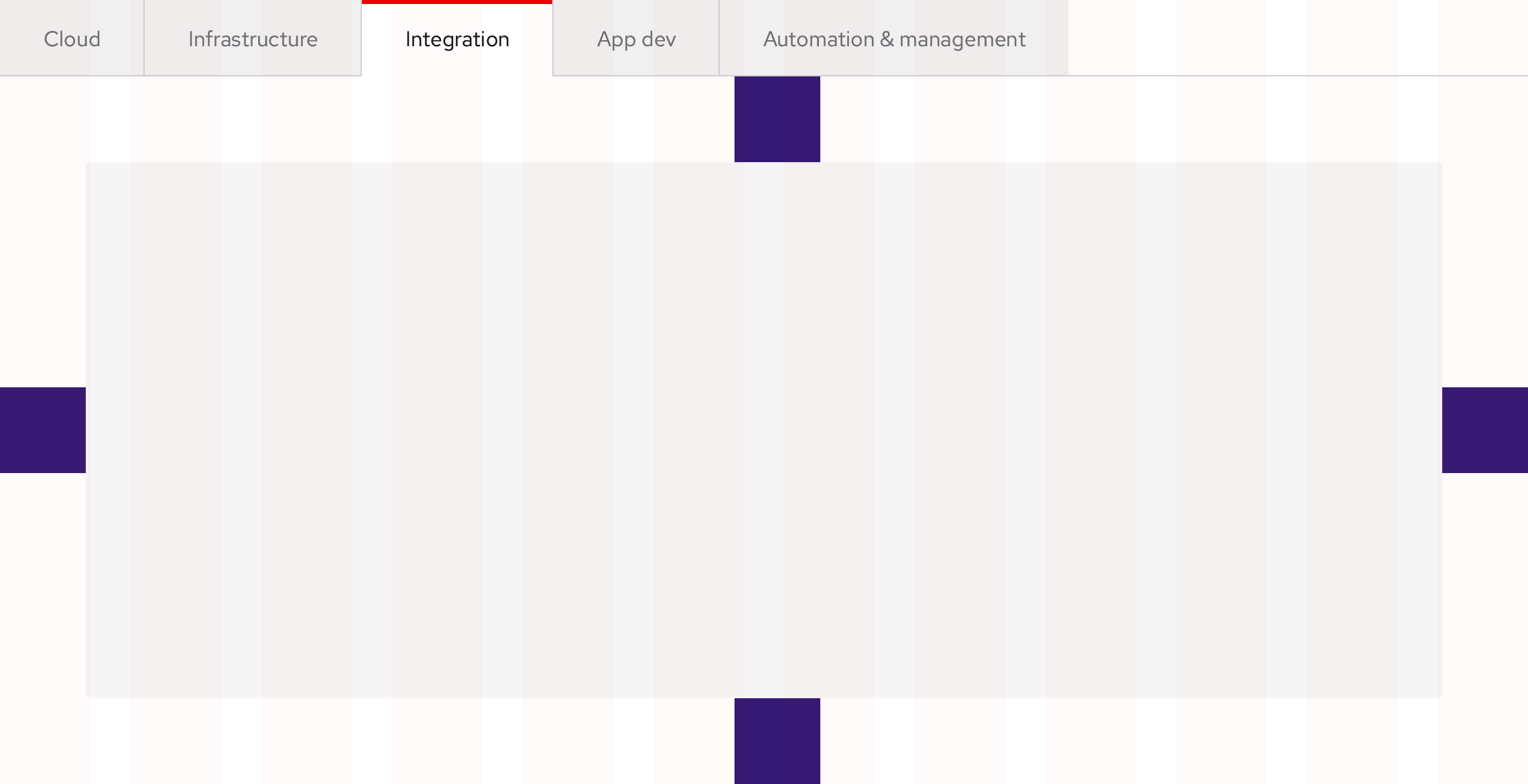
Tablet, landscape
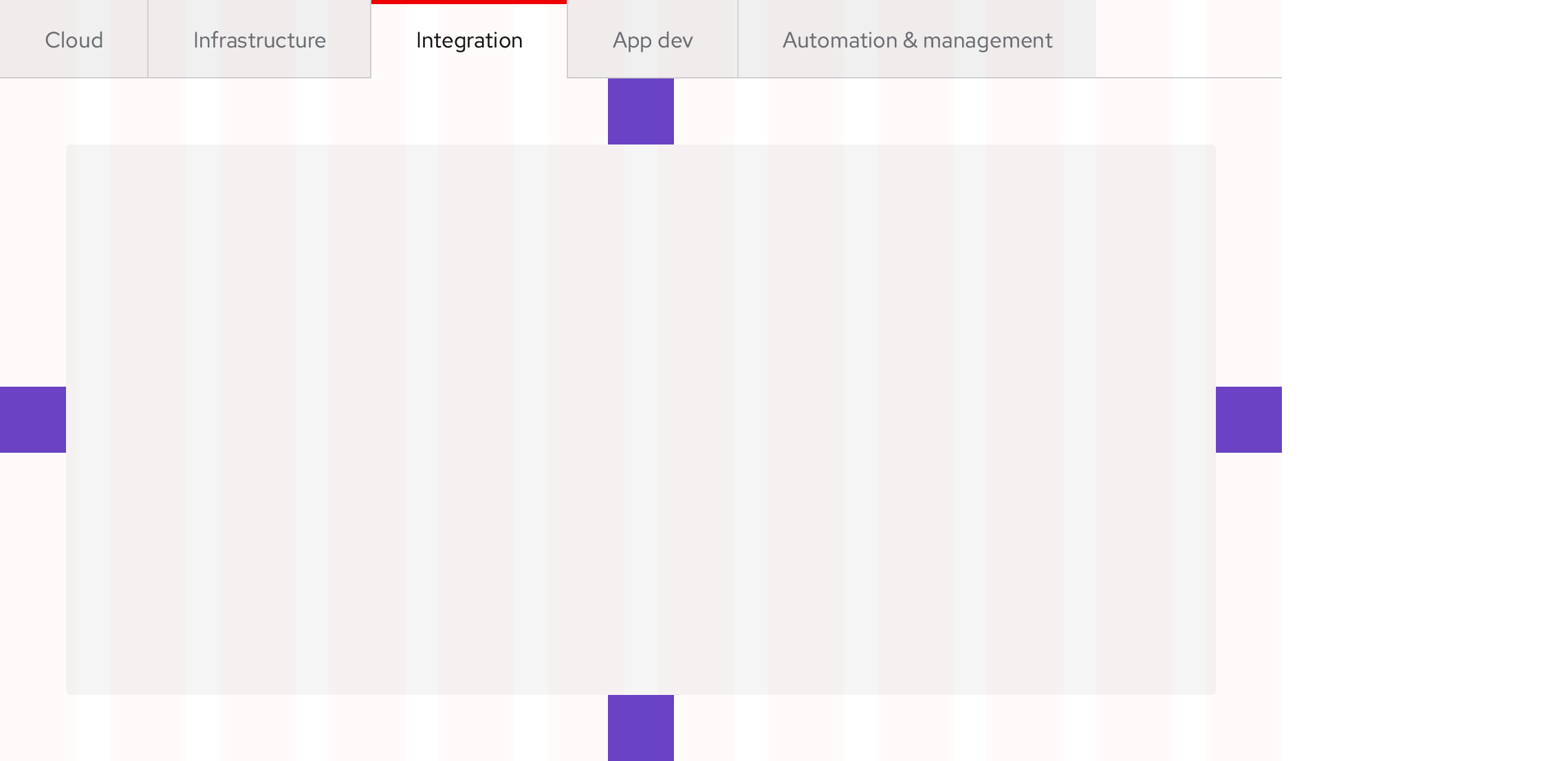
Tablet, portrait
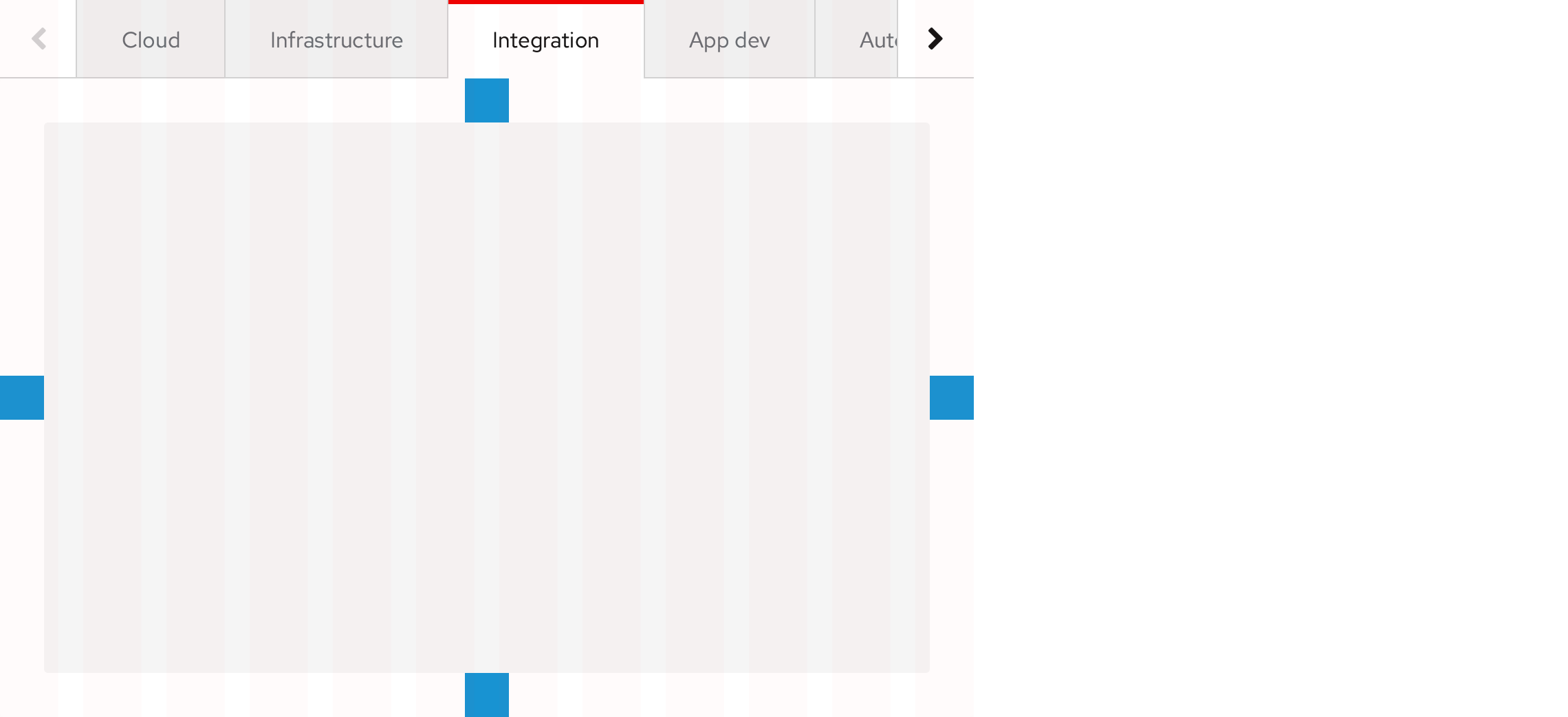
Secondary, Box, Earth variant, vertical
The vertical component occupies 20% of the total layout width on all breakpoints.
Desktop
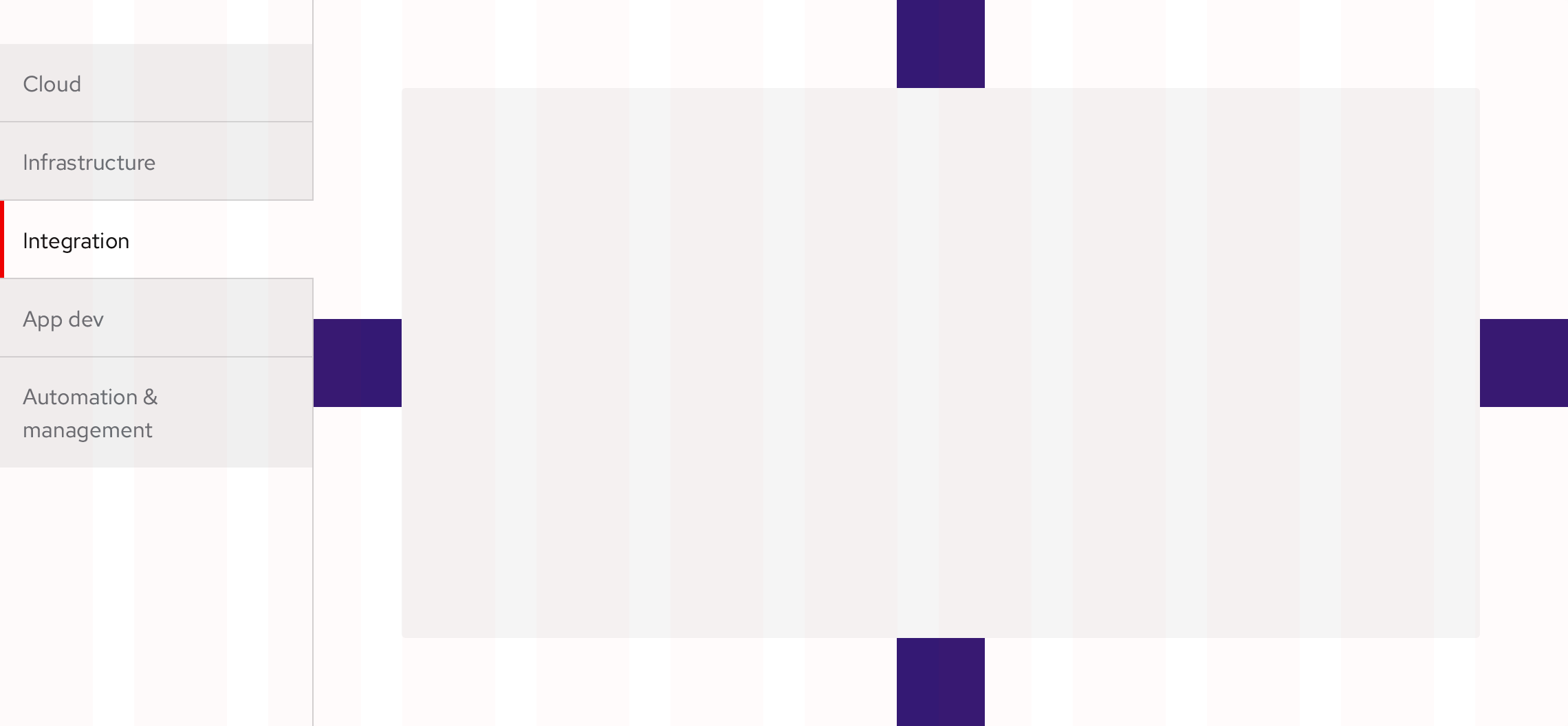
Tablet, landscape
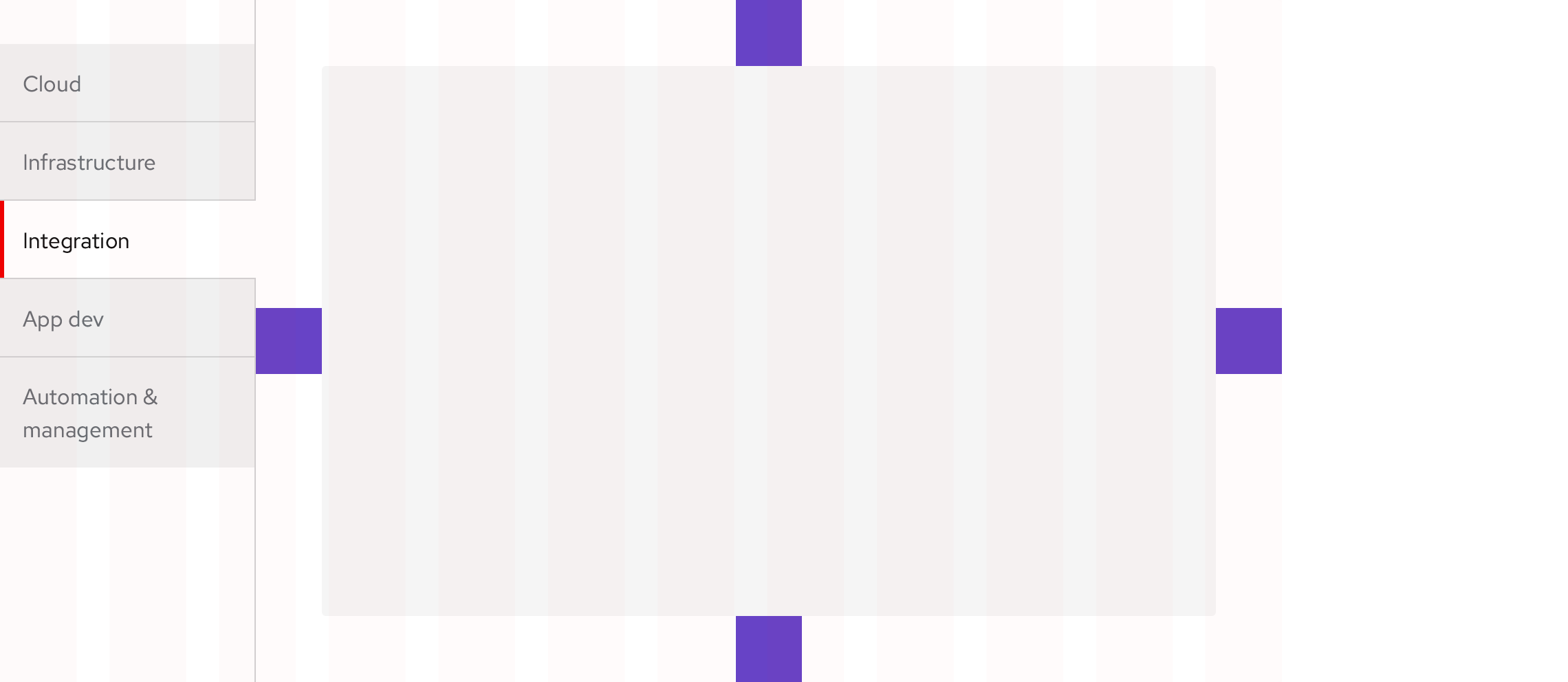
Tablet, portrait
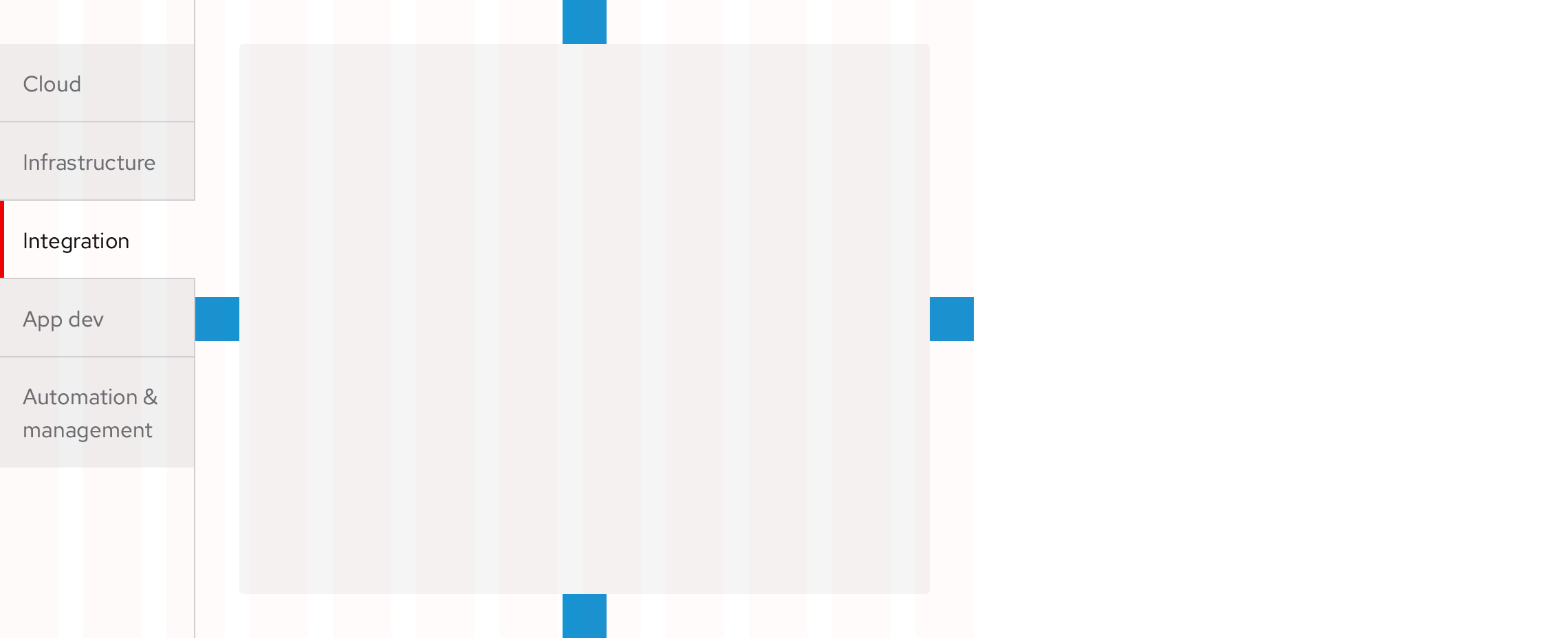
Spacing legend
https://www.patternfly.org/v4/design-guidelines/styles/spacers
Content panel
The area underneath a Tab set is where content can be placed.
Placement on backgrounds
Primary, Open, Wind variant
Transparent BG
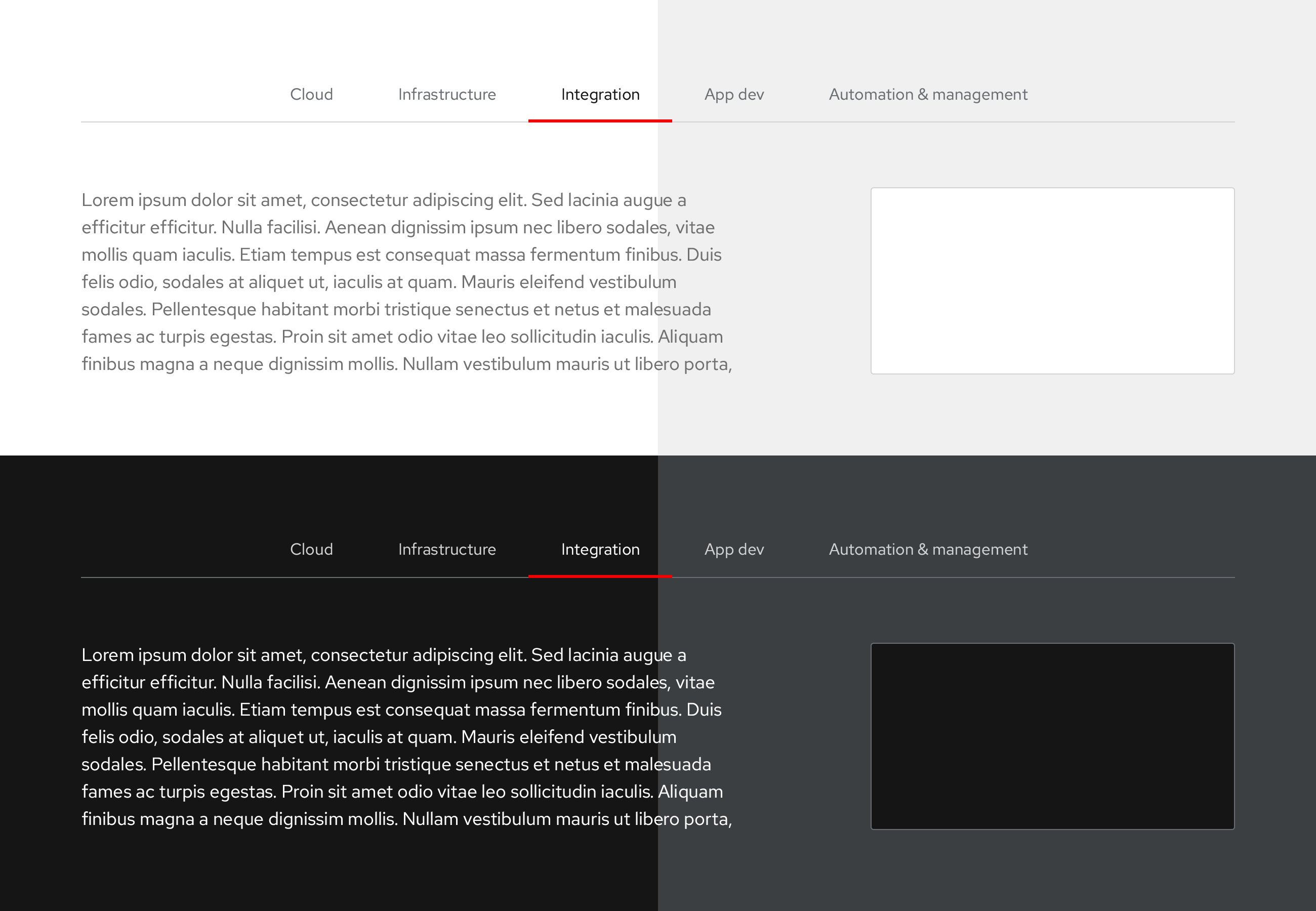
- Primary, Open, Wind variant Tabs have transparent content panel BGs where the content sits on top of BGs
- Includes both Horizontal and Vertical components
Secondary, Box, Earth variant
Opaque BG
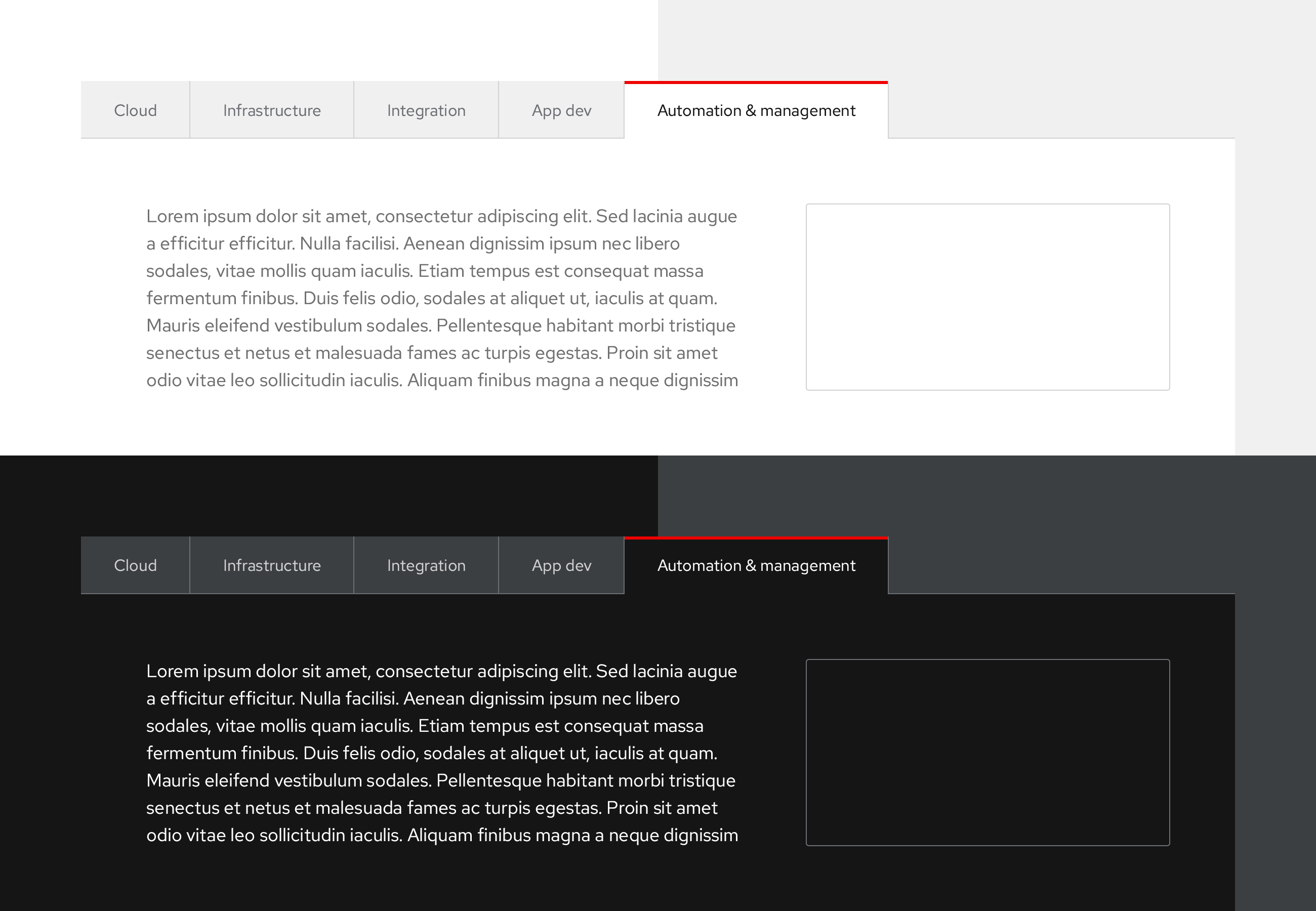
- Secondary, Box, Earth variant Tabs have opaque content panel BGs
- Light theme always contains a white (#fff) content panel BG
- Dark theme always contains a black (#151515) content panel BG
- Includes both Horizontal and Vertical components
Borders
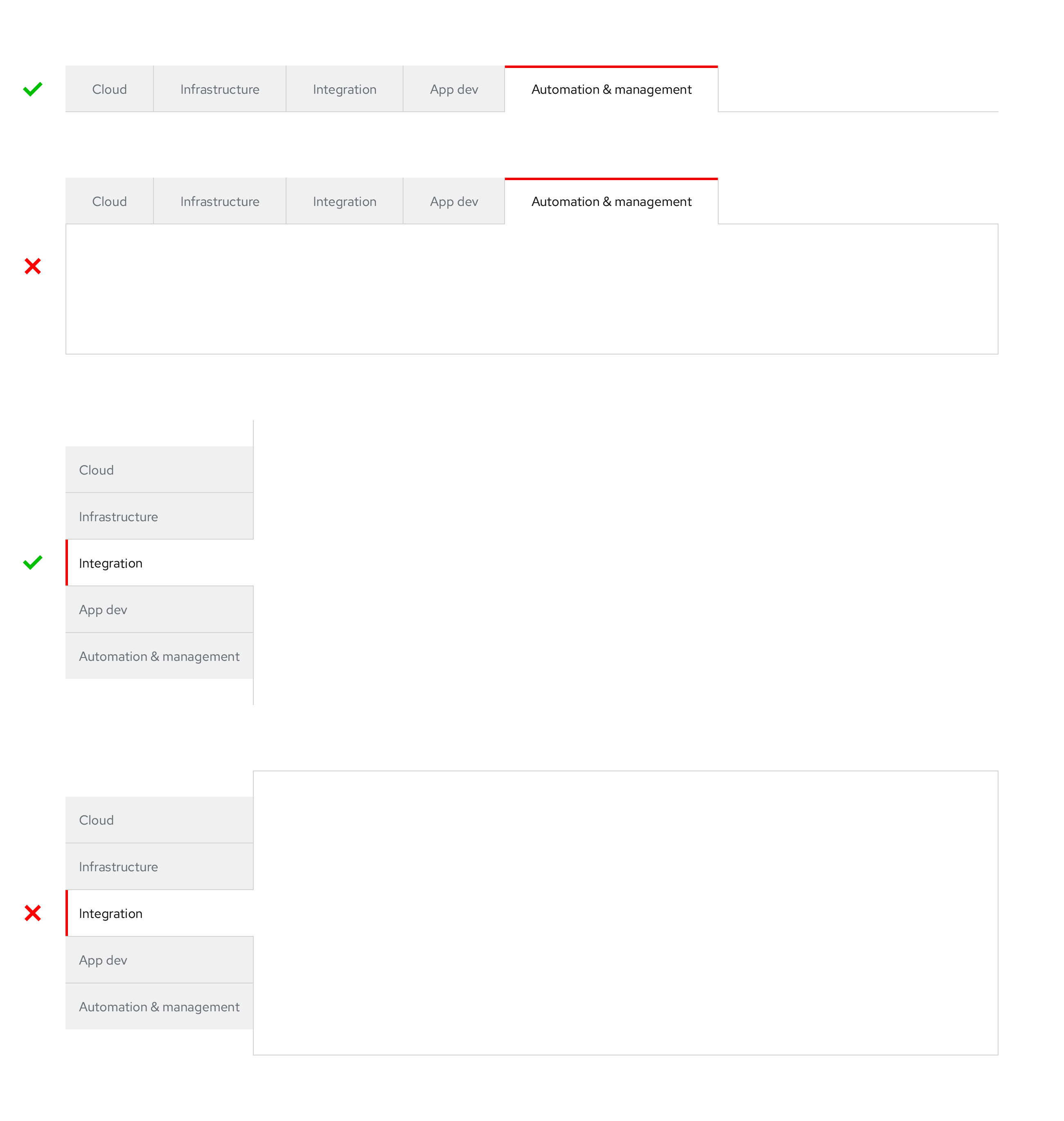
- Secondary, Box, Earth variant Tabs don't have a border encircling the component and content panel
Usage/Accessibility
Primary, Open, Wind variant, light theme
Guidelines
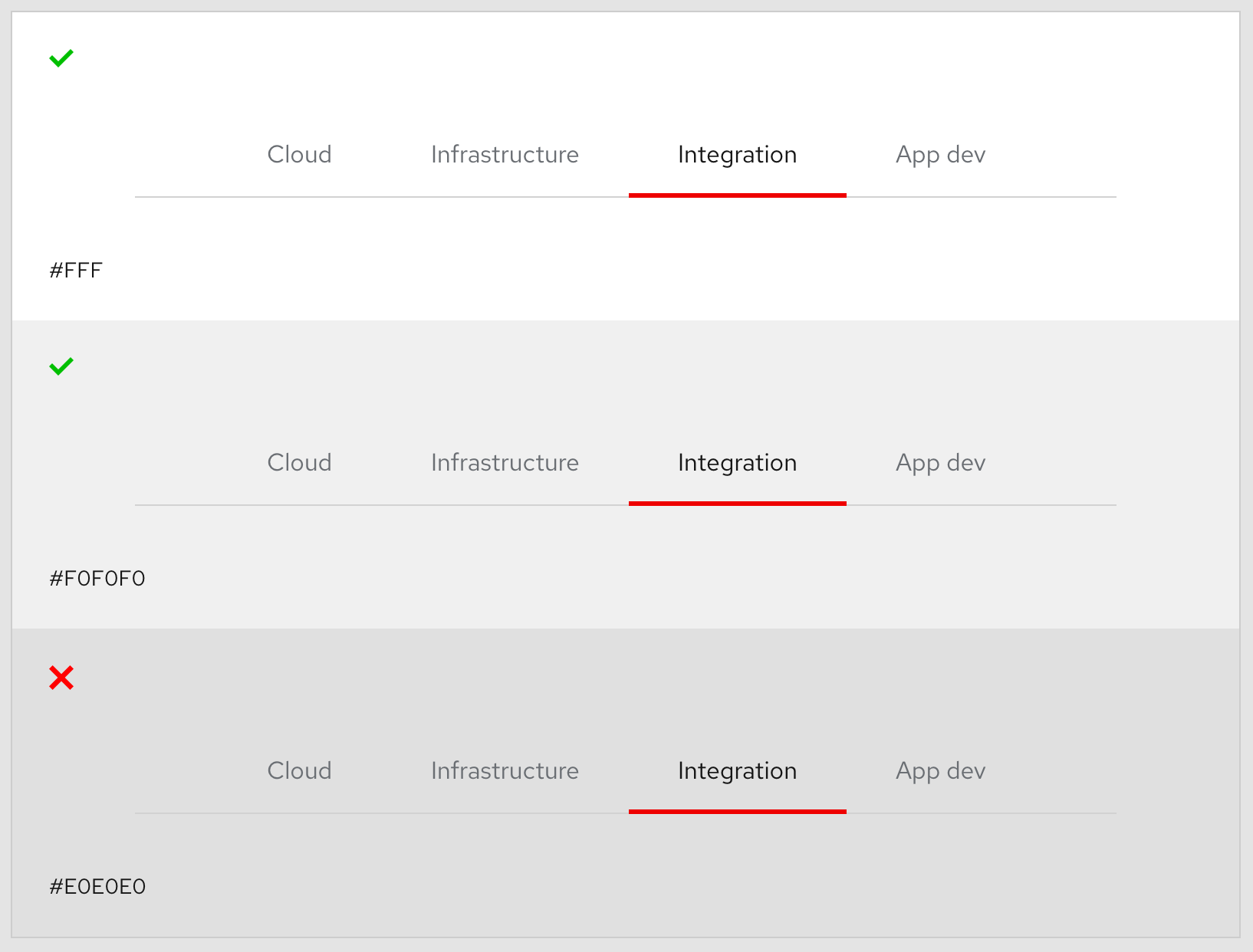
- Can't be used on BGs darker than #f0f0f0 (4.5:1)
Secondary, Box, Earth variant, light theme
Guidelines
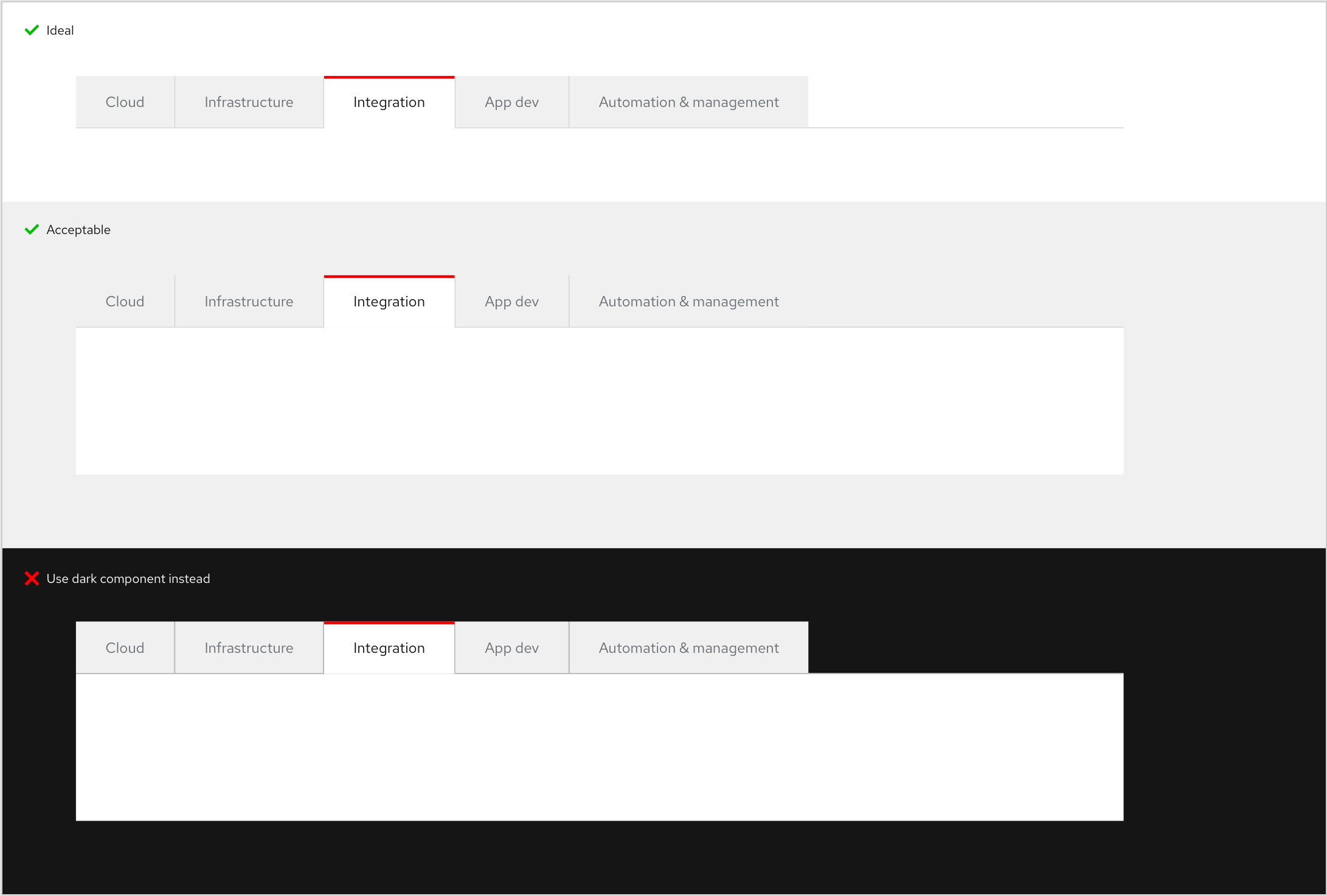
- Use on white/light gray BGs only
Primary, Open, Wind variant, dark theme
Guidelines
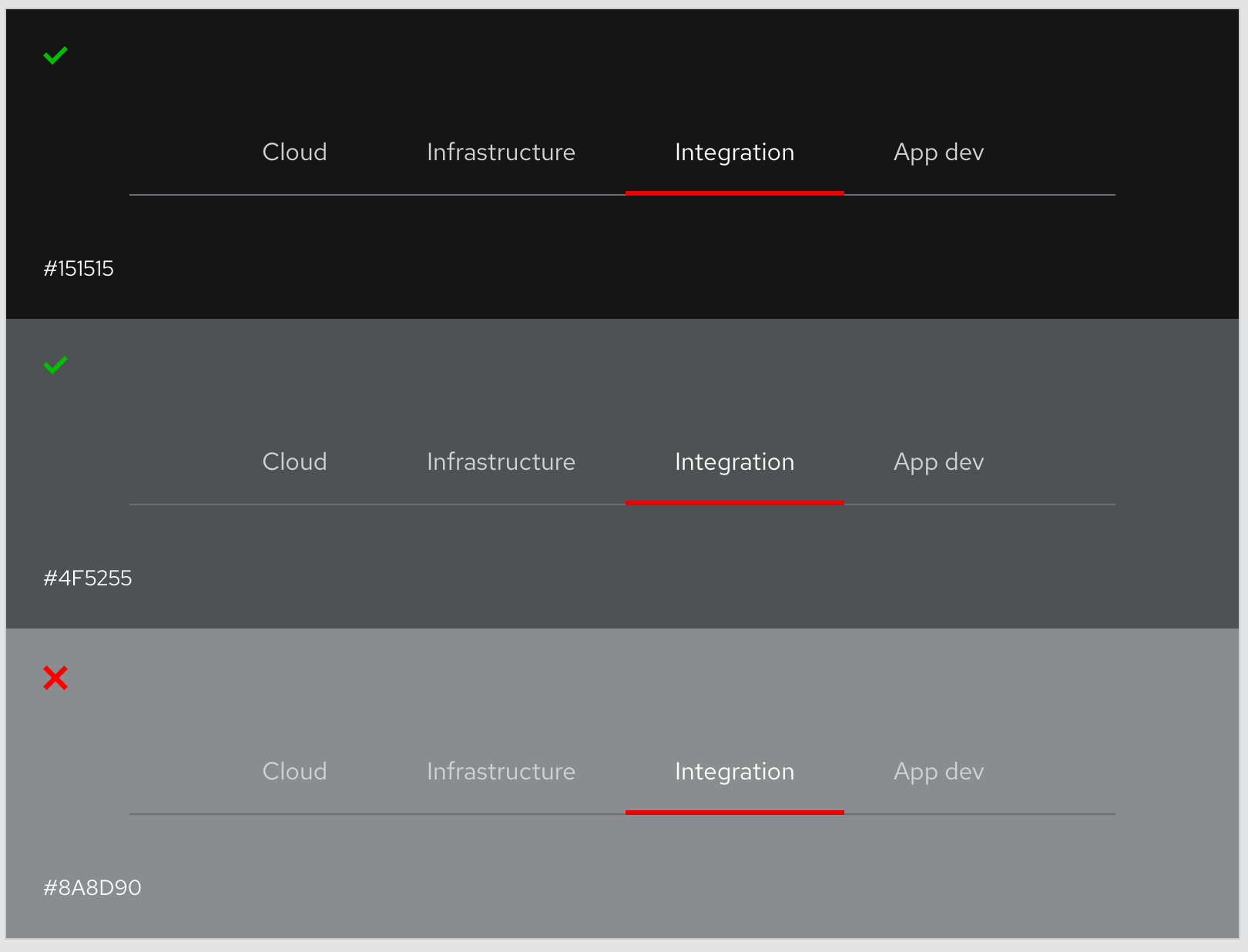
- Can't be used on BGs lighter than #4f5255 (5.2:1)
Secondary, Box, Earth variant, dark theme
Guidelines
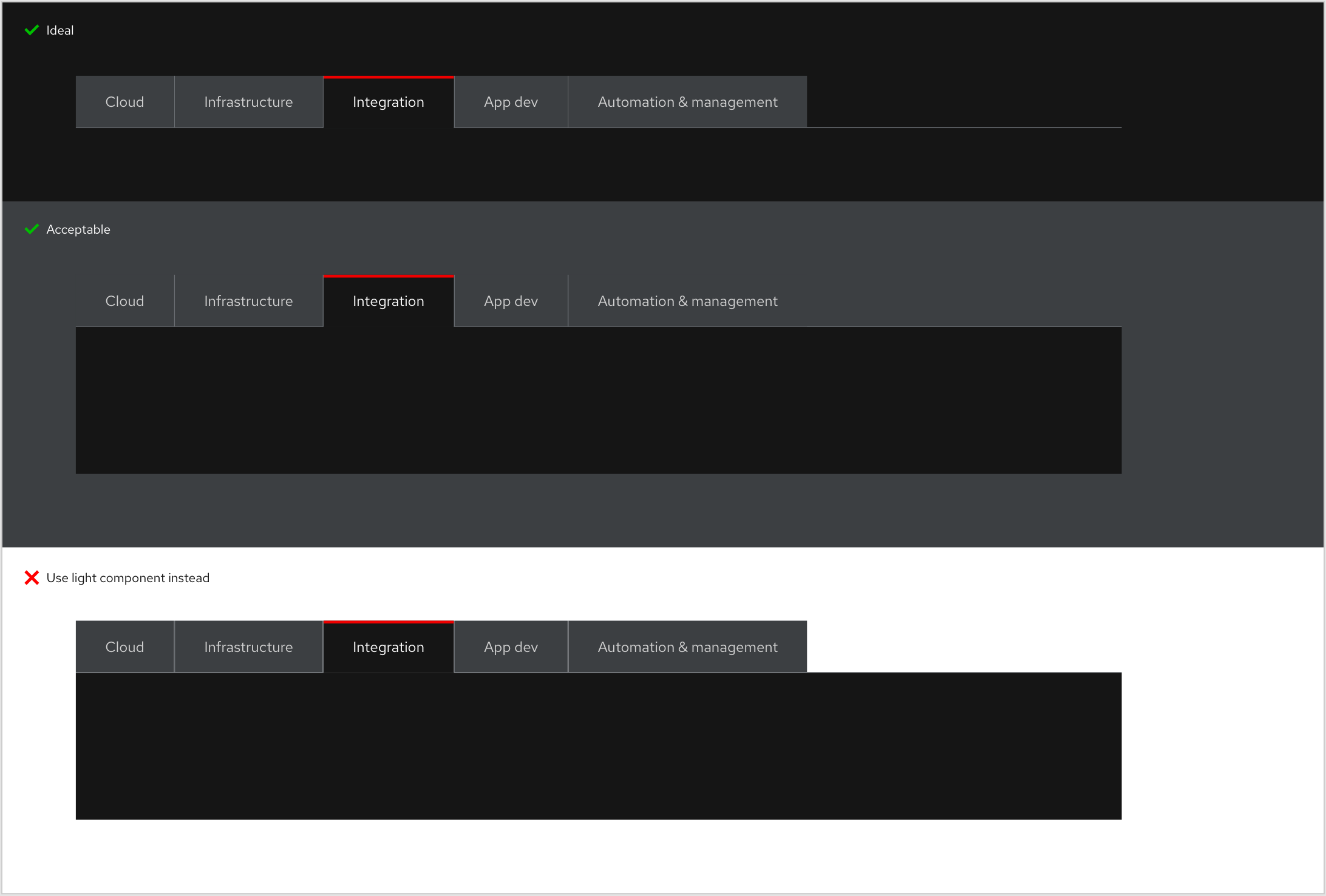
- Use on black/dark BGs only
Active tab
- Tab on left/in position 1 is always the Active tab
Tab order
- Always moves left to right (for non-RTL languages) or top to bottom
- User input/Tab key should focus Active tab/first tab on left (or the top) and then cycle through content in the content area (LTR or top-to-bottom)
- Focus will target next tab/second tab after leaving the content area
Spacing
Primary, Open, Wind variant
Horizontal

Horizontal, overflow

Vertical
Secondary, Box, Earth variant
Horizontal

Horizontal, overflow

Vertical
Spacing legend
https://www.patternfly.org/v4/design-guidelines/styles/spacers