A lightweight Windows application that draws a visual border around the currently focused window. Designed to work seamlessly with window managers like GlazeWM to provide clear visual feedback on which window has focus.
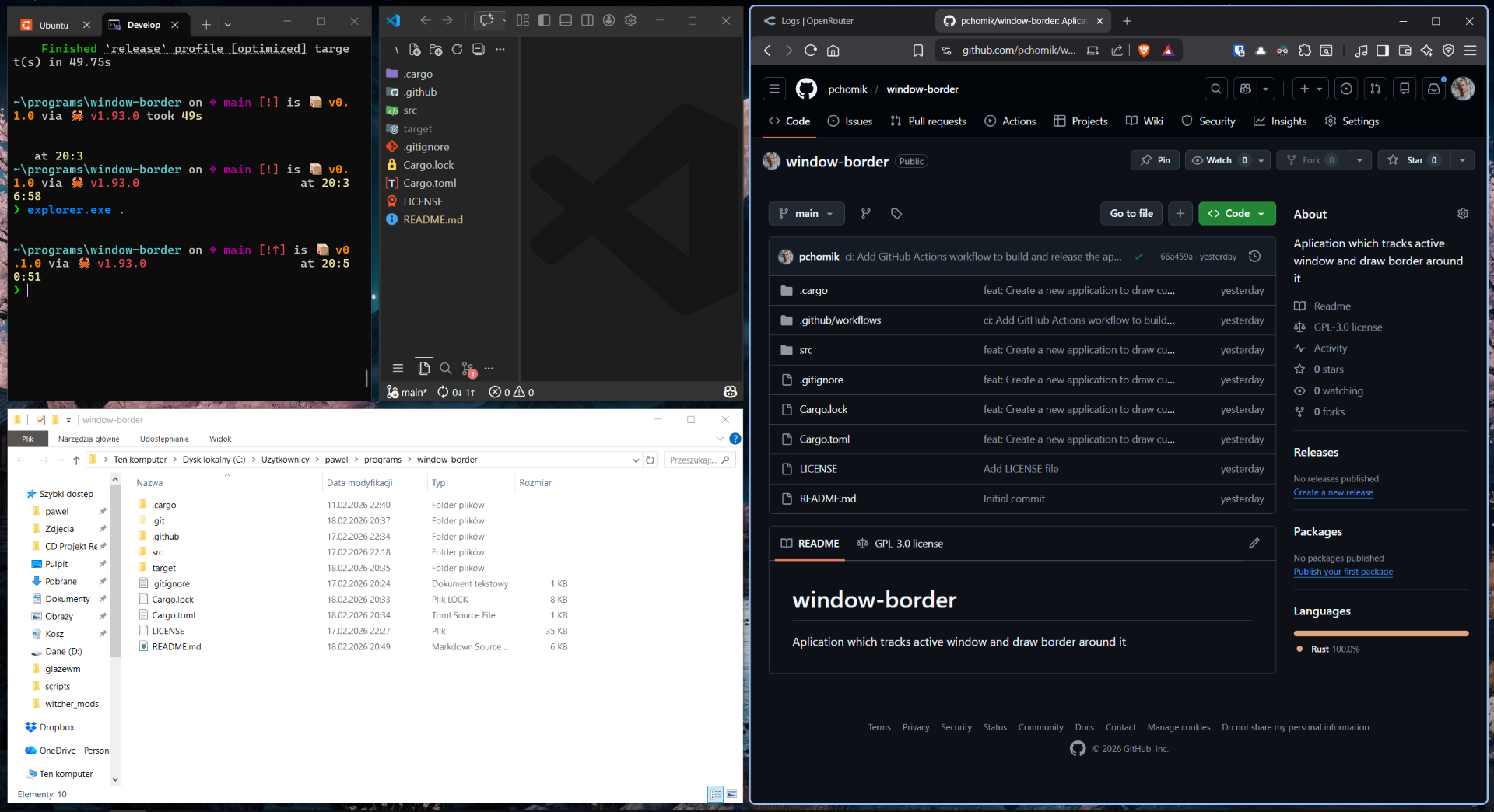
- Visual Focus Indicator - Draws a colored border around the active window
- Customizable Appearance - Adjust border width, corner radius, and color
- System Window Filtering - Automatically ignores system windows (taskbar, start menu, etc.)
- Regex-based Filtering - Exclude specific windows by title or class using regular expressions
- Multi-monitor Support - Works across all monitors
- DPI Aware - Properly scales with monitor DPI settings
The application reads configuration from %APPDATA%\Glint\config.toml (i.e., C:\Users\<YourUsername>\AppData\Roaming\Glint\config.toml).
| Option | Type | Default | Description |
|---|---|---|---|
window_border_width |
integer | 3 |
Border width in pixels |
window_border_radius |
integer | 0 |
Corner radius in pixels (0 = sharp corners) |
ignored_windows |
array | [] |
List of regex patterns to match window titles |
# Window Border Configuration

# Border width in pixels (default: 3)
window_border_width = 4

# Corner radius in pixels (default: 0)
window_border_radius = 8

# Regex patterns for windows to ignore
# The border will not be drawn for windows matching these patterns
ignored_windows = [
    "^Settings$",
    "^Volume Control$",
    "Picture-in-Picture",
]window_border_width
Sets the thickness of the border around the active window.
- Type: Integer
- Default:
3 - Valid Range: 1-20 pixels
window_border_width = 5window_border_radius
Controls the corner radius of the border. Set to 0 for sharp corners.
- Type: Integer
- Default:
0 - Valid Range: 0-50 pixels
window_border_radius = 10ignored_windows
A list of regular expression patterns. Windows with titles matching any of these patterns will not have a border drawn around them.
- Type: Array of strings
- Default: Empty array
[]
ignored_windows = [
    # Ignore Windows Settings
    "^Settings$",

    # Ignore Picture-in-Picture windows
    "Picture-in-Picture",

    # Ignore notification popups
    "^Notification$",

    # Ignore specific applications by title
    "Notepad",
]- Rust (latest stable version)
- Windows SDK
- Visual Studio Build Tools (for Windows development)
- Clone the repository:
git clone https://github.com/yourusername/glint.git
cd glint- Build the release version:
cargo build --release- The executable will be located at:
target/release/Glint.exe
To run the application in development mode:
cargo runGlint is designed to work as a startup application with GlazeWM, a tiling window manager for Windows.
Open your GlazeWM configuration file located at %USERPROFILE%\.glzr\glazewm\config.yaml and add the following:
general:
  # Commands to run when the WM has started.
  startup_commands: ["shell-exec c:\\Users\\user\\.bin\\Glint.exe"]

  # Commands to run just before the WM is shutdown.
  shutdown_commands: ["shell-exec taskkill /IM Glint.exe /F"]
Note: Update the path
c:\Users\user\.bin\Glint.exeto match where you've placed the executable.
Since this application is not signed and not distributed through the Windows Store, Windows SmartScreen may show a warning when you first run it.
To approve the application:
- Run
Glint.exemanually for the first time - When Windows shows the SmartScreen warning, click "More info"
- Click "Run anyway" to approve the binary
Once you've approved it manually, you can safely add it to your GlazeWM startup commands. Windows will remember your decision for this executable.
Contributions are welcome! Whether you want to:
- Report a bug
- Suggest a new feature
- Submit a pull request
- Improve documentation
This project is licensed under the GPL-3.0 license - see the LICENSE file for details.
- GlazeWM - For inspiration and the integration pattern
- windows-rs - For the Windows API bindings
- All contributors who help improve this project