Installation
🌐 English · Deutsch
All cogs in this repository are installed through Red's built-in Downloader. You need a running Red-DiscordBot instance (V3) and owner access to it.
| Component | Requirement |
|---|---|
| Red-DiscordBot | V3 (3.5+ recommended) |
| Python | ≥ 3.9 (per your Red version) |
| Downloader cog | [p]load downloader |
[p] is your bot's prefix.
[p]repo add PDC_Redbot_Cogs https://github.com/pd-codes/PDC_Redbot_Cogs
If your bot warns about third-party repos, confirm with I agree.
[p]cog install PDC_Redbot_Cogs <cogname>
[p]load <cogname>
Example for the WoW tools:
[p]cog install PDC_Redbot_Cogs WoWTools
[p]load WoWTools
Some cogs declare extra Python requirements (e.g. WoWTools, wowtools_classic, warcraftlogs_classic, warcraftlogs_retail). Downloader installs them automatically; if it cannot, install them into the bot's environment manually and reload the cog.
[p]cog update                 # update everything from all repos
[p]cog update <cogname>       # update a single cog
[p]reload <cogname>           # apply the new code
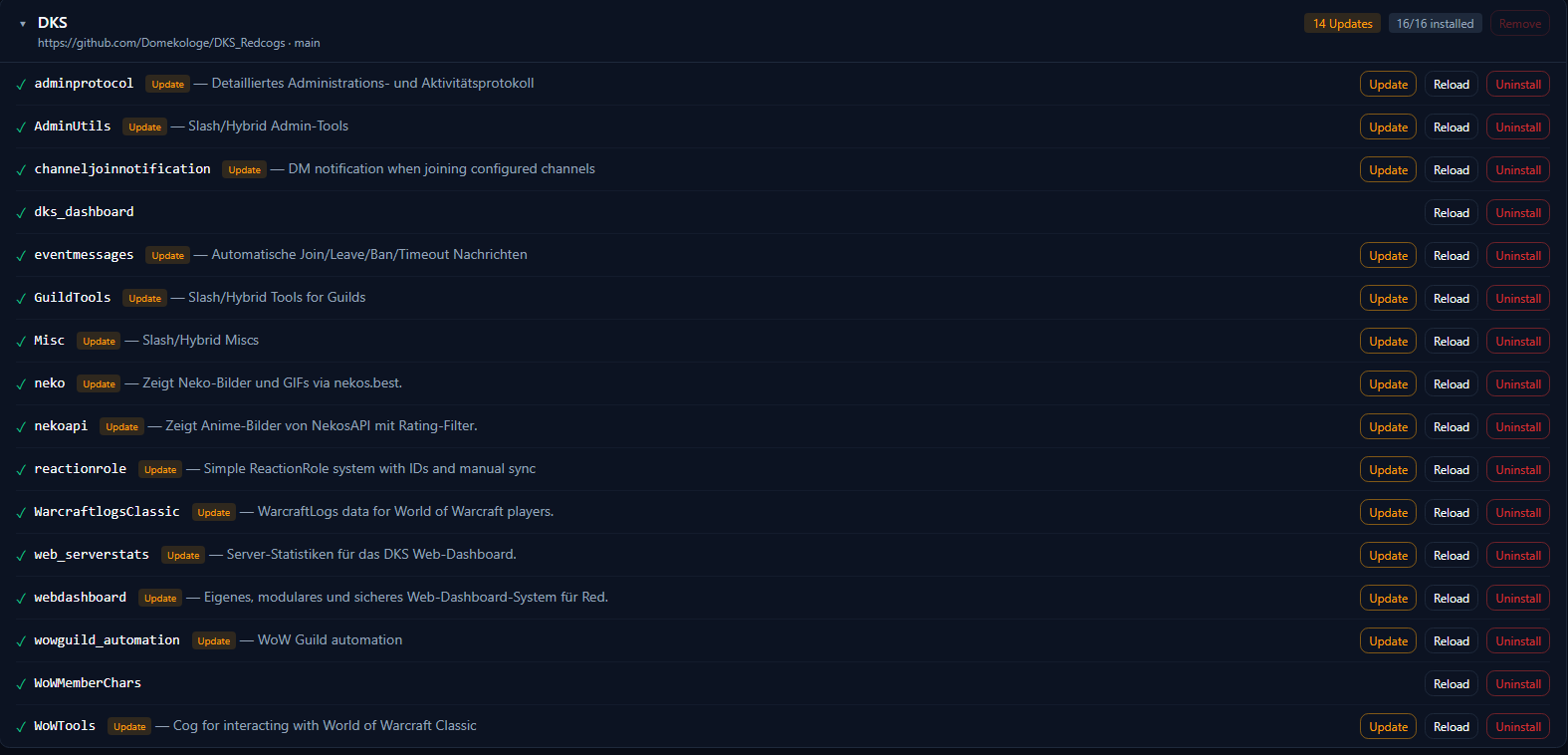
When you use the PDC Web Dashboard, updates, reload and slash-sync are available per cog directly in the browser.
Most cogs ship hybrid/slash commands. After loading, sync them once:
[p]slash sync
Per-guild vs. global sync behaves as configured in your Red instance.
[p]unload <cogname>
[p]cog uninstall <cogname>
- Wire your own cog into the dashboard → Dashboard Integration
- Browse the individual cog pages from the sidebar.