Features
 |
 |
 |
 |
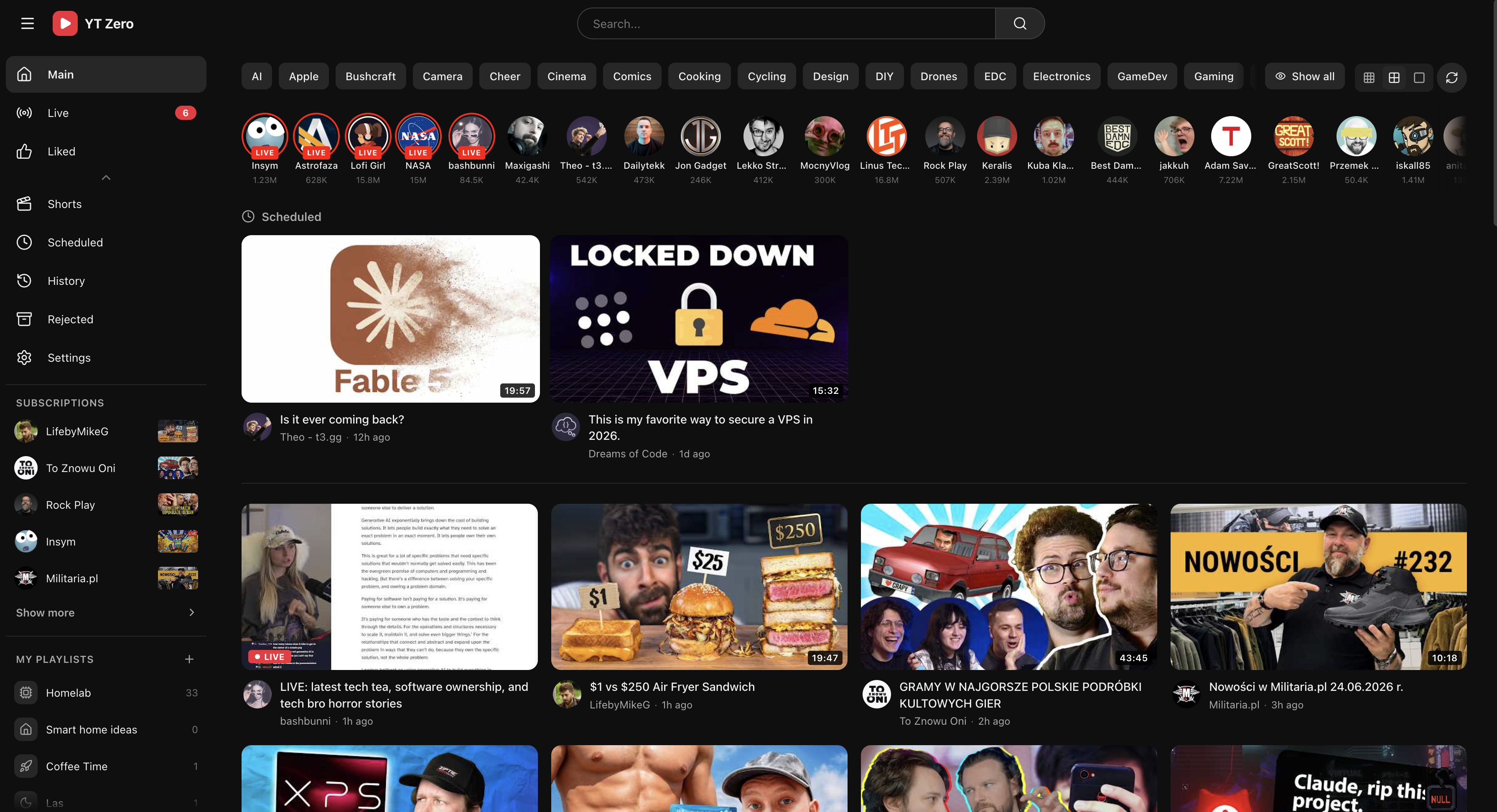
The app is designed around a few primary workflows:
- Today — the main inbox for fresh videos.
- Live — currently live and upcoming streams.
- Scheduled — videos saved into time-based buckets.
- Liked — videos you marked as liked.
- History — watched videos.
- Pulse — local viewing patterns for all profiles combined or a selected profile (hidden in the sidebar by default).
- Rejected — archived videos.
- Subscriptions — followed channels with recent activity.
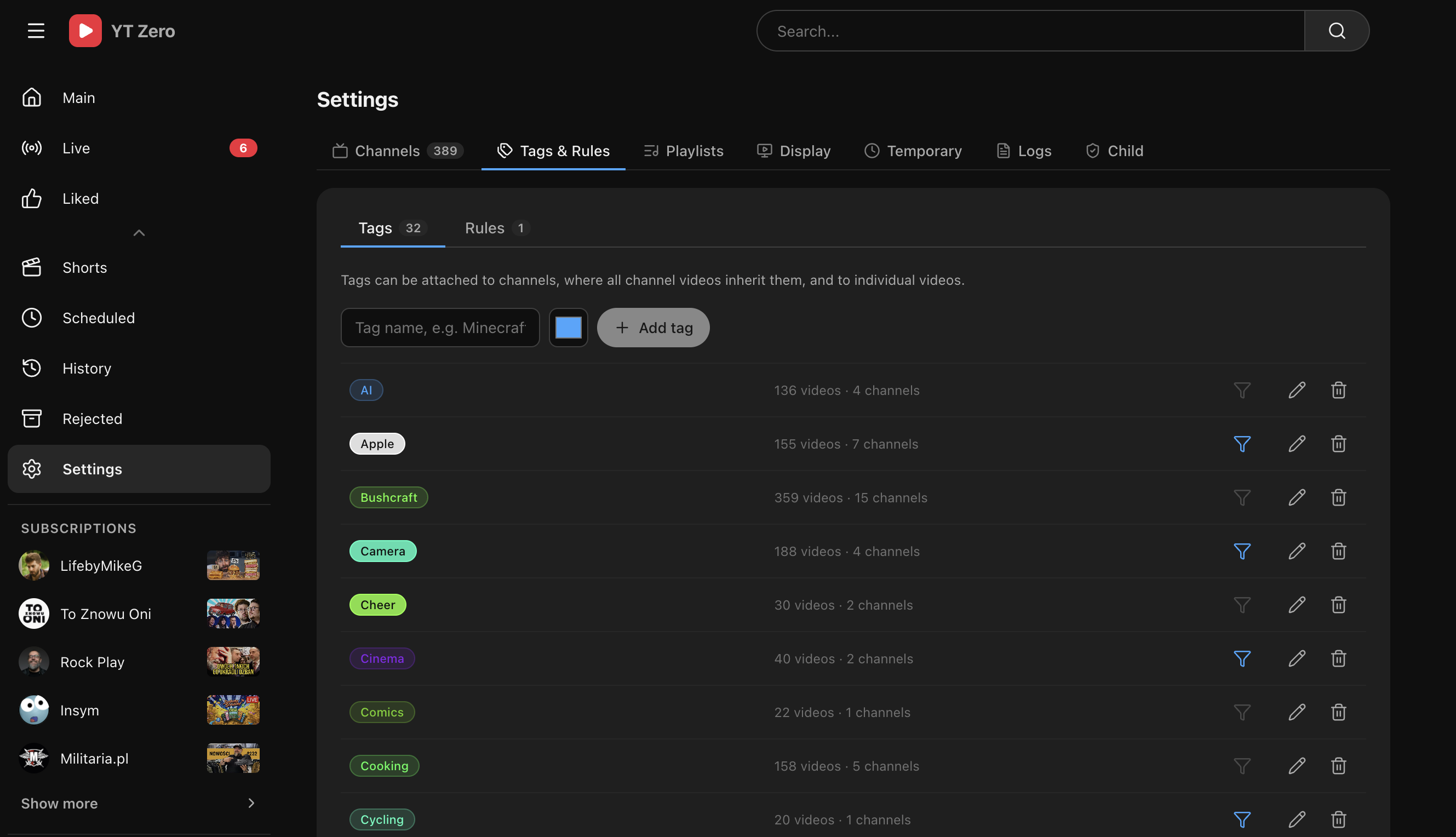
- Settings — channels, tags, rules, playlists, display, external videos, logs, child lock, authentication, language, and player preferences.
- Subscription inbox — all new videos from followed channels in one feed.
-
Channel import — add channels manually, import OPML, or import
subscriptions.csvfrom Google Takeout. See Importing Subscriptions. - Live and upcoming streams — dedicated live view with automatic status refresh. Each profile can optionally hide live and Upcoming entries from the main feed while keeping them in the Live tab.
- Watch later buckets — schedule videos for Today, Tonight, Tomorrow, Tomorrow evening, or Weekend.
- Archive flow — reject videos, restore them later, and keep the main feed clean.
- Watch history and progress — record watched videos and resume partially watched videos.
- Pulse — compare actual playback time across profiles, channels, tags, days and hours; see daily trends, a weekday/hour heatmap, content mix, profile shares, most-watched videos, and time actually saved by automatic SponsorBlock skips. The view is kept under More by default and is unavailable to child profiles. All calculations stay on the YT Zero server.
- Liked videos — mark videos as liked and browse them from a dedicated view.
- Tags — tag videos and channels; channel tags are inherited by their videos.
- Automatic tag rules — apply tags by matching title or description text.
- Filter rules — automatically reject matching videos, or keep only matching videos for selected channels.
- User playlists — create local playlists, choose icons, add videos manually, and populate playlists with rules.
- Profiles — multiple isolated profiles on one install. See Profiles.
- Authentication — None, shared login, per-profile login, OIDC, or proxy headers, with password and passkey support. See Authentication.
- Child lock — protect household settings with a 6-digit PIN while allowing every profile to manage its own tags and playlists. Children can add channels only during an unlocked settings session. See Child Lock.
- Child profiles — daily watch-time limits, parent-approved extensions, subscribed-content-only mode, optional Shorts and live-stream blocking, reduced settings tabs, and hidden app-provided YouTube links. See Child Lock.
- Child activity panel — adult profiles can see what children are watching, check remaining time, open the video locally, stop watching immediately, and unlock a child profile.
- Channel pages — browse regular videos, Shorts, public playlists, channel metadata, and channel-specific tags.
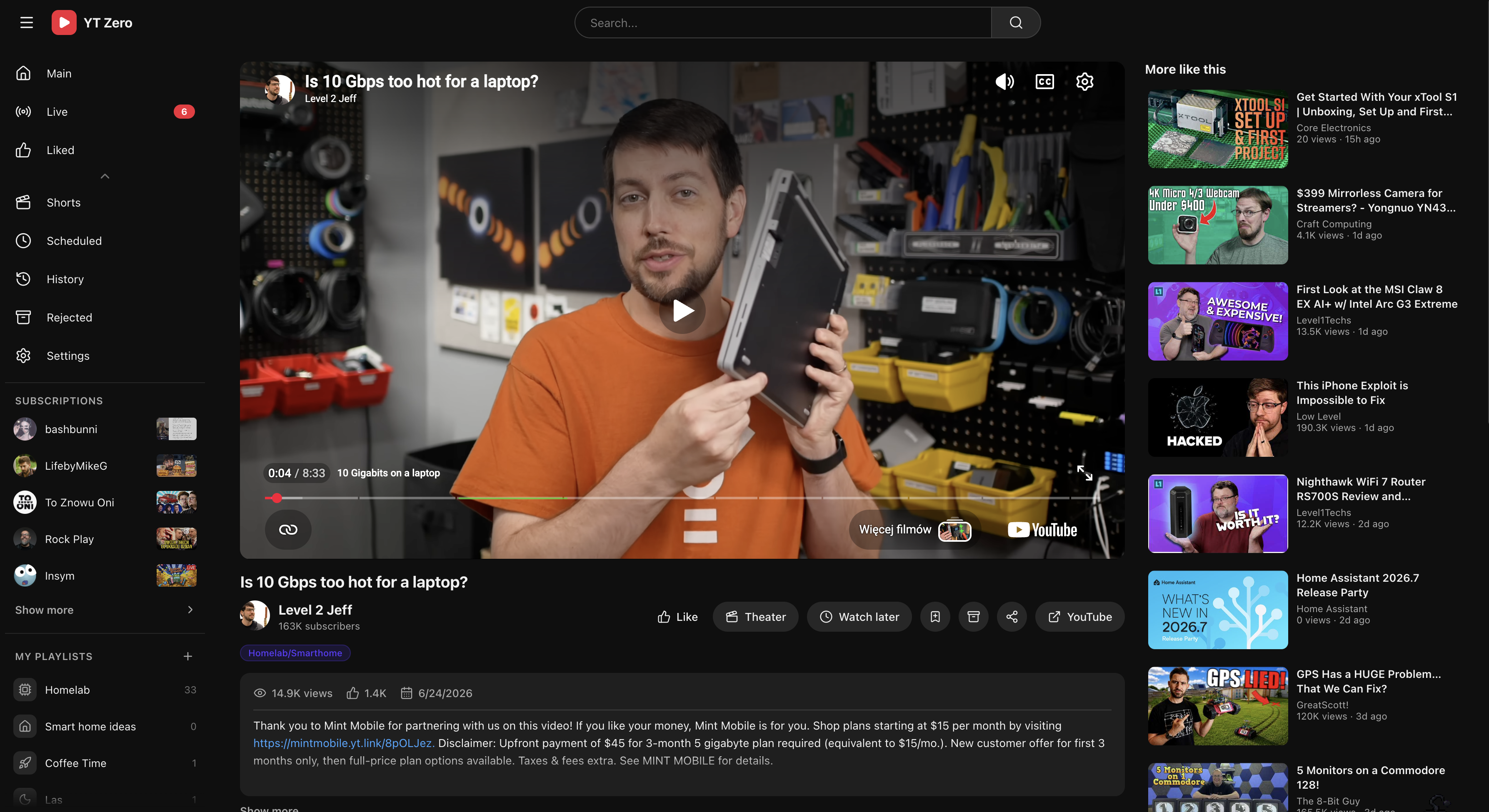
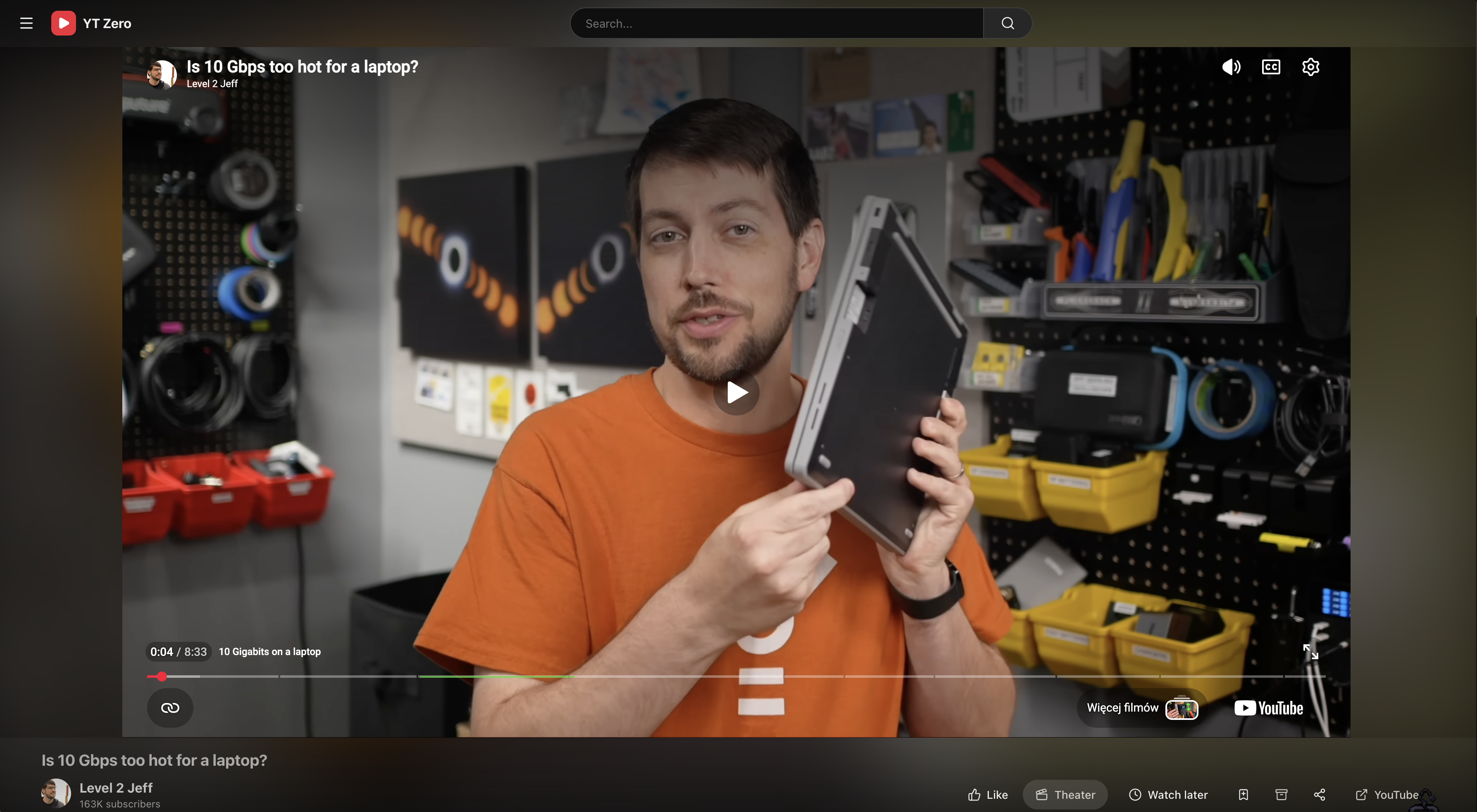
- Theater view — distraction-light player layout for watching.
- Internationalization — English, Polish, and German UI, with saved user preference.
- Player preferences — captions, player language, caption language, preferred quality, default playback speed, and Shorts visibility.
- Playback speed — set a default speed that is applied to every video on load (instead of resetting to 1× each time), with an optional per-channel override. The default lives under Settings → Player; the per-channel override can be set from either the channel page or the speed control in the player, and both places stay in sync (changing the speed in the player saves it as that channel's default). The override wins over the global default; clearing it falls back to the global default. The default is stored per profile and does not apply to the Shorts player.
- Custom display — rename the app, change grid density, show or hide top channels, and reorder or hide sidebar items.
- Shorts tab — dedicated Shorts view that shows only Shorts from channels you follow, filterable by tag. Watched Shorts are marked in the grid.
- Shorts player — a full-screen vertical player for browsing Shorts one at a time. Navigate with on-screen arrows, keyboard arrows, or swipe; Space pauses and resumes. The next and previous Shorts are preloaded for instant playback.
- SponsorBlock — optional integration with SponsorBlock to automatically skip sponsored segments, intros, outros, interaction reminders, and more. Configurable per category.
- YT-DLP Integration (plugin) — download videos to local files and play them in YT Zero's own player: automatic downloads for scheduled videos and fresh uploads, a priority queue with a "wait for the download" mode, quality selection, smart retention with a storage cap, a dedicated Downloads tab, and download-progress bars on thumbnails. Disabled by default. See YT-DLP Integration.
- Fullscreen in landscape (mobile) — optional setting under Settings → Display: rotating the phone to landscape on the watch page enters fullscreen automatically. Not available in Safari on iOS or in an iPhone PWA (Apple doesn't let pages enter fullscreen); there it works only for downloaded videos via the native player.
- Temporary videos — open videos from YouTube search even when they are not from followed channels, then review or clear them later.
- Application logs — inspect recent backend logs from the settings UI.
- Image cache — local thumbnail and image cache for faster repeat loads.