
 |
 |
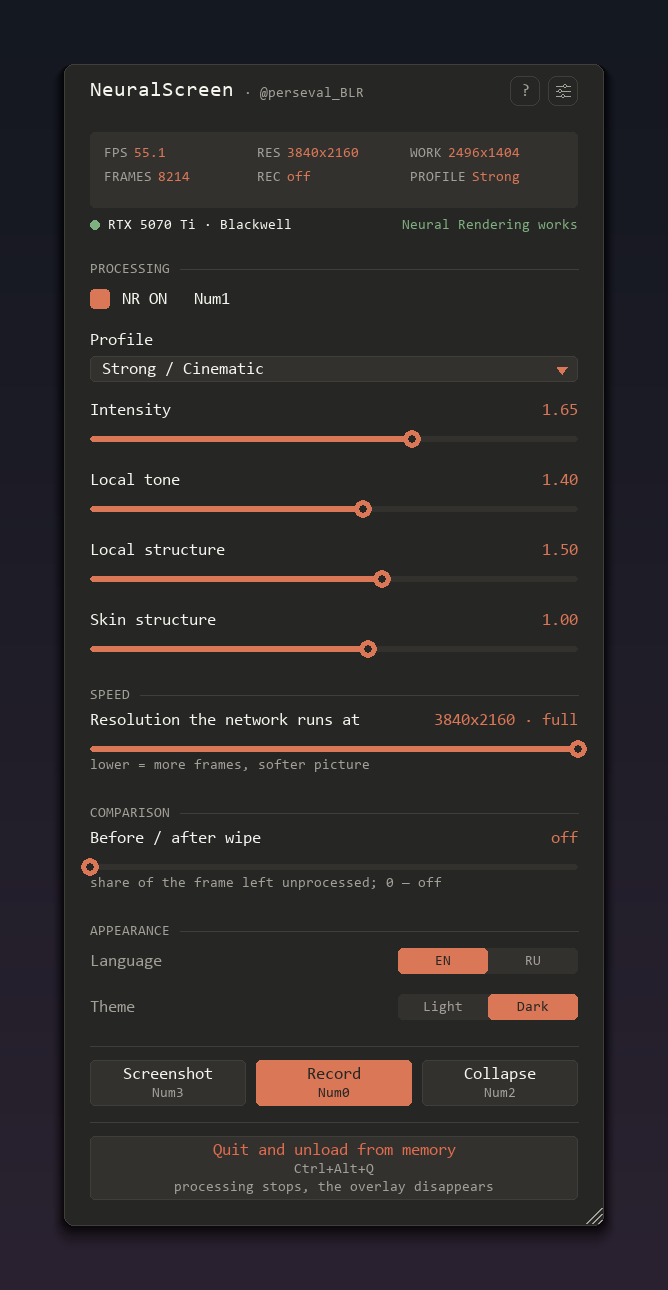 |
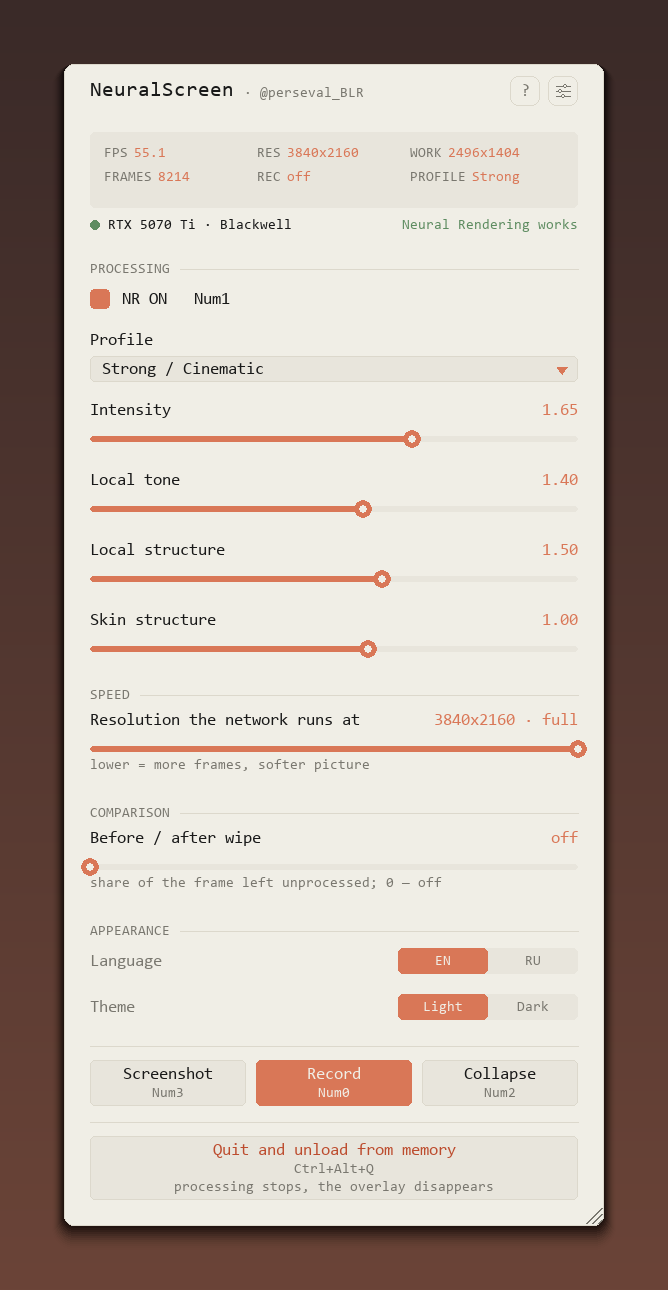
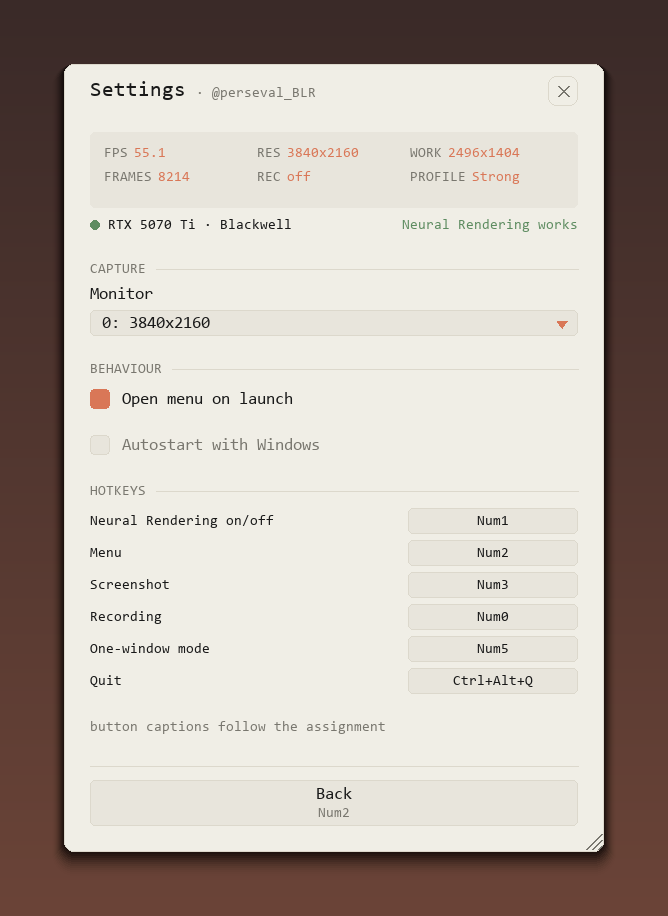
| main page | settings | dark theme |
A fix release on top of v1.2.0 — take this one instead, the v1.2.0 build went out before all of it landed.
What's new:
- One control for the processing resolution. The speed section had a button and a slider that could disagree with each other; there is one slider now. Its top step is the whole screen (default), every step below is the resolution the network runs at. Still switches live
- Hotkeys work in games that take the keyboard.
RegisterHotKeyalone was swallowed by engines that grab it exclusively (id Tech 5, UE3) — a polling fallback runs alongside it now, and the key still reaches the game. Opening the menu no longer loses the focus fight with a fullscreen window. Defaults moved off keys games use: F10 NR, F11 menu, Home screenshot - Recording is back on shared memory. A 4K frame weighs 32 MB, and a size check on the pixel channel was rejecting it, so the frames quietly went down the pipe instead. Same 5-second recording, before and after: 105 → 118 frames. The channel is seqlock-guarded, so a recording cannot pick up a half-written frame
- Stability. A monitor resolution change rebuilds the capture chain instead of showing stale pixels; the architecture hook no longer answers for a second card or an iGPU; stopping a recording leaves the file alone if the encoder is still busy; the audio spin-up samples are dropped, so the track no longer runs ahead of the picture
- Menu details. A long GPU name gets an ellipsis instead of spilling, the recording caption is translated, the work resolution updates while you drag the slider, and the first mouse wheel after opening the menu works
Assets: neuralscreen-v1.2.1-full.zip (222 MB, app + portable Python + both DLLs + README EN/RU), nvngx.dll, nvngx_dlssnr.dll, README.md, README.ru.md
Controls: F10 NR · F11 menu · Home screenshot · Insert record · Ctrl+Alt+Q quit
NeuralScreen v1.2.1 — DLSS 5 Neural Rendering на весь рабочий стол Windows
Исправляющий релиз к v1.2.0 — берите этот: сборка 1.2.0 вышла раньше, чем всё это доехало.
Что нового:
- Один контрол для разрешения обработки. В секции speed были кнопка и ползунок, которые могли противоречить друг другу; теперь один ползунок. Верхнее положение — весь экран (по умолчанию), каждый шаг ниже — разрешение, в котором работает сеть. Переключается по-прежнему на лету
- Горячие клавиши работают в играх, которые забирают клавиатуру. Один
RegisterHotKeyглотали движки с эксклюзивным вводом (id Tech 5, UE3) — рядом с ним теперь работает опрос клавиш, при этом нажатие по-прежнему доходит до игры. Меню больше не проигрывает борьбу за фокус полноэкранному окну. Дефолты уехали с клавиш, которые занимают игры: F10 NR, F11 меню, Home скриншот - Запись снова идёт через общую память. Кадр 4K весит 32 МБ, а проверка размера на пиксельном канале его отвергала — кадры тихо шли через пайп. Одна и та же пятисекундная запись до и после: 105 → 118 кадров. Канал защищён seqlock'ом, поэтому в запись не попадёт недописанный кадр
- Стабильность. Смена разрешения монитора пересобирает цепочку захвата вместо показа старых пикселей; хук архитектуры больше не отвечает за вторую карту и за встроенную графику; остановка записи не трогает файл, если кодировщик ещё занят; стартовые сэмплы звука отбрасываются, и дорожка не убегает вперёд картинки
- Мелочи в меню. Длинное имя GPU обрезается многоточием вместо расползания, подпись записи переведена, рабочее разрешение обновляется прямо во время перетаскивания ползунка, первое колесо мыши после открытия меню работает
Ассеты: neuralscreen-v1.2.1-full.zip (222 МБ, программа + портативный Python + оба DLL + README EN/RU), nvngx.dll, nvngx_dlssnr.dll, README.md, README.ru.md
Управление: F10 NR · F11 меню · Home скриншот · Insert запись · Ctrl+Alt+Q выход