Firmata encoder
Not yet consumed by bdsim. This page covers Arduino-side firmware setup only. There is currently no encoder support in bdsim's Python code — no
ENCODERblock and no encoder-handling in the Firmata provider — onmainor onfeat/realtime. Complete this setup and you'll have working firmware, but nothing in bdsim reads it yet.
Go to Arduino library manager and install these two libraries
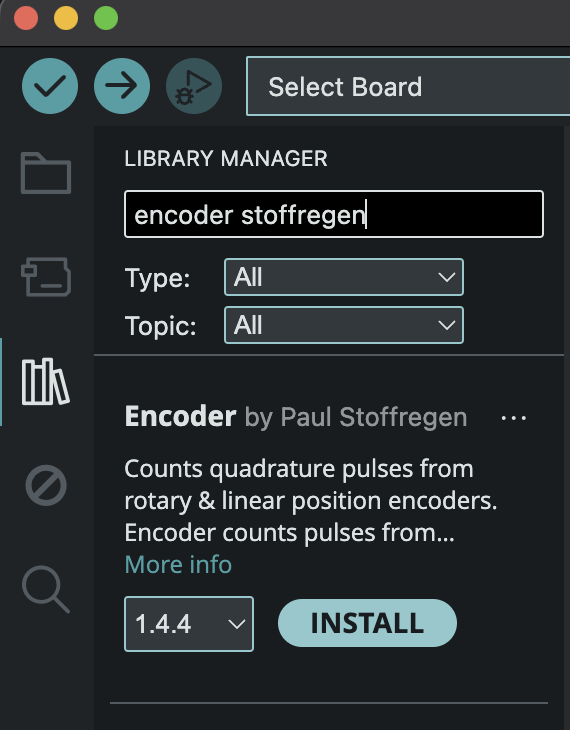
and
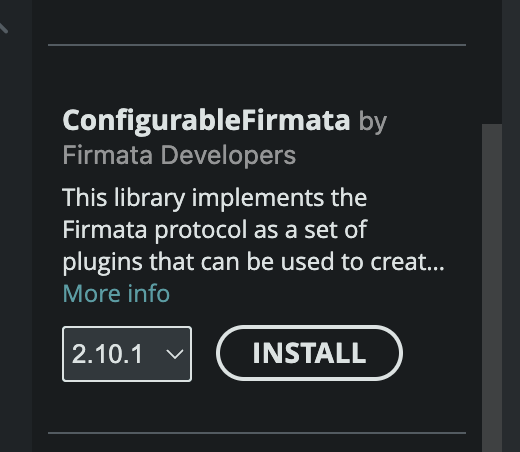
It is important to choose 2.x for ConfigurableFirmata, since 3.x does not support the encoder device.
Visit FirmataEncoder on GitHub and download two files:
src/FirmataEncoder.hsrc/FirmataEncoder.cpp
You can either clone the repo, or open the files individually and download them.
Copy both files into libraries/Encoder. This typically lives in the Arduino folder in your "Documents" folder.
Open ConfigurableFirmata using the menu sequence File/Examples/ConfigurableFirmata/… and open ConfigurableFirmata.ino
Uncomment the encoder relevant lines (198-200)
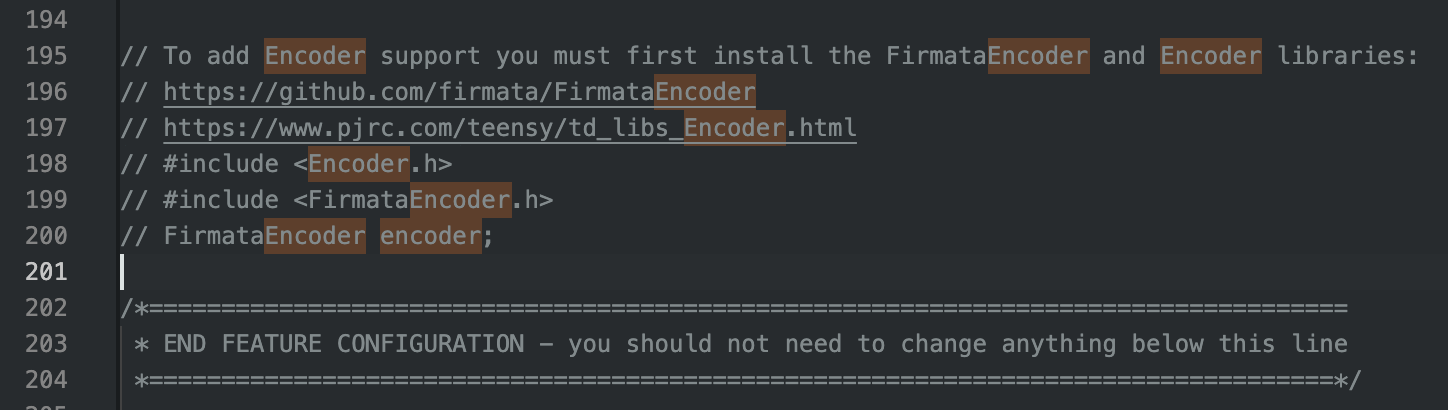
Select your board and then build it. For a small Arduino you might not have enough memory, in which case you will get a warning message in red. Something like:
Sketch uses 32466 bytes (100%) of program storage space. Maximum is 32256 bytes.
Global variables use 1856 bytes (90%) of dynamic memory, leaving 192 bytes for local variables. Maximum is 2048 bytes.
Sketch too big; see https://support.arduino.cc/hc/en-us/articles/360013825179 for tips on reducing it.
text section exceeds available space in board

Compilation error: text section exceeds available space in board
Firmata by default supports a lot of devices, so comment out the devices that you will not need, recompile, and repeat this process until you are under the memory cap.
For example to comment out stepper motor supports looks like this:
// #include <StepperFirmata.h>
// StepperFirmata stepper;

// #include <AccelStepperFirmata.h>
// AccelStepperFirmata accelStepper;
Comment out the include file and the class constructor.