





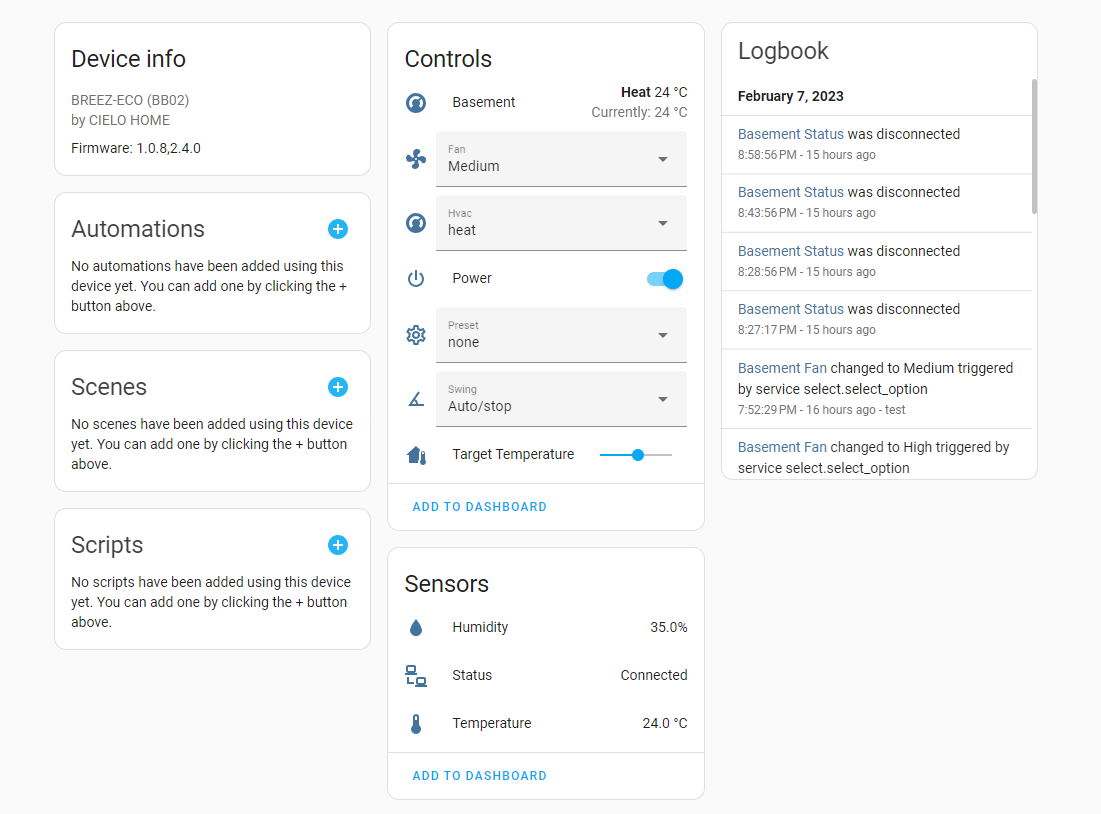
A HomeAssistant custom integration to control Cielo Home devices.
A exemple of thermostat card i use : https://github.com/nervetattoo/simple-thermostat

# YAML
- type: custom:simple-thermostat
        entity: climate.basement
        step_size: 1
        layout:
          step: row
          mode:
            names: true
            headings: false
        header: true
        control:
          hvac:
            _name: Mode
          fan:
            _name: Fan Mode
          swing:
            _name: Swing Mode
          preset:
_name: Preset Mode- Install HACS
- Go to HACS "Integrations >" section
- Click 3 dots in top right
- Click "Custom repositories"
- Add repository https://github.com/bodyscape/cielo_home with category
Integration - In the lower right click "+ Explore & Download repositories"
- Search for "Cielo Home" and add it
- In the Home Assistant (HA) UI go to "Configuration"
- Click "Integrations"
- Click "+ Add Integration"
- Search for "Cielo Home"
- Using the tool of choice open the directory (folder) for your HA configuration (where you find
configuration.yaml). - If you do not have a
custom_componentsdirectory (folder) there, you need to create it. - In the
custom_componentsdirectory (folder) create a new folder calledcielo_home. - Download all the files from the
custom_components/cielo_home/directory (folder) in this repository. - Place the files you downloaded in the new directory (folder) you created.
- Restart Home Assistant
- In the Home Assistant (HA) UI go to "Configuration"
- Click "Integrations"
- Click "+ Add Integration"
- Search for "Cielo Home"