Repository navigation
Screenshots
The phpBB Modders Wiki on a phpBB 3.3 board with prosilver. Click an image for the full size.
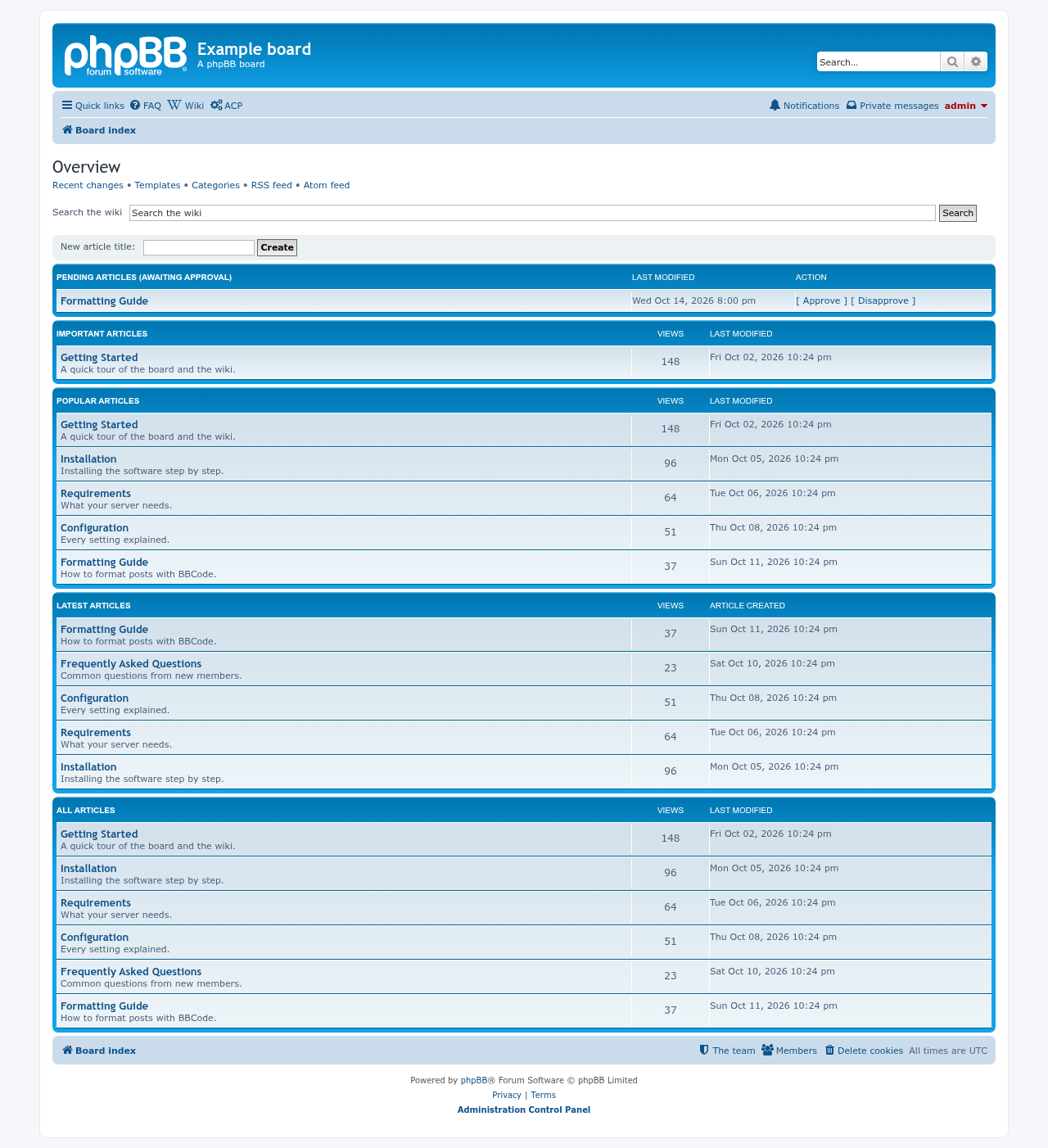
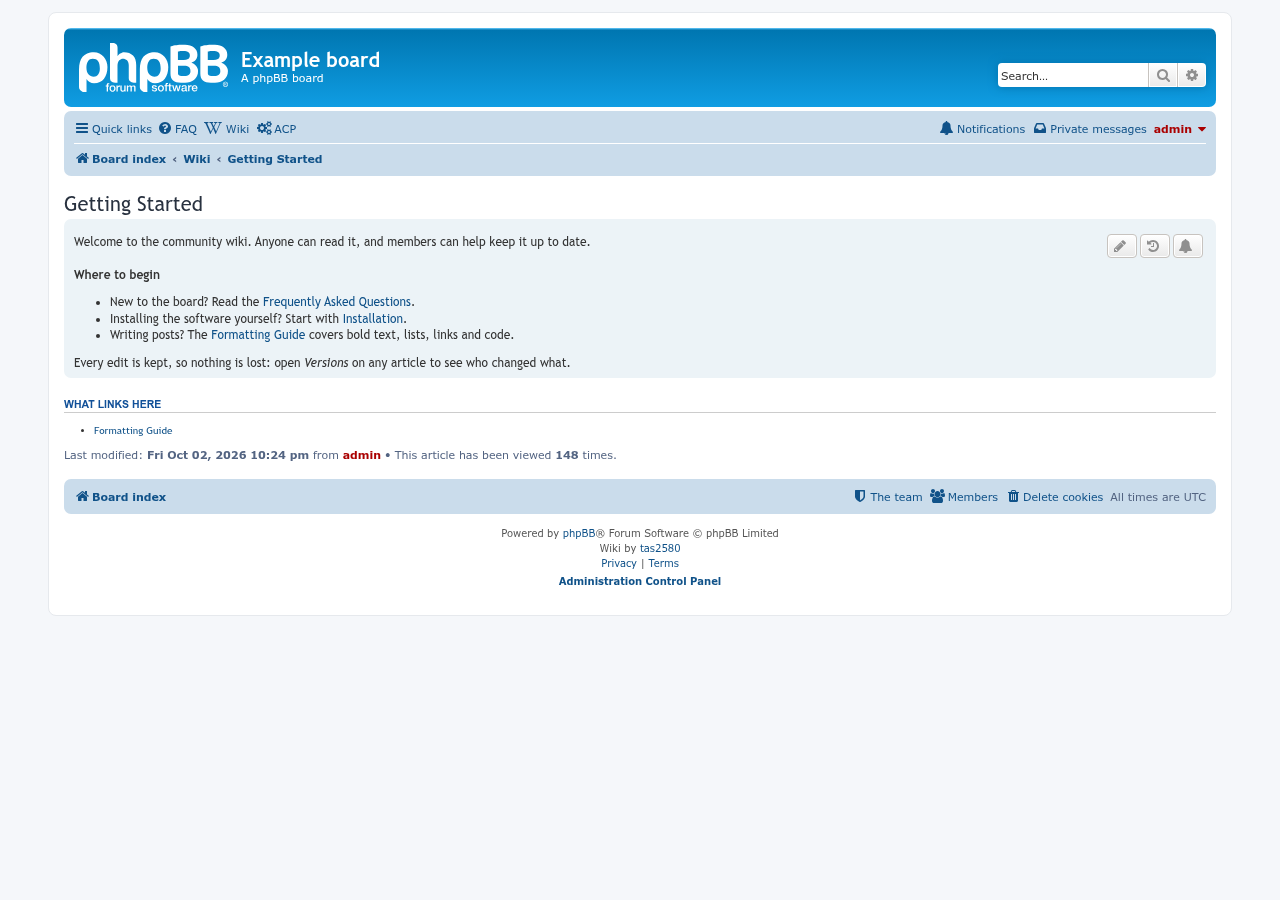
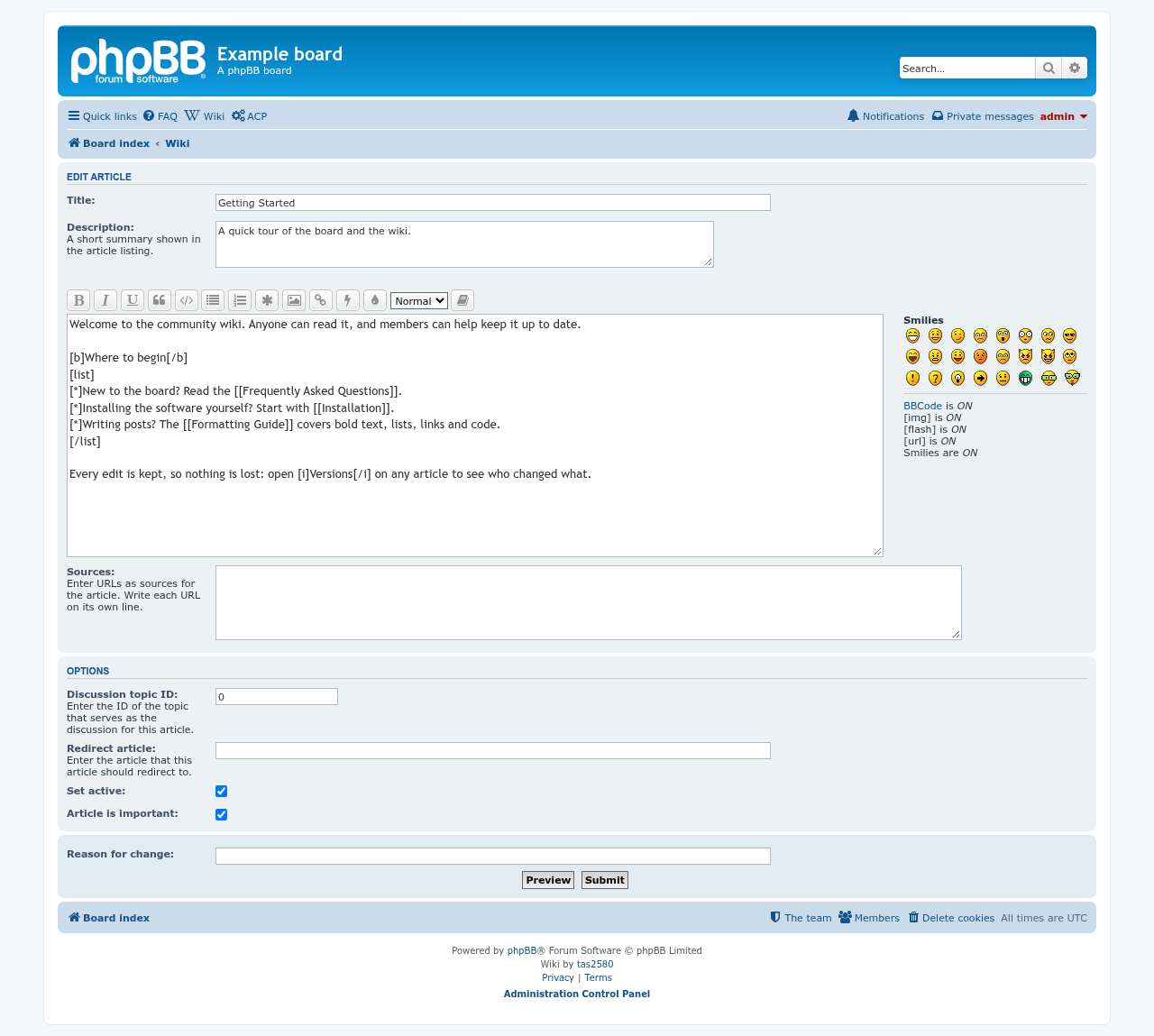
Edits waiting for approval:

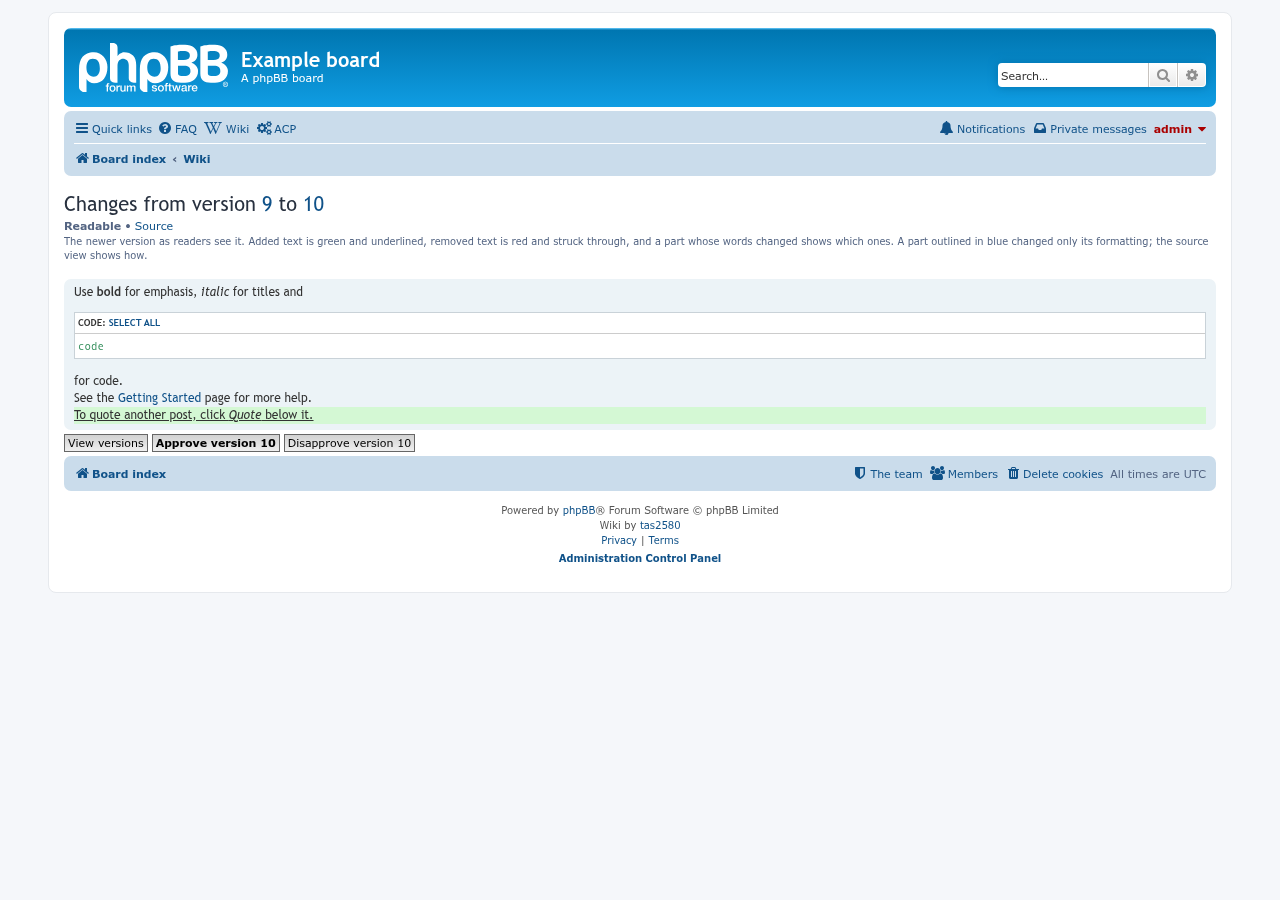
Comparing the live version with a pending edit shows, in the readable view, what the edit changes, with buttons to approve or reject it. Source shows the BBCode diff instead:
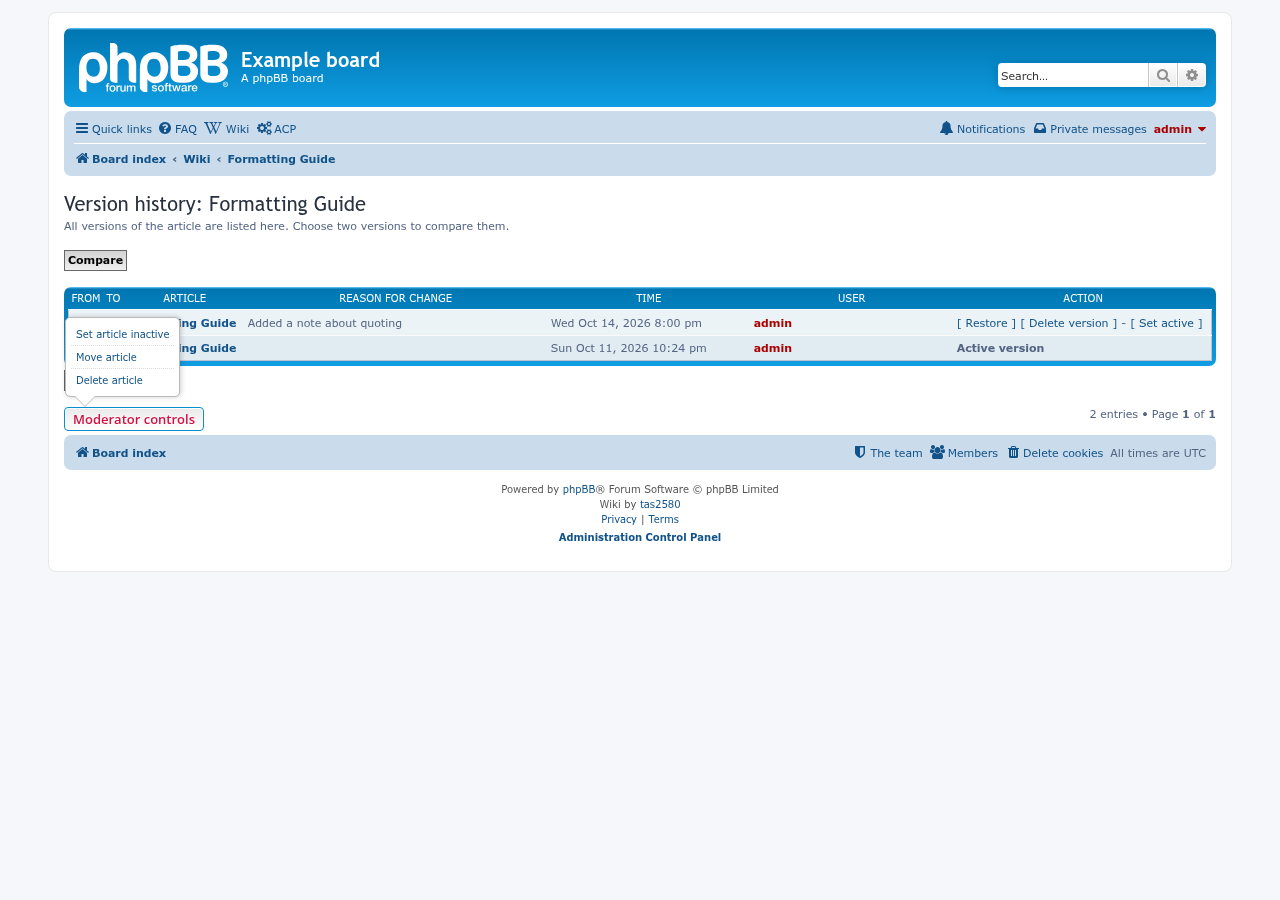
The version history page has a Restore link for each older version, and a Moderator controls menu for taking an article offline, moving it to a new name, or deleting it:
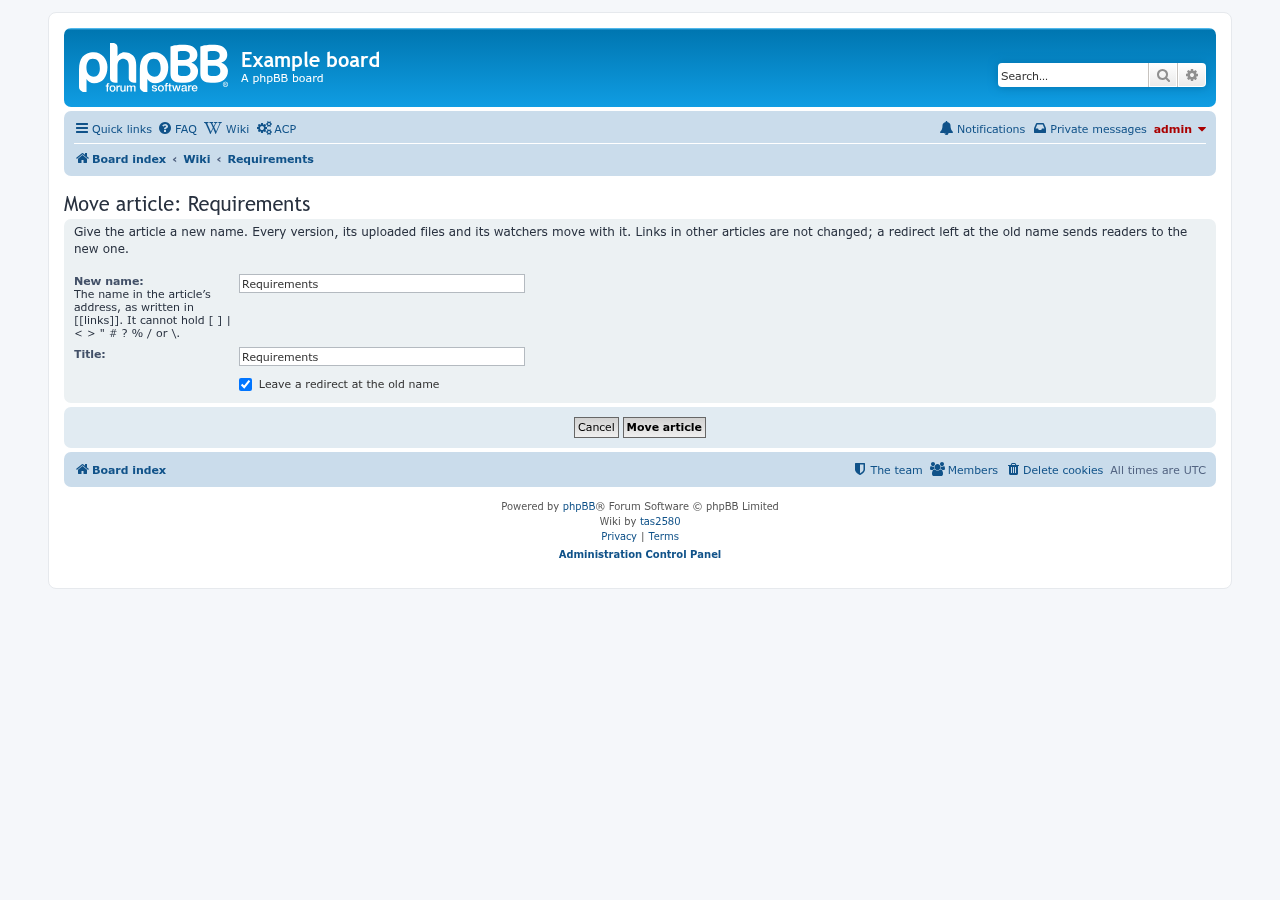
Move article gives an article a new name. Every version, its uploaded files and its watchers move with it, and a redirect can be left at the old name:
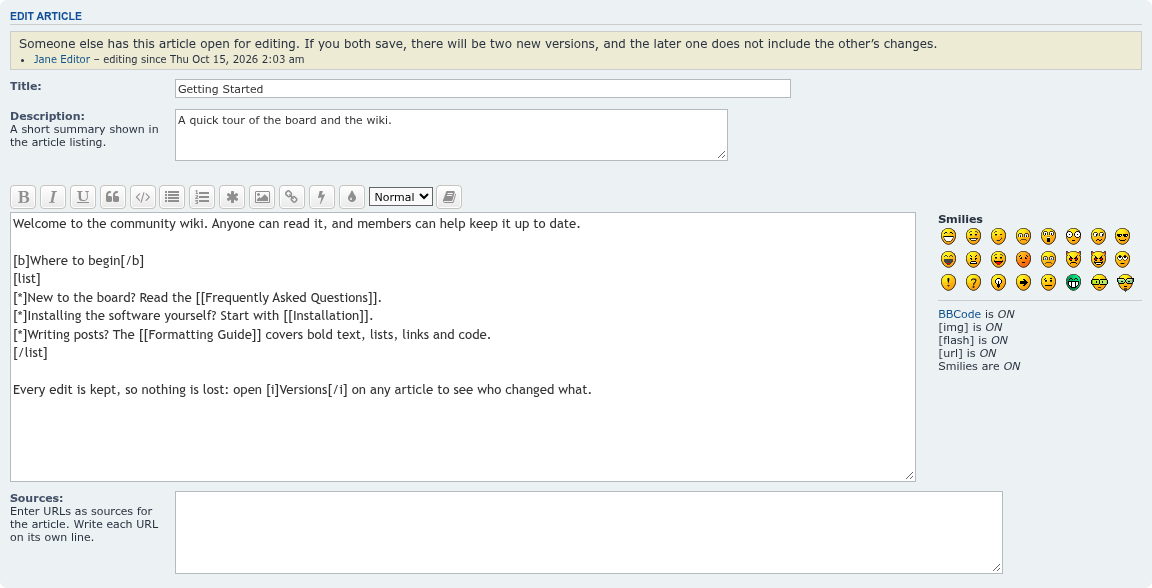
With Notice (the default), the edit form names whoever else has the article open, and since when:
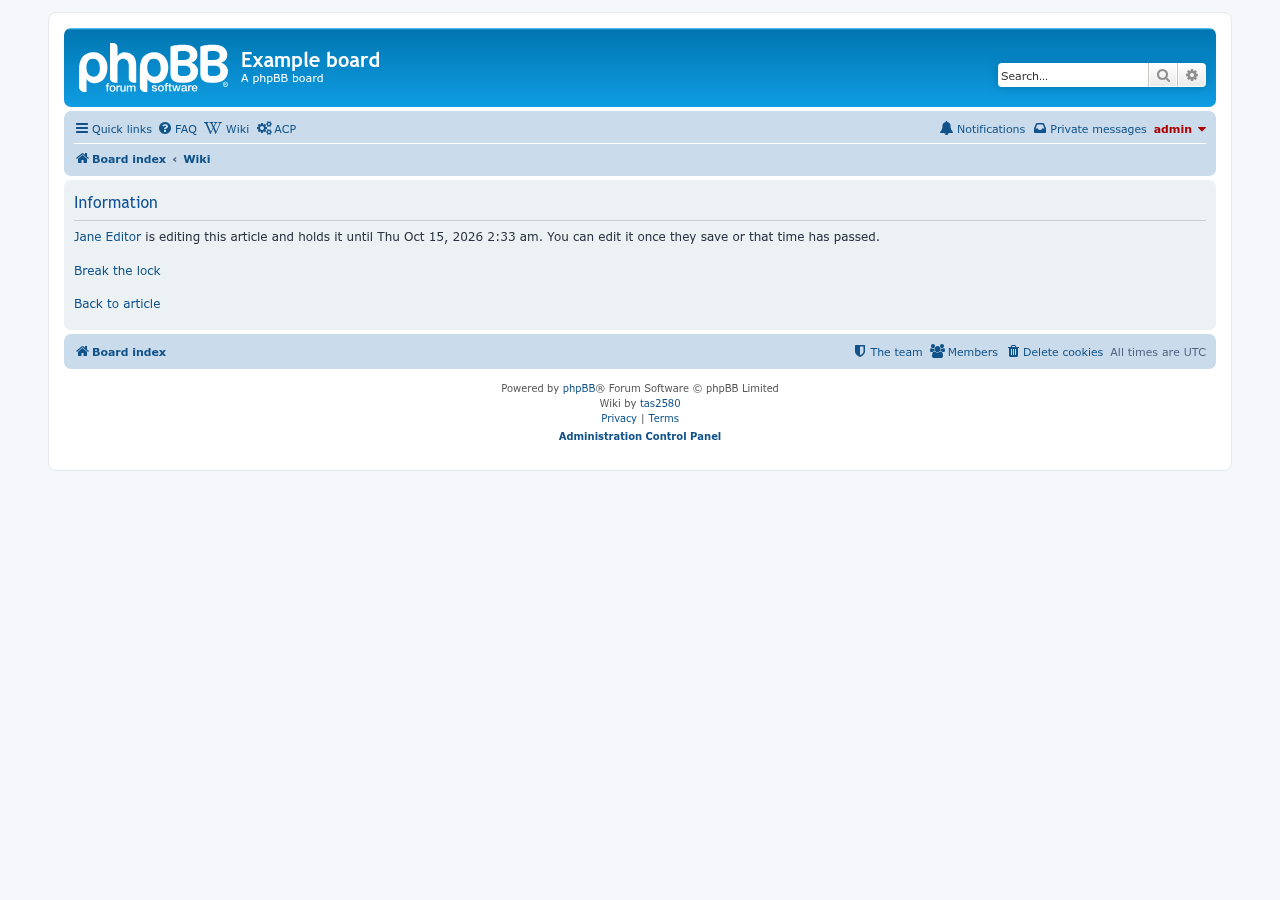
With Lock, a second editor is told who holds the article and until when; moderators also get Break the lock:
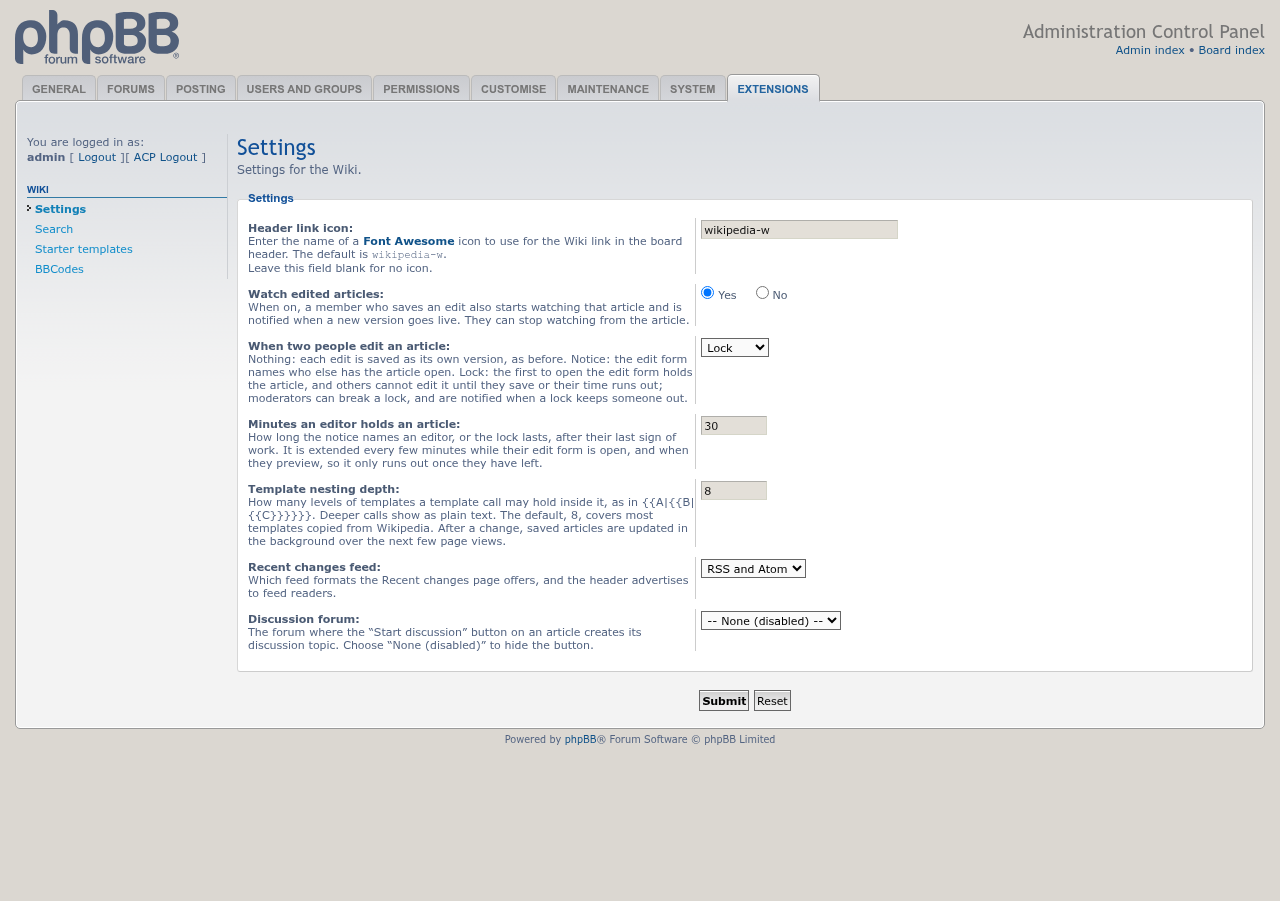
The choice, and how long an editor holds an article, are under ACP > Extensions > Wiki > Settings:
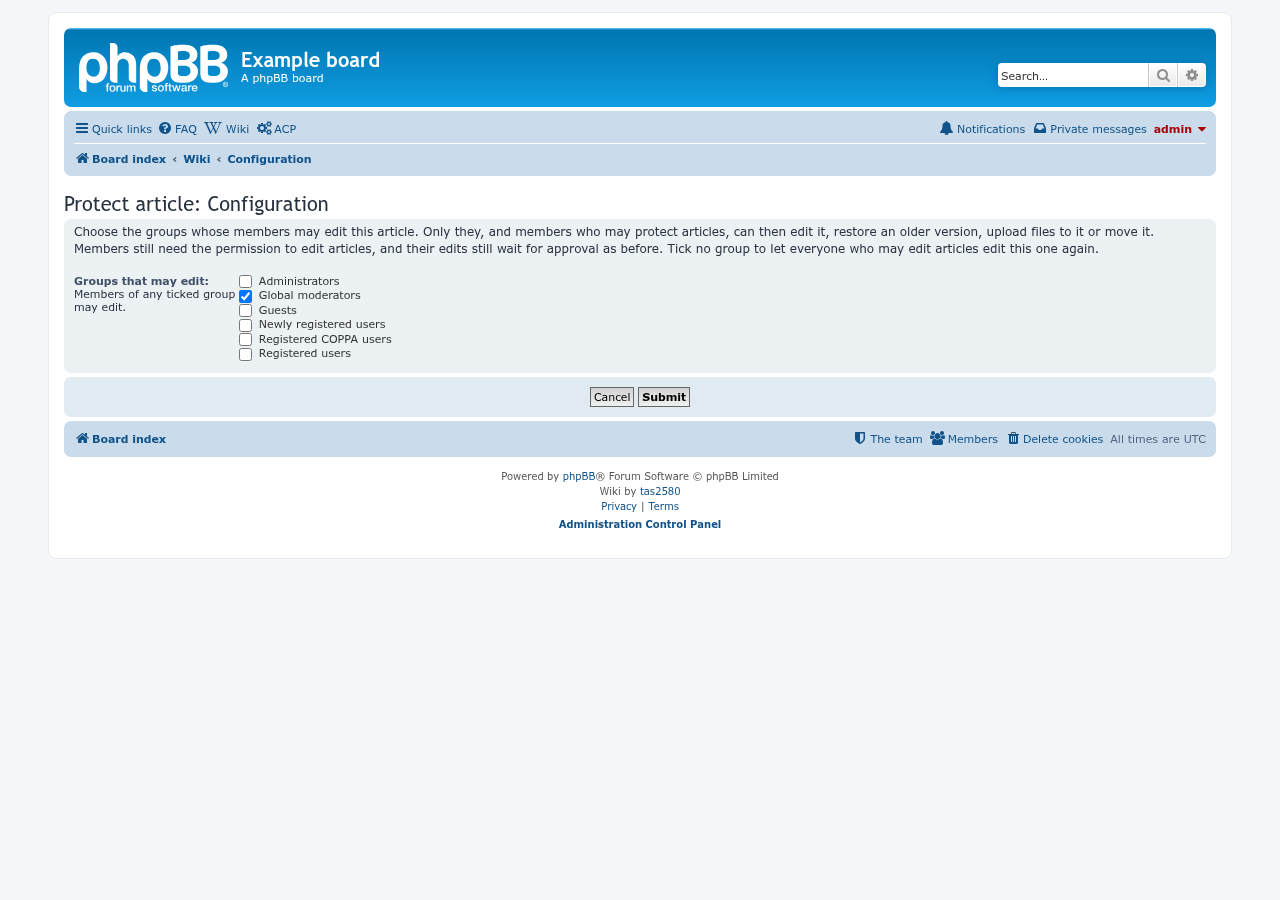
Protect article, under Moderator controls, names the groups whose members may edit an article:
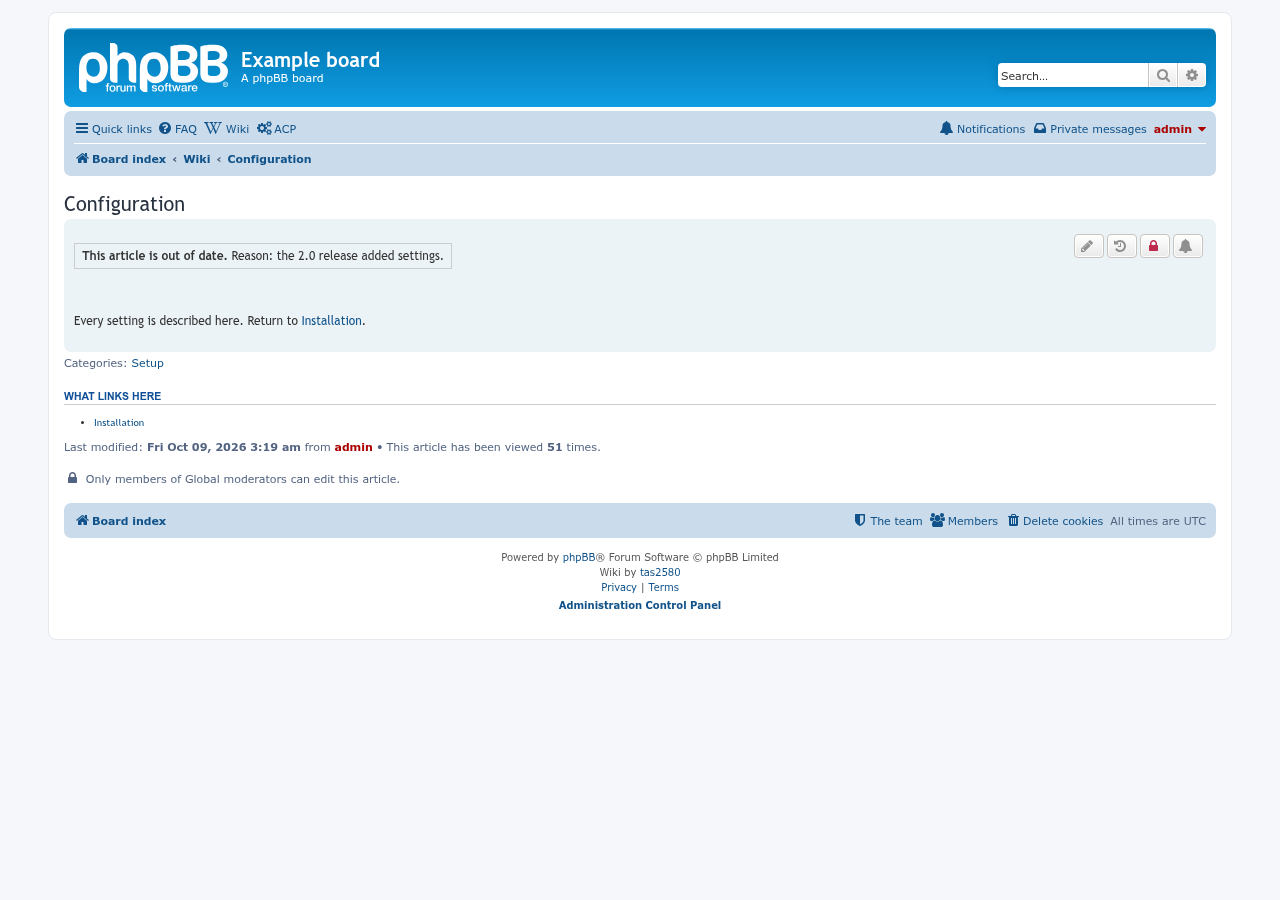
A protected article says who may edit it, below the article; the padlock button among its buttons opens Protect article and turns red while the article is protected:
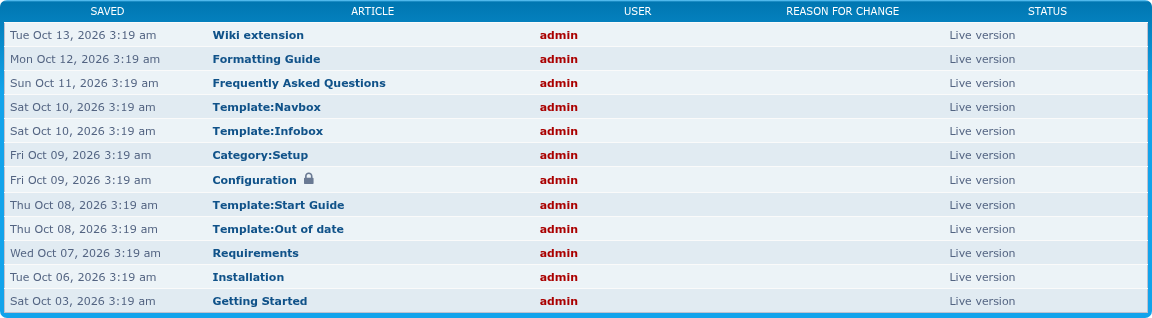
In the wiki's lists, a lock beside the title marks a protected article; hovering it names the groups:
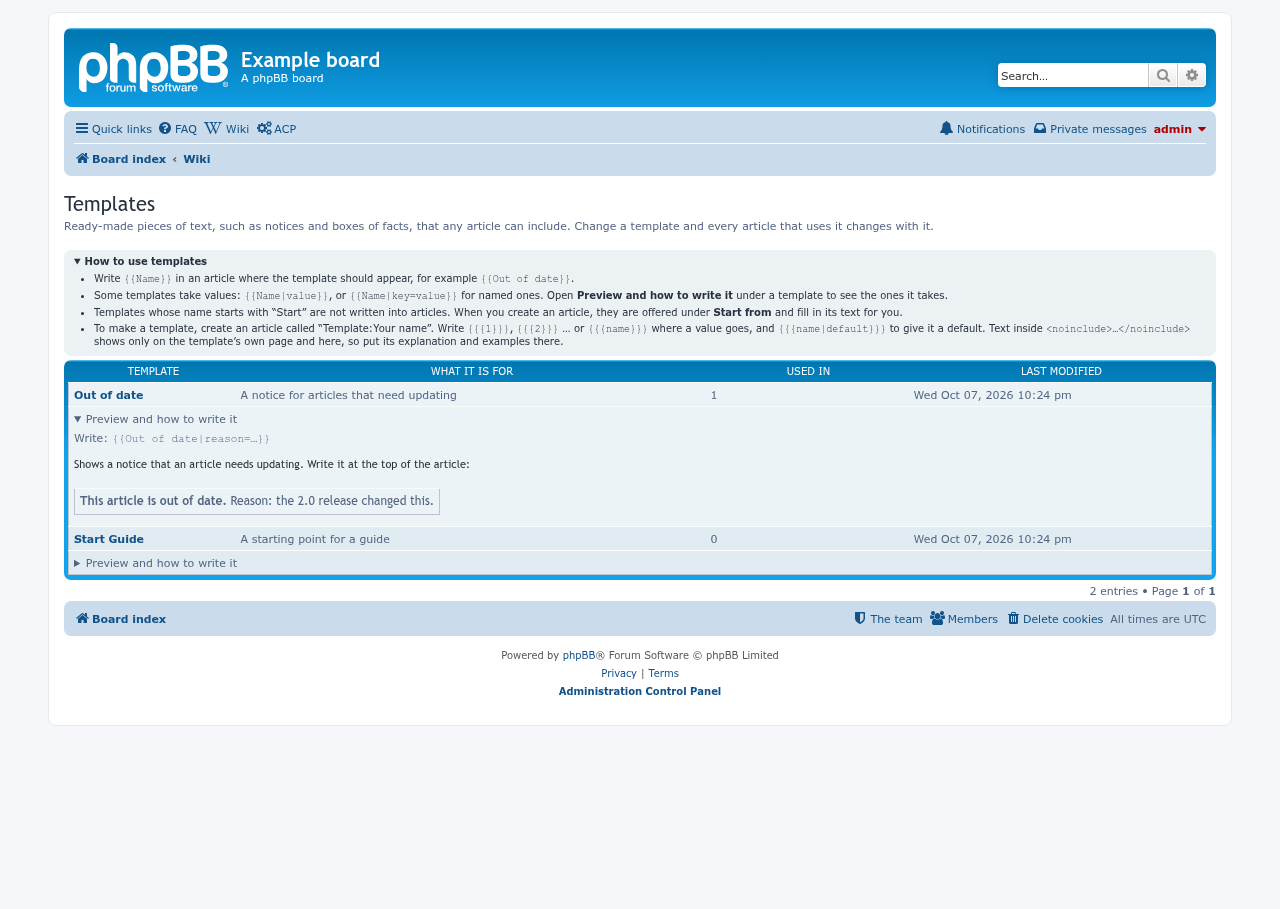
The templates page lists every template, with a How to use templates box, and under each template a preview and how to write it:
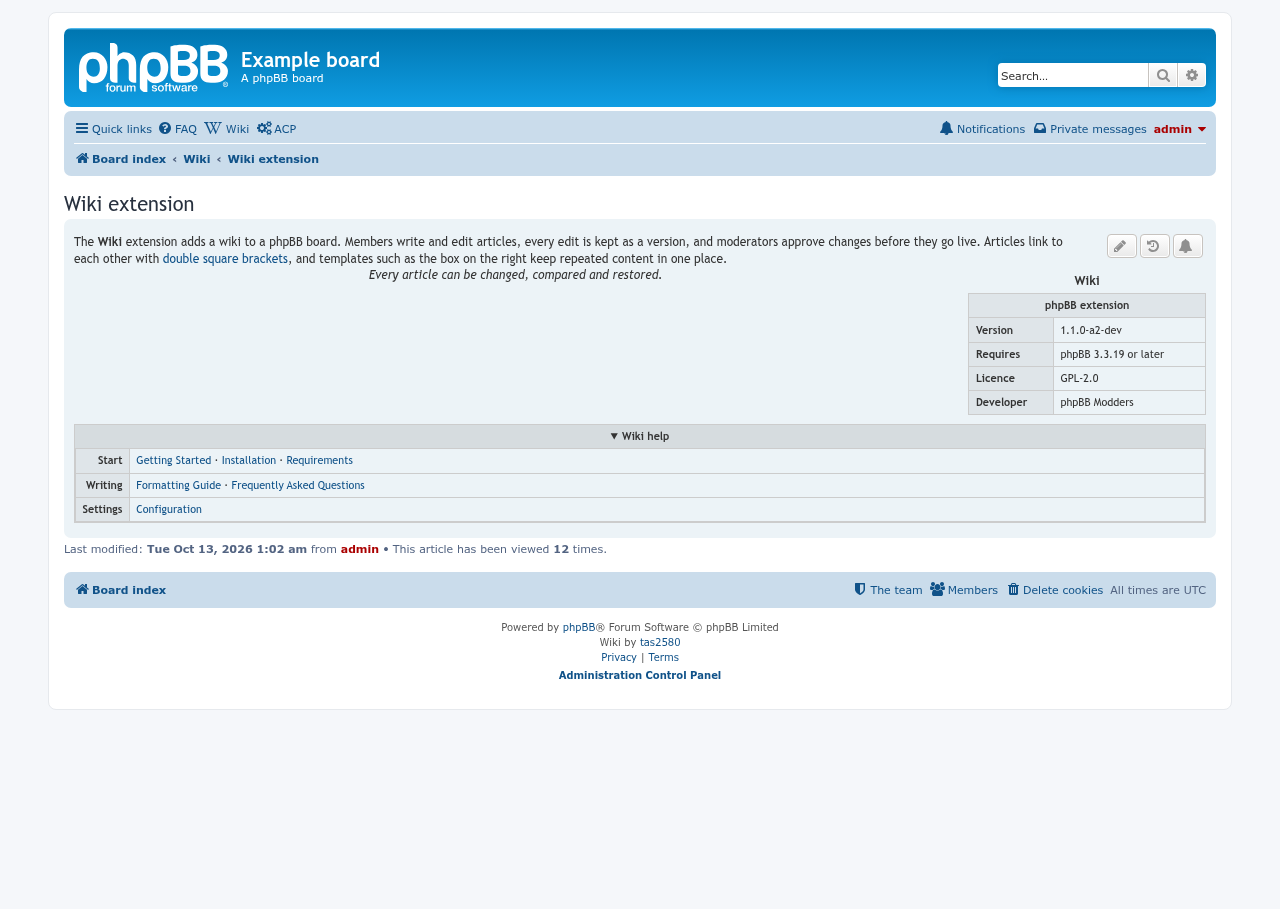
An article with an infobox floating at the right (a table with class="infobox"), a line in <center>, and a navbox: a <details class="navbox"> box of links the reader can close. The starter templates {{Infobox}} and {{Navbox}} draw them:
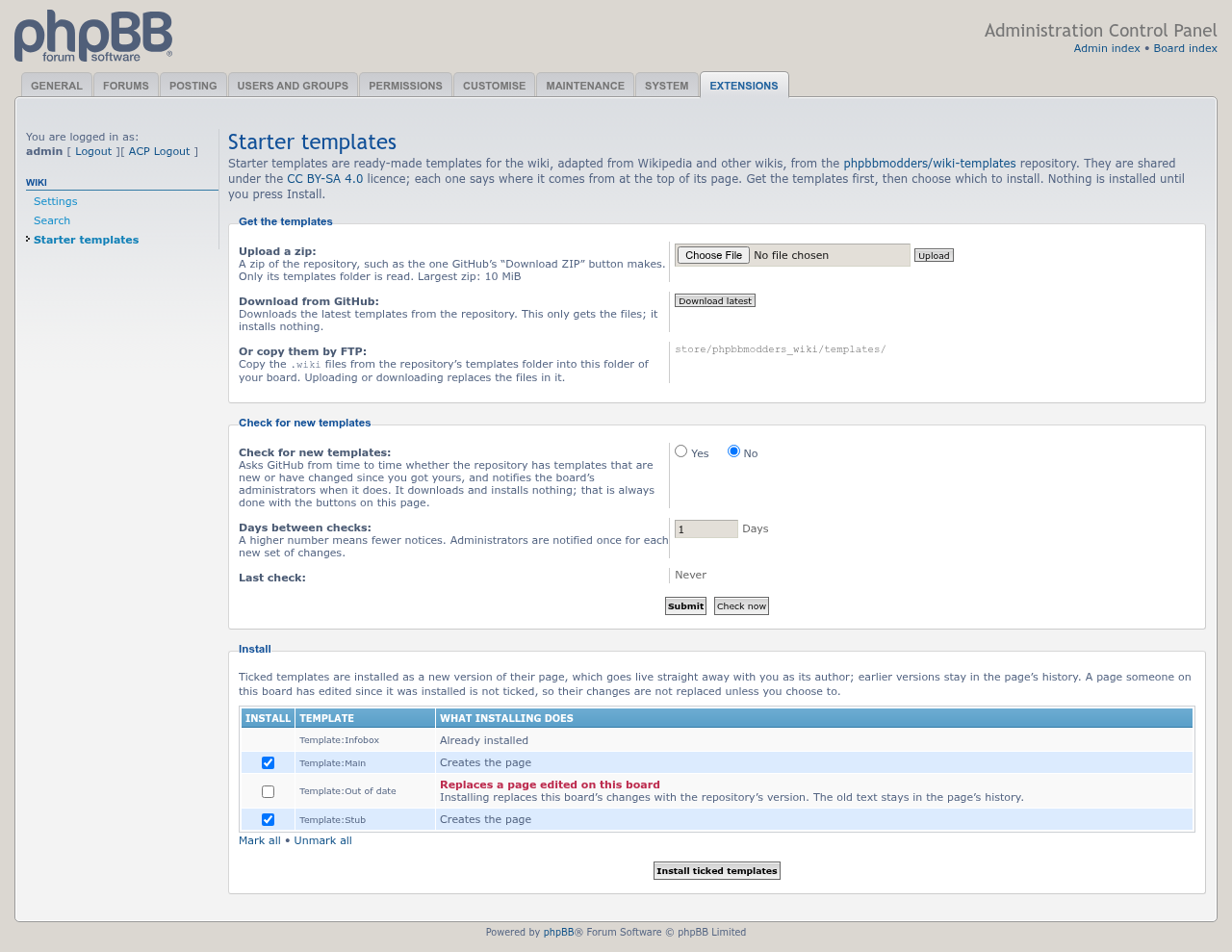
ACP > Extensions > Wiki > Starter templates gets the templates of phpbbmodders/wiki-templates and installs the ones ticked. A template the board already has, and one whose page was edited on the board, are listed but not ticked:
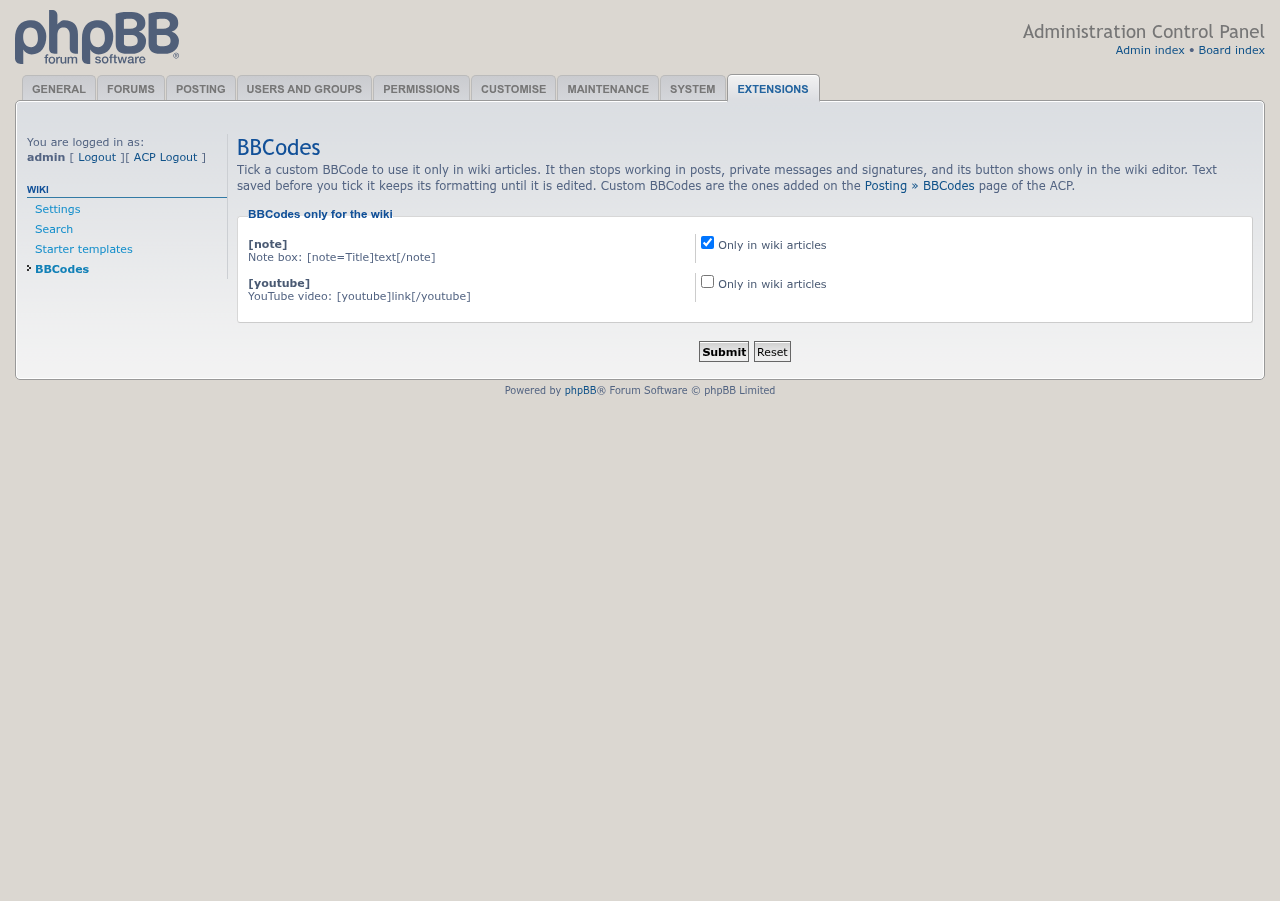
ACP > Extensions > Wiki > BBCodes lists the board's custom BBCodes. A ticked one works only in wiki articles: posts, private messages and signatures can't use it, and its button shows only in the wiki editor:
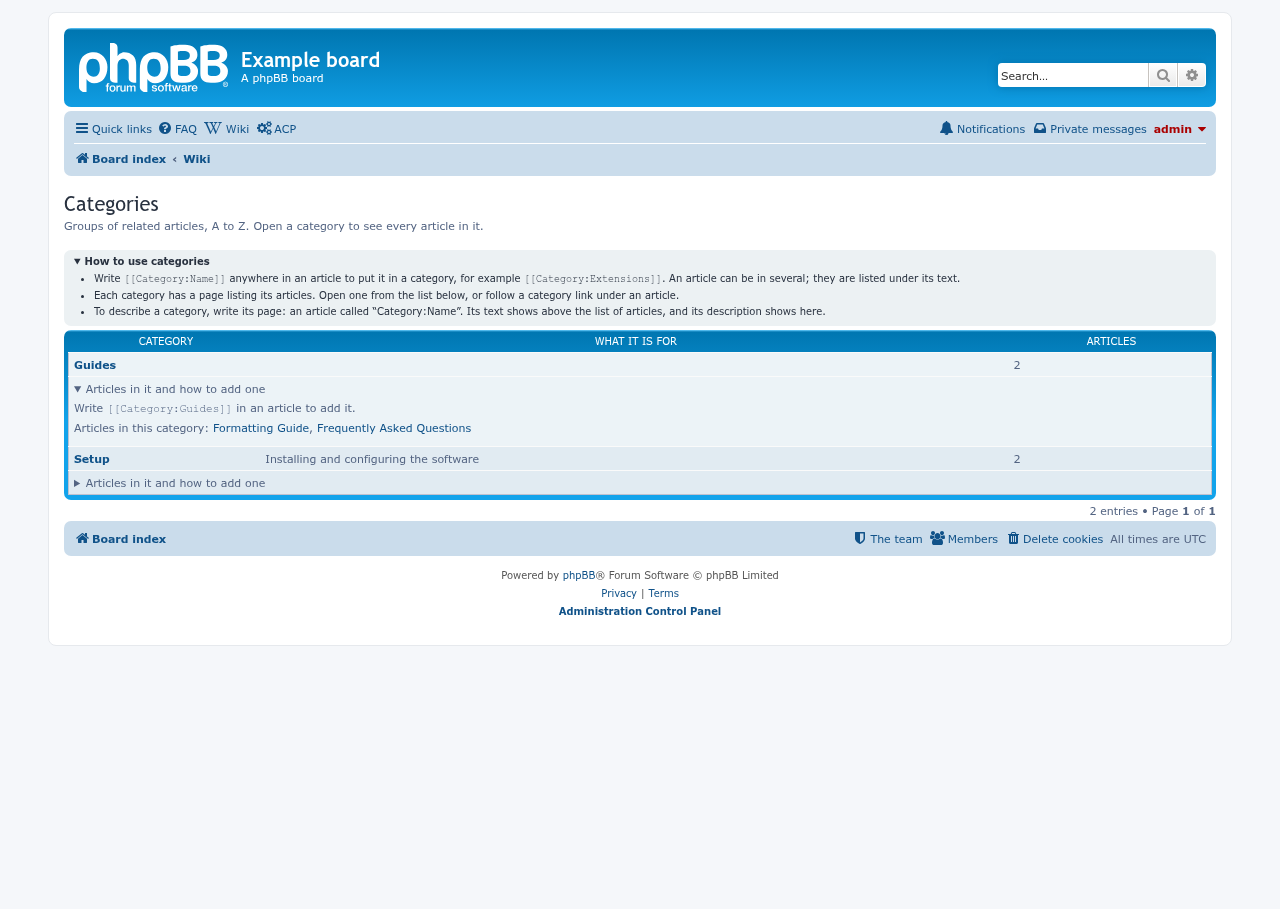
The categories page lists every category with its description, with a How to use categories box, and under each category its articles and how to add one:
Links written as [[Article name]]. Links to articles that don't exist yet are red. See Linking between articles.

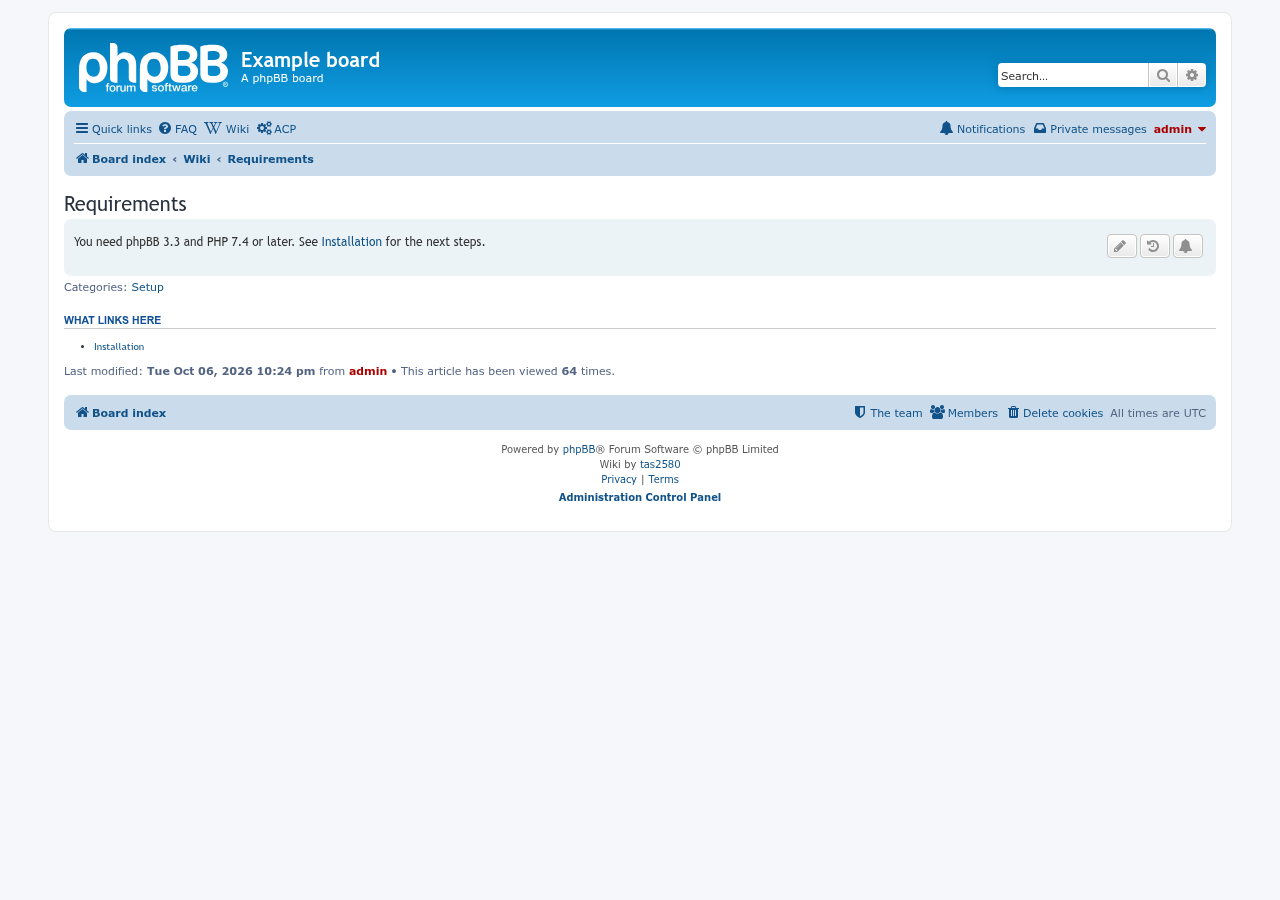
What links here below an article:
The Wiki link button in the editor toolbar (outlined):
