Repository navigation
Screenshots
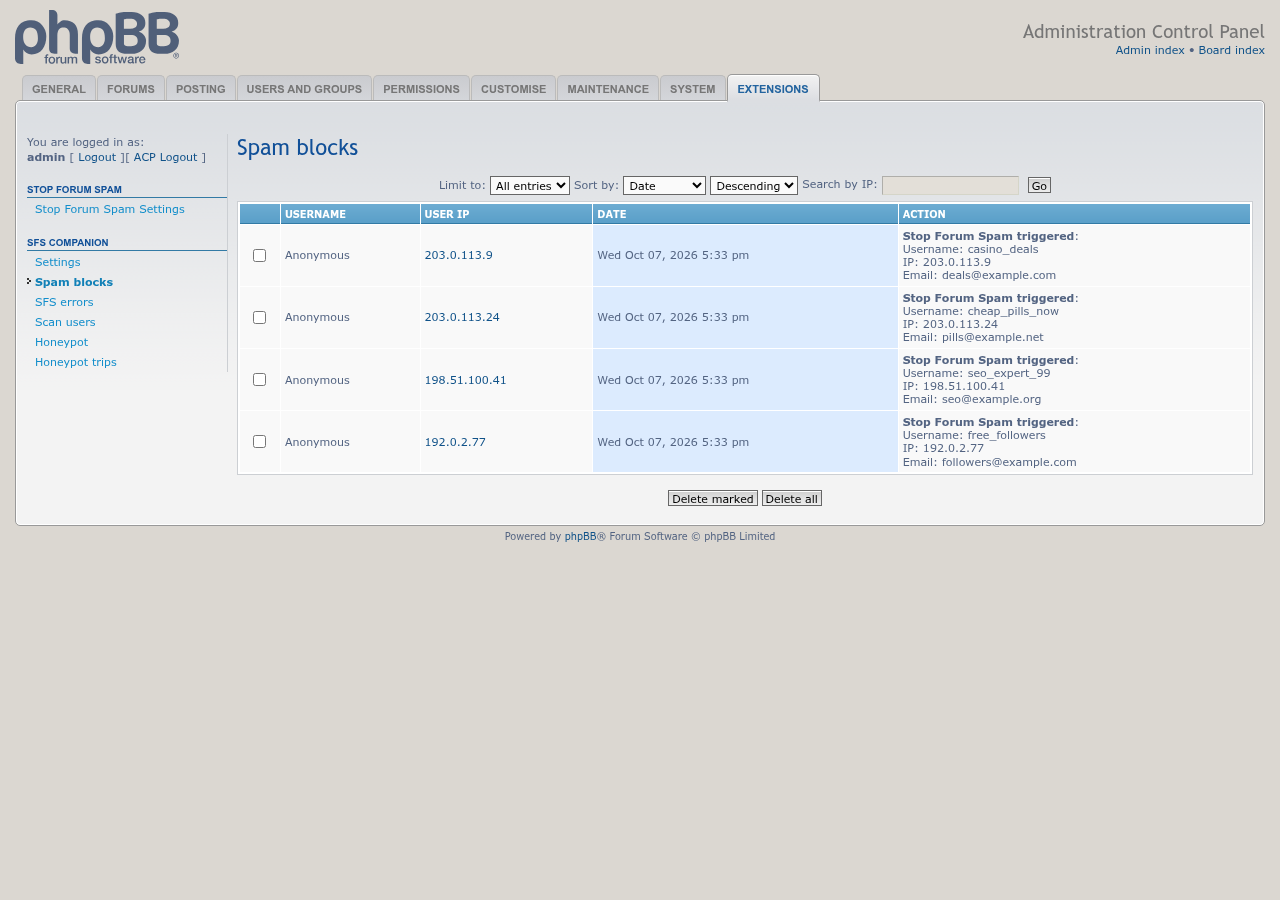
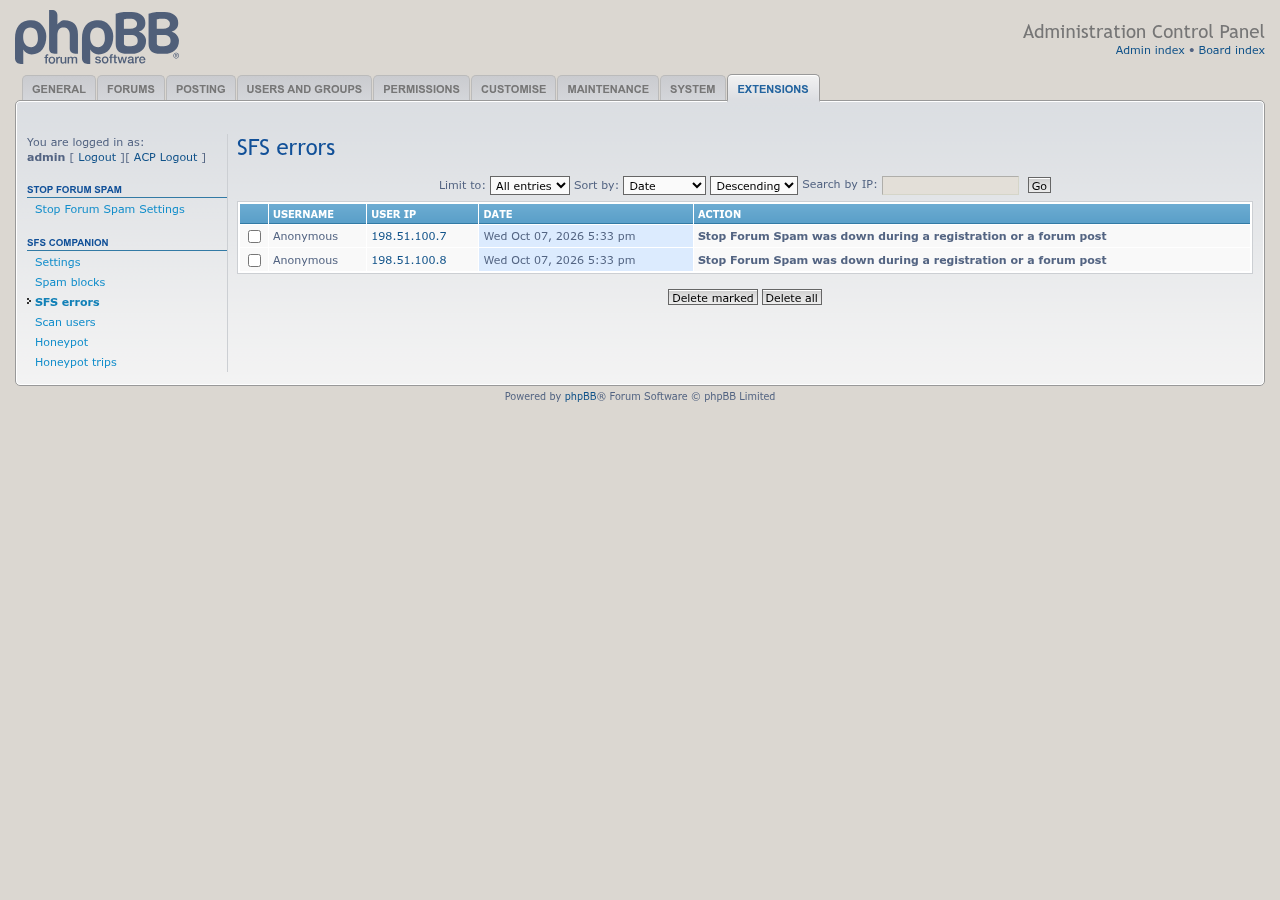
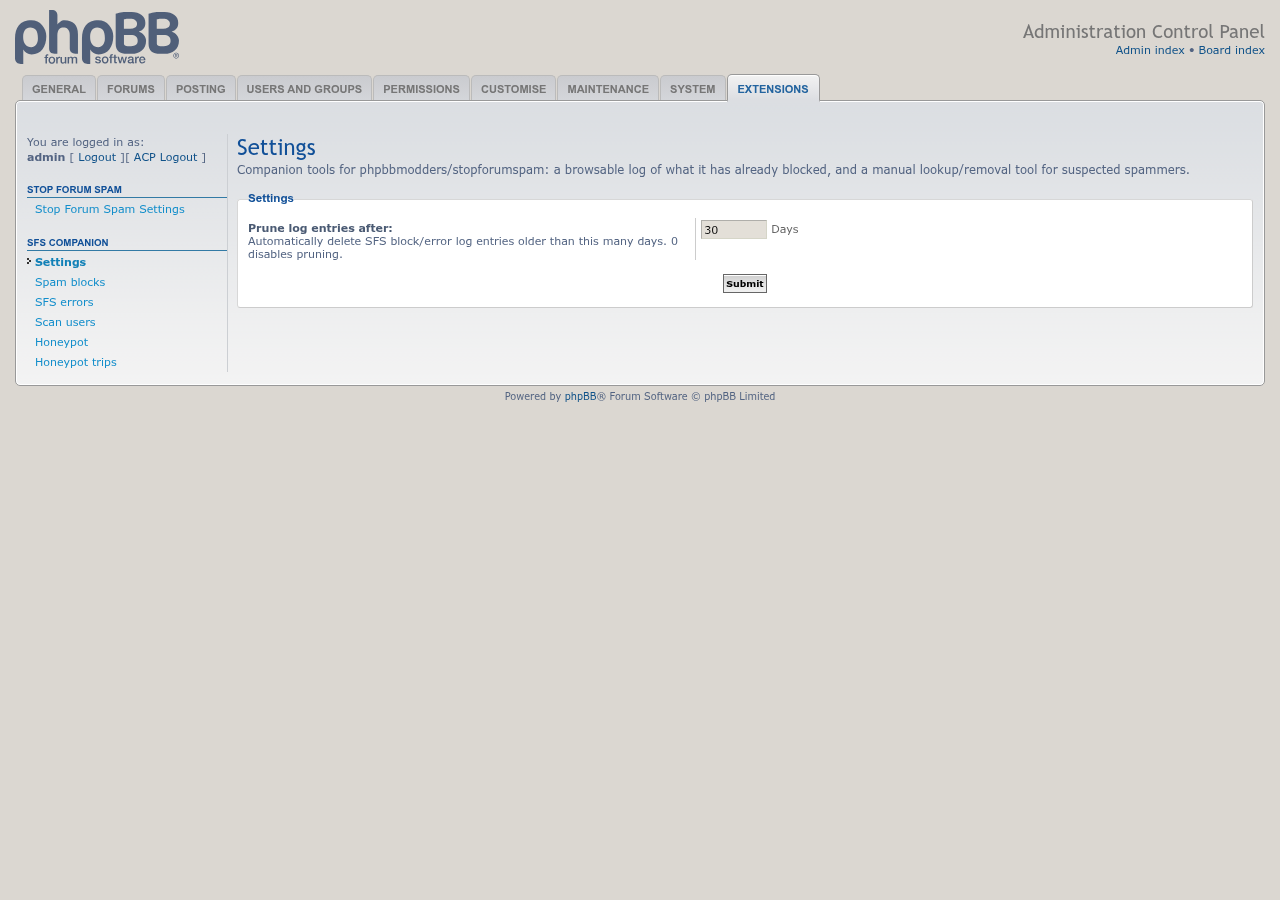
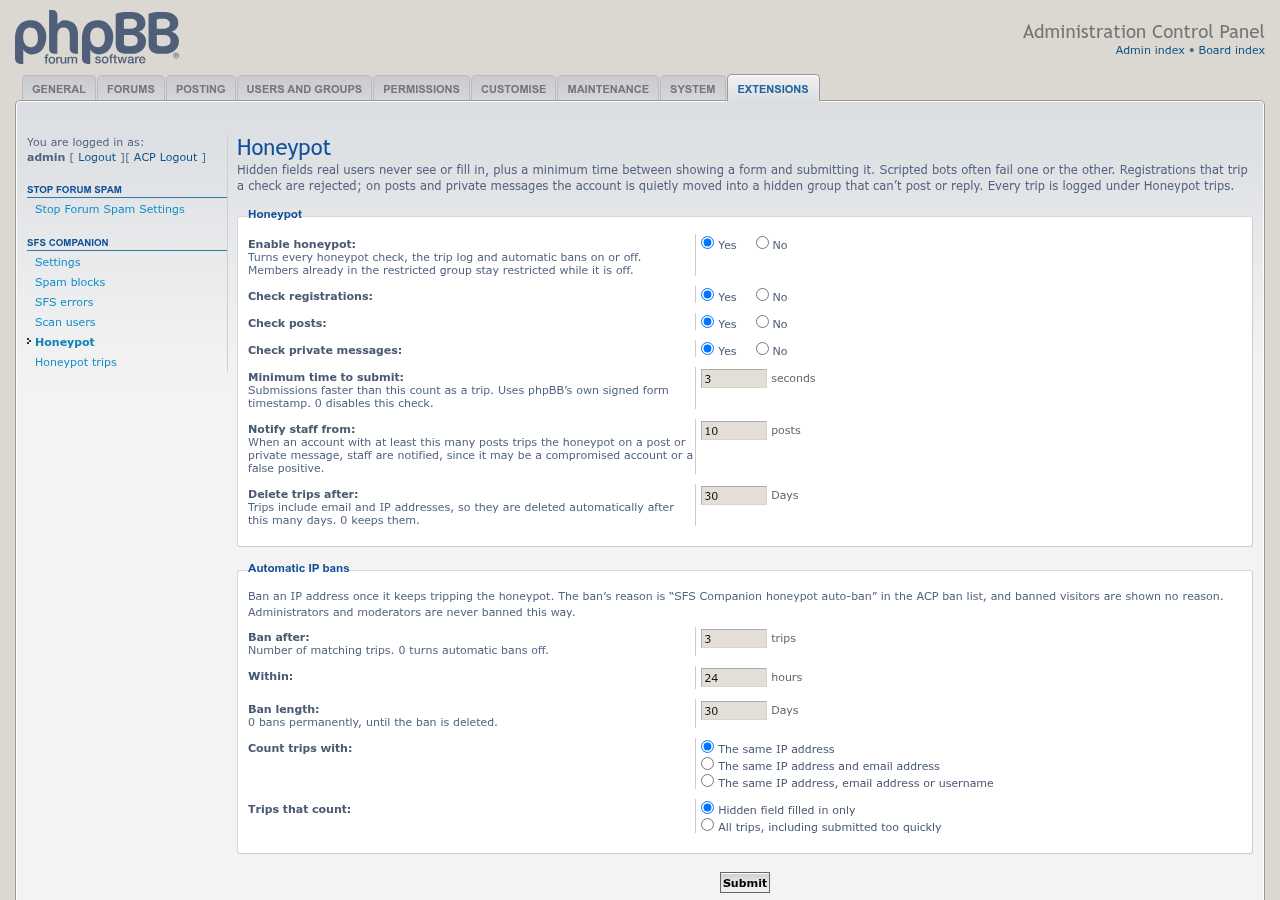
SFS Companion on a phpBB 3.3 board with prosilver. The log entries are examples. Click an image for the full size.
ACP » Extensions » SFS Companion » Spam blocks: registrations and posts that phpbbmodders/stopforumspam blocked.
ACP » Extensions » SFS Companion » SFS errors: times the Stop Forum Spam service could not be reached.
ACP » Extensions » SFS Companion » Settings.
ACP » Extensions » SFS Companion » Honeypot: the hidden-field and minimum-time checks, and the automatic IP bans.
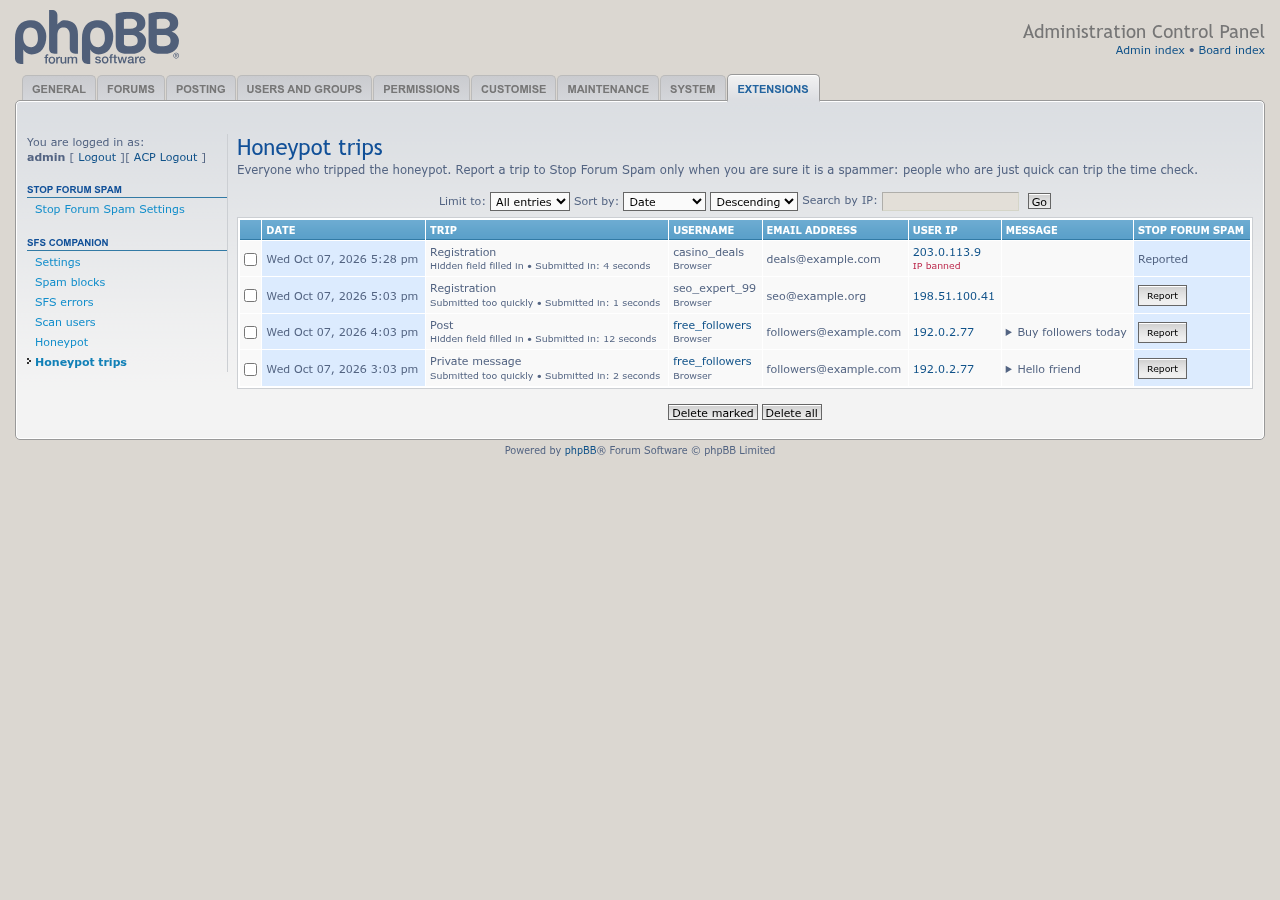
ACP » Extensions » SFS Companion » Honeypot trips: every trip, with the form, the check that tripped and how fast the form was sent. Report sends a trip to Stop Forum Spam after you confirm it. The trips shown are examples.
On a member's profile, admins and moderators with the right permission see a link (highlighted here) to look the member up on Stop Forum Spam.

These screenshots are made with phpbb-release-tools' screenshots.py, so they can be regenerated when the pages change.