- Available on NuGet: ContextViewCell
- Add nuget package to your Xamarin.Forms .netStandard/PCL project and to your platform-specific projects (iOS and Android)

| Platform | Version |
|---|---|
| Xamarin.iOS | 8.0+ |
| Xamarin.Android | 15+ |
This plugin provides opportunity to create custom context menu for every cell
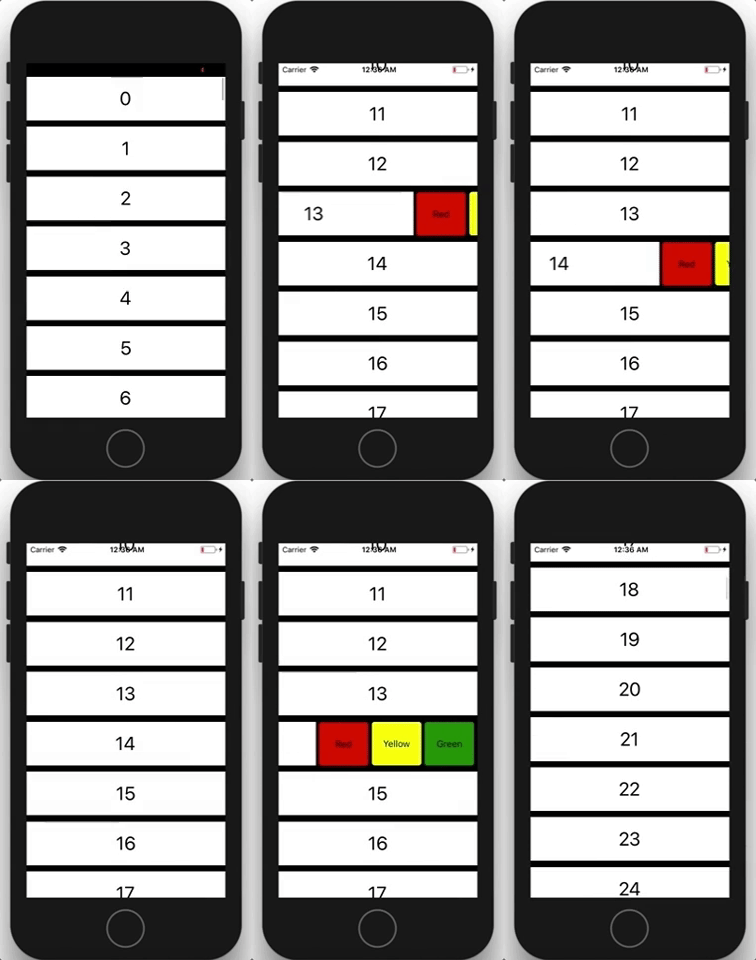
Also you can create move-to-action cells (for example Move to delete)
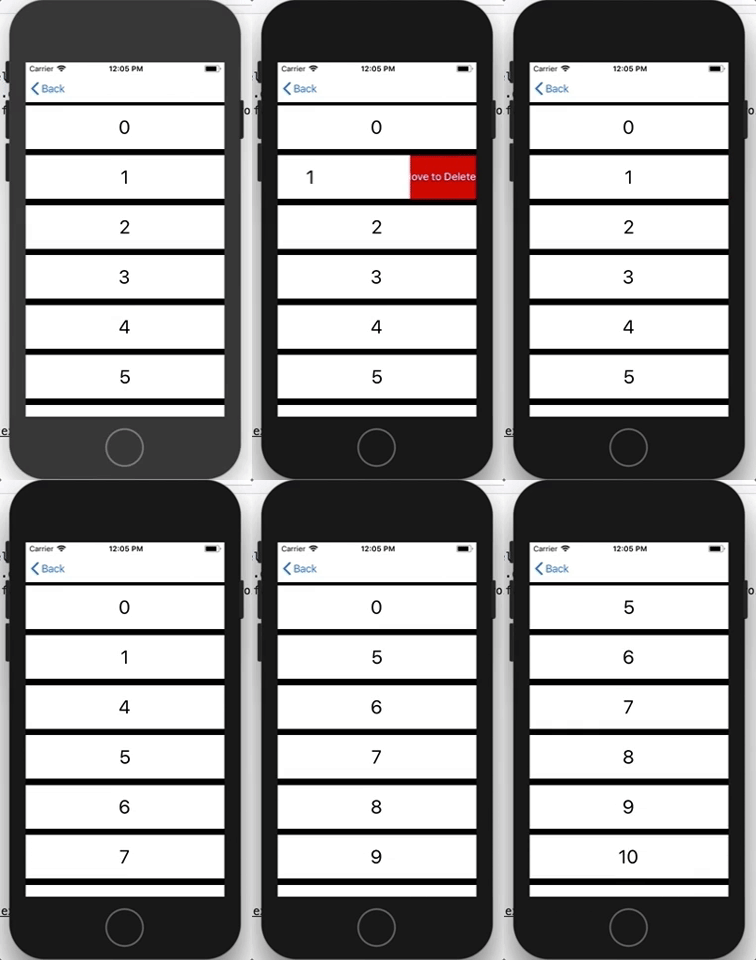
The sample you can find here https://github.com/AndreiMisiukevich/ContextMenu/blob/master/ContextMenuSample/ContextMenuSample/SamplePage.xaml
XAML:
    <ListView>
        <ListView.ItemTemplate>
            <DataTemplate>
                <context:SideActionBarCell>
                    <context:SideActionBarCell.Content>
                        //{YOUR MAIN VIEW HERE}
                        </ContentView>
                    </context:SideActionBarCell.Content>
                    <context:SideActionBarCell.ContextTemplate>
                        <DataTemplate>
                            //{YOUR CONTEXT TEMPLATE HERE} you can use DataTemplateSelector too
                        </DataTemplate>
                    </context:SideActionBarCell.ContextTemplate>
                </context:SideActionBarCell>
            </DataTemplate>
        </ListView.ItemTemplate>
    </ListView>
Make sure your main view width equals list's width You can adjust it by binding
...
<ListView x:Name="SampleList"
        <ListView.ItemTemplate>
            <DataTemplate>
                <context:SideActionBarCell>
                    <context:SideActionBarCell.Content>
                        <ContentView WidthRequest="{Binding Source={x:Reference SampleList}, Path=Width}">
                            ...
C#:
The sample you can find here https://github.com/AndreiMisiukevich/ContextMenu/blob/master/ContextMenuSample/ContextMenuSample
Check source code for more info, or 🇧🇾 just ask me =) 🇧🇾
The MIT License (MIT) see License file
Feel free to create issues and PRs 😃