
A ComfyUI node that rewrites your prompt with an LLM before it reaches the CLIP encoder. You type something short, pick a style, and the node hands your image model a fuller prompt to work with.
It takes a CLIP input and returns conditioning plus the enhanced prompt as text, so you can drop it straight into an existing workflow or chain it with other nodes.
- Five providers: OpenAI, Anthropic, Google, OpenRouter, and Ollama for local models
- Two output formats:
descriptivewrites flowing sentences describing the imagetagswrites comma separated SDXL and Danbooru style tags
- 47 enhancement styles across 9 categories, from
photorealistictoukiyo-etovaporwave - Model picker per provider, so you can trade cost against quality without editing code
- Runs fully local through Ollama if you would rather not send prompts to an API
- Falls back to your original prompt if the API call fails, so a bad key or a rate limit doesn't break the run
- Works with Flux and Stable Diffusion, including SDXL and custom fine-tunes
Two Cloudinary collections with more than fits here:
- Node usage examples shows the node wired into ComfyUI workflows
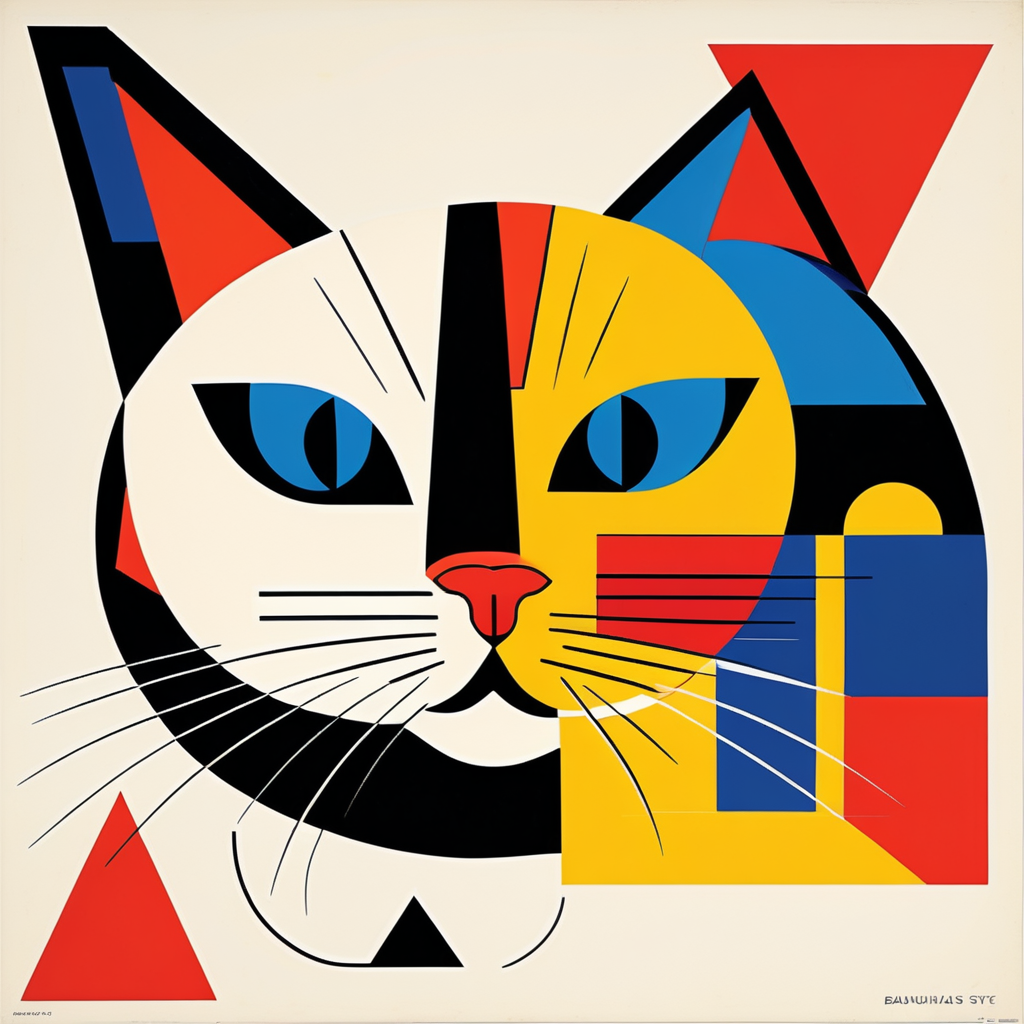
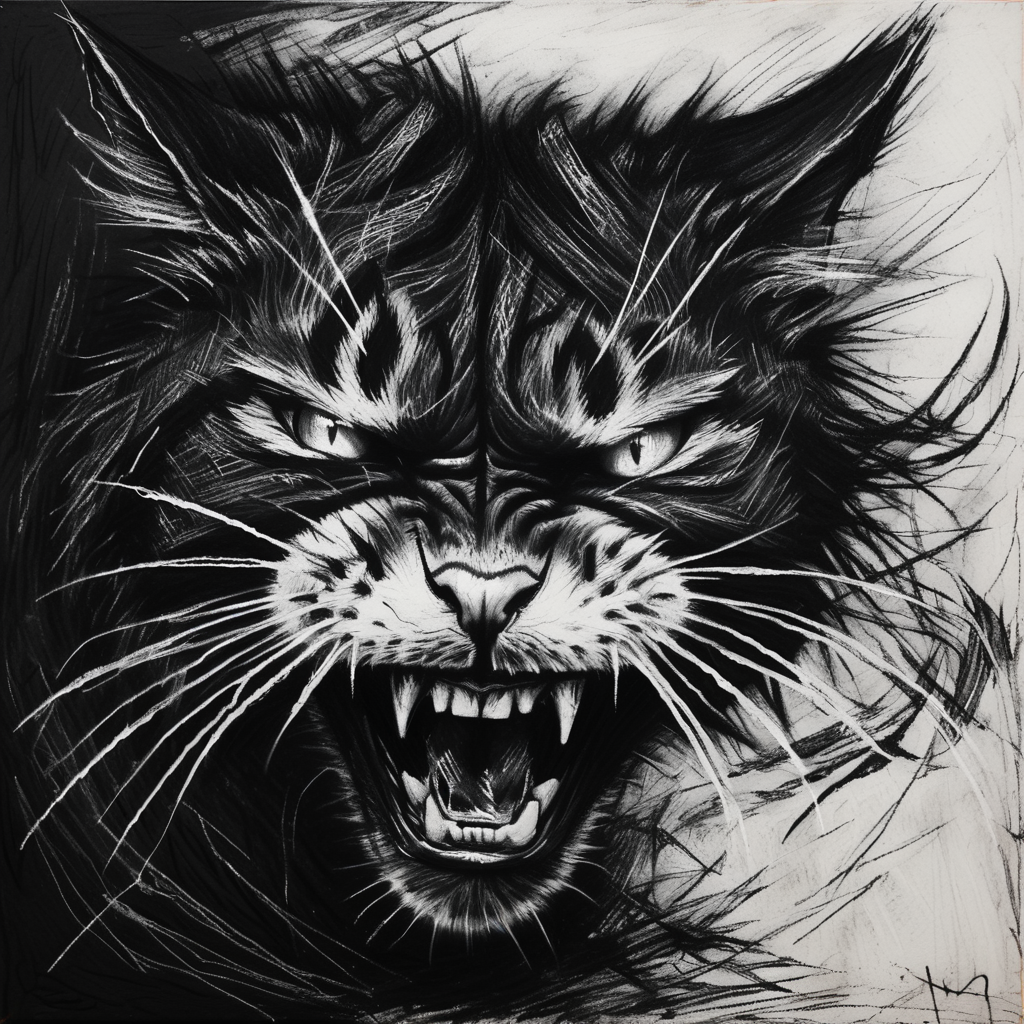
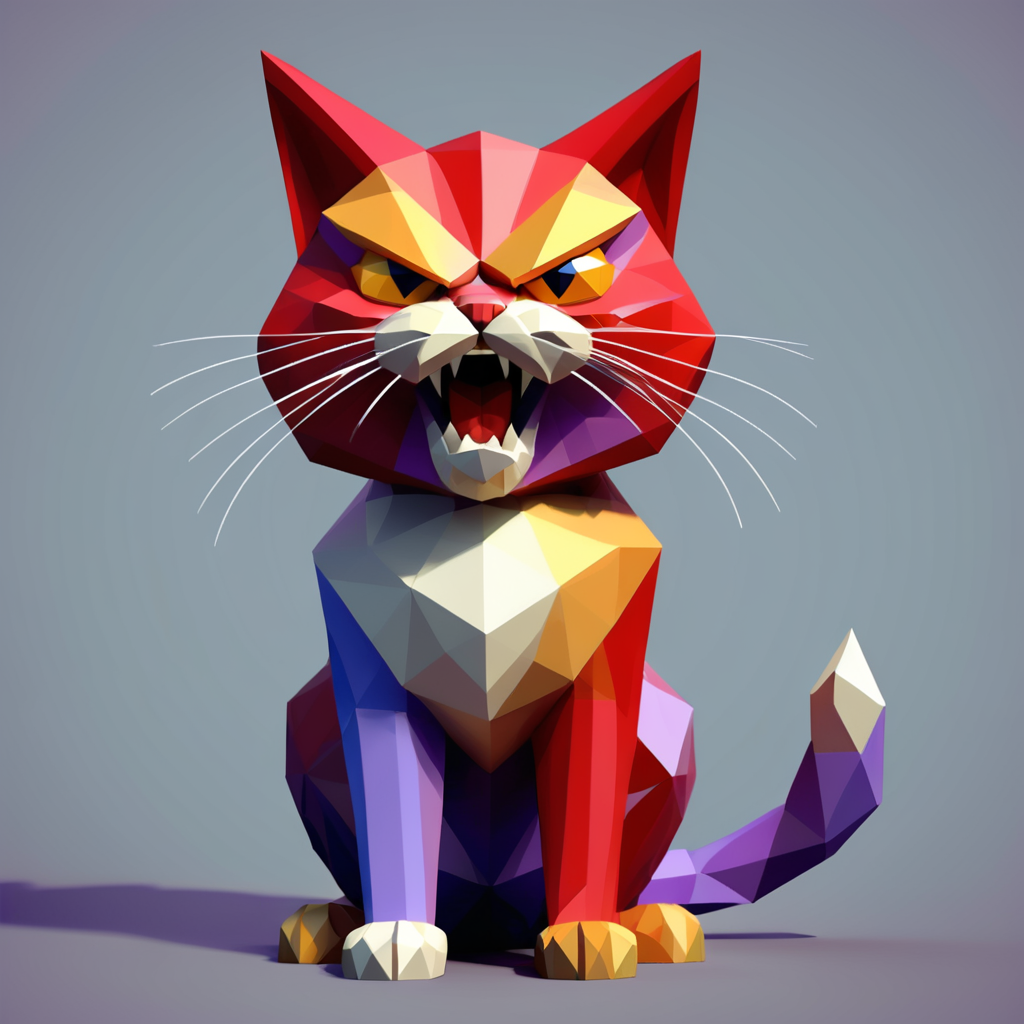
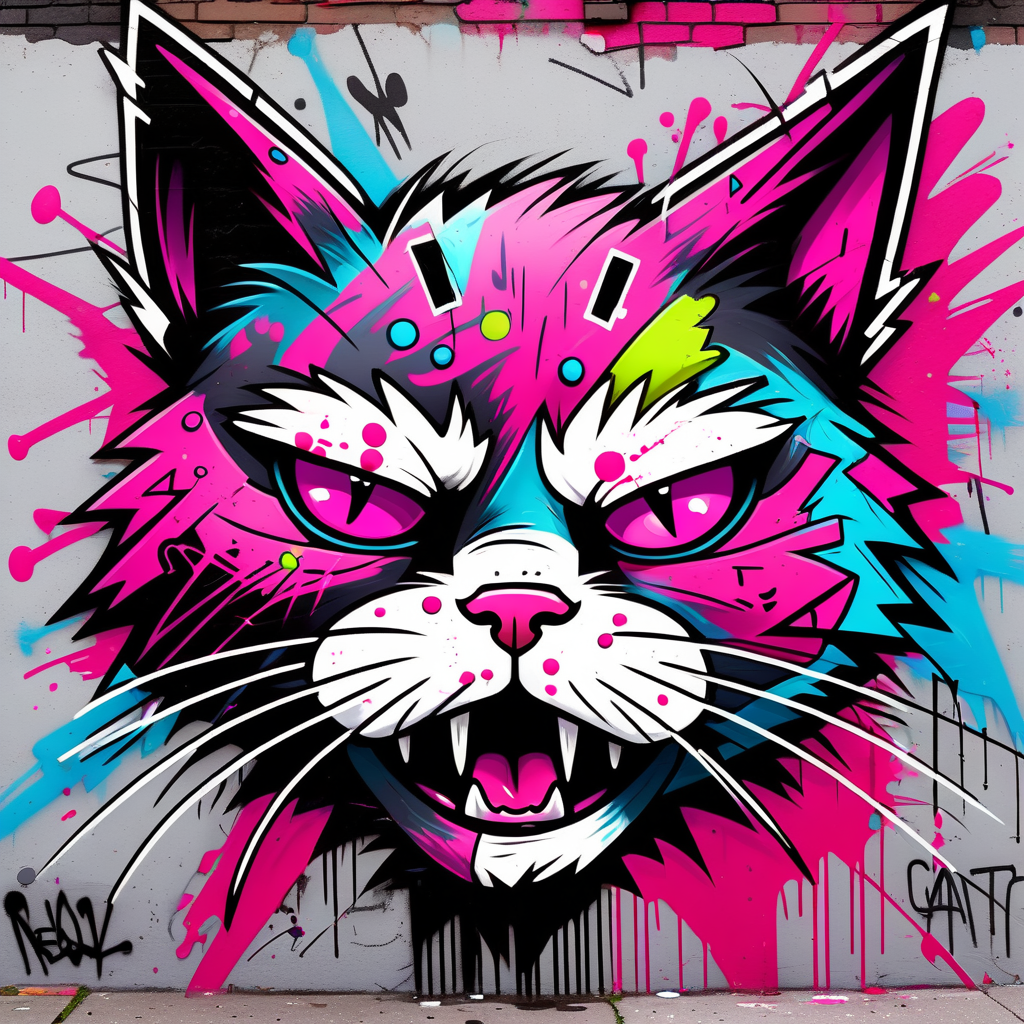
- Generated image examples shows output across different styles





- ComfyUI installed and working
- Python 3.10 or higher
- pip
- An API key for at least one provider, or Ollama running locally
Navigate to your ComfyUI custom nodes directory:
cd ComfyUI/custom_nodes/Clone the repository:
git clone https://github.com/pinkpixel-dev/comfyui-llm-prompt-enhancer.gitInstall the dependencies:
pip install openai anthropic google-generativeai torch requestsRestart ComfyUI. The node shows up as Prompt Enhancer LLM ✨ under conditioning/prompt.
You only need the packages for providers you actually use. The node imports each one in a try block and logs a message if it is missing, so a missing anthropic package will not stop the other providers from working.
Grab a key from the OpenAI Platform and paste it into the node's openai_key input.
Models available in the openai_model dropdown:
| Model | Notes |
|---|---|
gpt-5.6-sol |
Flagship, most expensive |
gpt-5.6-terra |
Middle tier |
gpt-5.6-luna |
Cost optimized, the default |
Create a key in the Anthropic Console and paste it into anthropic_key.
| Model | Notes |
|---|---|
claude-opus-5 |
Flagship |
claude-sonnet-5 |
Middle tier |
claude-haiku-4-5 |
Fastest and cheapest, the default |
Create a key in Google AI Studio and paste it into google_key. There is a free tier before it moves to pay as you go.
| Model | Notes |
|---|---|
gemini-3.1-pro-preview |
Flagship, 2M context |
gemini-3.7-flash |
Newest workhorse |
gemini-3.6-flash |
Previous workhorse |
gemini-3.5-flash-lite |
Low latency, the default |
gemini-3.1-flash-lite |
Cheapest |
Create a key at openrouter.ai/keys and paste it into openrouter_key.
OpenRouter exposes thousands of models, so openrouter_model is a plain text field rather than a dropdown. Type any model ID from their catalog. The default is google/gemma-4-26b-a4b-it:free, which costs nothing to run.
Model IDs ending in :free have no token cost but are usually rate limited.
For local models with no API key and no per token cost. Install Ollama from ollama.com, then start it:
ollama servePull a model:
ollama pull llama3.2:1bThen set ollama_host (default http://localhost:11434) and ollama_model (default llama3.2:1b) in the node. Other small models that work well here: gemma2:2b, qwen2.5:1.5b, llama3.2:3b.
The node checks the connection before sending anything, so if Ollama is not running you get a clear error instead of a timeout.
- Add the Prompt Enhancer LLM ✨ node to your workflow
- Connect your CLIP model to the
clipinput - Type your prompt into the
promptfield - Pick a provider in
llm_provider - Pick a style from the
styledropdown - Set
prompt_formattodescriptiveortags - Fill in the API key and model for your chosen provider
- Connect the
conditioningoutput to your sampler, andenhanced_promptanywhere you want to see the text
If you want to compare against an unenhanced prompt, select the Basic Styles > none style. That skips the style instructions, though the format enhancement still runs.
Every provider defaults to its cheap tier. Prompt enhancement is a short task with maybe 200 tokens of output, and the small models handle it well, so there is usually no reason to pay flagship rates. Move up if you want richer output.
Providers rename and retire models fairly often. If one starts returning a 404, the lists live in models.py and are easy to edit.
Keys are entered as normal node inputs, which means ComfyUI saves them into the workflow JSON. If you share a workflow file or post a screenshot, your key goes with it. Clear the key fields before sharing anything, or use Ollama, which needs no key at all.
47 styles across 9 categories. Pick one from the style dropdown, where they appear as Category > style.
- Basic Styles: none, detailed, photorealistic, cinematic, artistic, minimalist, vibrant
- Fantasy & Horror: fantasy, horror, dark fantasy, heavenly
- Traditional Art: oil painting, watercolor, abstract expressionist, hyperrealist, cubist
- Art Movements: art nouveau, art deco, baroque, renaissance, pop art, bauhaus, romanticist, dada
- Asian Art Styles: anime, studio ghibli, ukiyo-e, sumi-e
- Traditional Media: oil painting, watercolor, pencil sketch, charcoal drawing, pastel art
- Digital & Contemporary: 3d render, digital art, concept art, comic book, pixel art, low poly, isometric
- Genre & Theme: cyberpunk, steampunk, gothic, vaporwave, retro, vintage
- Decorative Arts: stained glass, mosaic, street art
Each style carries its own set of technical instructions that get prepended to your prompt. Selecting none skips the style layer and just runs the format enhancement.
The node logs to the ComfyUI console under the prompt_enhancer logger, so start there when something looks off.
The node doesn't appear in the menu. Check the ComfyUI startup log for import errors. Missing Python packages are the usual cause.
Enhancement silently does nothing. When an API call fails the node returns your original prompt rather than erroring the whole run. The reason is in the console log.
- "Authentication failed": check the key
- "Rate limit exceeded": wait, or check your plan
- "Invalid model": confirm your account has access to the selected model
- "Invalid API key": check the key
- "Rate limit reached": check your usage limits
- "Model not found": confirm the model ID is still current
- "API key not valid": check the key and project setup
- "Quota exceeded": review your usage limits
- "API not enabled": enable the Gemini API for your project
- "Authentication failed": check the key
- "Model not available": confirm the model ID exists and your account has credits
- Rate limits on
:freemodels are common. Switch to a paid model if you hit them often
- "Connection failed": make sure
ollama serveis running, check the host URL, check your firewall - "Model not found": pull it first with
ollama pull llama3.2:1b, and see what you have withollama list - "Empty response from Ollama": usually a resource problem. Check the Ollama logs and try a smaller model
Pull requests are welcome. For anything large, open an issue first so we can talk it through.
There is a test suite that runs without any API keys:
python3 test_prompt_enhancer.pyIt covers prompt format routing, the model lists, and the node's input definitions. Please run it before opening a PR. Adding a required input to INPUT_TYPES will break every saved workflow, so new inputs belong in optional with a default.
MIT. See LICENSE.
- GitHub Issues: Report a bug
- Email: admin@pinkpixel.dev
- Discord: @sizzlebop
Made with 💖 by Pink Pixel