Setup and Import
Onboarding tools and the World Info importer. Use the setup wizard to configure DeepLore for the first time, then import existing SillyTavern lorebooks into your Obsidian vault.
A 9-page first-run wizard. Walks through Obsidian connection, lorebook tag, search mode, AI search connection, Librarian setup, vault structure, and a one-shot World Info import. Each page validates before letting you advance.
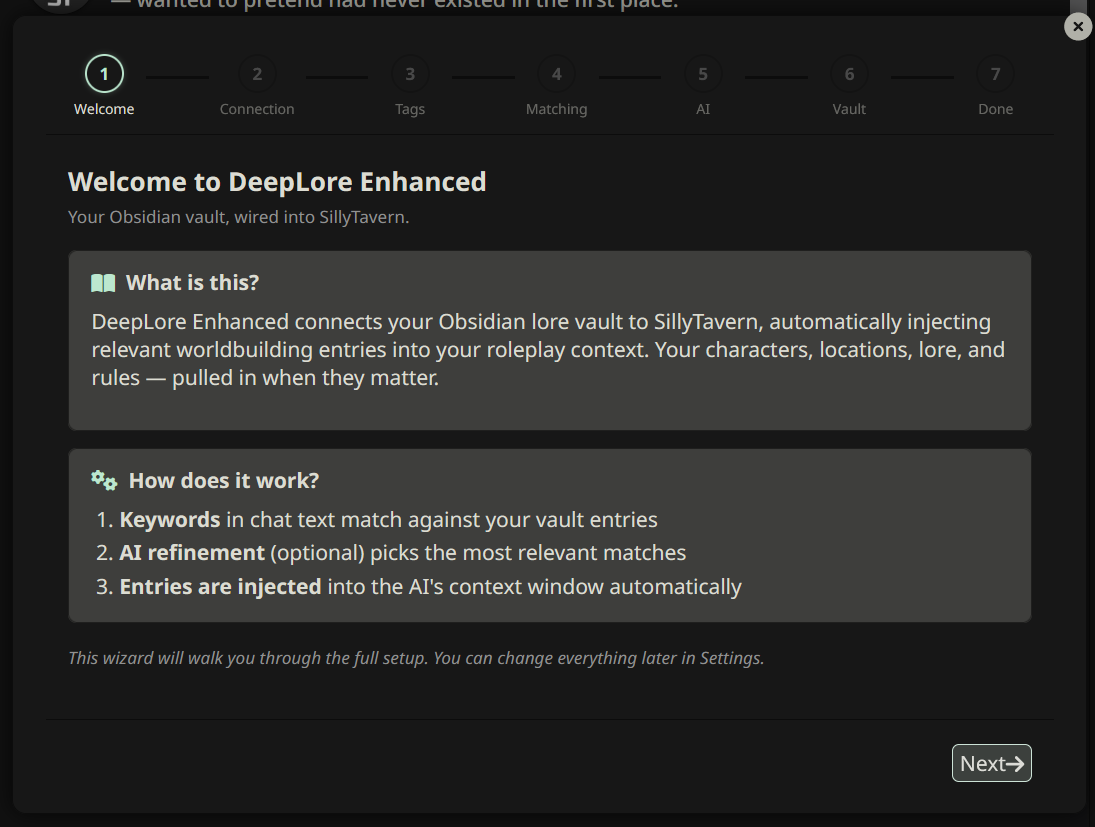
Open it: run /dle-setup. The wizard also opens automatically the first time you load DeepLore.
You can re-run the wizard any time. It prefills from your current settings, so re-running is non-destructive unless you change a value.
A toolbar at the top of the drawer (above the tab content) with one-click buttons for the operations you do most. Buttons run the same code paths as their slash commands; no roundtrip through the parser.
| Button | Icon | Action | Slash command |
|---|---|---|---|
| Refresh | sync | Reload the vault index from Obsidian. | /dle-refresh |
| Scribe | feather | Run Session Scribe: AI summarizes the conversation and writes notes back to the vault. | /dle-scribe |
| New Lore | plus | Open the new-entry editor. | /dle-newlore |
| Librarian | book-bookmark | Open the Librarian chat (Emma) for authoring entries. | /dle-librarian |
| Graph | diagram-project | Open the relationship graph. | /dle-graph |
| Clear AI Cache | eraser | Clear the AI search cache so the next generation re-selects lore from scratch. | (drawer only) |
| Skip Librarian | ban | Skip the Librarian agentic loop for the next generation. Toggle. | (drawer only) |
Keyboard shortcuts when the drawer has focus: r refresh, s scribe, n new lore, g graph.
Convert SillyTavern World Info JSON into Obsidian vault entries with proper frontmatter. Handles three input formats: ST World Info export JSON, V2 character cards with embedded World Info, and raw entry arrays.
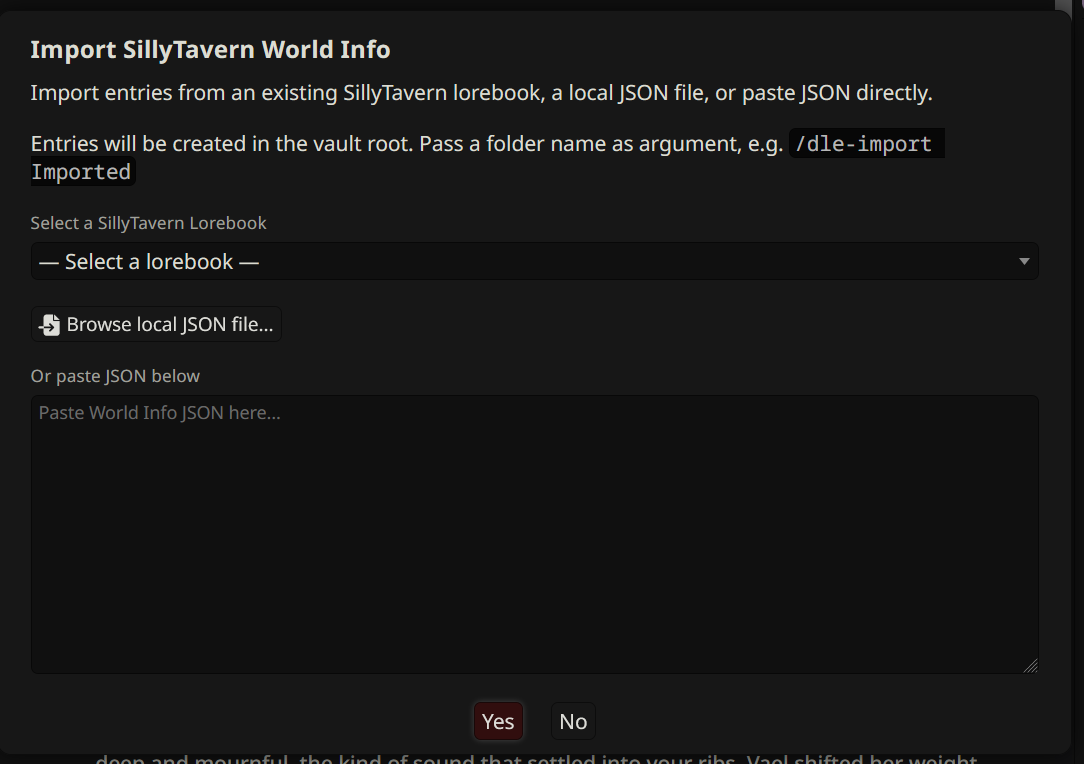
Open it: /dle-import [folder]. Without a folder argument, entries are written to the vault root. Example: /dle-import Imported writes to the Imported/ folder.
Three ways to feed the importer:
- Select an existing ST lorebook from the dropdown (lists everything in your ST World Info library).
- Browse a local JSON file from disk.
- Paste JSON text directly into the textarea.
Native — DLE acts on the field directly:
-
keytokeys(primary keywords; comma-string format from older exports auto-split) -
keysecondarytorefine_keys(gating mode set byselective_logicbelow) -
commentto entry title (falls back to first key, thenEntry_<uid>) -
ordertopriority(1-999, default 50; see semantic flip below) -
positiontoposition(7 ST positions mapped tobefore/after/in_chat; original ST value preserved as YAML comment; EM positions 5/6 get the subheader treatment — see below) -
depthtodepth(only whenposition: in_chat) -
probabilitytoprobability(rescaled from 0-100 to 0.0-1.0 automatically) -
constant: trueto thelorebook-alwaystag -
scanDepthtoscanDepth -
v2.5:
disable: truetoenabled: false(pre-v2.5 disabled WI entries silently imported as active; fixed) -
v2.5:
excludeRecursiontoexcludeRecursion: true -
v2.5:
role(ST integer 0/1/2) torole: system | user | assistant -
v2.5:
selectiveLogic(all 4 modes: AND_ANY, AND_ALL, NOT_ALL, NOT_ANY) toselective_logic:with native enforcement on the keyword path
Round-trip preserved — landed in vault frontmatter as snake_case, surfaced by /dle-lint for visibility. DLE does NOT act on these; remove the lines if you don't need them preserved:
- Tier "planned to implement" (
W_NOT_IMPLEMENTED):sticky,delay,group,group_weight - Tier "intentionally ignored" (
W_WI_ROUND_TRIP, v2.5):vectorized,selective,use_probability,prevent_recursion,delay_until_recursion,group_override,use_group_scoring,case_sensitive,match_whole_words,automation_id,add_memo,display_index, plus 6match_*scan-source toggles
ST positions 5 (before_example_messages) and 6 (after_example_messages) have no DLE equivalent. Two modes, selectable via Settings → Connection → WI Import → Example Messages:
-
Append (default) — convert to normal entry, prepend
## Example Dialogue\n\nto body, map position to before/after. - Skip — drop these entries entirely.
The post-import popup explains this and offers a one-click "Skip on future imports" button. See For World Info Users#Example Messages handling (v2.5) for the rationale.
- Regex keys (
/pattern/flags) are imported as literal strings. Roadmap: BUG-045.
See For World Info Users for the full field-mapping cheat sheet and the two semantic gotchas (priority order and probability scale).
- Structured popup replaces the success/warning toast. Shows per-field counts for native applications, round-tripped preservations, EM handling, and any errors. Includes the friendly EM explainer + opt-out button.
- The one-shot WI Priority flip warning toast still fires (priority semantics differ across systems — review your entries' sort order after import).
- A duplicate filename is suffixed
_imported,_imported_2, and so on, up to 20 attempts. Files are never silently overwritten. - If AI search is enabled, after the report popup the importer offers to generate AI summaries for the imported entries (replacing the default
"Imported from SillyTavern World Info"placeholder). You review each summary before write. - The vault index rebuilds once at the end. Don't trigger
/dle-refreshmid-import.
When to use it: migrating from SillyTavern's built-in World Info to an Obsidian vault. Import once, then enrich the entries with summaries, wikilinks, and the additional frontmatter fields DLE supports. Running both extensions side by side works but doubles your maintenance and can double-inject entries.