This allows two columns to be in sync. After installing, configure the columns to sync by entering in their respective project ids in the plugin drop down from your chrome browser.
Note: this currently only sync's story data. Tasks, comments, blockers, etc will not sync automatically.
grab the project Id from your url. For example:
https://www.pivotaltracker.com/n/projects/{PROJECT_ID}
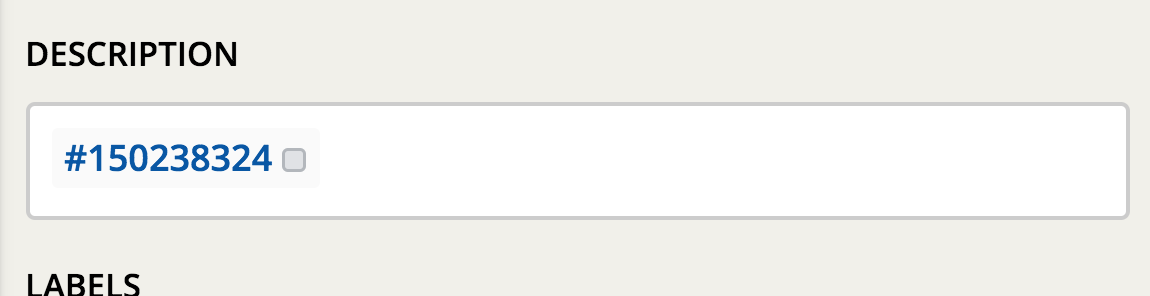
Next, any story you want sync'd needs to have the story id in the description of the source story.
For example