

Podlite — a block-based markup editor with live preview, Markdown included

Markdown, first class
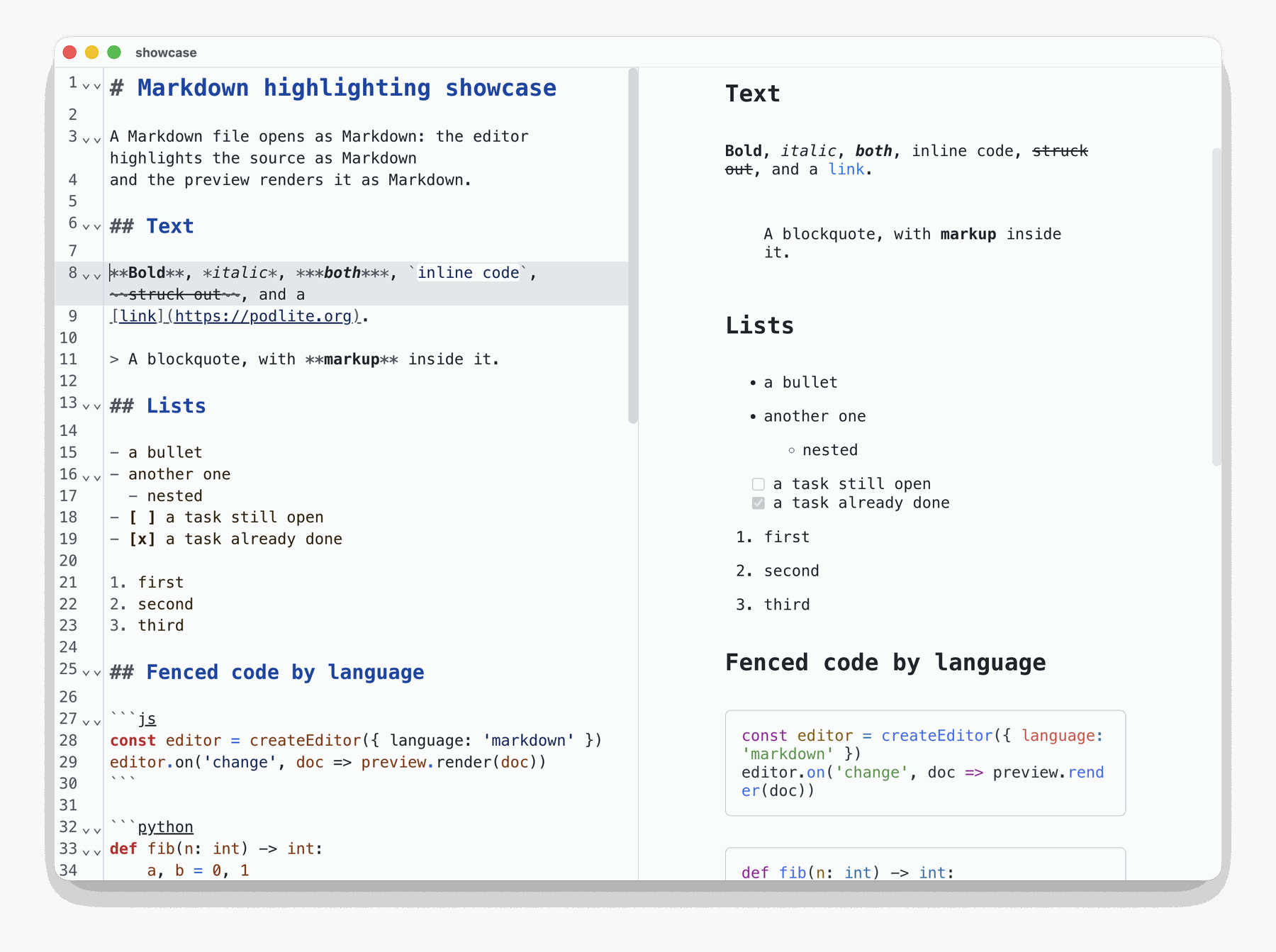
Open a .md file and the editor highlights it as Markdown, the preview renders
it as Markdown, and a double-click or a drop opens it straight away. Podlite
takes Markdown in, so this is the same editor, not a second mode.
The document, read as a tree
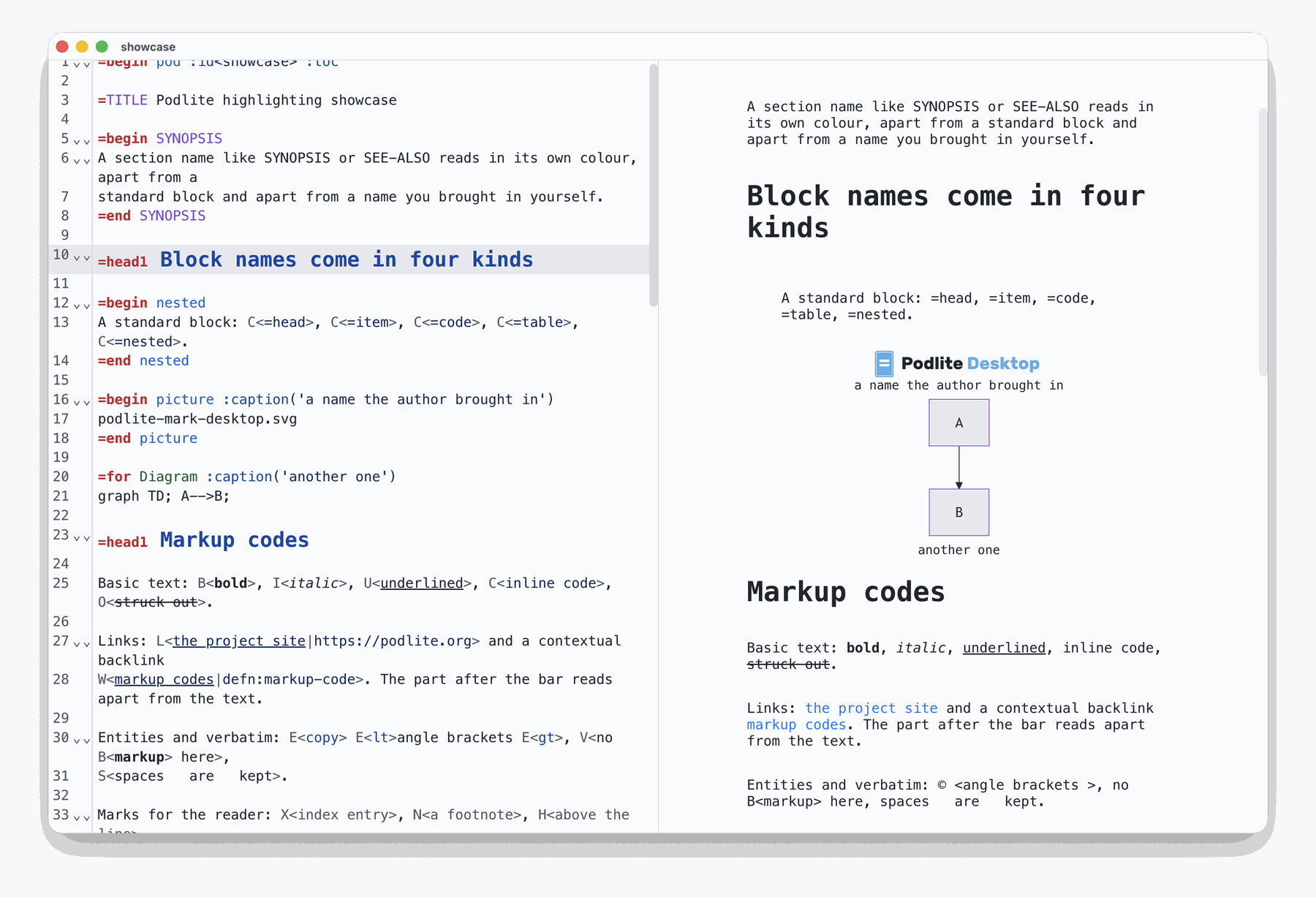
Highlighting no longer works line by line. Every markup code gets its colour, a
section name reads apart from a block name you brought in yourself, the settings
inside a markdown fence are coloured the same way in a .podlite file and in a
.md one, and G<> content shows as a covered strip that opens under the caret.
0.9.0
-
pass the file type to the editor, so a Markdown file is highlighted as Markdown and a Podlite file as Podlite
-
open Markdown files (
.md,.markdown,.mkdn,.mkd,.mdown) and render them as Markdown in the preview; added file associations so double-click and drag-and-drop open them -
the editor reads the document as a tree now: every markup code is coloured, section names and your own block names read apart from standard ones, settings inside a markdown fence are coloured, and
G<>content shows as a covered strip that opens under the caret -
a block that fails to render no longer blanks the preview — it degrades to a small placeholder and the rest of the page stays
-
render the
W<>contextual link, entity codes inside an inlineC<>code, and a table written inside a cell as a grid -
recognise the
=setdirective, which passes settings to the block that follows it
Downloads
Direct downloads for macOS, Windows and Linux are below. The app is also in the stores:



specificationimplementation | publishing | desktop editor
| resources |
Full Changelog: v0.8.4...v0.9.0