
Thank you for using Positron!
Downloads
Please review Positron's license agreement and privacy policy. Your acceptance of this license agreement and privacy policy is required as a condition to proceeding with your download or use of the software.
| Platform | Download |
|---|---|
| Windows 10, 11 x64 (system level install) | Positron-2026.07.1-5-Setup-x64.exe |
| Windows 10, 11 x64 (user level install) | Positron-2026.07.1-5-UserSetup-x64.exe |
| Windows 10, 11 arm64 (system level install) | Positron-2026.07.1-5-Setup-arm64.exe |
| Windows 10, 11 arm64 (user level install) | Positron-2026.07.1-5-UserSetup-arm64.exe |
| MacOS 11.0+ (arm64/Apple Silicon) | Positron-2026.07.1-5-arm64.dmg |
| MacOS 11.0+ (x64/Intel) | Positron-2026.07.1-5-x64.dmg |
| Debian-based Linux x64 (Ubuntu 22+) | Positron-2026.07.1-5-x64.deb |
| Debian-based Linux arm64 (Ubuntu 24+) | Positron-2026.07.1-5-arm64.deb |
| Red Hat-based Linux x64 (RHEL9) | Positron-2026.07.1-5-x64.rpm |
| Red Hat-based Linux arm64 (RHEL9) | Positron-2026.07.1-5-arm64.rpm |
| REH Linux x64 | positron-reh-linux-x64-2026.07.1-5.tar.gz |
| REH Linux arm64 | positron-reh-linux-arm64-2026.07.1-5.tar.gz |
| Installer Checksums | positron-2026.07.1-5-checksums.json |
Patch notes
The 2026.07.1 patch release (2026-07-09) improves Python discovery behavior and when GitHub Copilot completions are offered.
Release highlights
Check out all the changes for this release.
Positron Notebook Editor
The Positron Notebook Editor comes out of preview to general availability in this release, and is now the default editor for Jupyter (.ipynb) notebooks. Built specifically for data science, it offers notebook-aware AI assistance, integrated data exploration through the Variables pane and Data Explorer, and debugging that works out of the box, with no extensions required.
Alongside general availability, this release adds a wave of improvements. You can split-edit a notebook side by side, add and manage cell tags, run a selection or the current line in a cell, and export a notebook to a Quarto, Python, or R file. A new Help panel, opened from a toolbar button or F1, lists notebook commands and keyboard shortcuts, and we added many of the keyboard shortcuts you know from JupyterLab. Rich outputs also render more faithfully, including inline PDFs, Mermaid diagrams, htmlwidgets, and theme-aware ipywidgets.
Packages pane
The Packages pane also comes out of preview to general availability in this release. It gives you a live view of the R and Python packages installed in your active session, so you can search, install, update, and remove packages, and jump to their documentation, without leaving Positron.
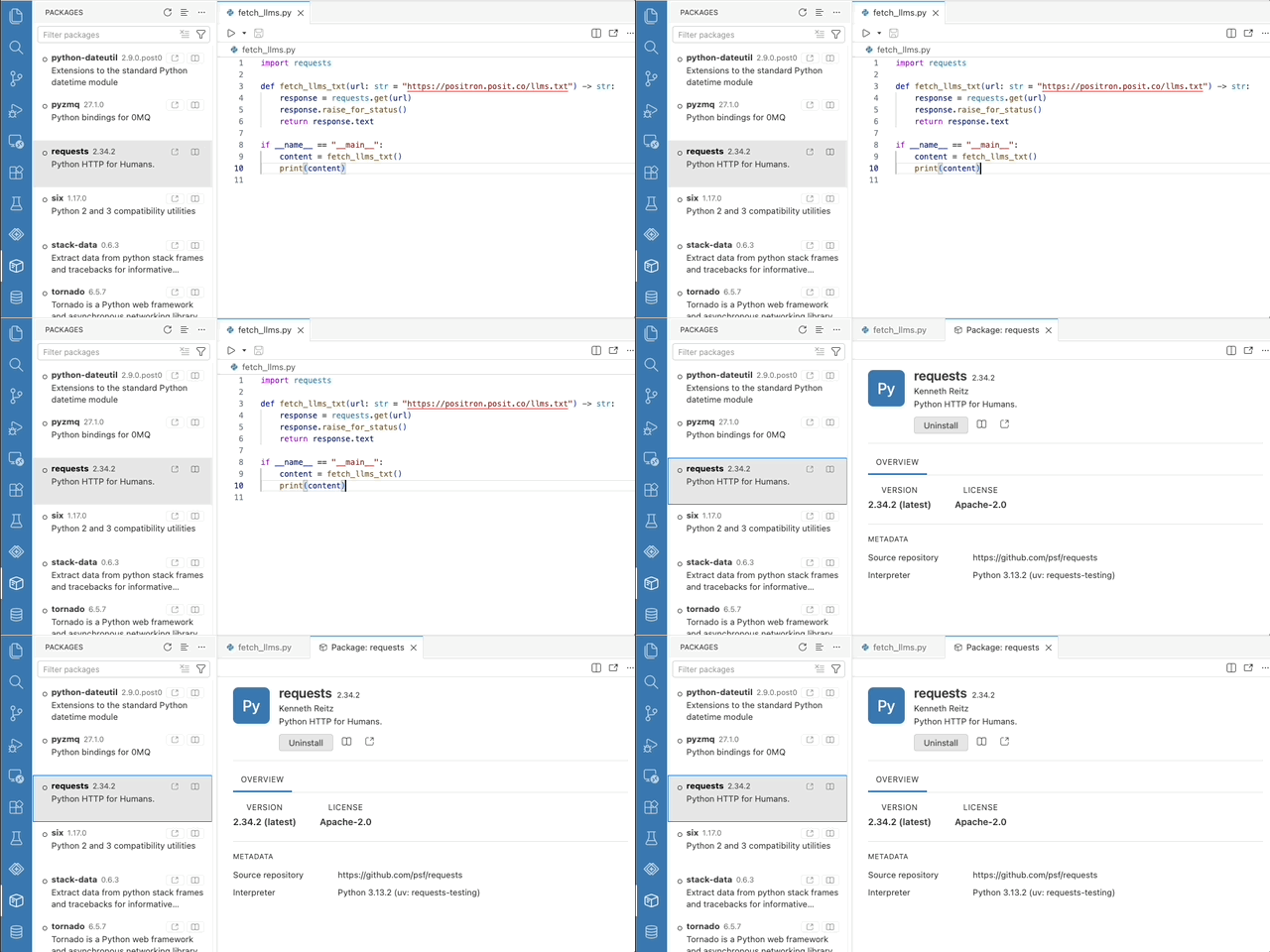
This release also makes the pane more capable. Clicking a package opens a detail editor with its overview, metadata, and actions, similar to the Extensions pane. Installing a package searches results as you type, and each row has a button that opens the package's website. Update indicators appear immediately on a new session from a cached snapshot, and Update All Packages reports exactly what changed. Package operations keep your environment consistent too, resolving against a workspace requirements.txt for Python and updating the renv.lock snapshot for R.
Posit Assistant
Posit Assistant is our unified, data-science-focused approach to AI assistance in Positron. As announced in the previous release, we have now removed the older Positron Assistant, and Posit Assistant is the single way to bring AI into your Positron workflow. For the story of how we got here, read about the history of Posit data science agents.
This release also gives you finer control over AI in Positron. The new ai.enabled setting turns off every Positron AI feature at once, and administrators can enforce it; notebook.ai.enabled does the same for notebooks specifically. The set of language model providers keeps growing, with DeepSeek joining as an experimental provider and Microsoft Foundry reaching general availability. The configuration modal now shows every provider by default with preview and experimental badges.
R language intelligence
Last release, R language support in Positron gained the ability to understand symbols within a file, and this release takes that further. Go to Definition, Find References, and Rename Symbol now work across files, in both R packages and standalone scripts, where cross-file resolution follows source() calls. This more accurate resolution strategy is experimental and, for now, powers symbol navigation only. R language intelligence is also more responsive to your workspace. Features such as diagnostics and workspace symbols react to changes made outside open editors, like switching a git branch or having an agent write a file. What Positron knows about your code stays in sync with what is on disk.
Open Excel files directly in the Data Explorer
Open an Excel workbook (.xlsx) and start exploring it right away in the Data Explorer, without first needing to load it via Python or R. Sort, filter, and profile columns, switch between worksheets, and toggle whether the first row holds column names. An Open in Excel button opens the workbook in your native spreadsheet application.
This release broadens what you can open in the Data Explorer overall. Backed by a native DuckDB engine, it now also previews compressed CSV, TSV, and Parquet files. Also, a new Open in Data Explorer code action, from the editor lightbulb or Cmd+., opens the data frame under your cursor in R, Python, and Quarto files, so you can jump straight from your code to exploring your data.
Try Data Connections (preview)
We are building new Data Connections support to become the way you work with database-like resources in Positron, from local files and database servers to cloud data warehouses. In this experimental preview, you can browse schemas, tables, views, columns, and indexes in a tree, open a table or view in the Data Explorer with a double-click, and generate ready-to-run connection code in Python or R. It supports DuckDB, PostgreSQL, and SQLite today, with more databases and warehouses on the way. This feature is in early days, and your feedback will directly shape where it goes. Learn how to try it out and tell us what you think in the Data Connections discussion: which databases and warehouses you need, whether the connection setup is clear, and anything confusing, missing, or broken.