Repository navigation

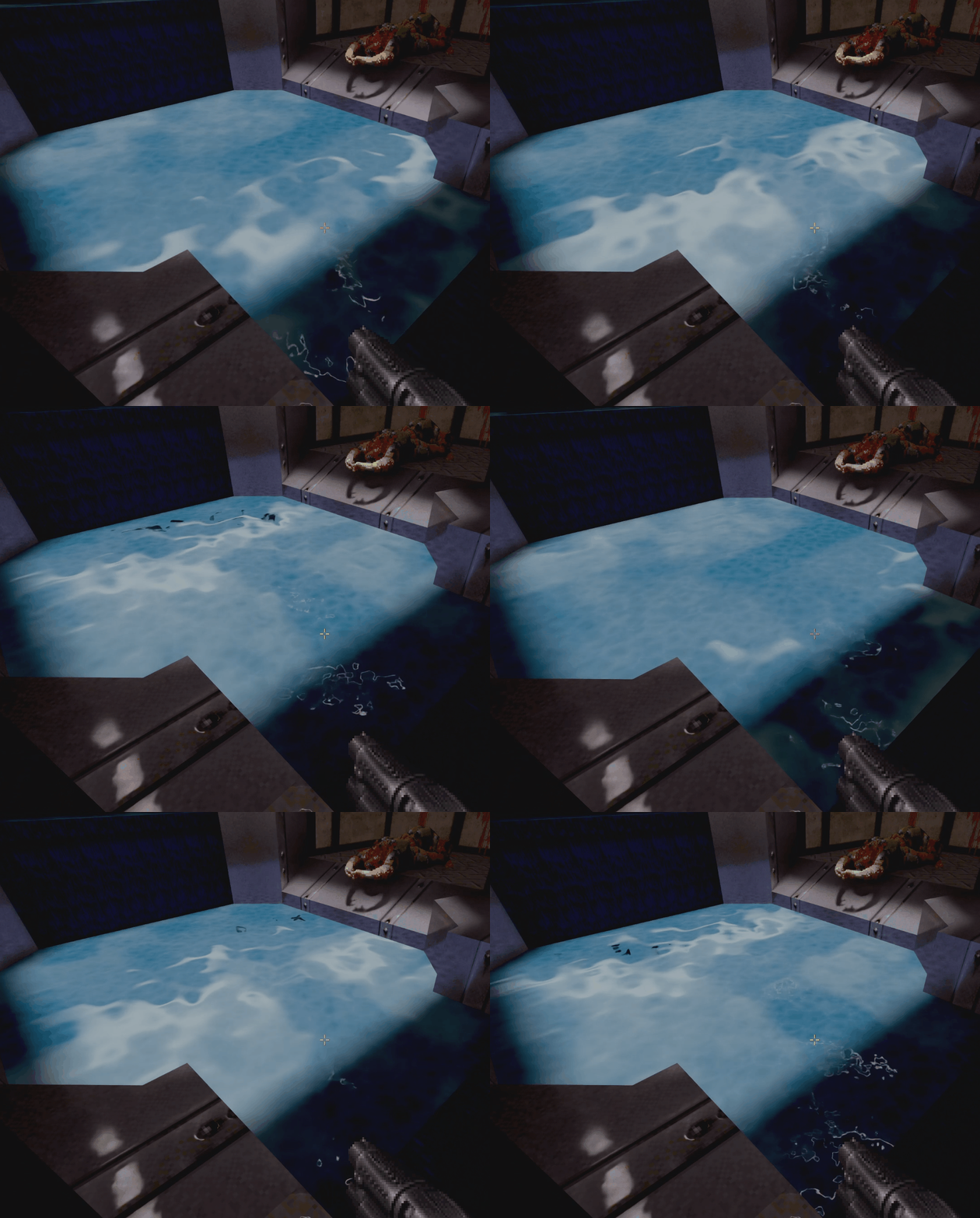
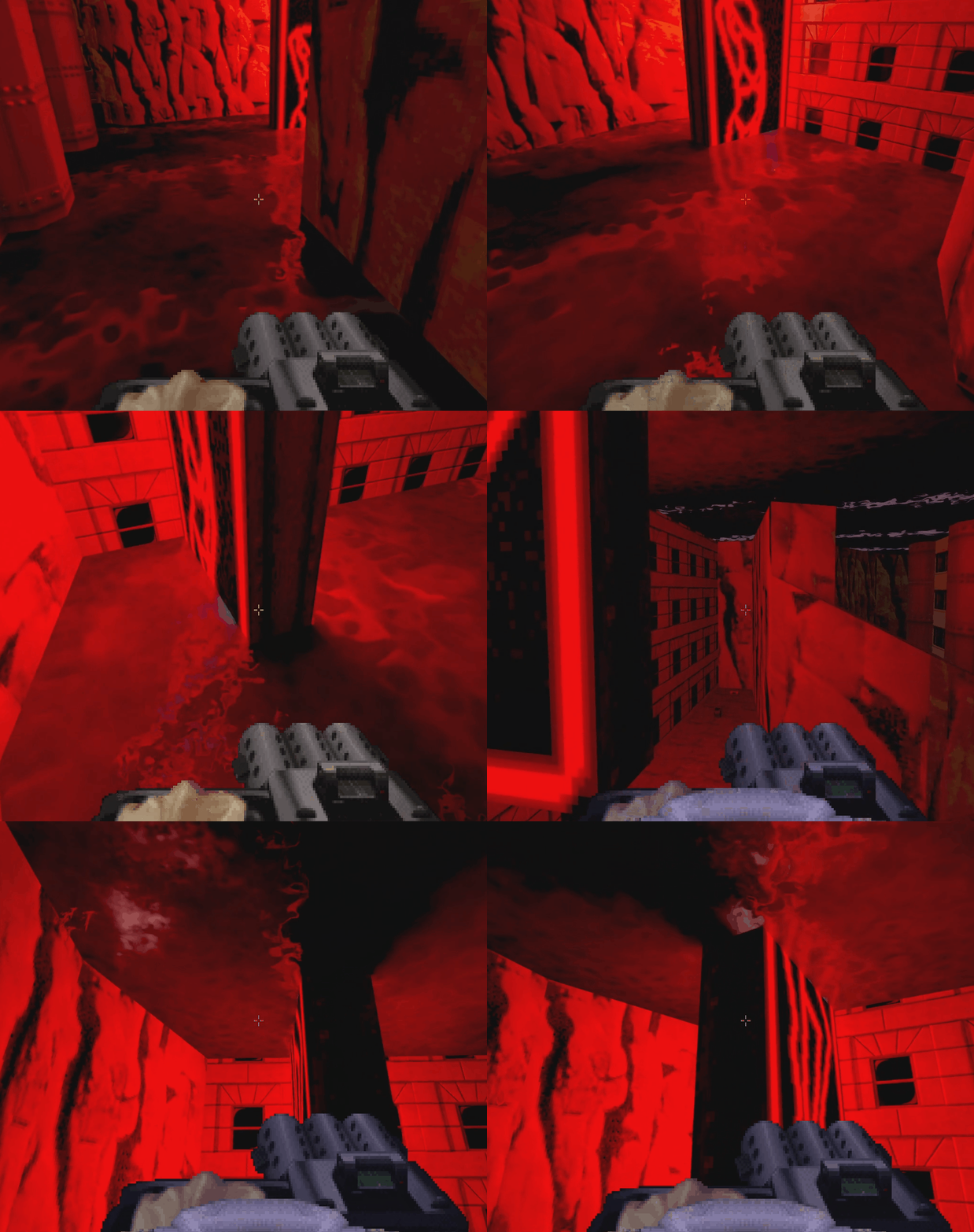
It's here, nerds. I added support for a whole ass fluid overlay system that drives some procedural water effects, then I applied it to water, lava, slime, and your mother. It basically replaces those surfaces with animating, quasi-fluid-sim-y, surfaces. They have illusory height, reflect things, and flow. I will probably iterate on this some more; I still want to come up with something for water/slime/lava-falls. This is a start though! Surprised I used a semi-colon in there? I got an 800 on the verbal on my SATs, and it shows.
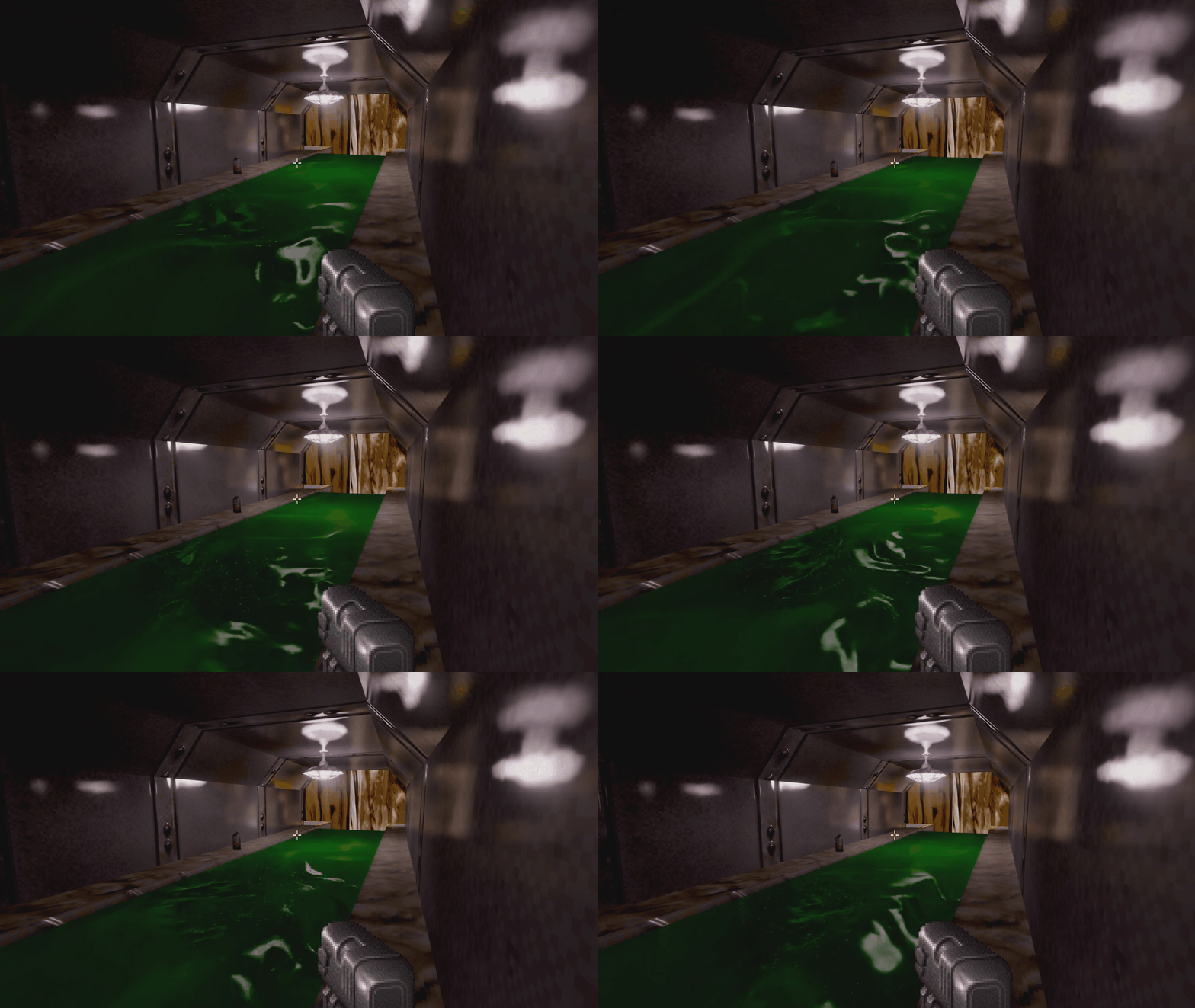
I'm now actively pursuing AMD support. Once that's out of the way, I think there's some visual tuning to go, and then I'm going to consider Duke done! What comes next after that though...? I GUESS WE'LL SEE.
How to install/run (Windows):
- Purchase and install Duke Nukem 3D: 20th Anniversary World Tour (or otherwise have it installed on your computer - you need a commercial version of Duke 3D to use with the Duke-RT engine fork)
- Download the .zip file in the assets section from this release
- Unzip Duke-RT to your computer
- Run launch-duke-rt.cmd in that folder
- Give it the path to your Duke 3D install (if it doesn't find it automatically)
- Let it grab the normal maps from Duke World Tour (if that's your Duke version, will still work without them)
- Let it open your browser to grab the voxels
- Download the voxels from that site
- Go back to the Duke-RT console window and hit enter
- Let it unpack the voxels into its own directory for you
- Proceed into the game
- Always run via launch-duke-rt.cmd in the future
How to install/run (Linux):
- Purchase and install Duke Nukem 3D: 20th Anniversary World Tour (or otherwise have it installed on your computer - you need a commercial version of Duke 3D to use with the Duke-RT engine fork)
- Download the Linux tarball in the assets section from this release
- Untar Duke-RT to your computer
- Run launch-duke-rt.sh via CLI from that folder
- Give it the path to your Duke 3D install (if it doesn't find it automatically)
- Let it open your browser to grab the voxels
- Download the voxels from that site
- Go back to the Duke-RT console window and give it the path to your voxel zip file
- Let it unpack the voxels into its own directory for you
- Let it grab the normal maps from Duke World Tour (if that's your Duke version, will still work without them)
- Proceed into the game
- Always run via launch-duke-rt.sh in the future
What's coming next:
- AMD support
- Water and fluid tuning
- Another lighting pass on episodes 1 through 3
