Repository navigation
Predefined Boards
TinyGPU provides LCDBoard, a common interface that bundles a display, an
optional touch controller, an I2S pin assignment (for the board's audio
codec/amplifier, if any), and an LED pin assignment behind a single
begin() call. Instead of hand-wiring the SPI/QSPI bus, backlight pin,
display controller init sequence, and touch controller for a given board,
you construct the matching LCDBoard subclass and call begin().
#include <TinyGPU.h>
#include <TinyGPU/Boards/LCDBoards.h>
#include <TinyGPU/Surface/SpriteDisplay.h>

ESP32CheapYellowDisplay board;      // pick the class matching your board
SpriteDisplay<RGB565> display(board);

void setup() {
  board.begin();
  display.begin();
}
#include <TinyGPU/Boards/LCDBoards.h> picks the right implementation for
the current platform automatically:
-
ESP32 / ESP32-S3 / ESP32-P4 →
LCDBoardsESP32.h(real hardware boards, listed below) -
Desktop with SDL2 available →
LCDBoardsSDL.h(LCDBoardDesktopSDL/DesktopSDL) - opens an SDL2 window and maps the mouse to touch, so sketches written againstLCDBoardrun unmodified on a desktop for testing without physical hardware -
Everything else →
LCDBoardsCommon.h(just the platform-independent interface, no concrete board)
Additionally, TinyGPU/Boards/LCDBoardsTFTeSPI.h (LCDBoardTFTeSPI) can be
included explicitly, on any platform, to drive a panel through
Bodmer's TFT_eSPI library instead -
useful if you already have a working TFT_eSPI User_Setup.h (and touch
calibration) for your panel and would rather reuse it than re-wire the same
panel through the board-specific pin tables below. TFT_eSPI is a separate,
optional Arduino library and must be installed alongside TinyGPU.
Only boards that actually have an LCD are covered here. These board classes are cross-referenced from the arduino-audio-tools wiki's LCD Boards with Audio page, which documents the audio-codec side (I2S setup, codec init) for the same boards in more detail - see that page for background on the ES8311/ NS4168/NS4150 codecs and amps referenced below.
| Board class (alias) | Display | Touch | Audio | Notes |
|---|---|---|---|---|
LCDBoardESP32S3_2_8Display (FBBA0125_002, ESP32S3HosyondLCD) |
ILI9341, 240x320, SPI | FT6336G, I2C | ES8311 codec + FM8002E amp (I2S) | "2.8" ESP32-S3 Display" |
LCDBoardGuitionESP32S3_4_3Display (JC4827W543C_I) |
NV3041A, 480x272, QSPI | GT911, I2C | NS4168 amp, speaker-out only (I2S) | Guition ESP32-S3 4.3" Capacitive Touch Display |
LCDBoardGuitionESP32_LVGL_2_4Display (ESP32_2432S028R, ESP32CheapYellowDisplay) |
ILI9341, 240x320, SPI | CST816S, I2C | Built-in mono amp via internal DAC (analog, no I2S) | ESP32 Cheap Yellow Display |
LCDBoardGuitionESP32H4_4_3Display (JC4880P443C_I_W) |
ST7701, 480x800, MIPI-DSI | GT911, I2C | ES8311 codec + NS4150 amp, speaker-out only (I2S) | Guition ESP32-P4 4.3" Capacitive Touch Display; requires TINYGPU_HAS_ESP_LCD_DSI; also has WiFi SDIO + SD_MMC pins and a battery ADC |
LCDBoardDesktopSDL (DesktopSDL) |
SDL2 window, size set at construction (default 320x240) | Mouse-as-touch (TouchDriverSDL) |
none | Desktop-only, no hardware required |
LCDBoardTFTeSPI |
Whatever User_Setup.h configures |
Optional, via TFT_eSPI | none tracked | Works on any platform TFT_eSPI supports |
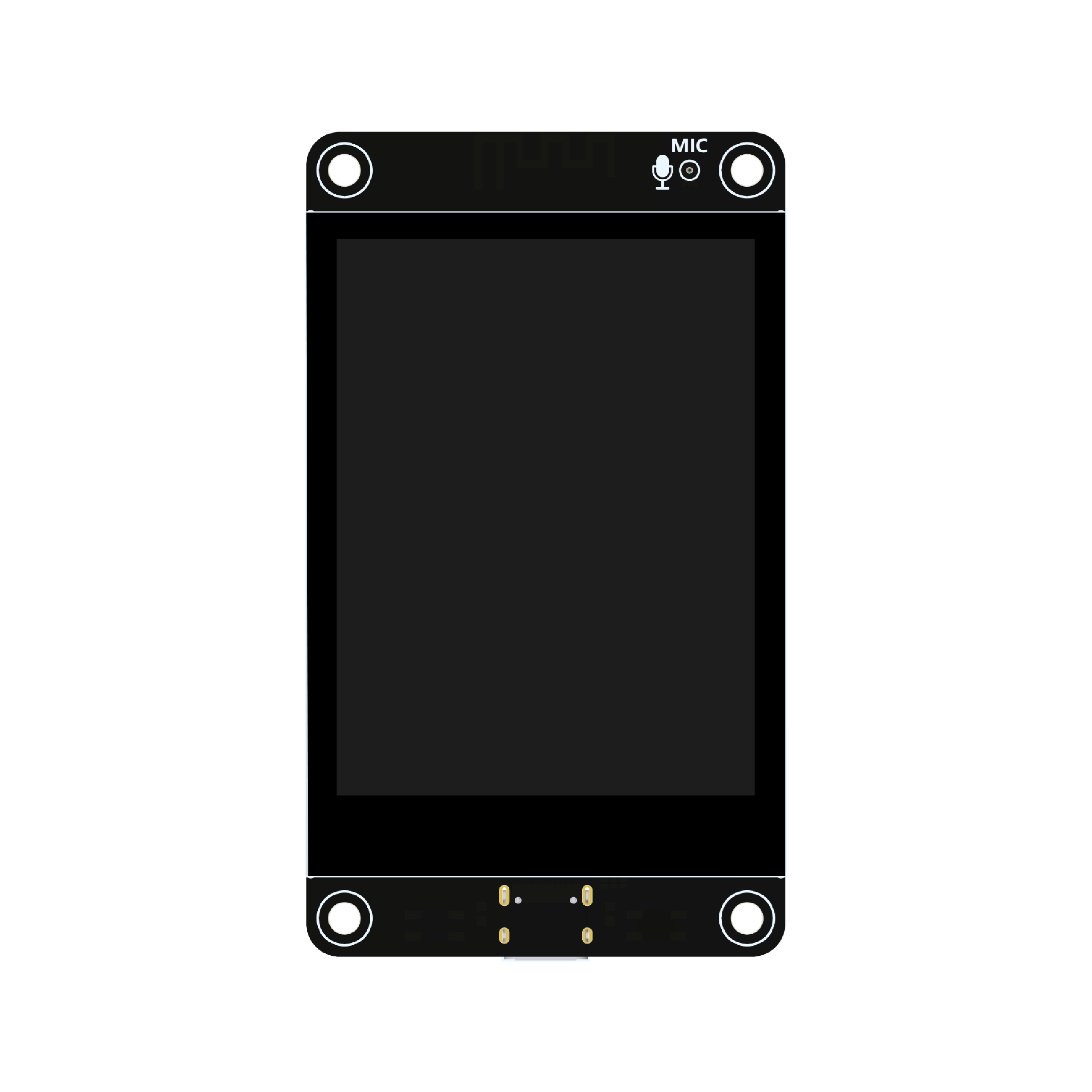
Class: LCDBoardESP32S3_2_8Display (aliases FBBA0125_002, ESP32S3HosyondLCD)
-
Display: ILI9341, 240x320, SPI - CS=10 DC=46 SCK=12 MOSI=11 MISO=13
BL=45. RST is tied to the board's EN line (no dedicated reset pin). Color
inversion is enabled in
begin()or colors render wrong on real hardware. -
Touch: FT6336G (register-compatible with
TouchDriverFT6236), I2C - SDA=16 SCL=15 RST=18, physical IRQ=17 (left unwired, forcing register polling). -
Audio: ES8311 I2S codec - MCLK=4 BCK=5 WS=7 DOUT=8 DIN=6. Speaker amp
(FM8002E) enable pin: IO1, active low. The codec needs its own I2C init
(volume, mic gain, ...) that plain
I2SStreamdoes not provide - prefer arduino-audio-driver'sESP32S3HosyondDisplayboard definition, which owns codec init and I2S pins together. - LED: single WS2812-compatible RGB LED on IO42.
Class: LCDBoardGuitionESP32S3_4_3Display (alias JC4827W543C_I)
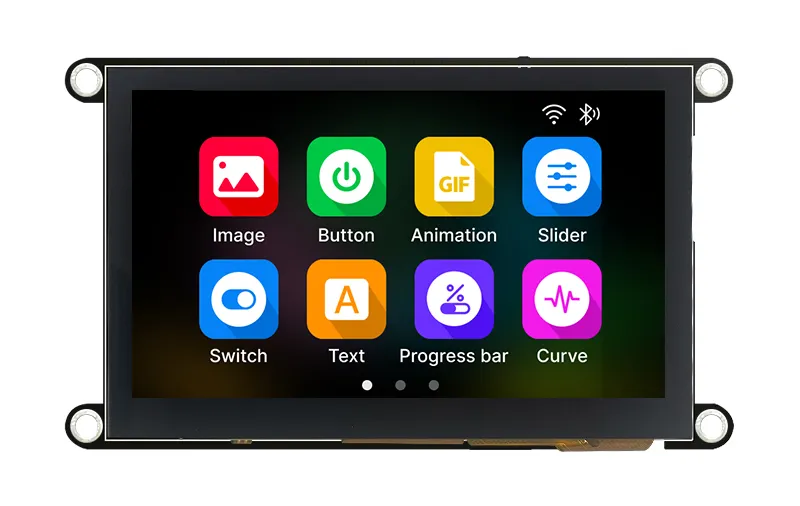
- Display: NV3041A, 480x272, QSPI - CS=45 SCLK=47 D0=21 D1=48 D2=40 D3=39 BL=1, 32MHz.
- Touch: GT911, I2C - SDA=8 SCL=4 INT=3 RST=38, address 0x5D.
-
Audio: NS4168 speaker amp, I2S - BCK=42 WS=2 DATA=41. No codec and no
mic on this board (speaker output only), so a plain
I2SStreamis sufficient. - LED: none.
Class: LCDBoardGuitionESP32_LVGL_2_4Display (aliases ESP32_2432S028R,
ESP32CheapYellowDisplay)
Also sold as "ESP32 Arduino LVGL WiFi&Bluetooth Development Board, 2.4" LCD
TFT Module". This is the board TinyGPU's own examples (e.g. color-test)
are tested against.
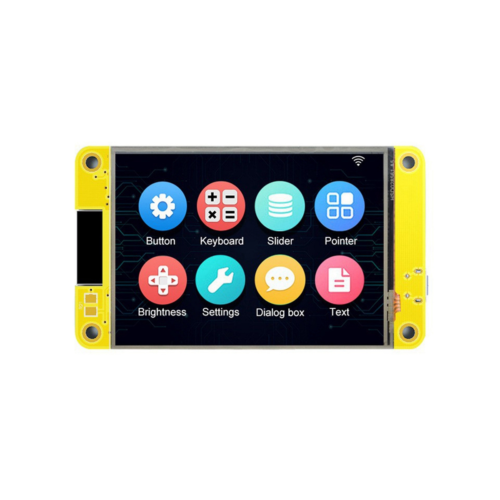
- Display: ILI9341, 240x320, SPI - CS=15 DC=2 SCK=14 MOSI=13 MISO=12 RST=-1 BL=27.
- Touch: CST816S, I2C - SDA=33 SCL=32 IRQ=36 (no RST pin wired).
-
Audio: built-in mono amplifier driven from the ESP32's internal DAC
(analog output, not I2S) -
i2s()is all -1 on this board. Useaudio_tools::AnalogAudioStreaminstead ofI2SStream. - LED: discrete RGB LED (3 separate GPIOs, active low) - R=4 G=16 B=17.
Class: LCDBoardGuitionESP32H4_4_3Display (alias JC4880P443C_I_W)
Only available when TINYGPU_HAS_ESP_LCD_DSI is defined, i.e. on chips
where the Arduino-ESP32 core ships esp_lcd_mipi_dsi.h (the ESP32-P4).
Despite the class name (kept for historical/API-compatibility reasons),
the chip on this board is an ESP32-P4, not an ESP32-H4.
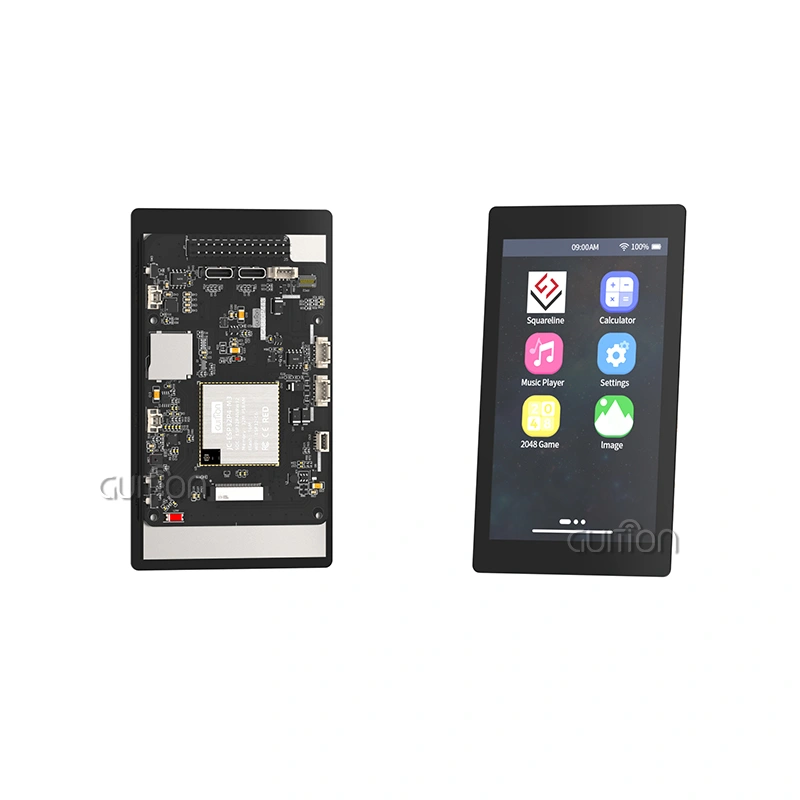
- Display: ST7701, 480x800, MIPI-DSI (native portrait).
- Touch: GT911, I2C - shares the codec's I2C bus (SCL=8 SDA=7), RST=3, INT unused/polled.
-
Audio: ES8311 I2S codec - MCLK=13 BCK=12 WS=10 DOUT=9 DIN=48. NS4150
speaker amp enable pin: IO11 (
setAmplifierActive(); active low internally, the method inverts it sotruemeans "on"). No mic on this board. As with the 2.8" display above, the codec needs its own I2C init- prefer arduino-audio-driver's
GenericES8311board definition.
- prefer arduino-audio-driver's
- LED: none.
-
Also provides: WiFi SDIO pin setup (
hostedSetPins(), called frombegin()), SD_MMC pin setup (4-bit mode, called frombegin()- note the TF card socket's LDO channel is recorded but not currently driven), and abattery()method returning charge percentage (0-100) via the board's ADC.
Class: LCDBoardDesktopSDL (alias DesktopSDL)
Renders to an SDL2 window instead of physical hardware, so sketches written
against the LCDBoard interface can be exercised on a desktop without any
board. Window size defaults to 320x240 and is set at construction time
(there's no fixed panel to match). The left mouse button stands in for a
finger (see TouchDriverSDL). No backlight/I2S/LED hardware - i2s() and
led() report "not present" (every field -1).
Class: LCDBoardTFTeSPI (#include <TinyGPU/Boards/LCDBoardsTFTeSPI.h>,
not pulled in automatically by LCDBoards.h)
Wraps a single TFT_eSPI instance, shared between DisplayDriverTFTeSPI and
an optional TouchDriverTFTeSPI. All panel-specific configuration
(controller, pins, SPI frequency, ...) is TFT_eSPI's own
User_Setup.h/User_Setup_Select.h, same as any other TFT_eSPI sketch -
width/height are still passed to the constructor since callers may need
them before begin() runs. Touch is opt-in via the constructor's
hasTouch flag; when enabled, use tft() to reach TFT_eSPI's own touch
calibration before calling begin(). No backlight/I2S/LED pin handling -
TFT_eSPI's User_Setup.h covers the backlight pin (TFT_BL) if the panel
needs one driven manually.
- arduino-audio-tools wiki: LCD Boards with Audio - more detail on the audio-codec side of these same boards.
- arduino-audio-tools wiki: Audio Boards - the source wiki page this board list is derived from.
- arduino-audio-driver - ready-made board definitions that own codec init together with I2S pins, recommended for boards with an ES8311 (or similar) codec.