v0.6.0 — Navigation & config

Navigation and configuration, since v0.5.0.
📖 Docs: https://r4nd3l.github.io/claude-session-manager/
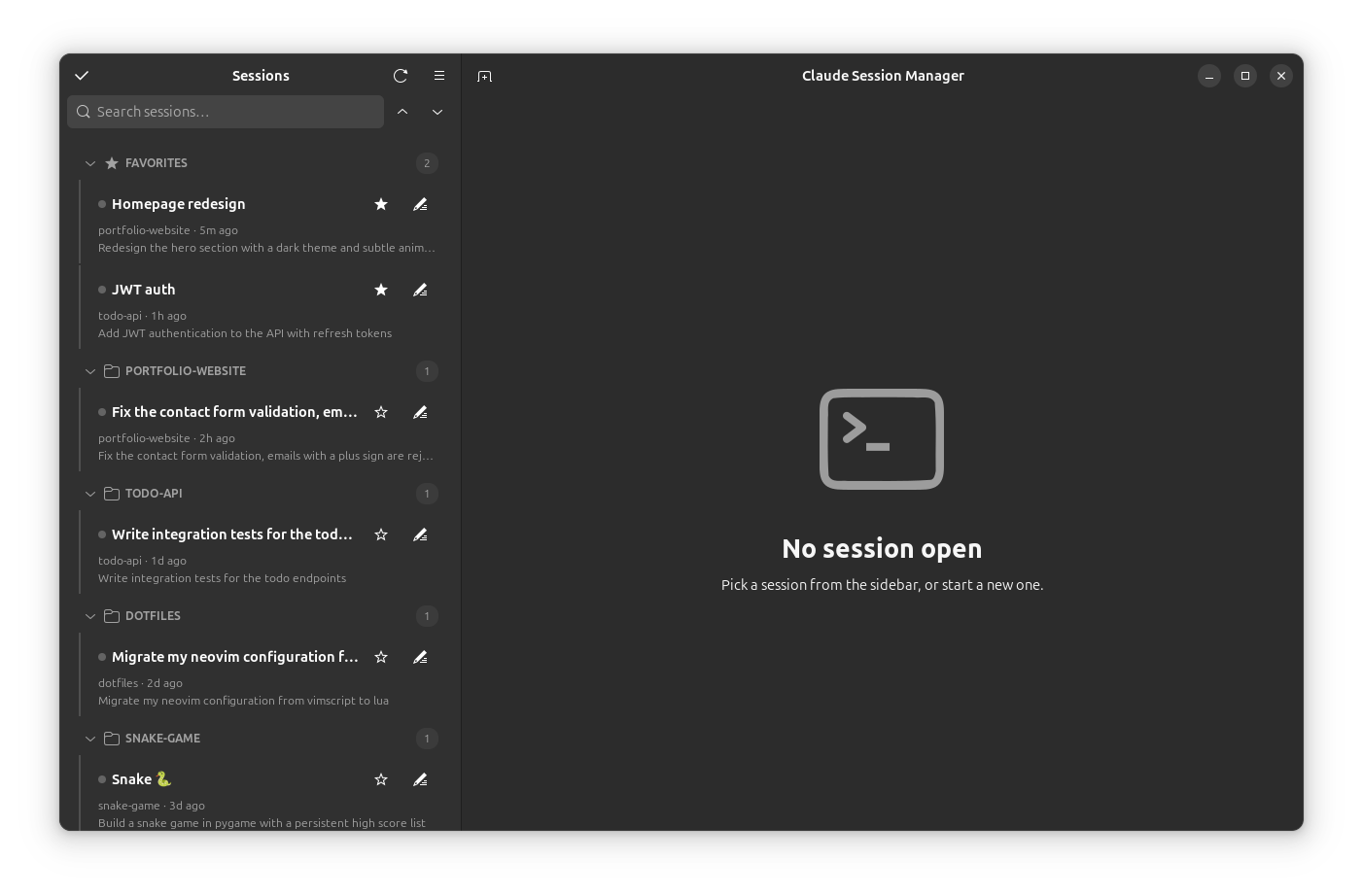
What's new
- Quick switcher (
Ctrl+Shift+K) — a type-ahead dialog to jump to any session by name, project, preview, or ID. - New Session remembers your folder — the button starts a session in the last-used directory; its dropdown picks a different one.
- Resizable sidebar — drag the divider; the width is remembered across launches.
- Drag to reorder tabs.
- MCP servers browser (menu → MCP servers) — a read-only view of every MCP server configured in
~/.claude.json, global and per-project.
Install
Debian/Ubuntu:
sudo apt install ./claude-session-manager_0.6.0_all.debOr from source — see the docs.
Unofficial community tool; not affiliated with Anthropic. Claude Code's own data is never modified.