date:2023-7-2
author:wanglin
https://github.com/rainwl/MeshCut.git](https://github.com/rainwl/Stencil-Test)
Given a mesh object and a plane parallel to one of the mesh's faces (e.g., the YZ plane), the goal is to move the plane so that it intersects with the mesh. The objective is to obtain a new display that shows only the parts of the mesh that are outside the plane (or in the direction of plane movement), while ensuring that the intersecting parts are not empty and are displayed as well.
I will approach this problem from two perspectives: geometry and shading.
And , I have tried several simple geometry algorithms, but the results have not been satisfactory because these algorithms are designed for convex polygons and do not adequately consider holes and other complex situations.
I will prioritize the geometry approach and refine one of the algorithms to address this problem. However, if none of the geometry algorithms can effectively solve the problem, taking into account both accuracy and real-time performance (frame rate), I will then consider implementing the solution from the shading perspective.
Starting directly from shading would actually be simpler, but I prefer to challenge myself by approaching it from the geometry perspective.
After analyzing the implementation results from Huazhong University of Science and Technology, we found that their implementation can only perform MeshCut operations by selecting one of the X, Y, or Z axes at a time. Additionally, the slider used for dragging on a single axis is not a smooth continuous slider but is divided into, for example, 10 segments. We can consider their algorithm implementation as having further development potential, which presents an opportunity for us to design new algorithms. The implementation does not appear to resemble shading results, but from a geometric perspective, I have not made precise speculations yet.

This example's implementation is much simpler and follows the shading approach. I have previously implemented a similar effect in a demo, and the polygon mesh used in this example is less complex, without any holes. The difficulty level of this example is far lower than that of Huazhong University of Science and Technology.
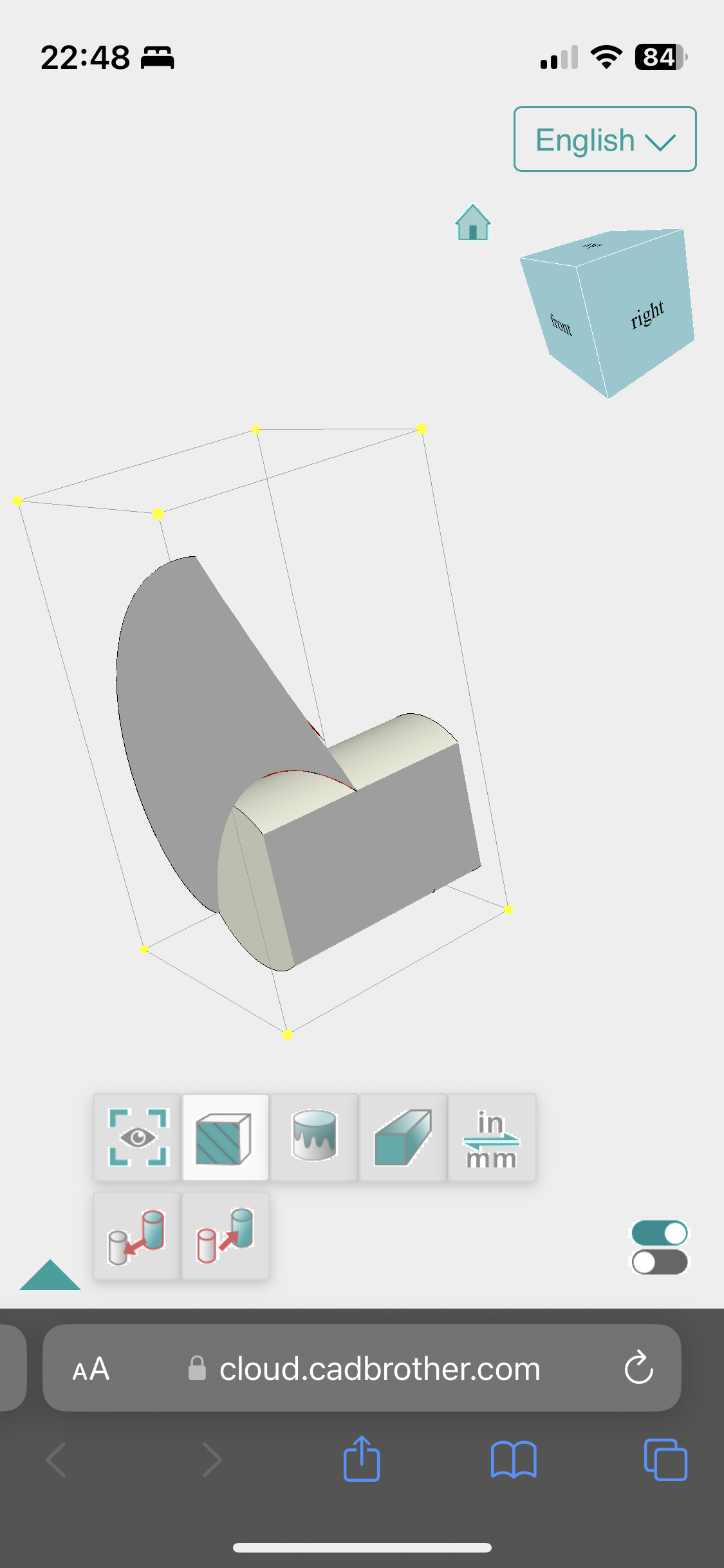
Unfortunately, before implementing the algorithm based on geometry, I went ahead and implemented the shading-based algorithm. Here is a screenshot of the results, where you can perform stencil tests starting from any of the X, Y, or Z axes.

I have temporarily implemented three methods based on geometry, but there are some issues when dealing with concave polygons.
Here are screenshots of the three methods, each with its own specific situation. Next, I will delve into more advanced geometric algorithms to implement this functionality.


The approach involves tessellating both the 3D mesh object and the plane into discrete small elements, such as triangles. Then, the intersection between each small element and the plane is compared, and the intersecting portions are retained and displayed. This method can be implemented using techniques such as scanline algorithms, spatial partitioning trees (such as bounding box hierarchy), and others.
The boundary representation (B-rep) is used to represent the 3D mesh and the plane. By calculating the intersection between the mesh boundaries and the plane, we can determine which parts are on one side of the plane and retain them for display.
The implicit function is used to represent the 3D mesh and the plane. By computing the value of the implicit function in space, we can determine which regions are on one side of the plane. This method is commonly used in voxel-based representations, where voxel interpolation between grid points is used to determine the intersecting regions for display.
Cut the plane and the mesh, retaining the untraversed parts of the plane after the cut and the parts intersecting with the plane. This can be achieved by iterating through the triangles of the mesh, finding the triangles intersecting with the plane, and calculating the vertices along the intersecting boundaries.
Use clipping algorithms to cut the mesh with the plane, obtaining the untraversed parts of the plane and the parts intersecting with the plane. Common clipping algorithms include the Sutherland-Hodgman algorithm, Weiler-Atherton algorithm, and others.
During the implementation process, you may come across other algorithms that can be used to achieve your desired results.
// Sure, let's temporarily put aside the shading approach.
// If we are unable to achieve the desired results through geometric methods,
// we can explore the shading approach later on.
Unfortunately, before implementing the algorithm based on geometry, I went ahead and implemented the shading-based algorithm.
Starting with shading is indeed a straightforward approach, requiring just a shader and a simple C# script to achieve the desired effect.
clipByPlaneMat.SetVector("_PlanePos",clipPlane.position);
clipByPlaneMat.SetVector("_PlaneNormal", clipPlane.up);
Properties
{
_MainTex ("Texture", 2D) = "white" {}
_CullFaceColor("Cull Face Color", Color) = (1,1,0,1)
_PlanePos("Clip Plane Pos", Vector) = (1,1,1,1)
_PlaneNormal("Clip Plane Normal", Vector) = (1,1,1,1)
}You can run MeshCut\MeshCut\Assets\Scenes\SampleScene.unity this , to feel it.