Repository navigation

·
2 commits
to main
since this release
Immutable
release. Only release title and notes can be modified.
Every server on one desktop. ServerUI 0.3.0 lets you keep several servers connected at once, and every app now works across all of them.
What's new since v0.2.0.
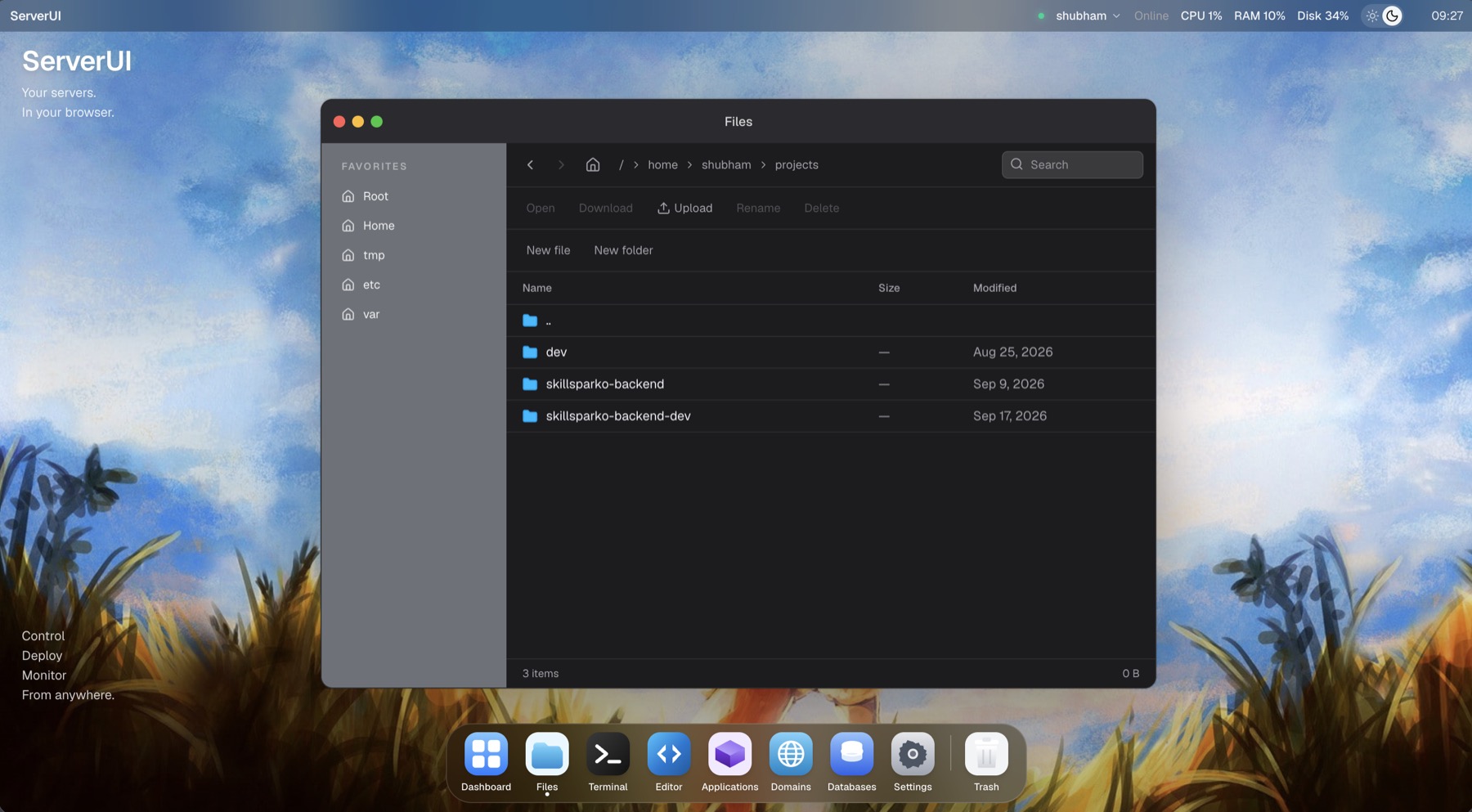
🖥️ Many servers, one desktop
- Connect as many saved servers as you like at the same time. Nothing is installed on them, just SSH.
- The top bar shows how many are connected, with a menu listing each server's status (Connected, Reconnecting, Auth failed, and so on).
- A new Servers window to add, edit, connect, disconnect, and test servers without leaving the desktop.
- Pick an icon for each server so they're easy to tell apart.
📊 System Monitor across your fleet
- All servers view: servers online, combined CPU, memory, disk, and network, a per-server resource chart, and a sortable comparison table.
- Pick any combination of servers, or open a single server for its CPU, memory, disk, network, processes, and services.
- Fix: the process list now shows the busiest processes first, so a runaway process always appears on real servers.
📁 Copy between servers
- The Files sidebar lists every connected server.
- Drag files or folders onto another server to copy them there, or copy on one server and paste on another.
- A plain text editor for remote files: line numbers, Cmd/Ctrl+S, and an unsaved-changes guard. Read-only when the file isn't writable.
- Folder shortcuts on the desktop, on a snapping grid.
⌨️ Terminal tabs
- One Terminal window with a tab per server. Add any connected server with +.
- Open Terminal from a folder in Files starts a shell right there.
🎨 Look and feel
- New Aura theme alongside macOS.
- Daytime wallpapers in light mode, and light mode is easier to read.
🧩 Platform
- Microsoft Store (MSIX) packaging and more reliable Windows builds.
- Site links now point to serverui.dev.
Known limitations
- Kill Process and service start/stop/restart work from a server's own monitor (Servers → View Metrics). In the all-servers monitor opened from the dock, they don't act yet.
- Copies between servers pass through the ServerUI backend (your computer, for the desktop app). They never overwrite: a drop onto a server lands in its home folder.
- Passphrase-protected SSH keys are still rejected. Host key pinning isn't implemented.
Downloads
| Platform | File |
|---|---|
| macOS Apple Silicon | ServerUI-0.3.0-arm64.dmg |
| macOS Intel | ServerUI-0.3.0-x64.dmg |
| Windows x64 | ServerUI-0.3.0-x64-setup.exe (or .msi) |
| Linux x64 | ServerUI-0.3.0-x86_64.AppImage or ServerUI-0.3.0-amd64.deb |
Verify downloads with shasum -a 256 -c SHA256SUMS.
Thanks to everyone who contributed to this release: @Snox-dev1 (Hubert Vangermee), @rcheeez, @Real-Yash (Yash Patil), and @rakhechashubham.
Contributors


Snox-dev1, rakhechashubham, and 2 other contributors