material-bottom-tabs not rendering #8797

Description

Current Behavior
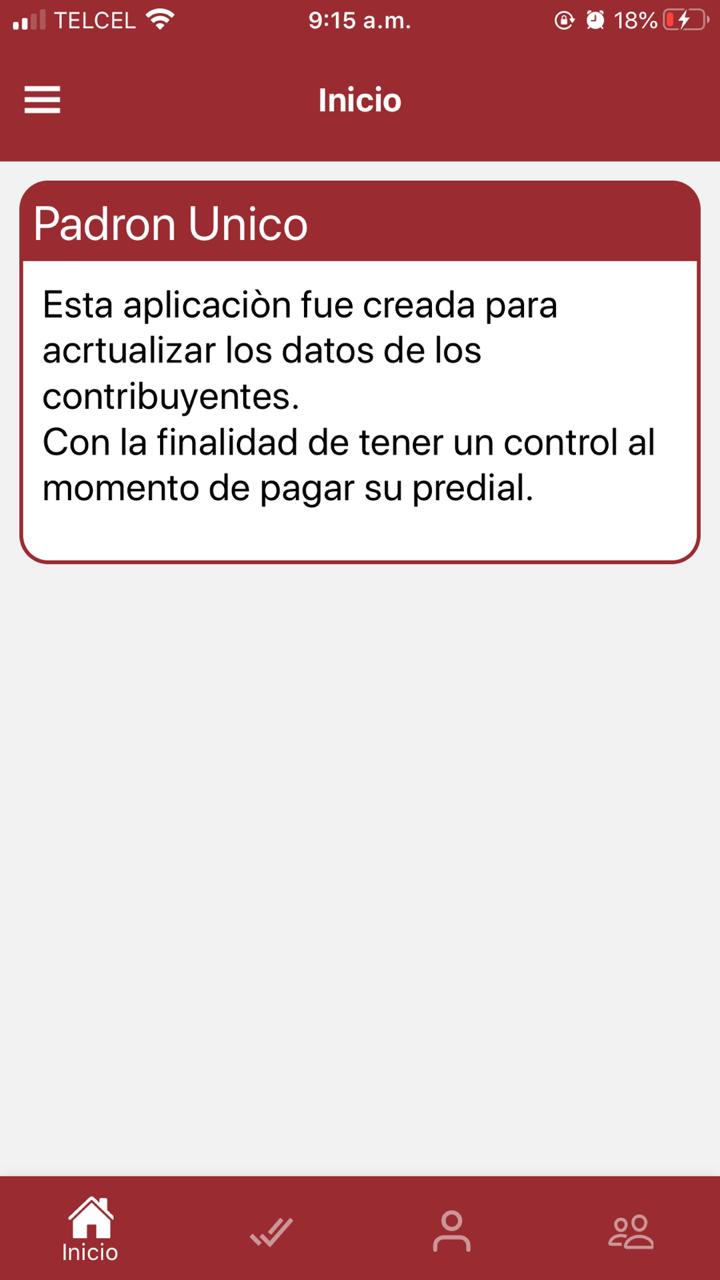
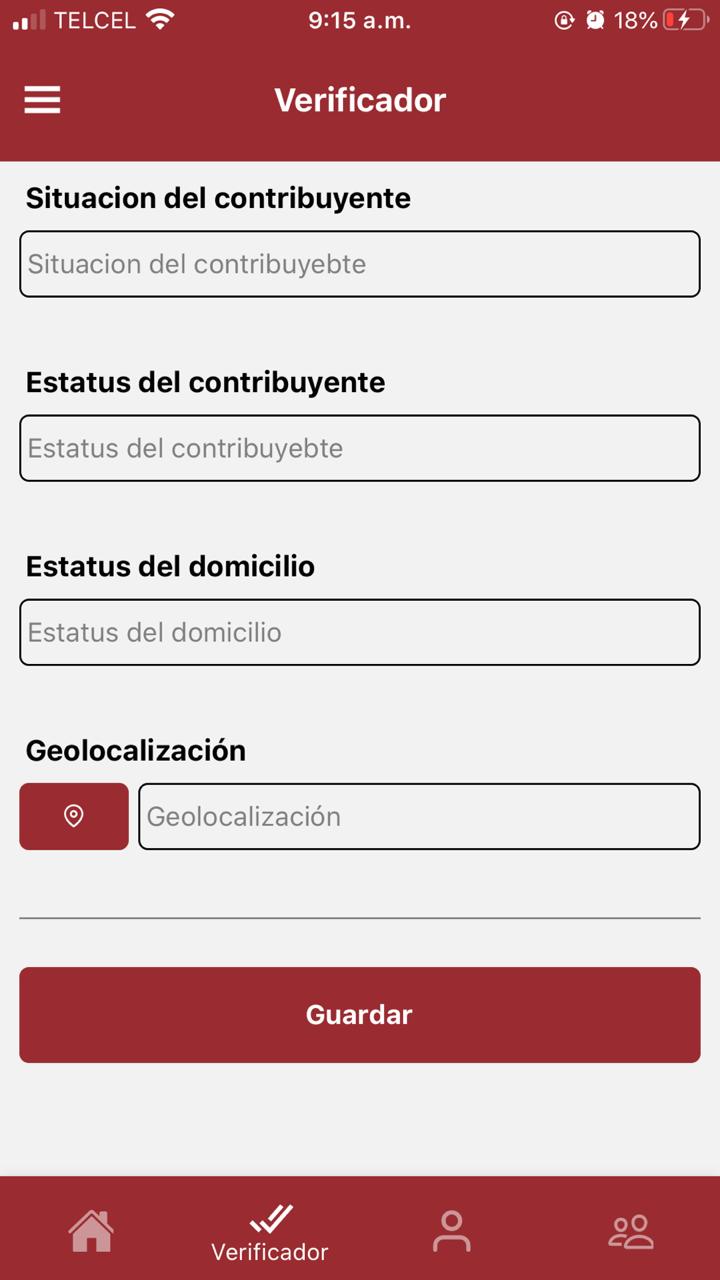
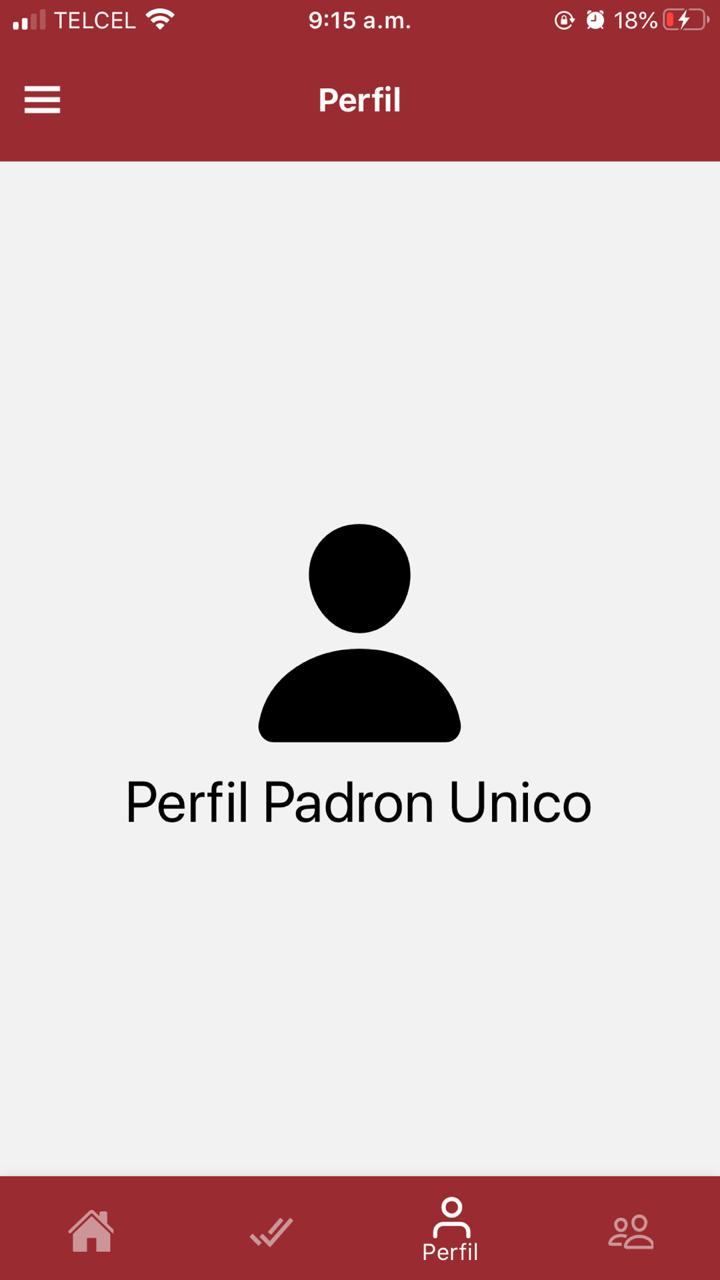
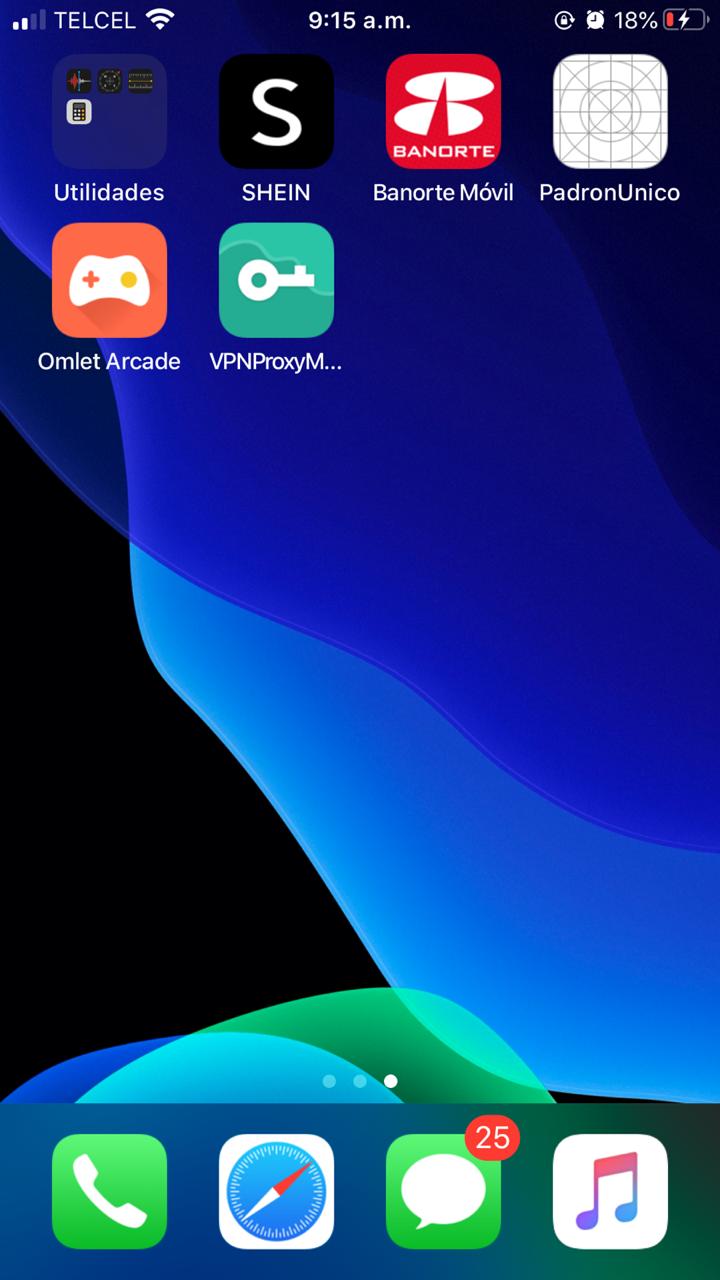
- Hello friends I have a problem with myTabs when I run I open the app for the first time it works but when I minimize it it only renders one screen


Expected Behavior
-I was expecting all screens to be rendered
How to reproduce
const MainTabScreen = ({navigation}) => {
return(
<Tab.Navigator
initialRouteName="Home"
keyboardHidesNavigationBar={false}
activeColor="#fff"
style={{ backgroundColor: 'tomato' }}
>
<Tab.Screen
name="Home"
component={HomeStackScreen}
options={{
tabBarLabel: 'Inicio',
tabBarColor: '#9a2c31',
tabBarIcon: ({ color }) => (
),
}}
      />

      <Tab.Screen
        name="Verificador"
        component={VerificadorStackScreen}
        options={{
          tabBarLabel: 'Verificador',
          tabBarColor: '#9a2c31',
          tabBarIcon: ({ color }) => (
            <Icon name="ios-checkmark-done-sharp" color={color} size={26} />
          ),
        }}
      />
      <Tab.Screen
        name="Profile"
        component={PerfilStackScreen}
        options={{
          tabBarLabel: 'Perfil',
          tabBarColor: '#9a2c31',
          tabBarIcon: ({ color }) => (
            <Feather name="user" color={color} size={26} />
          ),
        }}
      />
      <Tab.Screen
        name="Settings"
        component={SettingsStackScreen}
        options={{
          tabBarLabel: 'Soporte',
          tabBarColor: '#9a2c31',
          tabBarIcon: ({ color }) => (
            <Icon name="people-outline" color={color} size={26} />
          ),
        }}
      />
    </Tab.Navigator>
);
}
export default MainTabScreen;
const HomeStackScreen = ({navigation}) => (
<HomeStack.Navigator screenOptions={{
headerStyle: {
backgroundColor: "#9a2c31"
},
title: 'Inicio',
headerTintColor: "#fff",
headerTitleStyle: {
fontWeight: "bold"
},
}}>
<HomeStack.Screen name="Home" component={HomeScreen} options={{
headerLeft: () =>(
<Icon.Button name="menu" size={28} color="#fff" backgroundColor="#9a2c31" onPress={() =>
navigation.openDrawer()
} ></Icon.Button>
)
}} />
</HomeStack.Navigator>
);
const VerificadorStackScreen = ({navigation}) => (
<VerificadorStack.Navigator screenOptions={{
headerStyle: {
backgroundColor: "#9a2c31"
},
headerTintColor: "#fff",
headerTitleStyle: {
fontWeight: "bold"
}
}}>
<VerificadorStack.Screen name="Verificador" component={VerificadorScreen} options={{
headerLeft: () =>(
<Icon.Button name="menu" size={28} color="#fff" backgroundColor="#9a2c31" onPress={() =>
navigation.openDrawer()
} ></Icon.Button>
)
}} />
</VerificadorStack.Navigator>
);
const PerfilStackScreen = ({navigation, props}) => (
<PerfilStack.Navigator screenOptions={{
headerStyle: {
backgroundColor: "#9a2c31"
},
title: 'Perfil',
headerTintColor: "#fff",
headerTitleStyle: {
fontWeight: "bold"
}
}}>
<PerfilStack.Screen name="Perfil" component={PerfilScreen} options={{
headerLeft: () =>(
<Icon.Button name="menu" size={28} color="#fff" backgroundColor="#9a2c31" onPress={() =>
navigation.openDrawer()
} ></Icon.Button>
)
}} />
</PerfilStack.Navigator>
);
const SettingsStackScreen = ({navigation}) => (
<SettingStack.Navigator screenOptions={{
headerStyle: {
backgroundColor: "#9a2c31"
},
title: 'Herramientas',
headerTintColor: "#fff",
headerTitleStyle: {
fontWeight: "bold"
}
}}>
<SettingStack.Screen name="Settings" component={SettingsScreen} options={{
headerLeft: () =>(
<Icon.Button name="menu" size={28} color="#fff" backgroundColor="#9a2c31" onPress={() =>
navigation.openDrawer()
} ></Icon.Button>
)
}} />
</SettingStack.Navigator>
);
Your Environment
| software | version |
|---|---|
| iOS or Android | 13.6 |
| @react-navigation/native | 5.7.3 |
| @react-navigation/material-bottom-tabs | 5.2.16 |
| react-native-paper | 4.0.1 |
| react-native | 0.63.2 |
| node | 14.8.0 |
| npm or yarn | 6.14.7 |