Corewise 0.1.0 beta 2
Pre-release
Pre-release

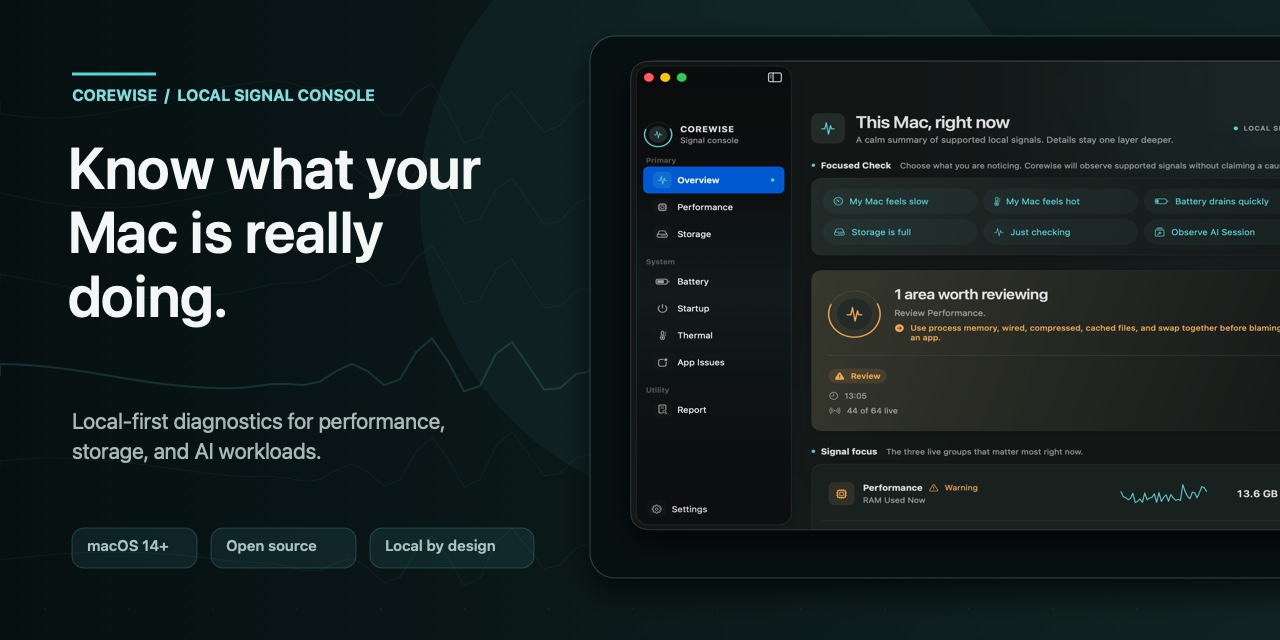
Corewise 0.1.0 beta 2
Corewise is a free, open-source macOS 14+ utility for understanding performance, storage, and attributable local AI workloads without uploading diagnostics.
Download the signed and notarized universal DMG
What you can explore
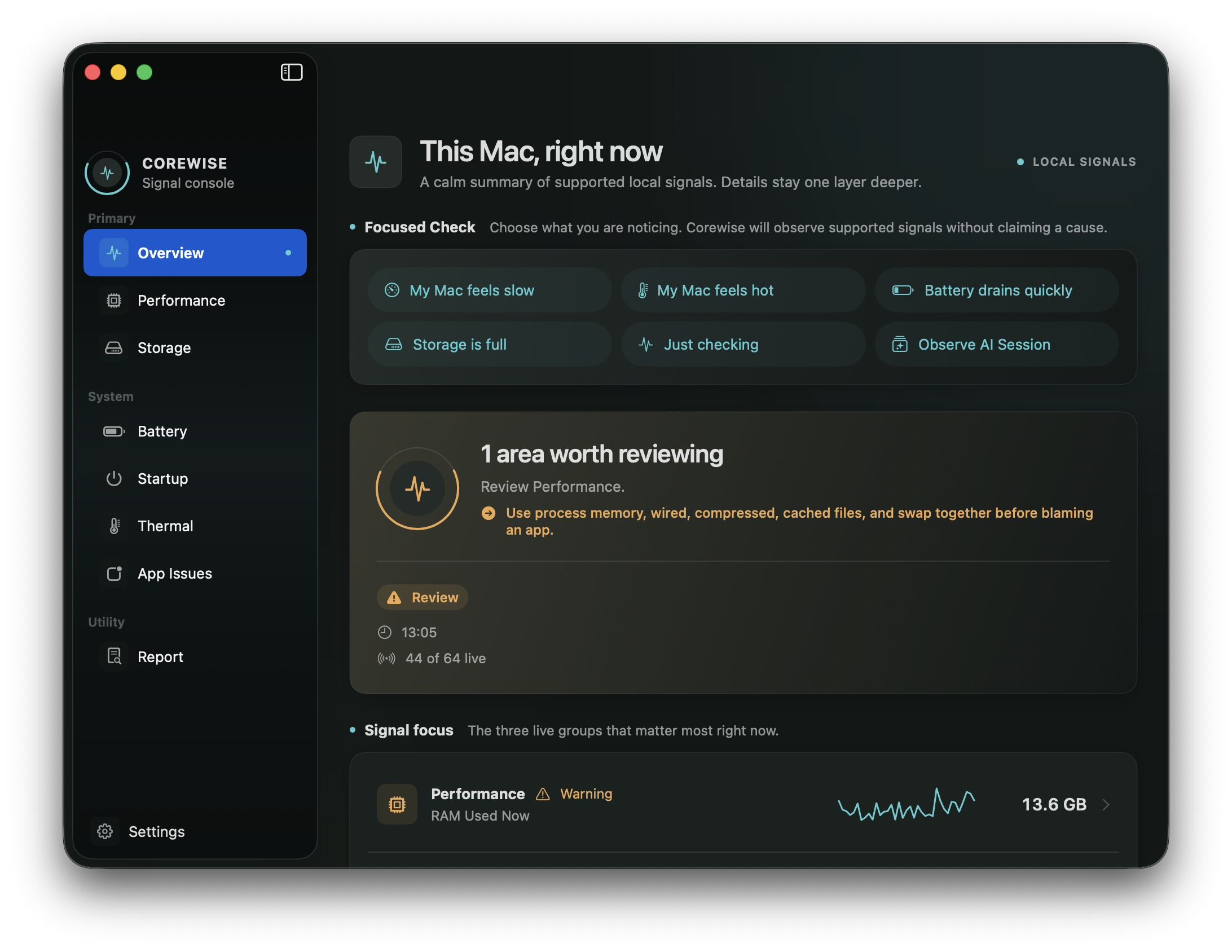
- Focused Check — observe supported signals when your Mac feels slow, hot, battery-hungry, or full.
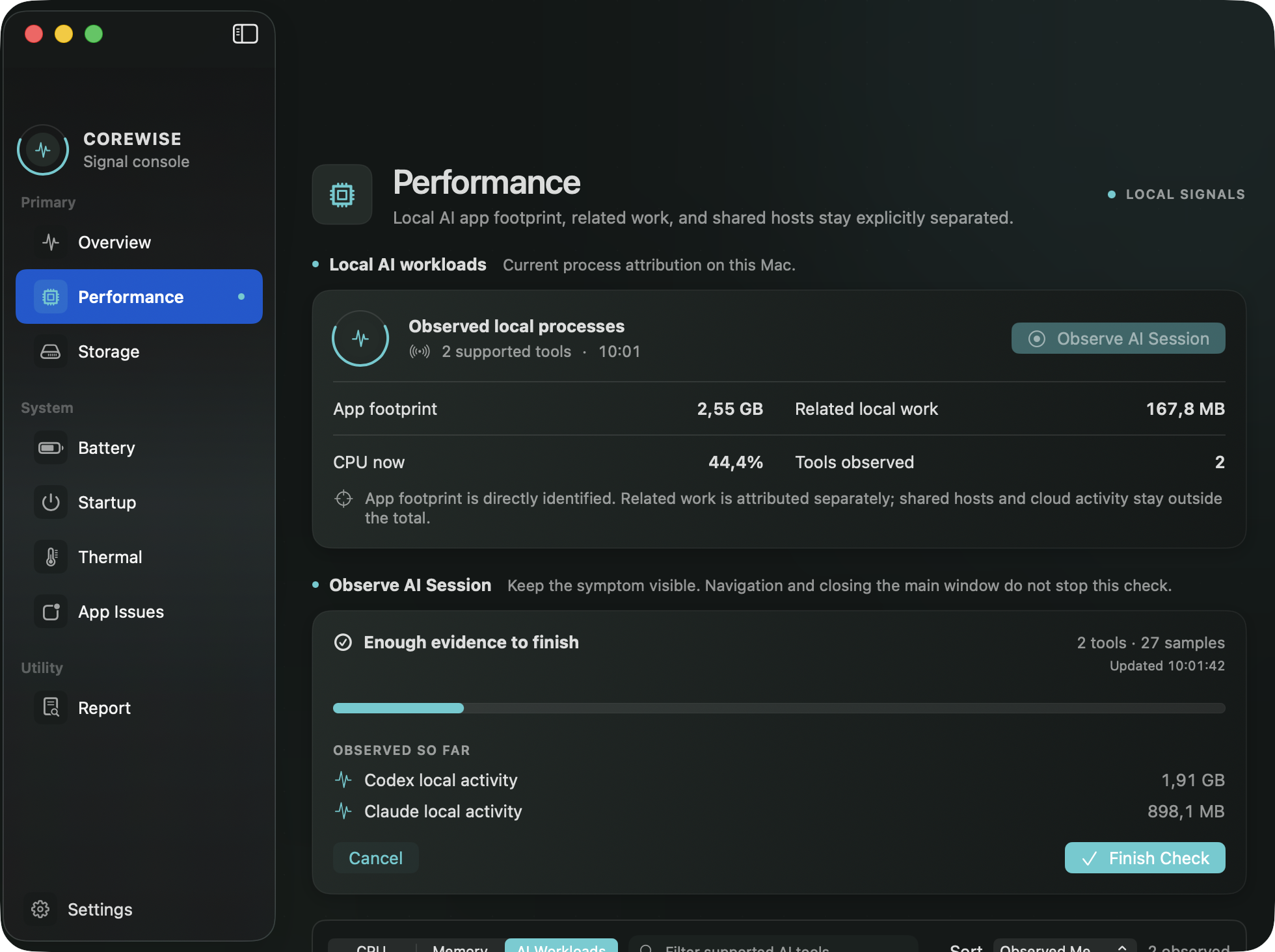
- Performance — inspect CPU, memory context, swap, and live process evidence as distinct views.
- AI Workloads — separate attributable app footprint, related local work, and shared hosts for supported tools such as Codex, Claude, Cursor, and Ollama.
- Storage — see startup-volume headroom and start an explicit read-only analysis with optional reusable Full Disk Access.
- Local reports — copy a cautious summary or Markdown report without uploading diagnostic data.
 |
 |
Beta 2 fix
⌘K now reliably places keyboard focus in Quick Actions search before keyboard routing begins.
Privacy and limits
- No account, telemetry, backend, analytics, or network collection.
- Full Disk Access is optional and used only for a user-started read-only Storage analysis.
- AI Workloads observes attributable local processes only. Cloud activity and logical agent counts are outside coverage.
- Corewise does not kill processes, delete files, or claim that one number represents Mac health.
Install
- Download
Corewise-0.1.0-universal.dmgbelow. - Open the DMG and drag Corewise into Applications.
- Open Corewise normally. The app is signed with Developer ID and notarized by Apple.
SHA-256:
00444d9577db1b4708ab9ae6aa7a50bb55340b30bd5d978df2187ecb4d184389
Website · Source · MPL-2.0 · Security · Report an issue