Impacted User Types
supervisors and admins
Environment
staging and production
Current Behavior
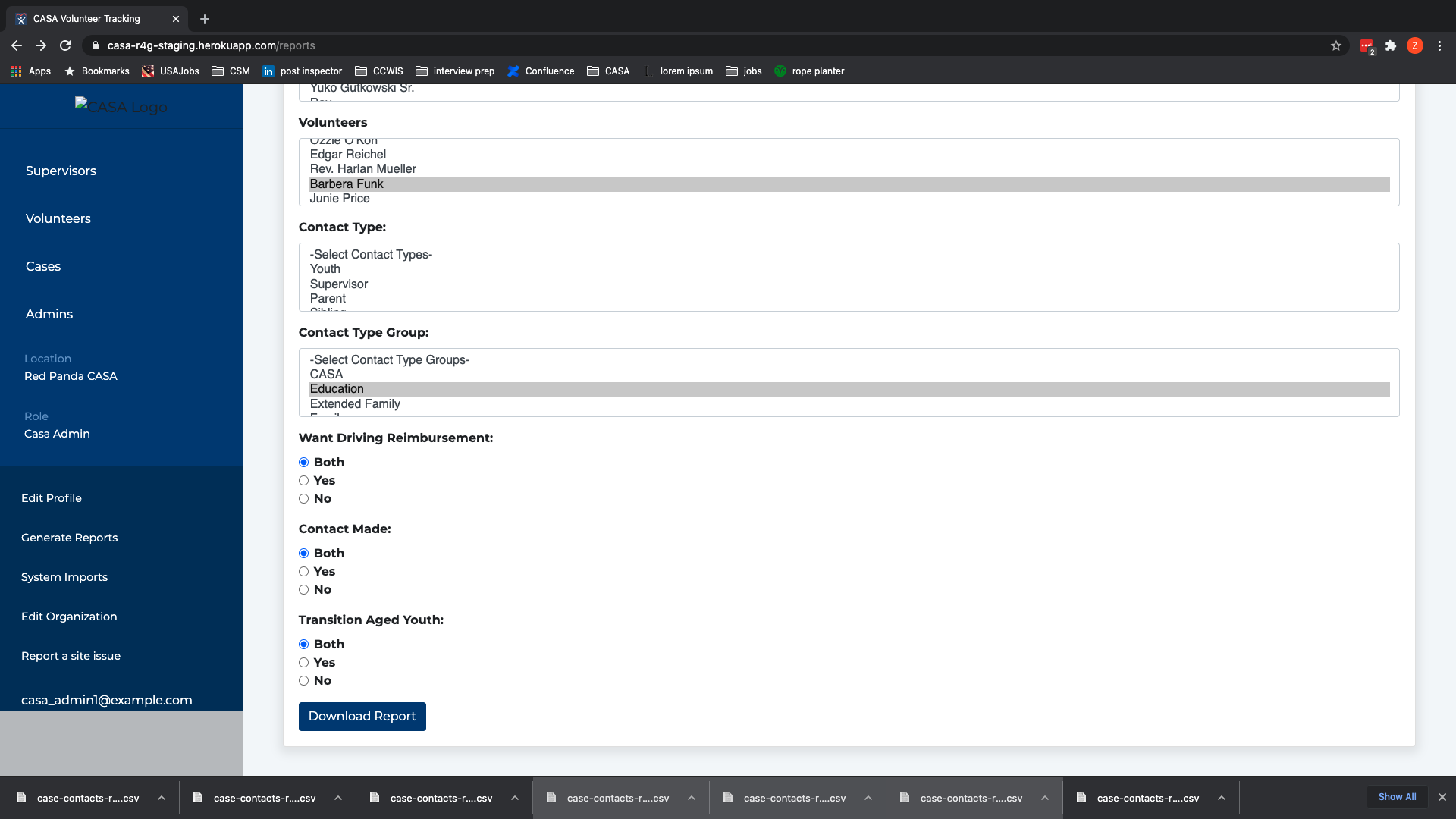
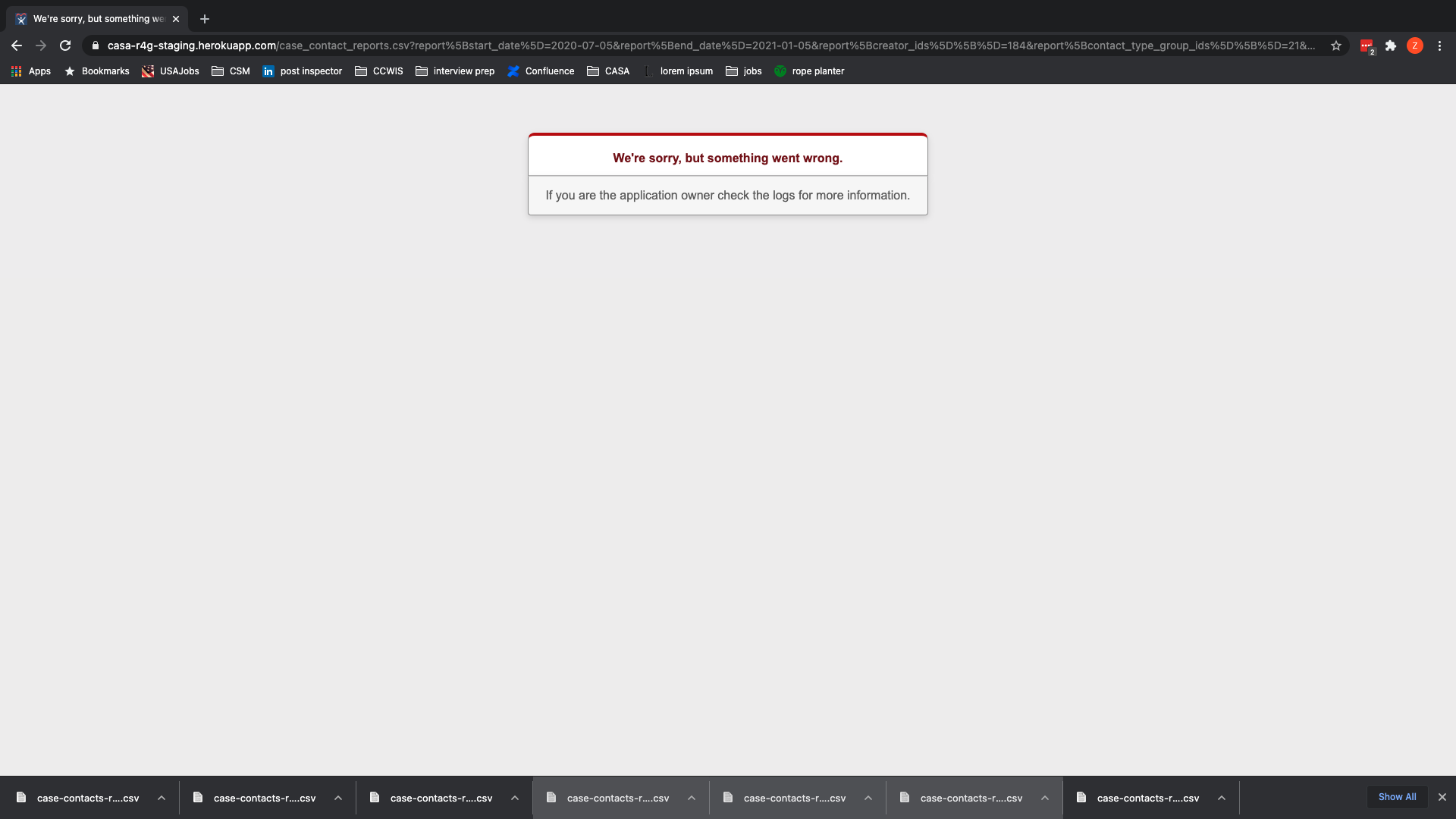
Filtering a report by a contact_type group results in an unhandled error.
These filters generated the below error:
Expected Behavior
Filtering a report by a contact_type group should generate a report with case_contacts containing only contact_types within the selected groups.
How to replicate
1 - Log into staging as a supervisor or admin.
2 - Identify a volunteer account and copy their email.
3 - Log out of staging.
4 - Log back in as that volunteer using the email you copied and the pw: 123456
5 - Log a couple case_contacts and take note of the groups that the contact_types you're selecting belong to – you'll need to remember at least one.
6 - Log out of staging.
7 - Log back in as a supervisor or admin.
8 - Click on "generate reports" in the lefthand sidebar menu.
9 - Filter by the volunteer you logged in as and the contact_type group associated with the contact_type you logged in one of your case_contacts.
10 - Leave "both" selected for all the multiple choice options.
11 - Click "Generate report" at the bottom of the page.
Bugsnag details
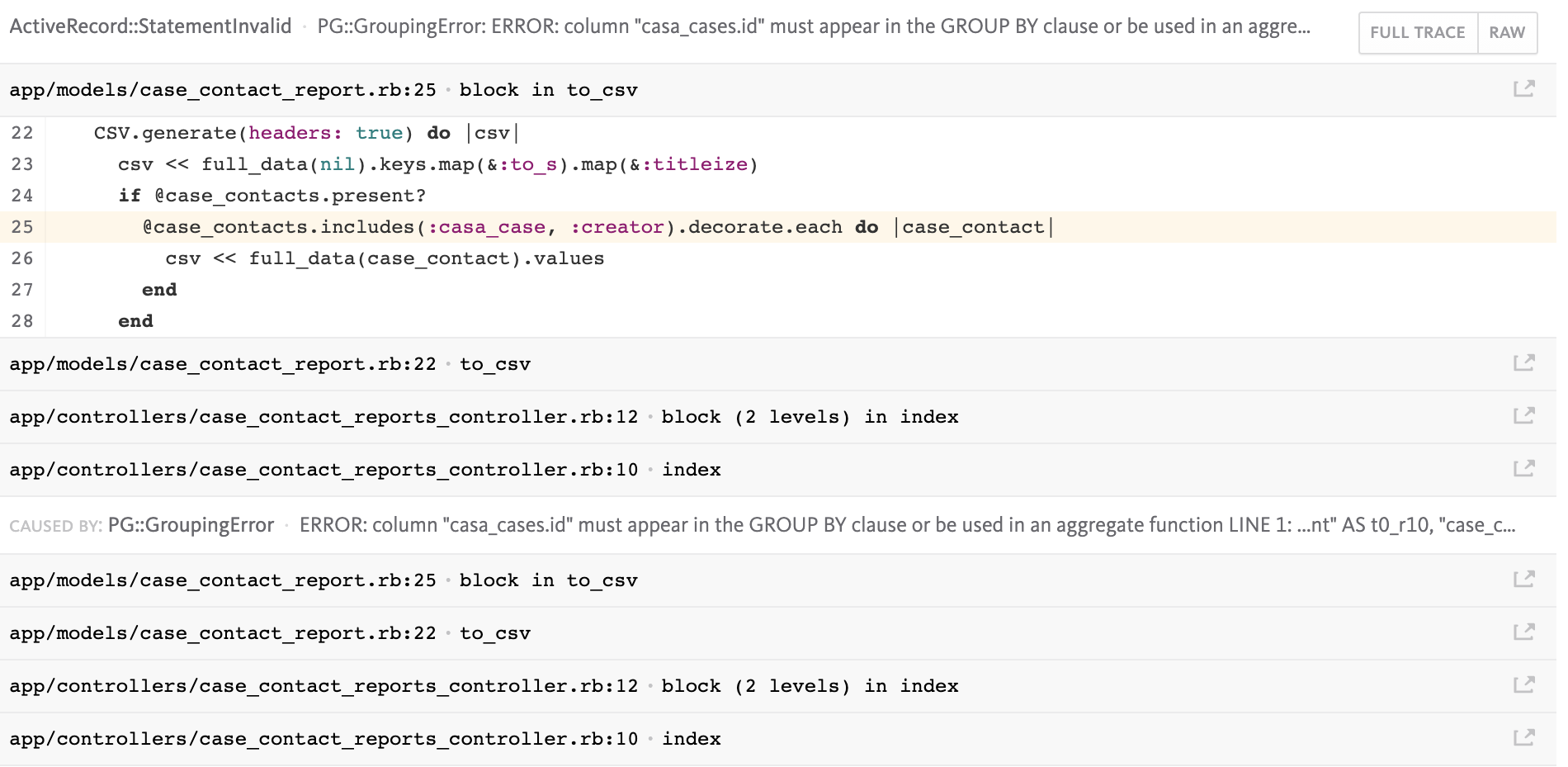
Error message is:
vendor/bundle/ruby/2.7.0/gems/activerecord-6.1.0/lib/active_record/connection_adapters/postgresql_adapter.rb:678:in `exec_params': PG::GroupingError: ERROR: column "casa_cases.id" must appear in the GROUP BY clause or be used in an aggregate function LINE 1: ...nt" AS t0_r10, "case_contacts"."notes" AS t0_r11, "casa_case...

Impacted User Types
supervisors and admins
Environment
staging and production
Current Behavior
Filtering a report by a contact_type group results in an unhandled error.


These filters generated the below error:
Expected Behavior
Filtering a report by a contact_type group should generate a report with
case_contactscontaining onlycontact_typeswithin the selected groups.How to replicate
1 - Log into staging as a supervisor or admin.
2 - Identify a volunteer account and copy their email.
3 - Log out of staging.
4 - Log back in as that volunteer using the email you copied and the pw: 123456
5 - Log a couple case_contacts and take note of the groups that the contact_types you're selecting belong to – you'll need to remember at least one.
6 - Log out of staging.
7 - Log back in as a supervisor or admin.
8 - Click on "generate reports" in the lefthand sidebar menu.
9 - Filter by the volunteer you logged in as and the
contact_typegroup associated with thecontact_typeyou logged in one of yourcase_contacts.10 - Leave "both" selected for all the multiple choice options.
11 - Click "Generate report" at the bottom of the page.
Bugsnag details
Error message is:

vendor/bundle/ruby/2.7.0/gems/activerecord-6.1.0/lib/active_record/connection_adapters/postgresql_adapter.rb:678:in `exec_params': PG::GroupingError: ERROR: column "casa_cases.id" must appear in the GROUP BY clause or be used in an aggregate function LINE 1: ...nt" AS t0_r10, "case_contacts"."notes" AS t0_r11, "casa_case...