Repository navigation
Humidity Intelligence v2.1.0 — Stability Score

Humidity Intelligence v2.1.0 — Stability Score




Dashboard refresh required: after updating HI and fully restarting Home Assistant, export fresh Mobile or Tablet card YAML, replace each complete saved card, and refresh your browser or Companion app. V2.1 uses UI revision 9; earlier saved cards do not update automatically. Existing RC.1 revision-9 cards remain compatible and need no extra export solely for the final version bump.
One reading is a moment. Stability tells you more.
Humidity Intelligence coordinates ventilation and humidification in Home Assistant, using seasonal targets, clear priorities and an explanation for each control decision. V2.1 adds a longer view: Stability Score helps you understand how consistently your home is maintaining its environmental conditions.
A comfortable reading now can follow an unsettled day. Equally, a room recovering from a humidity or air-quality event may be improving before its longer-term picture catches up. Stability Score brings that context into the dashboard, alongside the current readings and HI's reason for acting.
A score you can explore
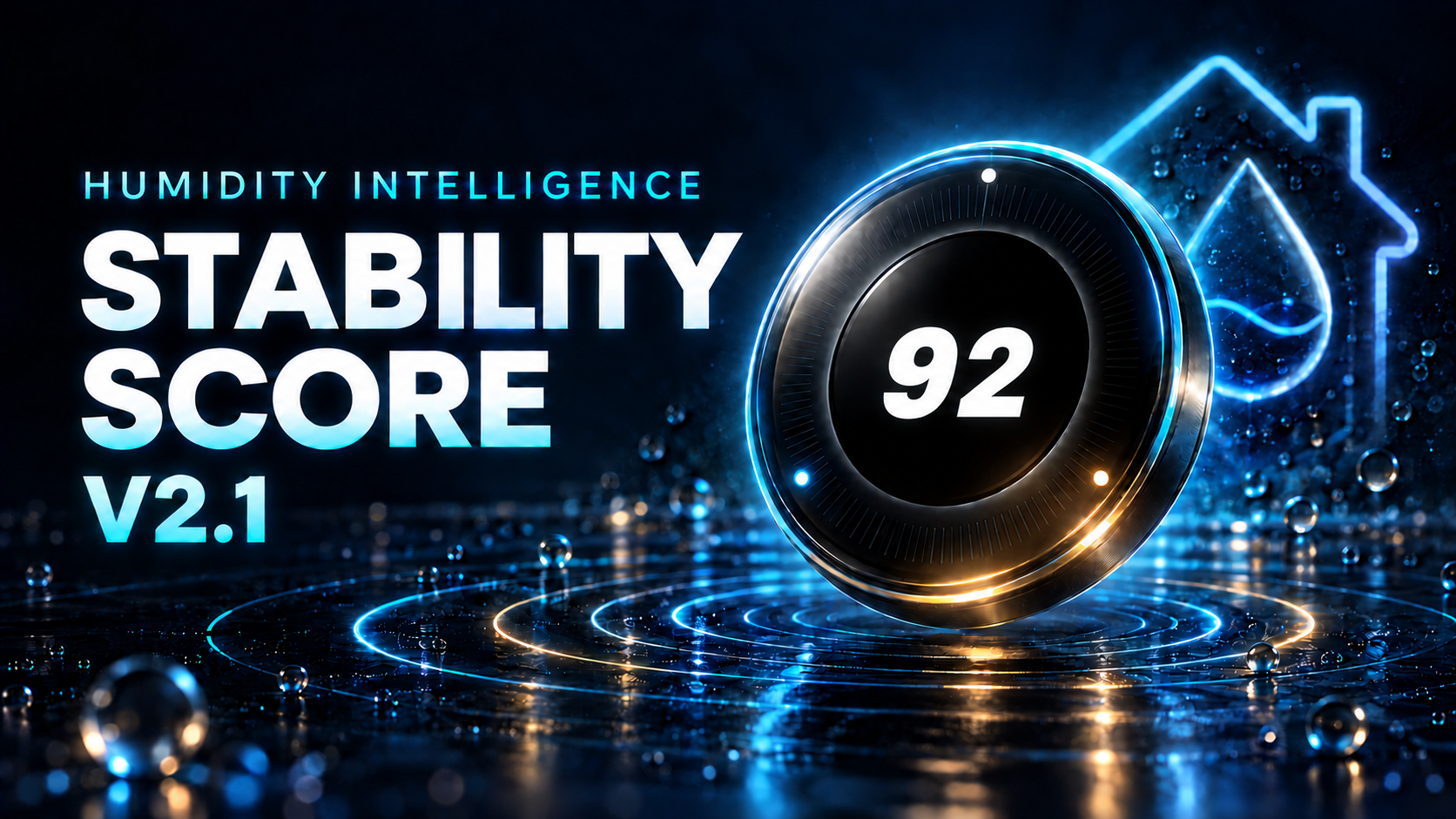
The new Stability badge presents a score out of 100, backed by a rolling 72-hour window of observations. Open it to see the deductions behind the result, the available evidence and a history of recorded scores. The moving LEDs show recent score change; the surrounding classification reflects the broader window. Hold the badge to turn its presentation off or on; scoring, history collection and control continue.
Loading or unavailable display preferences leave the backend-rendered badge visible, with a separate status message. Only a confirmed Disabled preference hides it.
HI shows collection progress while it builds sufficient history. Missing evidence remains visible, and gaps stay gaps in the history chart. A restart or integration reload clears this in-memory history and starts collection again.
Stability Score adds context to HI's existing control decisions. It does not select ventilation lanes, change device commands or replace current alerts.
Clearer output monitoring
Optional output observation gives you more context about the devices HI works with. The adaptive Outputs view brings items needing attention into a compact summary, with supporting evidence, guidance and existing Home Assistant controls available when you need them.
You can also save and reuse your own monitoring names and guidance across observation rules. Changes remain in the options draft until you choose Save changes. Monitoring itself is read-only: it adds no competing output writer or hidden automation.
Refined dashboards and seasonal targets
- Mobile and Tablet cards gain the Stability badge, readable score history and clearer explanations, with improved touch and keyboard interactions.
- UI revision checks compare the rendered card’s declared revision with backend compatibility metadata and flag superseded layouts, without making unchanged layouts stale just because the package version advances.
- Built-in autumn humidity targets become 50–60%, with humidity danger still beginning at 64%. Other seasons and existing custom-target derivation remain unchanged.
- Review refinements correct recovery when no routine AQ is configured, keep Diagnostics publication on the Home Assistant event loop, and make Drift details, monitoring setup and display-preference errors more reliable. Existing AQ limits and CO protections remain.
- Release diagnostics recognise both native and adaptive Outputs panels correctly, while still reporting missing panels or panels shown when disabled.
The website, README and Wiki have also been refreshed, with a clearer introduction to HI, a direct route to Home Assistant for newcomers and more focused release and operating guidance.
Validation
The reviewed RC.1 revision-9 package completed installation checks on Home Assistant
Stable and Lab. Stable returned 13 passes, three existing drift-history coverage
warnings and no failures; Lab returned 16 passes with no warnings or failures.
Loaded identity, the complete package and saved revision-9 cards were verified.
The final version retains the reviewed runtime, renderer and generated-card bytes.
Its manifest and packaged guidance give it a distinct package identity; RC.1
installation checks remain RC.1 evidence. Source regressions, browser fixtures,
package reproduction and release-governance checks are recorded separately. Lab
observation remains advisory; no completed-soak or physical-output claim is made.
Updating from V2
Existing configuration entries and entity IDs are retained; no V2 configuration migration is required.
- Update the complete component package and fully restart Home Assistant. An integration reload alone cannot load changed Python or manifest metadata.
- Run
humidity_intelligence.refresh_ui, then export fresh Mobile or Tablet YAML withview_cardsordump_cardsfor each layout you use. Replace the complete saved card. Installing the integration does not replace pasted dashboard YAML. - Refresh the browser or Companion app. Clear the frontend cache if the previous card remains visible, then check that the rendered V2 card reports revision 9.
Revision 9 supersedes revisions 1–8. Existing RC.1 revision-9 cards remain compatible and need no extra export solely for the final version bump. V1 Mobile also needs a fresh export for its Drift detail correction.
Keep the previous package, relevant entry settings, monitoring custody and saved card YAML together for rollback. Custom monitoring meanings require matching earlier settings and custody, even when the meaning library is empty; see the rollback guidance. Stability history will collect again after restart. Users migrating from the template-based V1 should follow the V1-to-V2 migration guide.
View published releases · Read the documentation
A note from Senyo
For V2.1, I wanted Humidity Intelligence to give a clearer picture of how a home behaves over time. A single reading matters, but it does not tell the whole story. Stability Score is the main addition: it brings recent conditions, their consistency and the available evidence together, with an explanation you can open and examine.
I've also spent time refining the Mobile and Tablet dashboards. The score, history and LED feedback now sit alongside the readings and controls you already use. Optional output monitoring makes device status and gaps in the evidence easier to see, with more detail available when you need it.
Underneath those changes, I've kept HI's control principles intact: defined priorities, seasonal targets and a clear reason for each response. I've adjusted the built-in autumn humidity range to 50–60%, improved configuration handling and corrected the release check so it recognises the adaptive Outputs view properly.
The website and documentation have had the same attention. I wanted them to introduce HI clearly, explain what it does and make the detail easier to find.
V2.1 is a substantial step forward for the project. My aim throughout has been to make HI easier to understand, more useful in day-to-day use and just as open to inspection when something needs attention.
Senyo