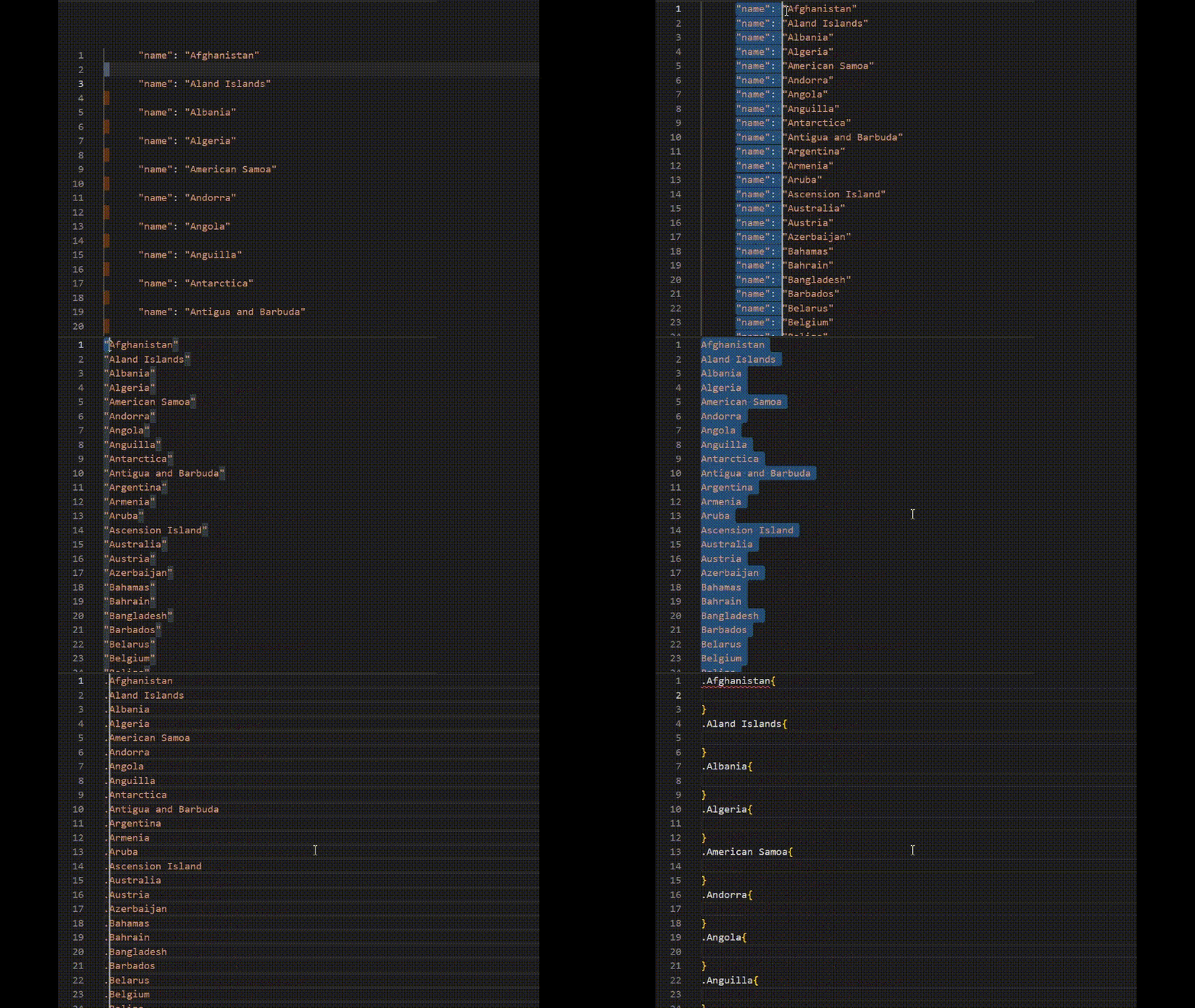
shortcuts Shortcuts that I use the most on a daily basis Select Repetitive Element CTRL + D Every Repetitive Occurrencies CTRL + SHIFT + L Highlight Word Ctrl + Shift + -> Whole Line CTRL + L Whole Every Line SHIFT + ALT + i End Of Every Line Alt + Shift + i Press Home for Beginning, Press End for End of Every Line Again Quote List CTRL + SHIFT + ' Select Blank Lines ^$\n You have to CTRL + F then CTRL + H then click on "Use Regular Expression (Alt + R) inside the CTRL + F feature on VScode Auto Indent CTRL + ] Quote List (Extension) CTRL + ALT + ' Select lines same place Click + ALT + ↓ Move Code Up or Down: Select Lines + ALT + ↑